
- Loading…
This compact, mobile Fab Lab starter kit makes digital fabrication accessible anywhere, from traditional classrooms to informal learning environments such as makerspaces, museums, community centers, and libraries. Designed as a turnkey solution, Fab-in-a-Box comes equipped with everything instructors need to start teaching on day one, instantly transforming any space into a fully functioning Fab Lab while connecting learners to a broader education and innovation ecosystem.
At the heart of Fab-in-a-Box is SOLIDWORKS xDesign, a cloud based CAD platform that empowers users to bring their ideas to life. With xDesign, learners can create, modify, and collaborate on designs seamlessly from any device, making it an essential tool for digital fabrication. The Fab-in-a-Box lessons are built around xDesign, featuring ready-to-use templates and integrated Scopes-DF lessons to guide students through the design and engineering process.
Instructors and learners, are encouraged to explore the rich resources available: interactive lessons, xDesign tutorials, printable PDFs, and assembly guides. All designed to enhance the learning experience. Whether just starting or diving deeper into digital fabrication, Fab-in-a-Box opens the door to creativity, innovation, and hands on learning.
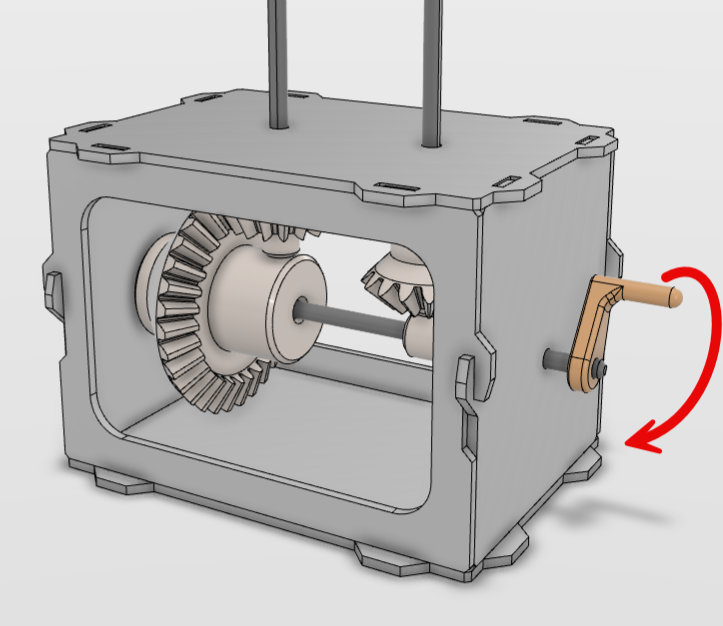
This lesson introduces learners to the fascinating world of automata; kinetic sculptures powered by simple mechanical systems. Through hands-on fabrication using laser cutters, vinyl cutters, and 3D printers, learners will…
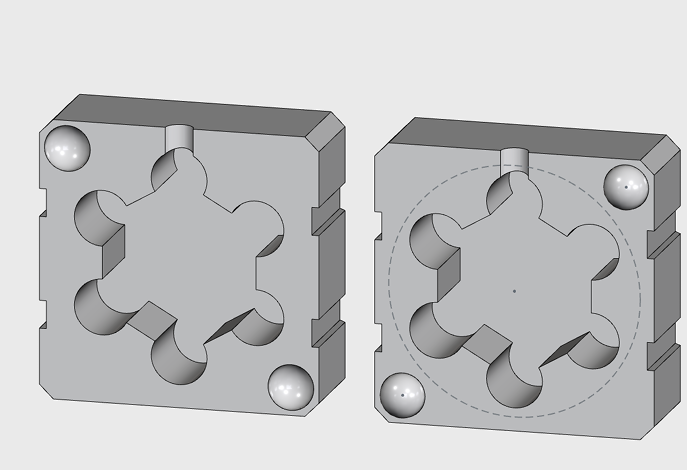
Learners will use a premade xDesign template to create a simple mold around a small object.
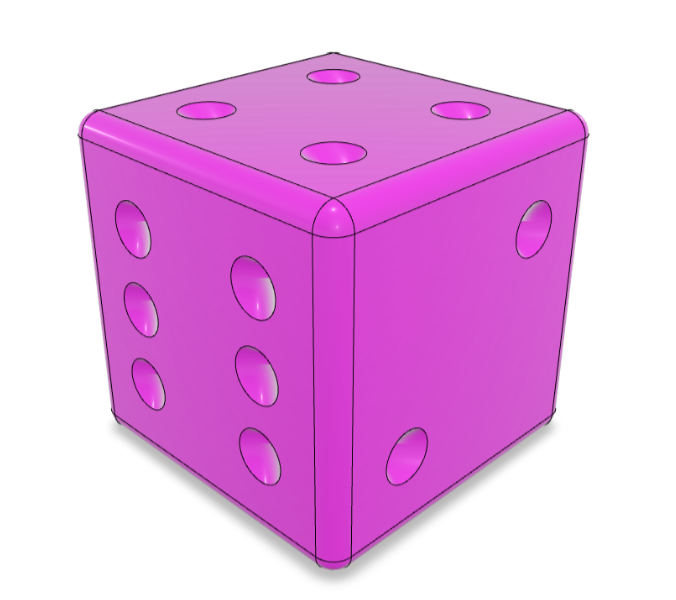
Learners will open a pre-made die model in xDesign and adjust parameters to customize shape. Export the modified model for 3D printing and discuss how changes might affect balance or…
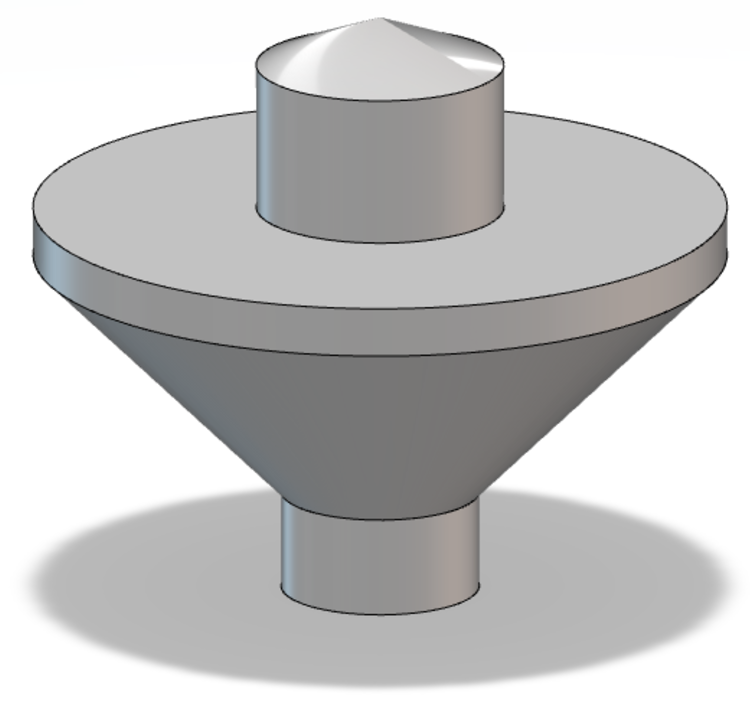
Explore how spinning tops are made using CAD and 3D printing. Learners adjust a pre-made xDesign file of a revolved top.
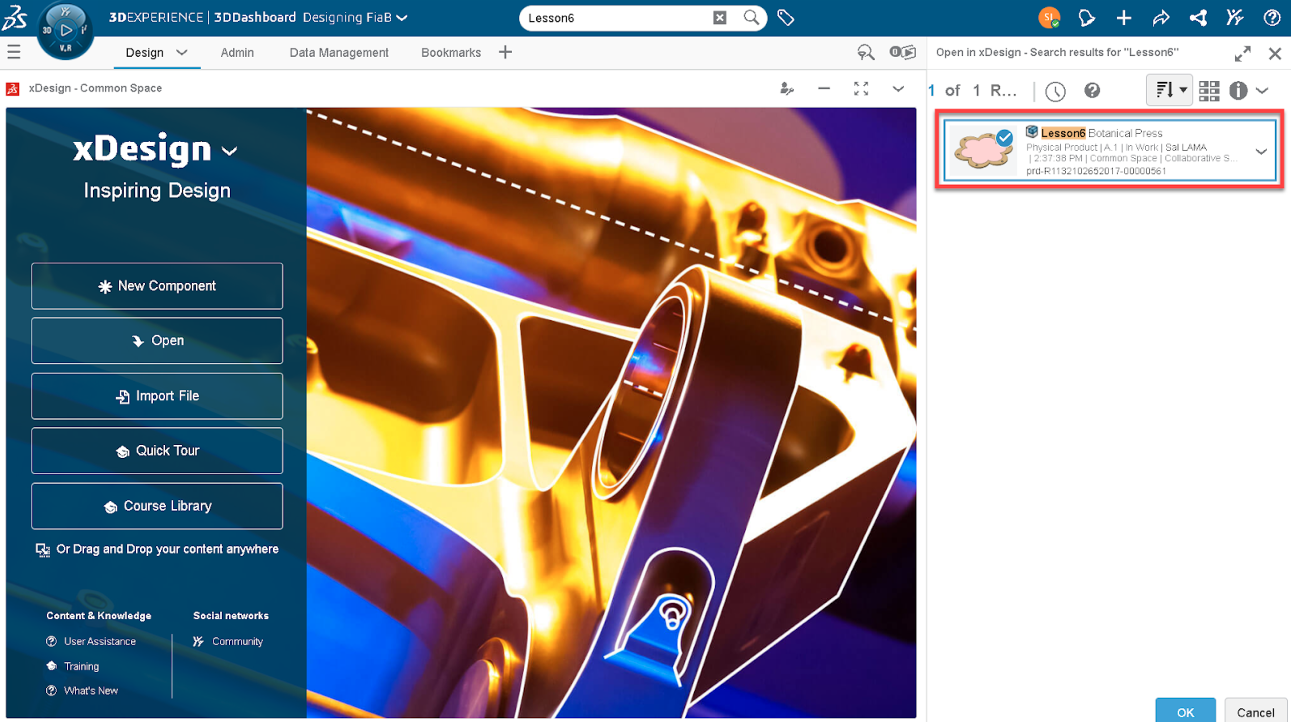
Learners will adjust a premade flower press using an xDesign template. Discuss basic 2D design principles: symmetry, bounding boxes, and perimeter shapes.
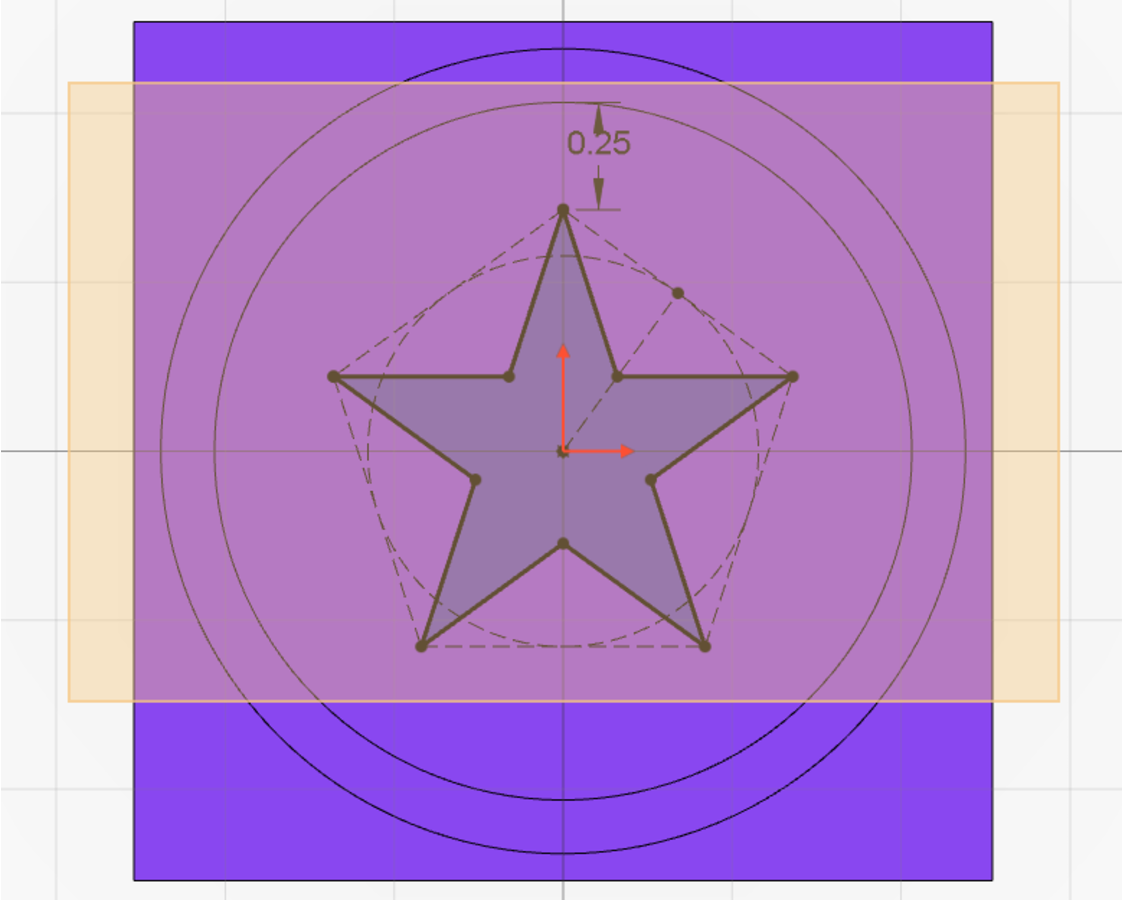
Learners will begin to explore the fundamentals of 2D design by transforming hand-drawn images into digital files suitable for laser cutting.
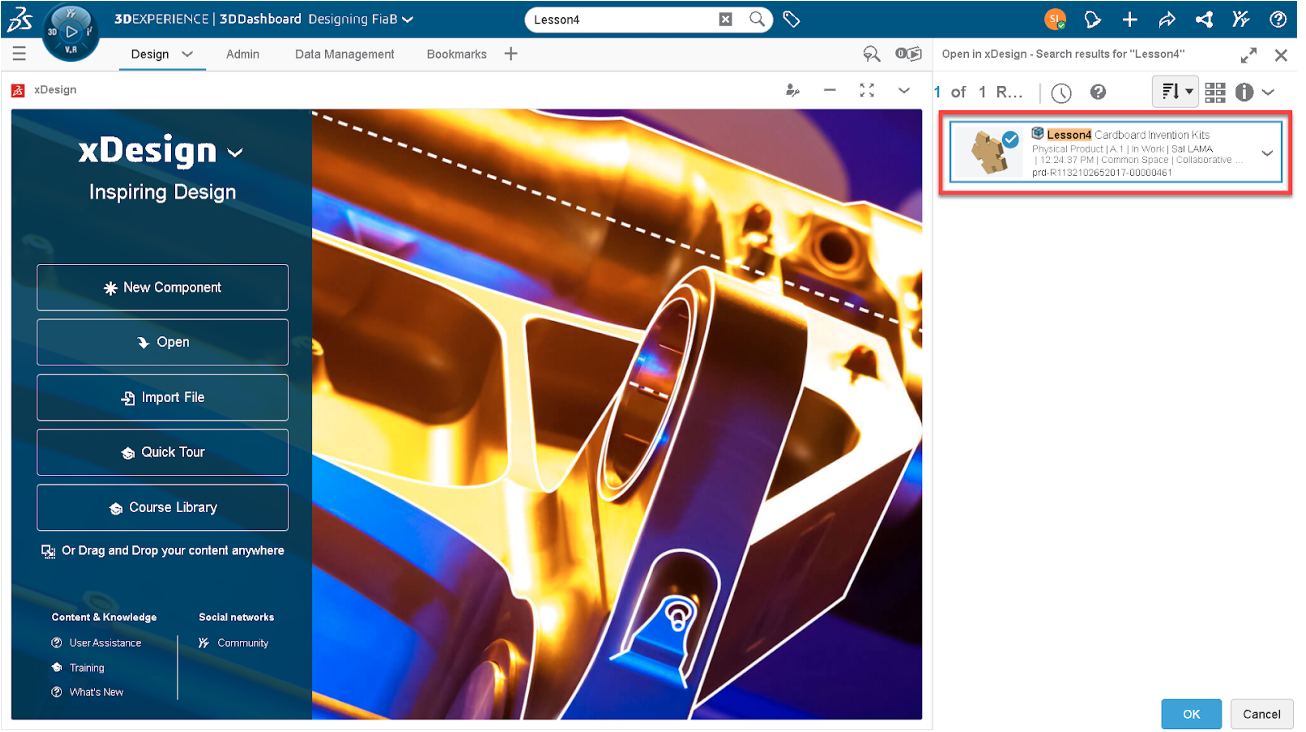
Learners will transform a premade geometric invention kit into a personalized design experience using xDesign! They will customize and expand on existing templates to create their own invention kits. By…
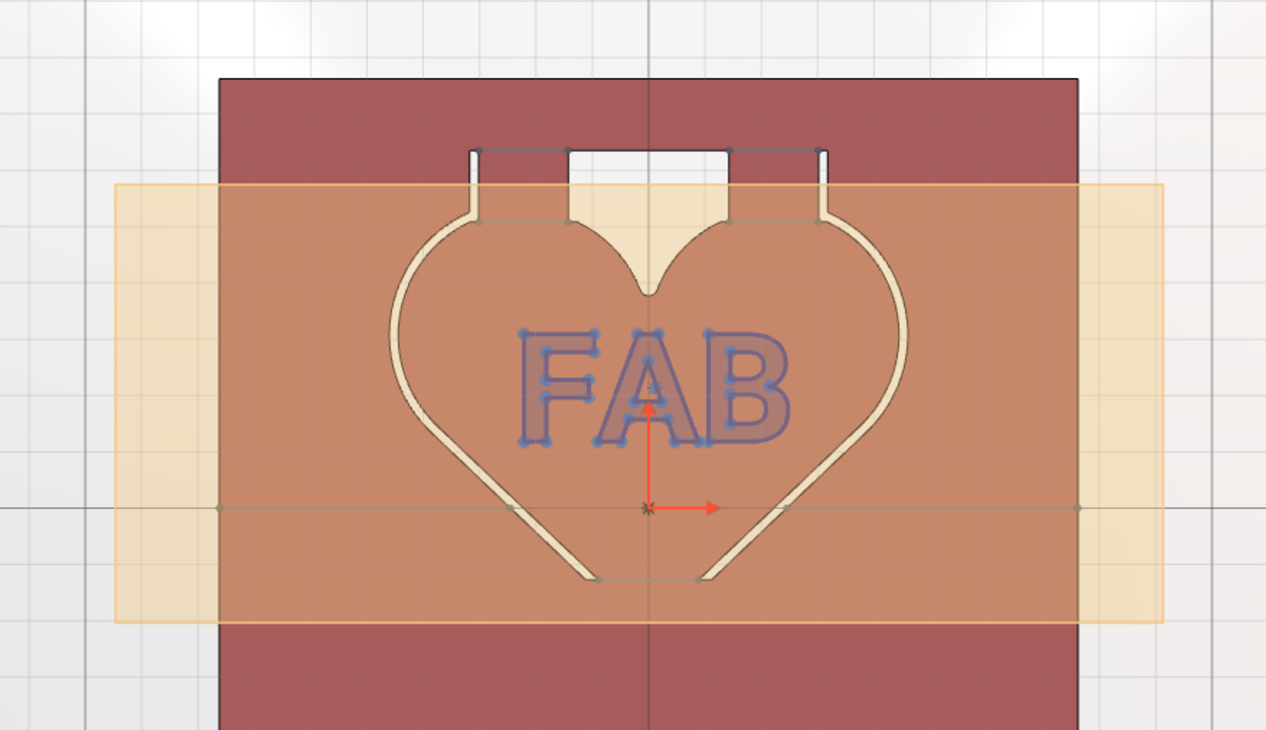
Learners will explore the intersection of math, design, and engineering through pop-up paper art! They will use a vinyl cutter to transform flat cardstock into dynamic, three-dimensional nametags. By adding…
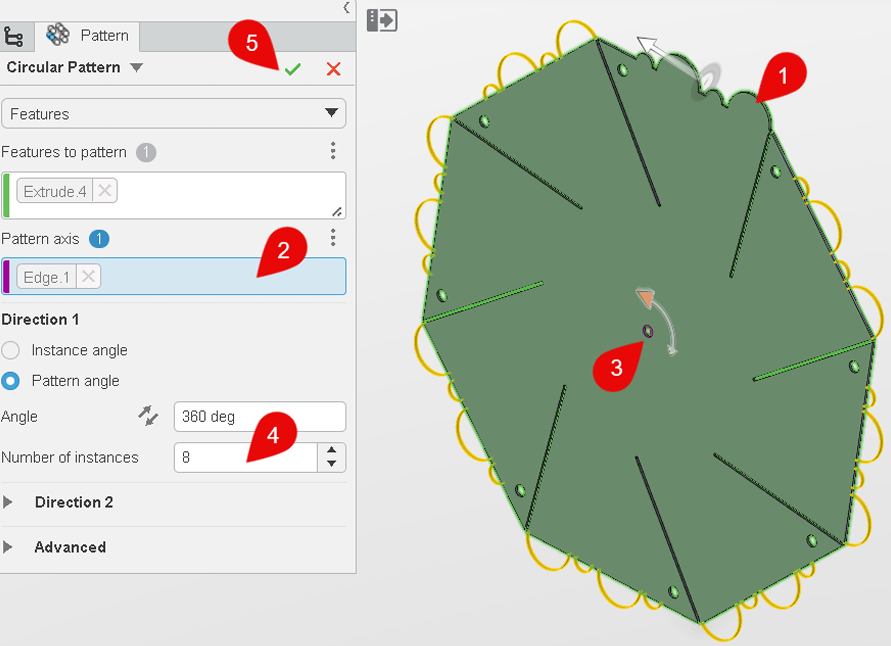
Learners will be customizing pinwheels using the pre-designed xDesign template. Discuss shape, balance, and symmetry and adjust the xDesign pinwheel template to personalize blade count and angles.
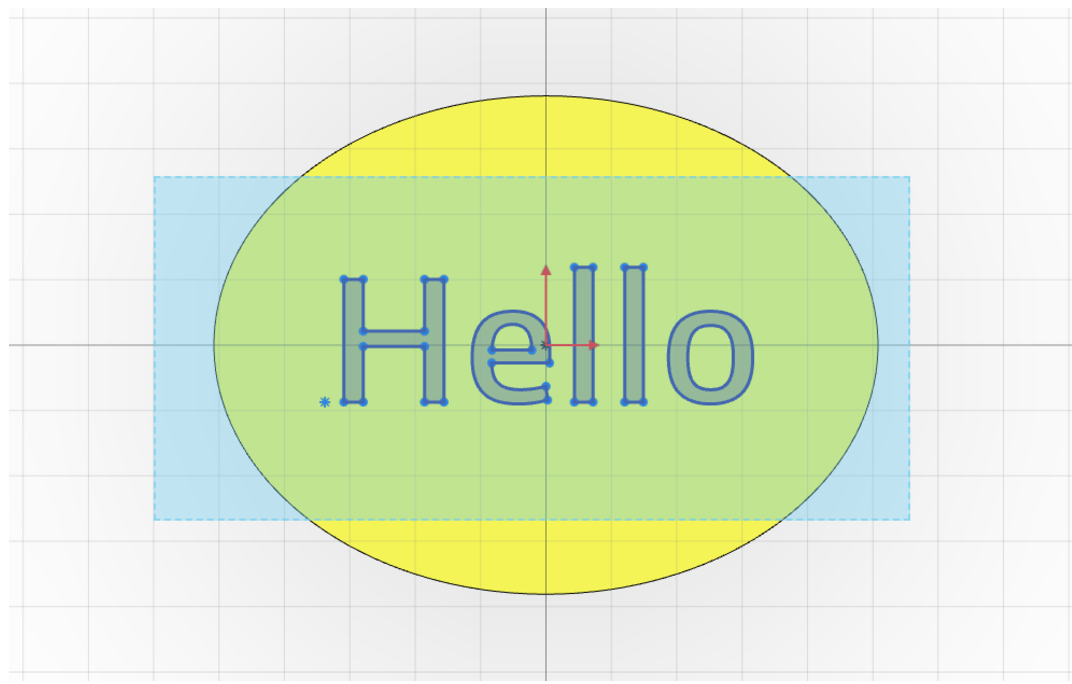
Learners will be hand-designing simple vinyl stickers to be cut out on the Brother ScanNCut Vinyl Cutter. That this activity focuses on basic visual concepts, such as balance, symmetry, and…
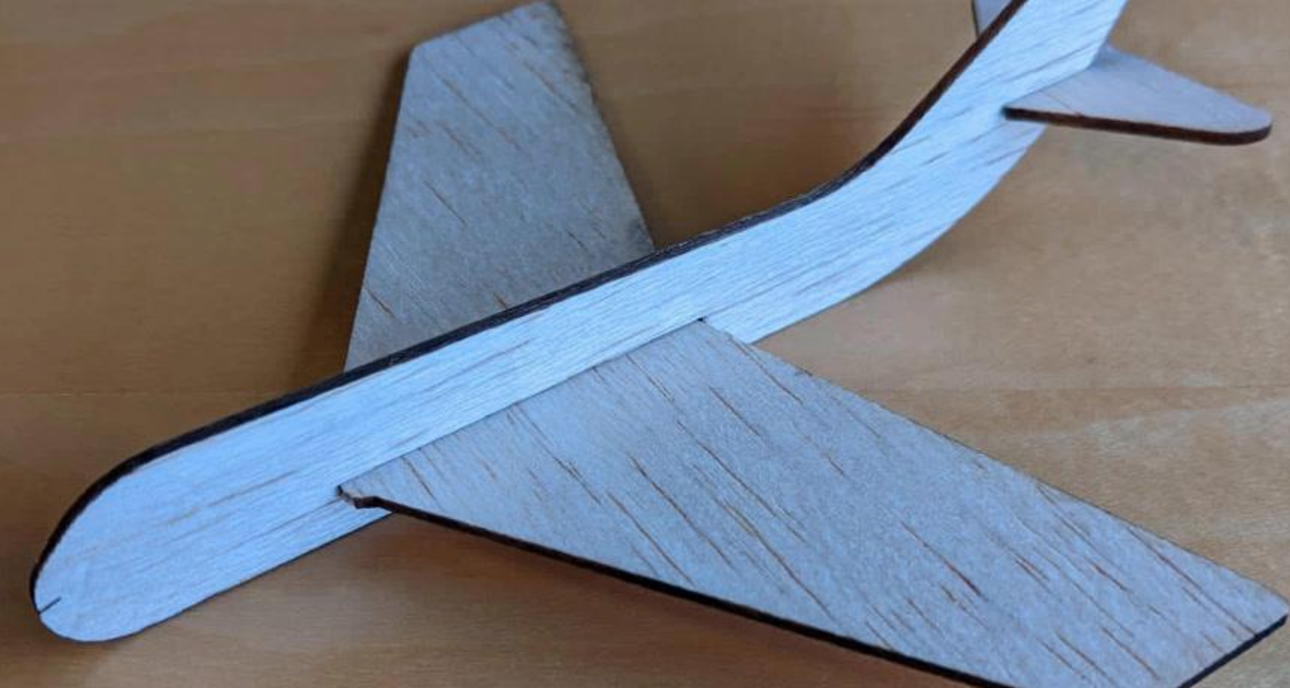
Learners will work with a pre-designed glider template and make simple modifications to personalize and improve its flight. Adjustments may include adding paper clips for balance or modifying the nose…
Learners will be designing pinwheels using a step-by-step xDesign template. Discuss shape, balance, and symmetry and adjust the xDesign pinwheel template to personalize blade count, angles, and cut decorations.
Learners will design either a two-step mold or a two-part mold using step-by-step xDesign templates.
This lesson introduces learners to the fascinating world of automata; kinetic sculptures powered by simple mechanical systems. Through hands-on fabrication using laser cutters, vinyl cutters, and 3D printers, learners will…
Learners will follow a step-by-step tutorial to design their own glider using CAD tools. A pre-provided 3D file for the nose cone will be incorporated into their design. After fabrication, they will test and…
Design your own 3D-printable dice! Use CAD (computer-aided design) software to build out an idea in three dimensions. Choose your dice geometry and decide what to put on each face.…
Give engineering a spin: experiment with physics while designing and fabricating a custom spinning top! Get hands-on with energy, force, and momentum as you experiment with different 3D-printed designs. How…
Combine art and science: customize and fabricate a botanical press that can be used over and over again to preserve leaves and flowers for crafts or dissection.
Students will embark on a creative journey to design a personal logo that reflects their (or a brand’s) unique identities and values. By combining graphic design principles with self-reflection, they…
Create your very own invention kit! Design and laser cut a set of two-dimensional shapes that can slot together to make three-dimensional structures. Finished kits can be used for…
Explore math, form, and function while engineering pop-up paper art. Use a vinyl cutter to make two-dimensional artwork “pop!” Add score and cut lines to cardstock to fabricate custom, folding…
Learners will apply shape and composition skills in digital 2D design using guided CAD software. They will deepen their understanding of graphic design principles, balance, symmetry, and negative space, and…
This lesson introduces learners to the fascinating world of automata; kinetic sculptures powered by simple mechanical systems. Through hands-on fabrication using laser cutters, vinyl cutters, and 3D printers, learners will…
Learners will design a two-part, two-step mold from scratch using a blank xDesign template.
Learners will be designing dice that roll unfairly, on purpose! They’ll be using xDesign to engineer internal features that shift the weight of a die, affecting how it rolls.
Learners will experiment with physics while designing and fabricating a custom modular spinning top with interchangeable parts.
Learners will design a botanical press from scratch and create custom 3D-printed wing nuts.
Learners will design a personal logo that reflects their (or a brand’s) unique identities and values. By combining graphic design principles with self-reflection, they will use symbols and typography to…
Learners will design and construct scale models using their cardboard invention kits, applying advanced parametric modeling techniques in xDesign. Learners will create this scale model from scratch using a blank…
Learners will design and prototype a multi-page pop-up book spread using xDesign and the Brother ScanNCut Vinyl Cutter.
Learners will independently design and fabricate multi-layered, custom pinwheels using a blank xDesign template.
Learners will design complex, multi-layered 2D graphics using xDesign and the Brother ScanNCut Vinyl Cutter. That this activity focuses on basic visual concepts, such as balance, symmetry, and negative space.
Learners will design a custom glider from scratch using a blank CAD template. They will also design and 3D print their own nose cone, allowing for full control over the…
Watch Fab-in-a-Box come together! This quick demonstration highlights the labeled components, offering a glimpse into its design and assembly.
For additional support or questions, please reach out to our team at [email protected] – We’re here to help!
Fab-in-a-Box is made possible through a partnership between The Fab Foundation, MIT’s Center for Bits and Atoms, and Dassault Systèmes, supported by La Foundacion Dassault.
Having trouble? Let us know by completing the form below. We'll do our best to get your issues resolved quickly.
"*" indicates required fields