
This collection of lessons from the GE Brilliant Career Lab bridges the gap between education and industry, classroom and career, and the economy of the future and the skills of today.
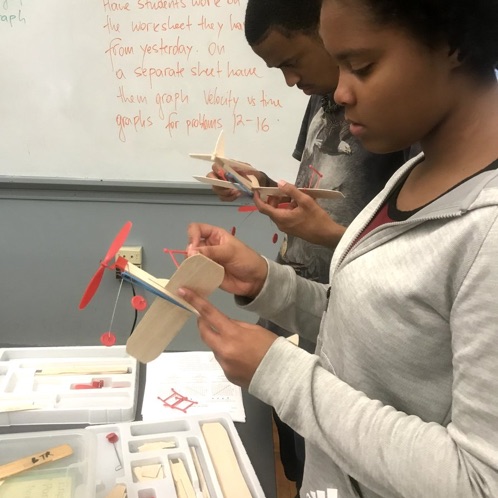
Airplane Mechanic
This lesson highlights an example of “Everyday in the life of an Airplane Mechanic”. What kind of work might an Airplane Mechanic do? Diagnose, adjust, repair, or overhaul aircraft engines…
Wearable Device Designer
The teacher will guide students through the design and engineering process by supporting an environment that allows for trial and error, and celebrates iteration. The series is designed for 6th…
Biomedical Engineer
This lesson reflects on “Everyday in the life of a Biomedical Engineer” What does a Biomedical Engineer do? Biomedical Engineer Conduct research, along with life scientists, chemists, and medical scientists,…
IN THIS COLLECTION
This first-of-its-kind collection of digital fabrication learning experiences is designed to engage and inspire students through STEM career paths. These lessons can be deployed in partnership with teachers in middle and high school classrooms with the resources of a mobile lab. The mobile lab visits each classroom and includes equipment, materials, and an instructor that partners with the classroom teacher.
PROGRAM AND PARTNERSHIP
As part of GE’s $25M Brilliant Boston commitment to empower students to become globally productive citizens by providing access to learning experiences and skills necessary for the workforce tomorrow, the GE Brilliant Career Lab was developed in partnership with the Fab Foundation to enable students to investigate STEM careers through hands on experiences with digital fabrication tools in a mobile lab.
ABOUT THE GE BRILLIANT CAREER LAB
The Brilliant Career Lab is a resource for educators and students, providing curriculum, essential and technical skills development, career assessments, mentoring, exposure to college and career, and access to digital fabrication tools and knowledge. The program pilot started during the 2016-2017 school year In Boston Public Schools (BPS) with Tech Boston and English High Schools. Since then, the Brilliant Career Lab has exposed over 1,500 BPS students to future STEM careers, while supporting 50 teachers in incorporating digital fabrication and career exploration activities in their classroom.
Additionally, in collaboration with the Fab Foundation, Brilliant Career Play is an extension of the Boston Celtics and GE partnership that creates access for middle school students in a mobile lab environment to engage in hands-on, interactive educational experiences. Launched in November 2017, the Brilliant Career Play program has already visited 3 school districts throughout greater Boston, and exposed over 500 middle school students to STEM careers inspired by design and sports. Coupled with the mentoring and online support from Brilliant Pathways (formerly CFES ) and Everfi, students are exposed to STEM careers through a range of online and live experiences.
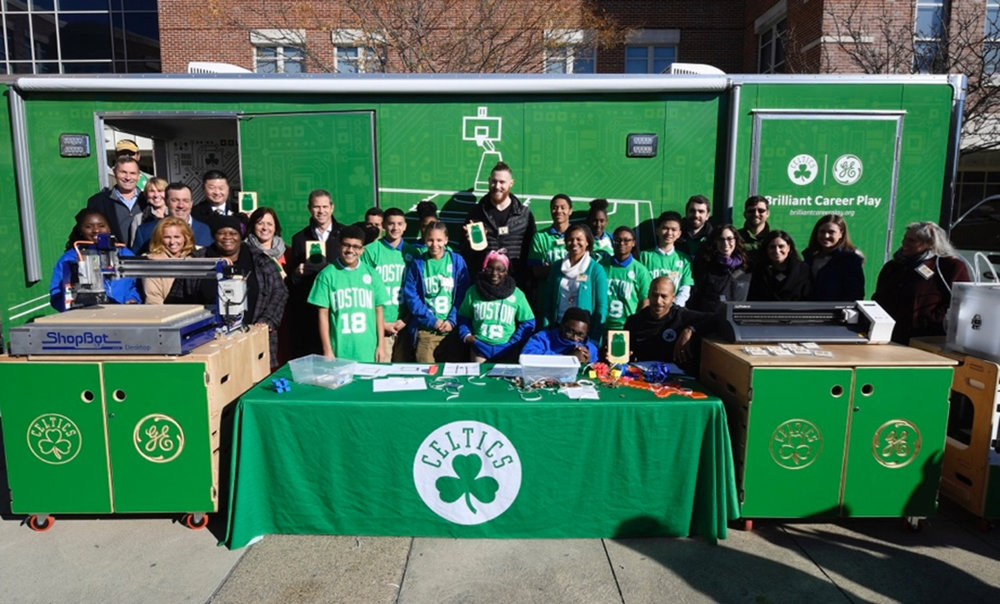
Brilliant Career Play launch event at the Lilla G. Frederick Pilot School in Boston, MA in November 2017.
STEM DIGITAL FABRICATION LESSONS
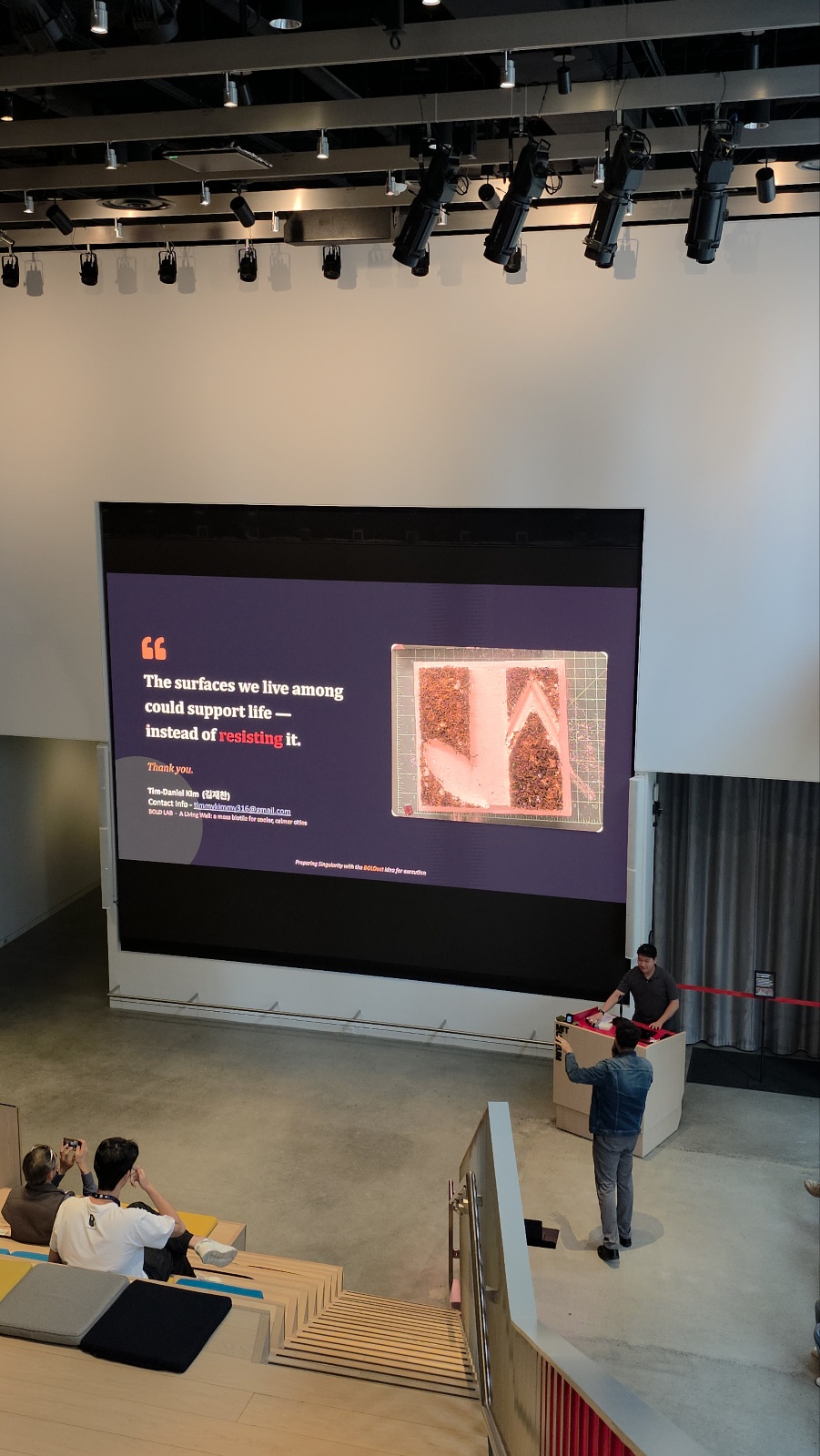
A Moss Biotile That Greens Bare Concrete for Cooler, Calmer Cities
A Living Wall is a small, modular “biotile” — a low‑pH, porous cast block that lets live moss take root on it, so a bare urban surface can slowly become…
September 26, 2026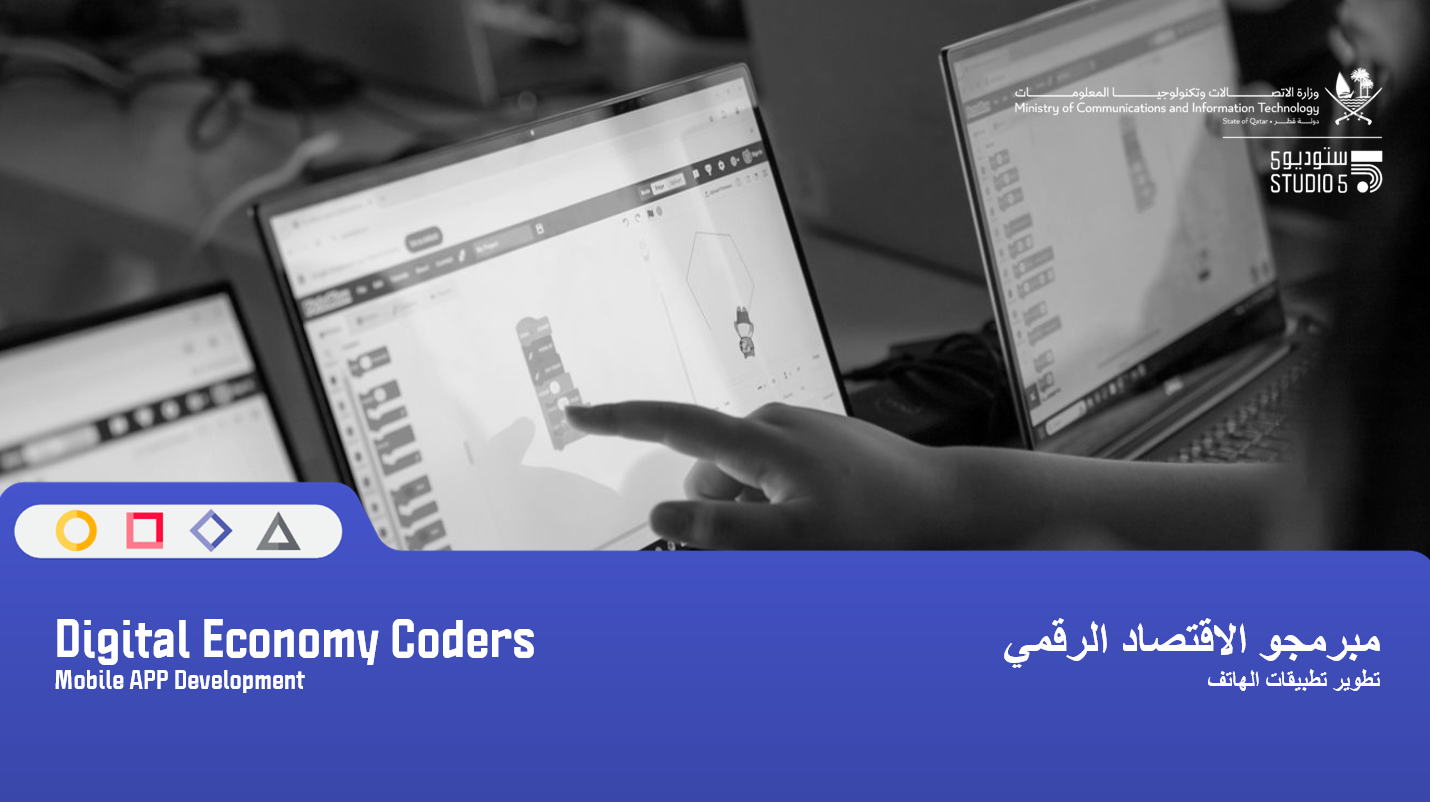
Digital Economy Coders.
A 4-session online workshop focused on mobile app development and financial literacy using Thunkable. The experience will be hands on and project based, guiding participants to design, build, and present…
September 8, 2026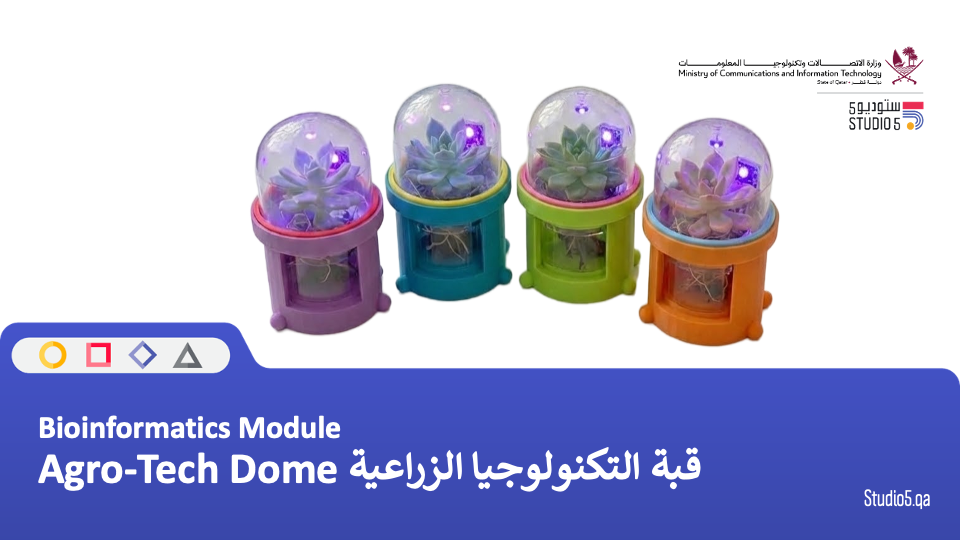
Agro-Tech Dome قبة التكنولوجيا الزراعية
يستكشف المشاركون كيف يمكن للتكنولوجيا أن تدعم الزراعة المستدامة والحفاظ على الأعشاب والنباتات المحلية. من خلال أنشطة عملية، يقوم المتعلمون بتصميم وبناء قبة زراعية (Agri-Dome) باستخدام النمذجة ثلاثية الأبعاد والطباعة…
September 7, 2026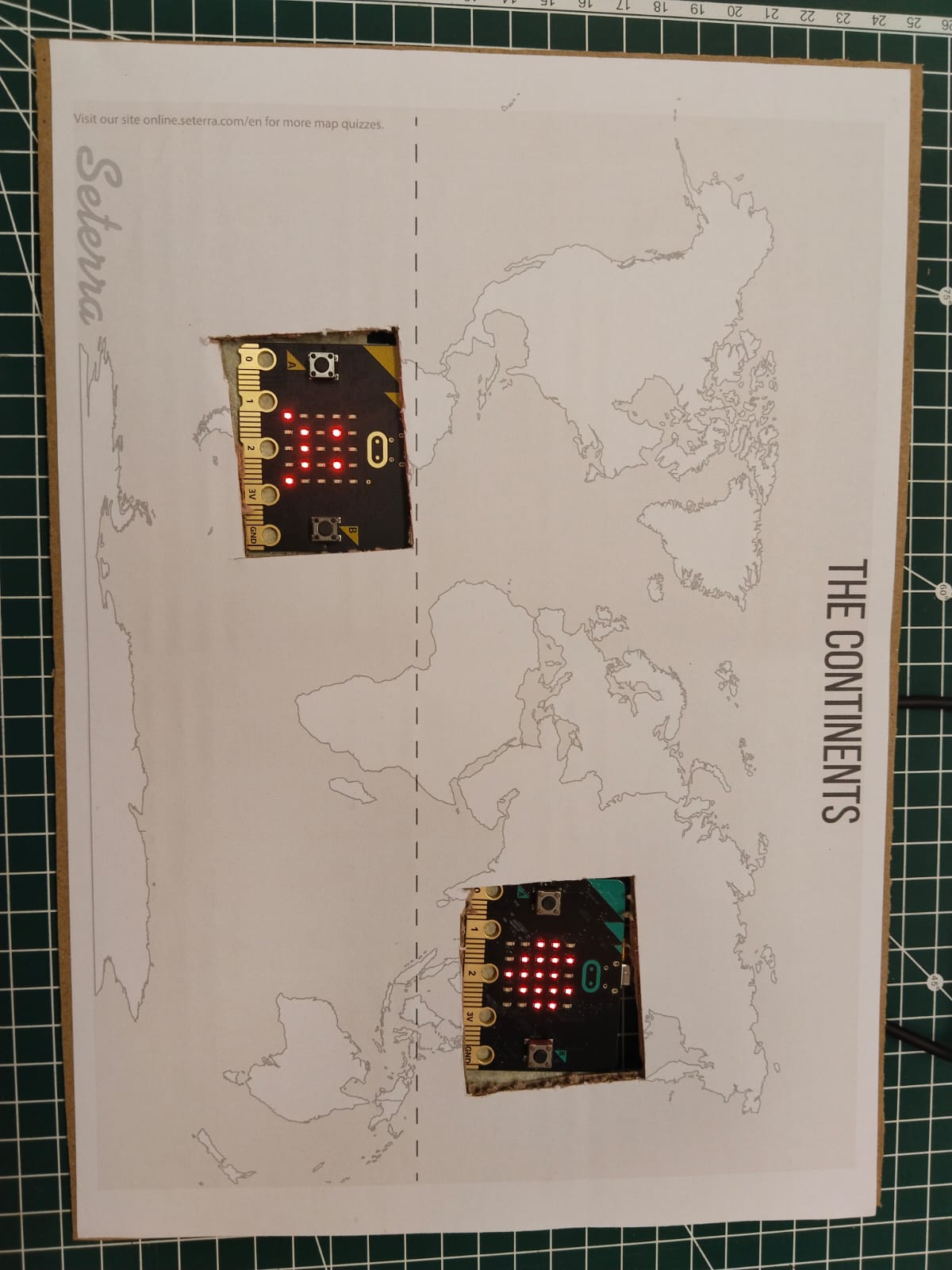
The World Comes Back to Me
The World Comes Back to Me is a global citizenship lesson through systems thinking and STEM Grade: Grade 8–9 Duration: 120–150 minutes Subjects: Global Citizenship, STEM, Environmental Education, Social…
August 31, 2026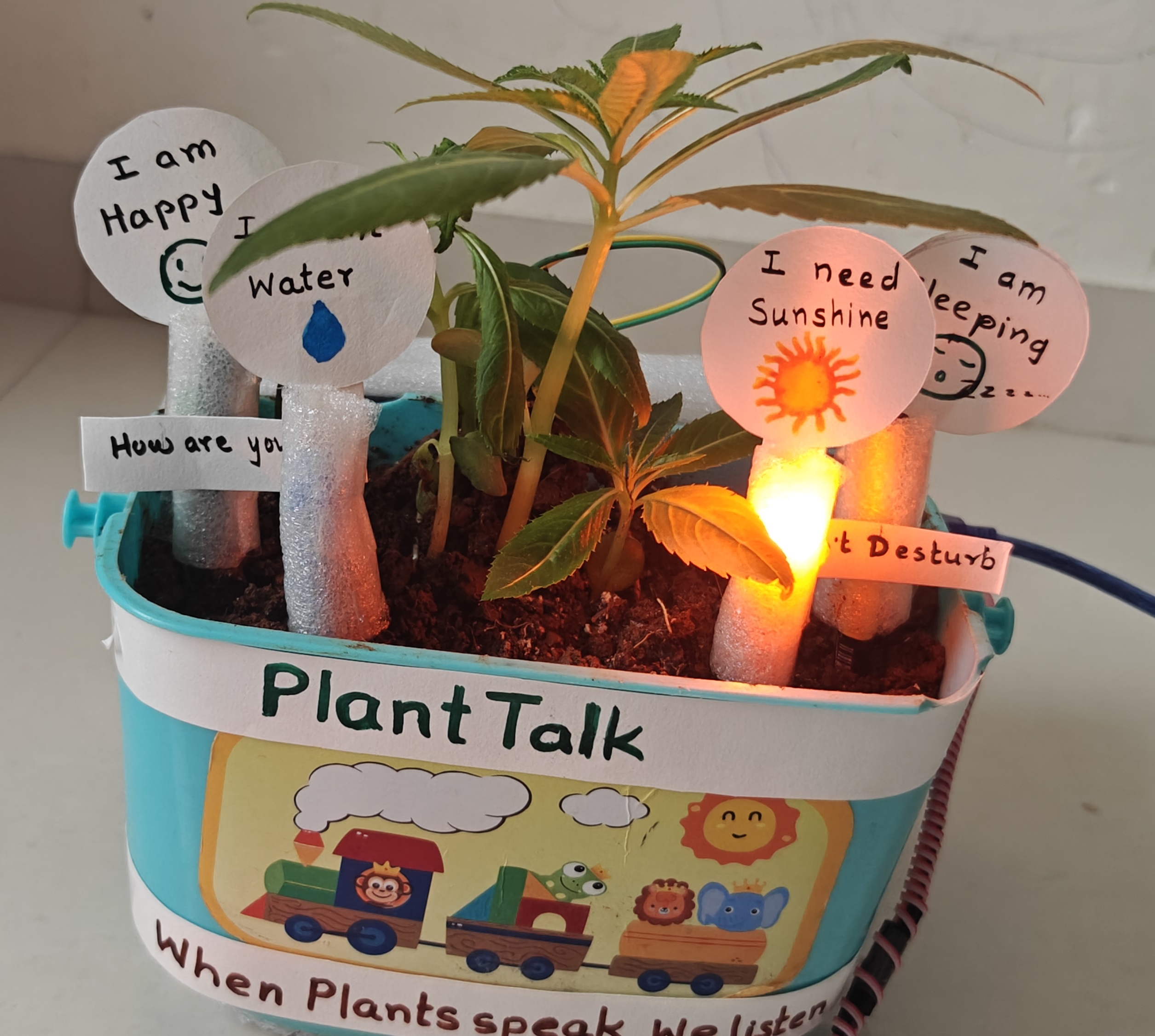
When Plants Speak: Learning Through Making for Sustainable Plant Care
Who it’s for Grade 6–8 students, in teams of 3–4 No prior electronics or coding experience needed 8–10 sessions, allowing time for plant growth How it works Starts with a…
August 29, 2026
Technology for Social improvement: The “Kindness Sensor” Robot
The workshop introduces the basics of sensors, inputs and outputs by allowing participants to explore how their iPads detect physical movements. Participants will learn how to use code blocks to…
August 25, 2026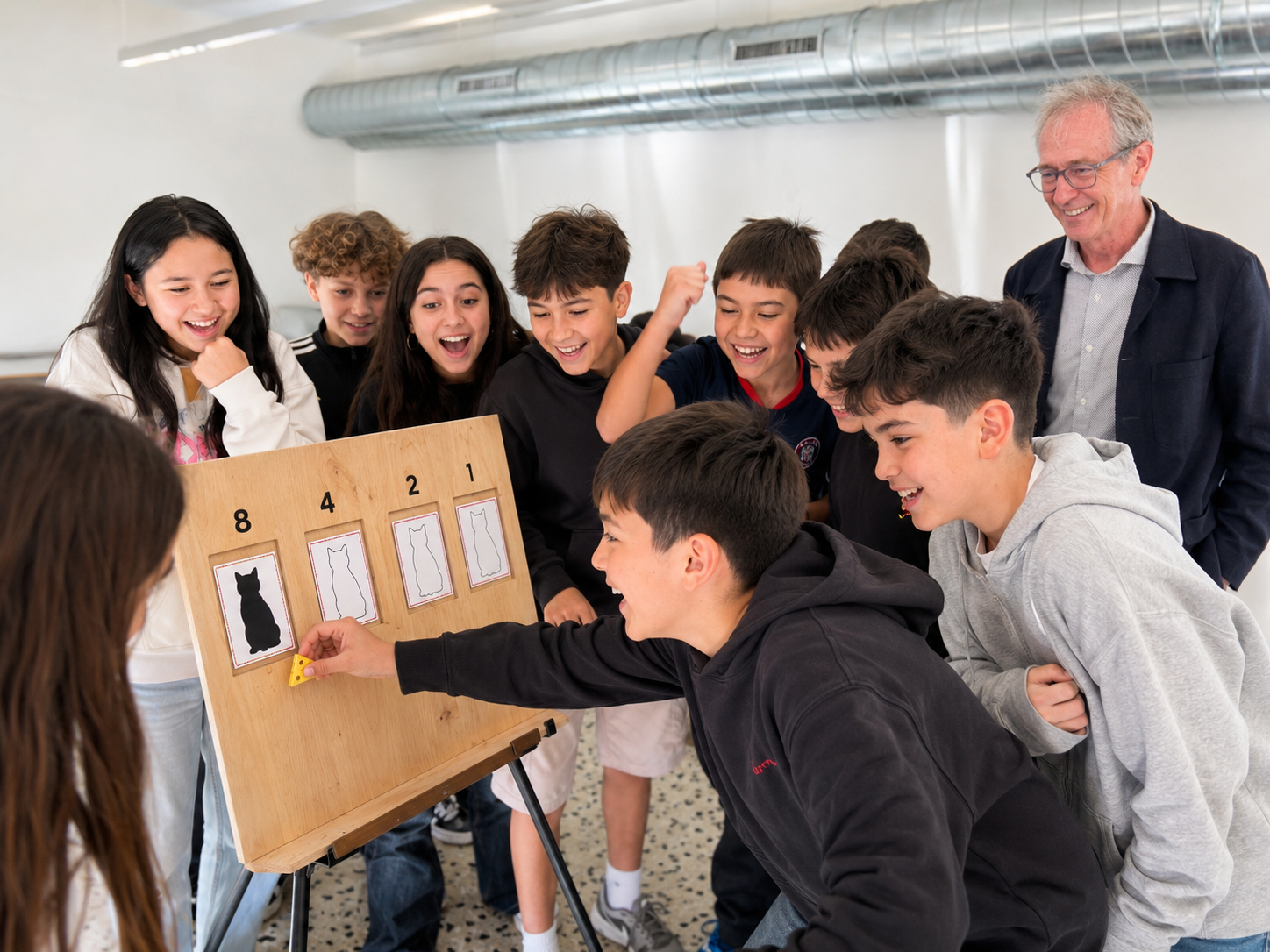
Human Computer – Unplugged (final)
Students become the logic gates inside a computer. Each holds a single double-sided card [ black cat (= 1) on one side, white cat (= 0) on the other ]…
July 22, 2026
Future Ready Learning : Harnessing Emerging Technologies التعلم المستقبلي : تسخير التقنيات الناشئ
تستكشف جلسة التطوير المهني “الاستقصاء” لمدة ساعة واحدة والمخصصة للمعلمين، كيفية ردم الفجوة بين التعلم داخل الصف والمهارات المستقبلية المطلوبة. سيتعرف المشاركون على أكثر المهارات طلبًا في مختلف القطاعات، مثل الطلاقة الرقمية، ومهارات…
July 22, 2026
Arduino Uno Q– Day 3: Full Hybrid System Creation
This workshop aims to teach participants how to create a full hybrid system using IoT and AI. In addition, participants will have an overview on many different aspects of data…
June 28, 2026
Arduino Uno Q– Day 2: Python Arduino Programming for AI detection and action
This workshop aims to teach participants IoT and API coding and its fundamentals, using Python and live data to visualize, analyze, predict and project effects on short and long term.…
June 28, 2026
Arduino Uno Q – Day 1: Intro / Setup / OS Installation
This workshop aims to teach participants basic coding and its fundamentals, using Python and Arduino, going from knowing the board, do the full setup and configuration, write the basic Python/Arduino…
June 28, 2026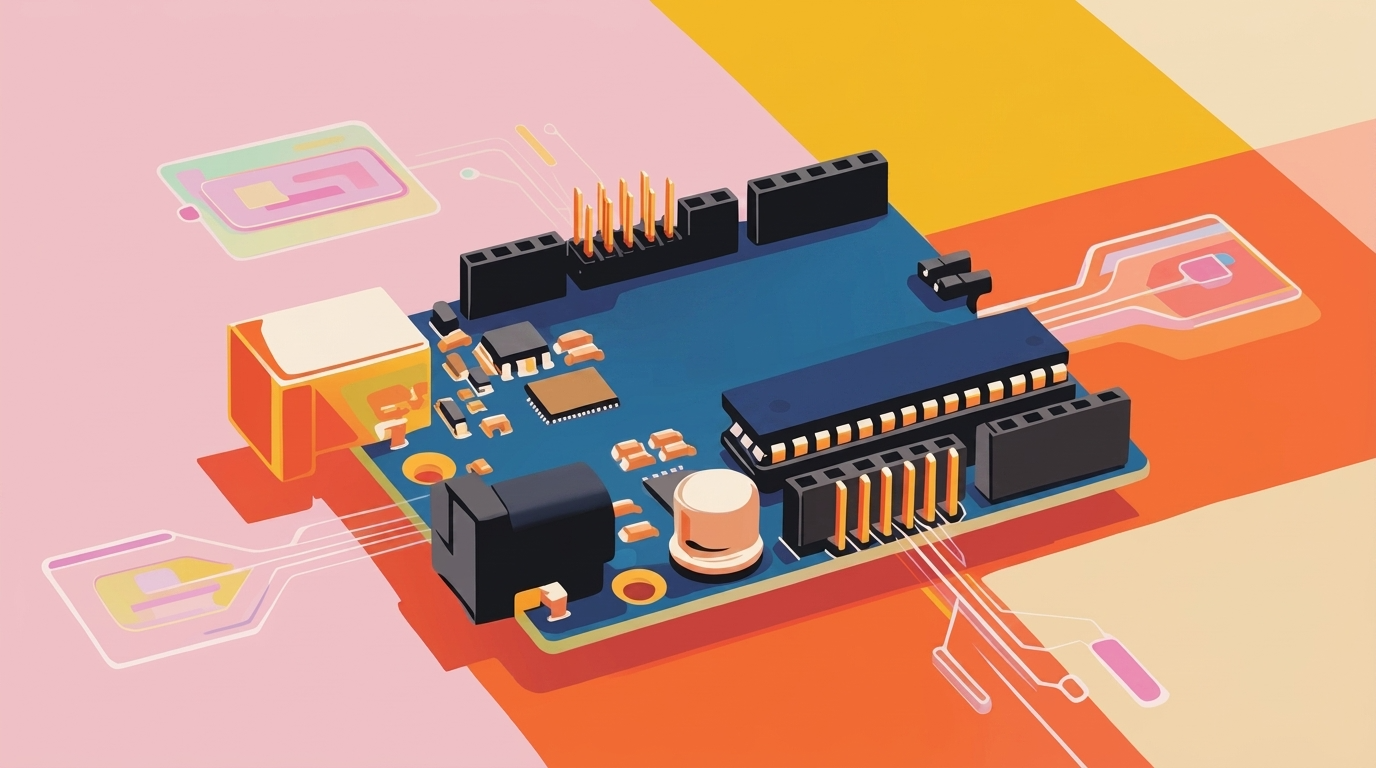
Local AI Agent discovering the Arduino Uno Q
This hands-on workshop guides participants step by step through the process of building and running a portable local AI agent using a resource-constrained device such as the Arduino UNO Q.…
June 25, 2026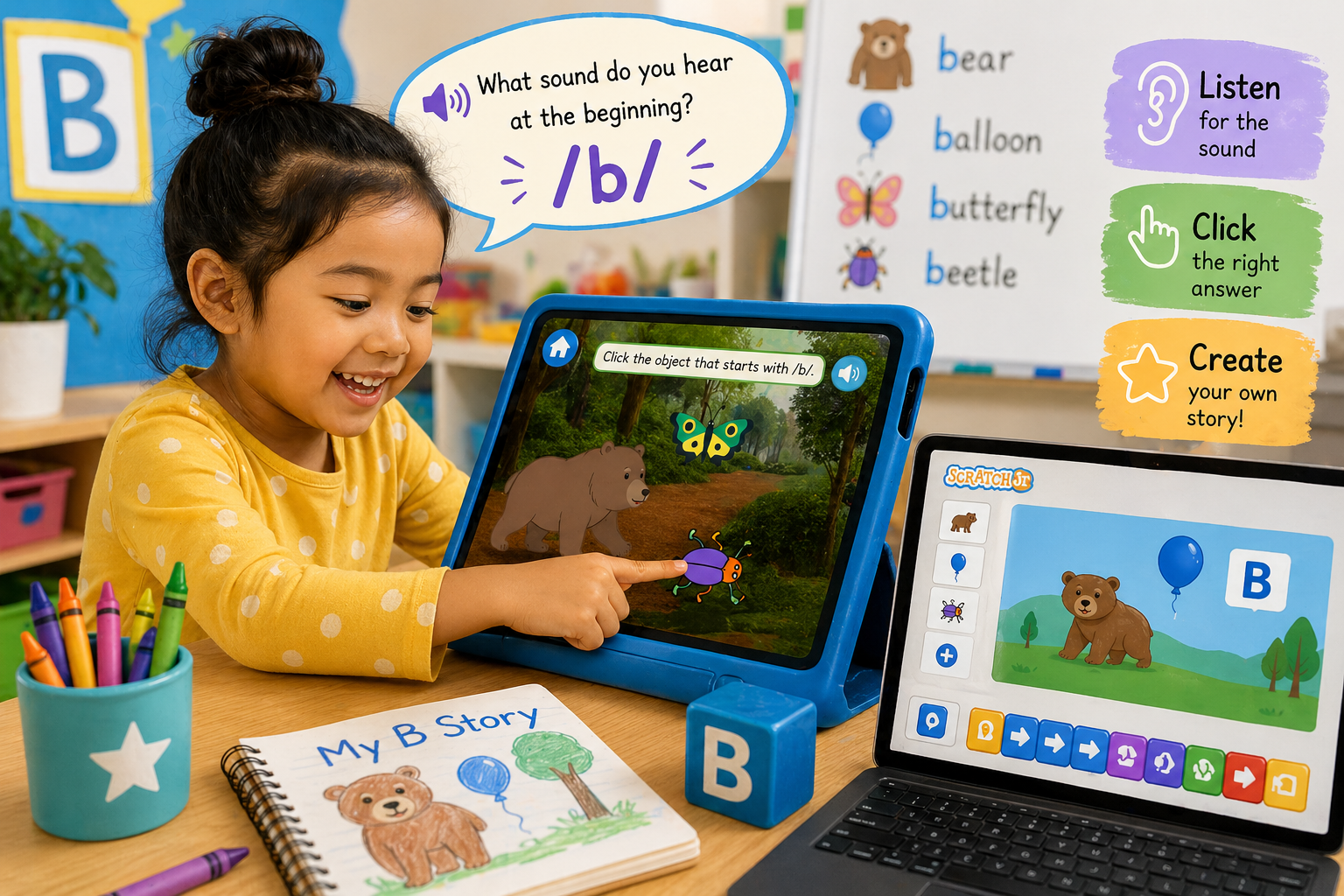
Interactive Beginning Sounds: Exploring Letters with Scratch & Scratch Jr
In this lesson, students develop early literacy skills by identifying and pronouncing beginning sounds, with a focus on the letter “B.” Students engage in phonics learning as they connect the…
April 30, 2026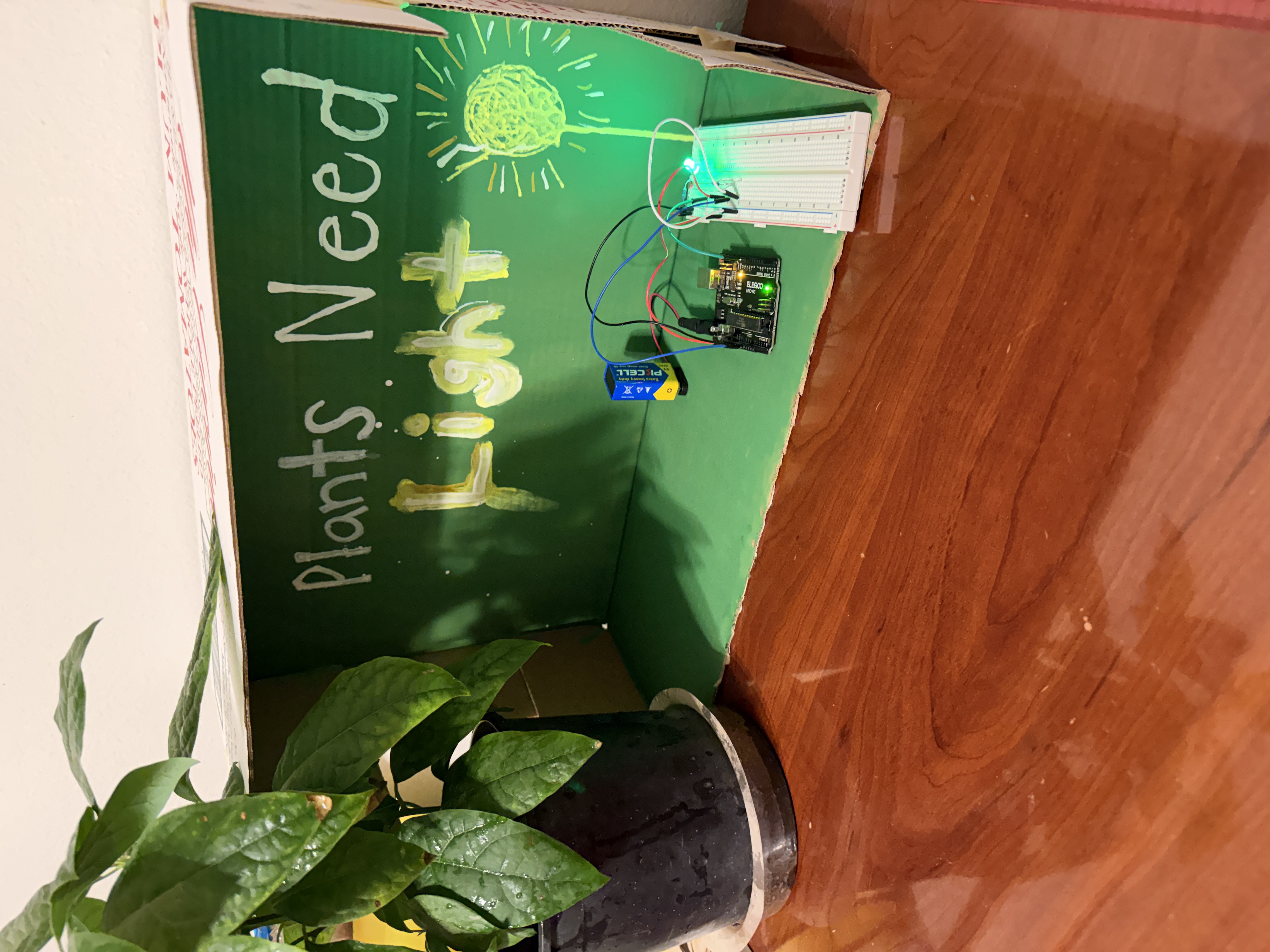
Engineering a Sensor-Based Plant Care System
Students design and build a smart plant monitoring system using an Arduino, a sensor, and an LED. They collect and analyze data such as light levels to determine when a…
April 29, 2026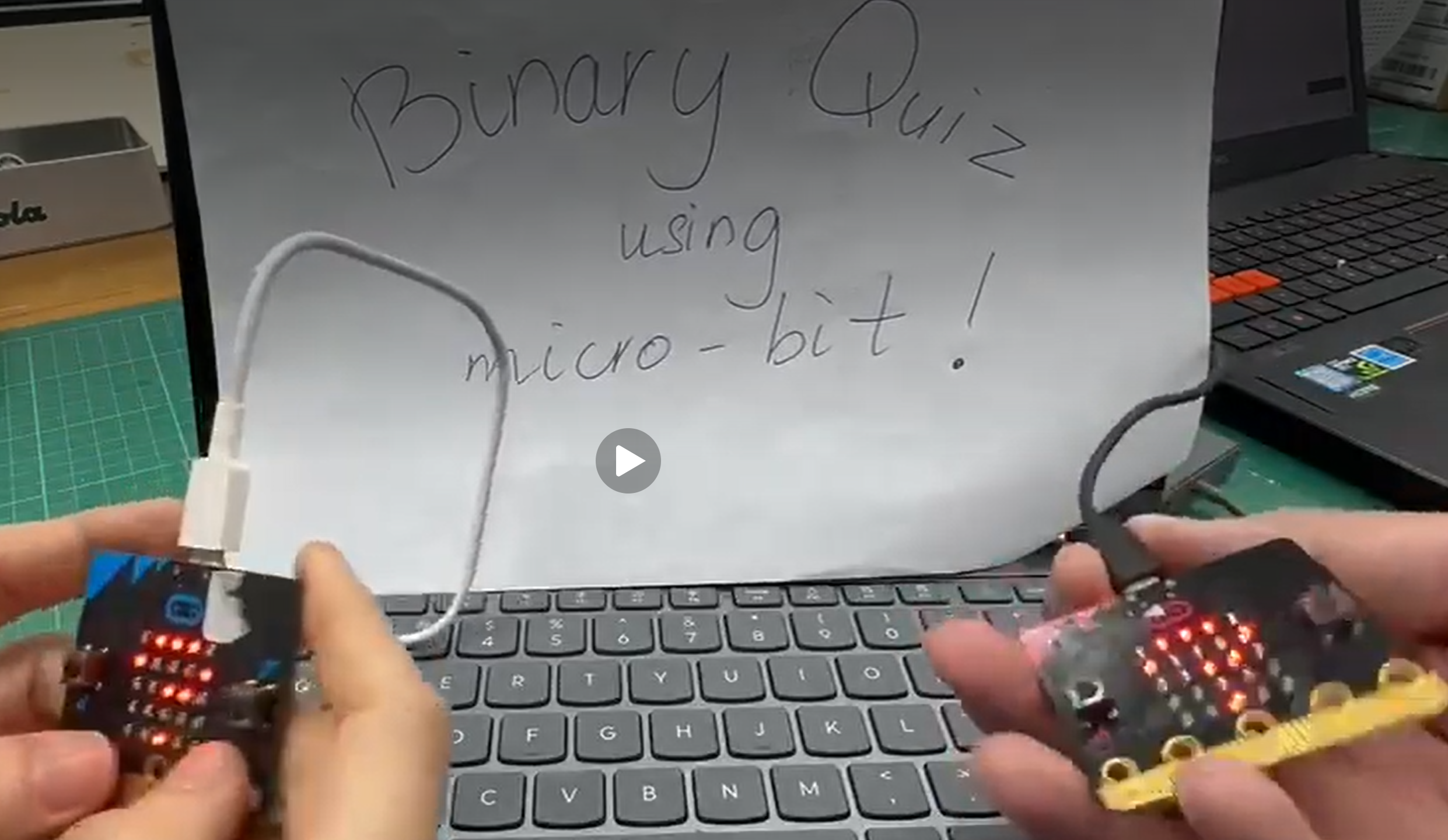
Fun Quiz on Binary with MicroBits
This is an optional extension activity after the teaching of binary numbers. In the introductory arithmetic module, students learn the four operations of numbers, the PEMDAS or BODMAS rule,…
April 29, 2026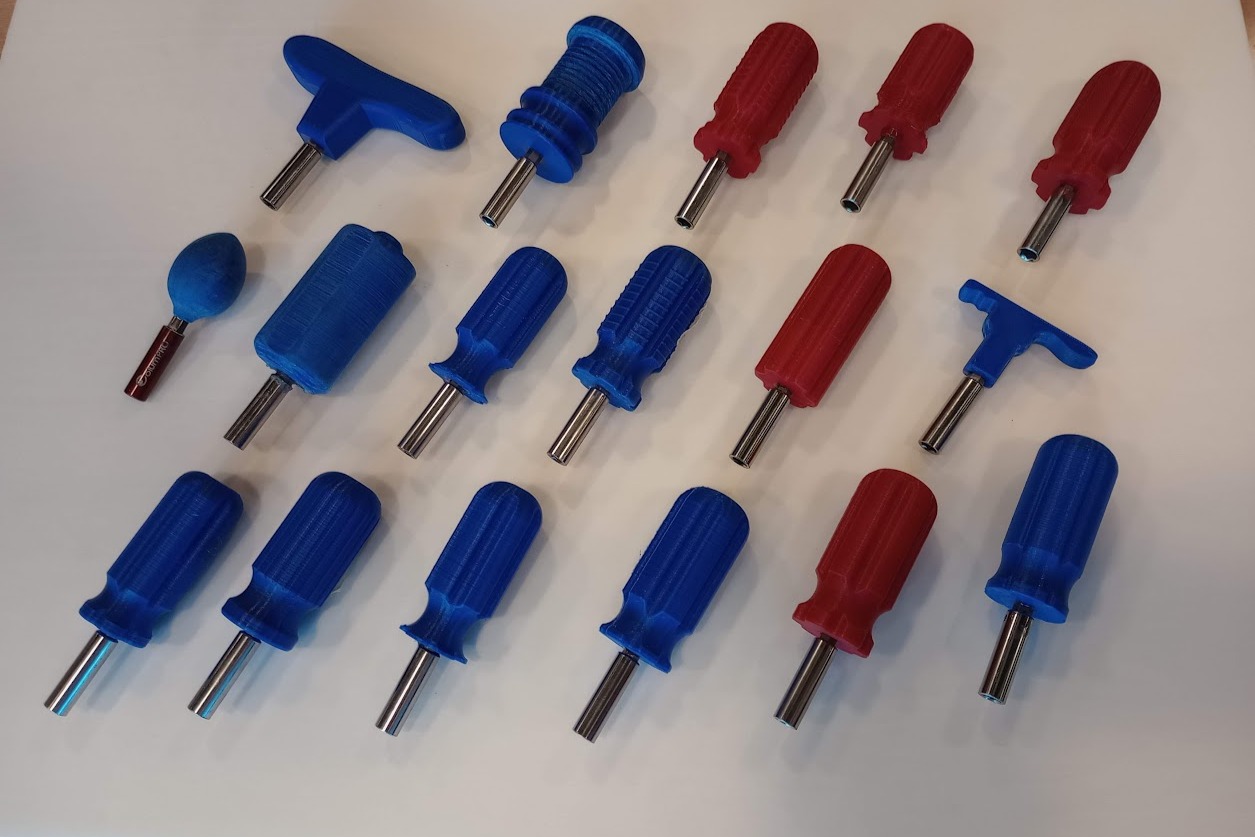
Ergonomic Screwdriver Project: Designing and 3D Printing a Compact Hand Tool
In this lesson, students investigate ergonomics, anthropometrics, and user-centred design by designing a compact screwdriver handle for use in confined spaces. Students begin by comparing everyday products and discussing which…
April 26, 2026STANDARDS-ALIGNED
Community contributed lessons aligned with Common Core State Standards (CCSS) and Next Generation Science Standards (NGSS) offer formal educators innovative pathways to teaching content knowledge. The Fab I Can Statements are a resource to develop technology-literate learning progressions to align with content standards.
FAB TESTED
Periodically lessons are adapted and tested by the Fab Foundation team based on a call for submissions from fabbers, educators, and makers. Our inaugural set of lessons for the SCOPES-DF project were Fab Tested in 2016 and are tagged Fab Tested on the website.
OPEN-SOURCE VALUES
Lessons are distributed under a Creative Commons CC BY-NC license, that permits free use and re-purposing by others.