- Loading…
This workshop aims to teach participants Python coding and its fundamentals, using Python programming language. Which includes Python Built-In libraries, Python External Libraries, how to, install them, access their documentation for better understanding, check their functions and how/where to use them. In addition participants will have an “Open-Eye” on many different aspects of Python coding, and most of the area where Python excels.
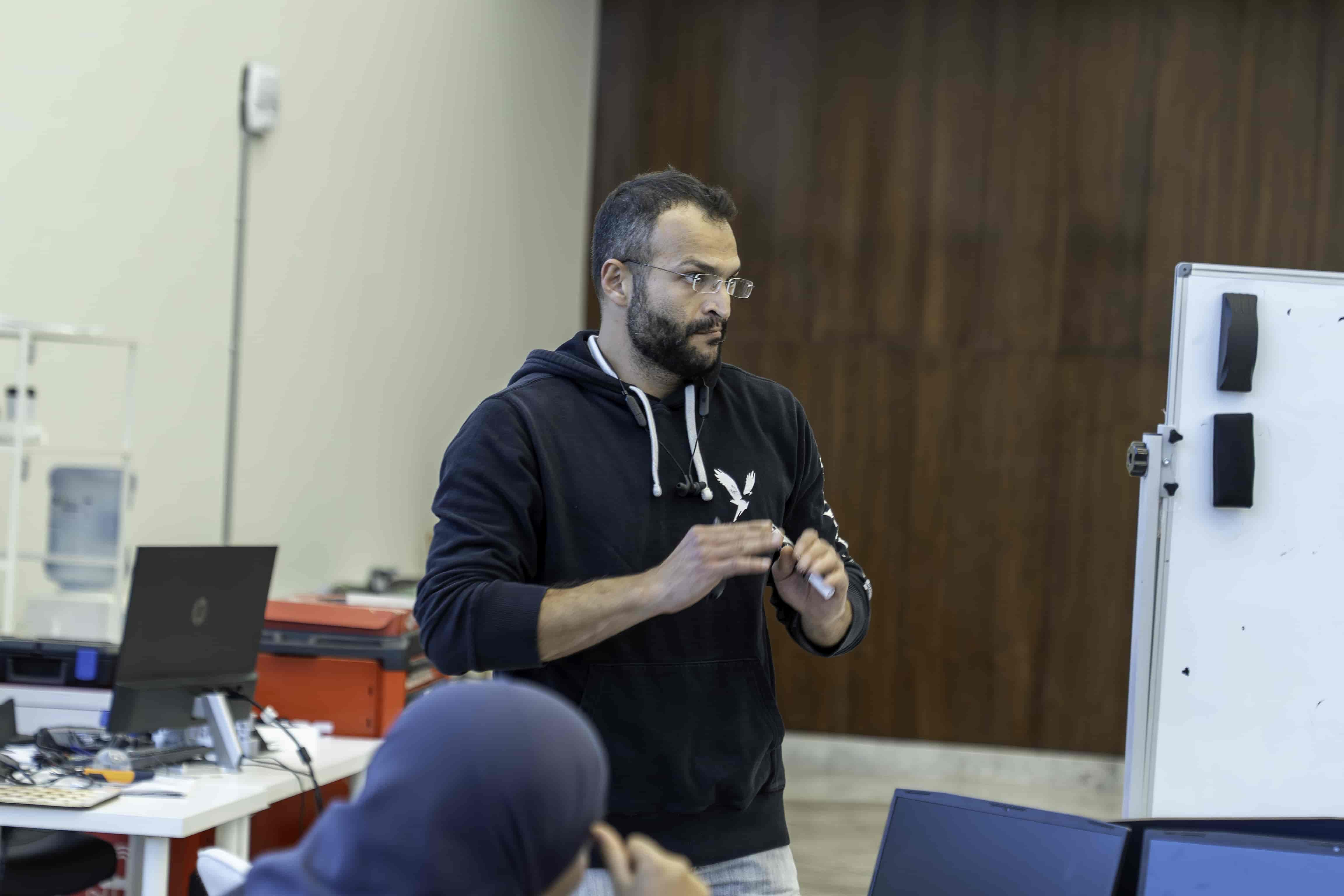
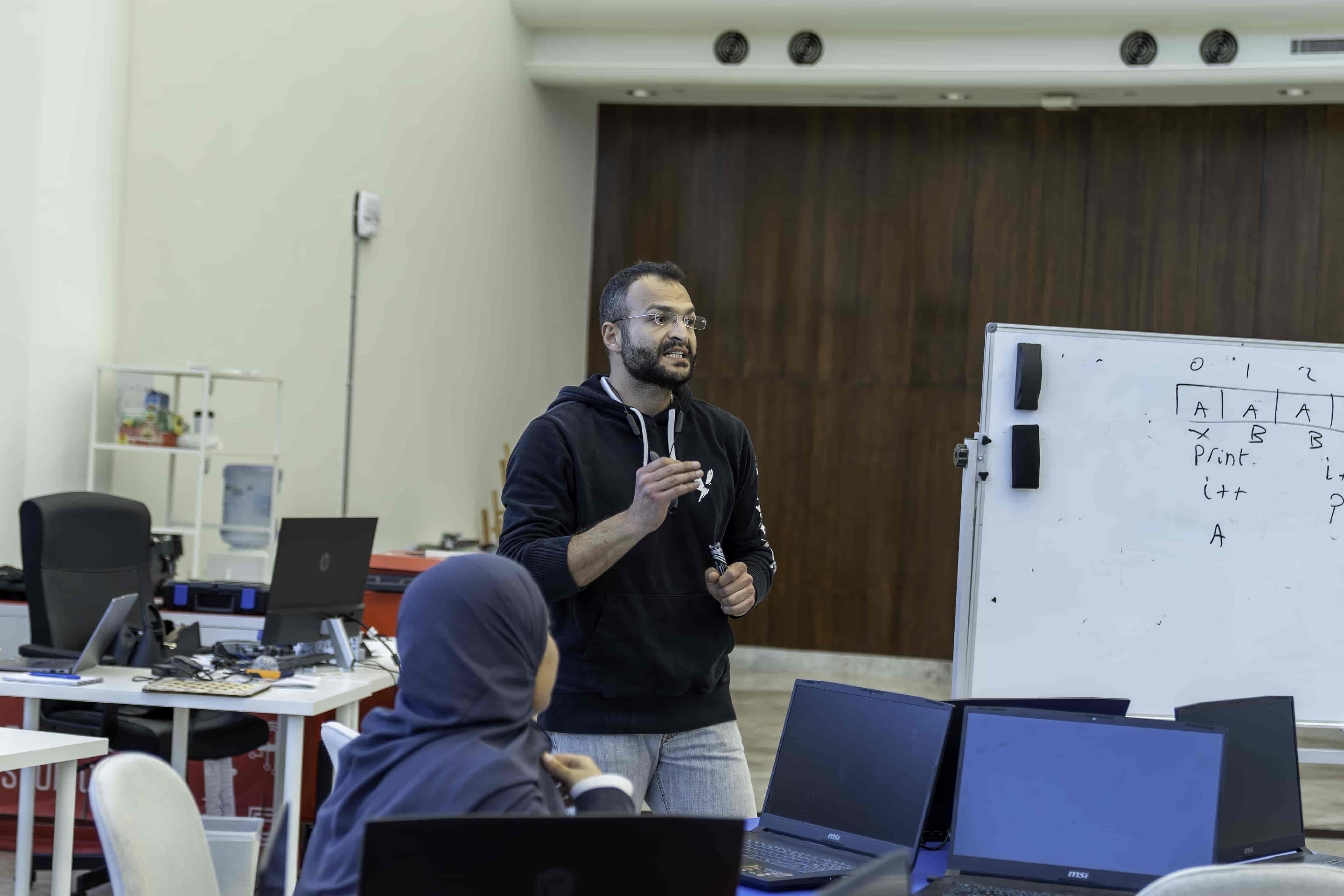

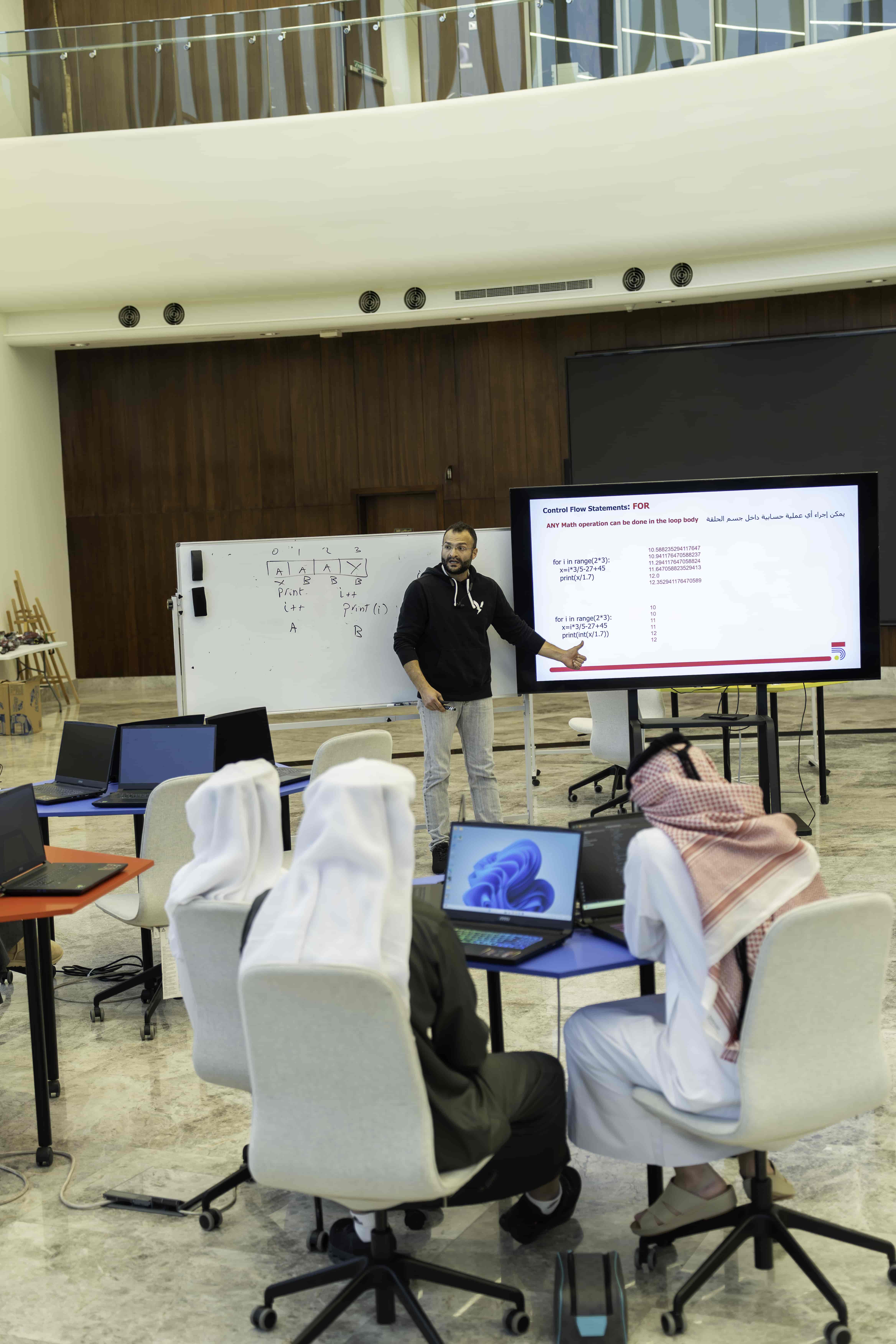
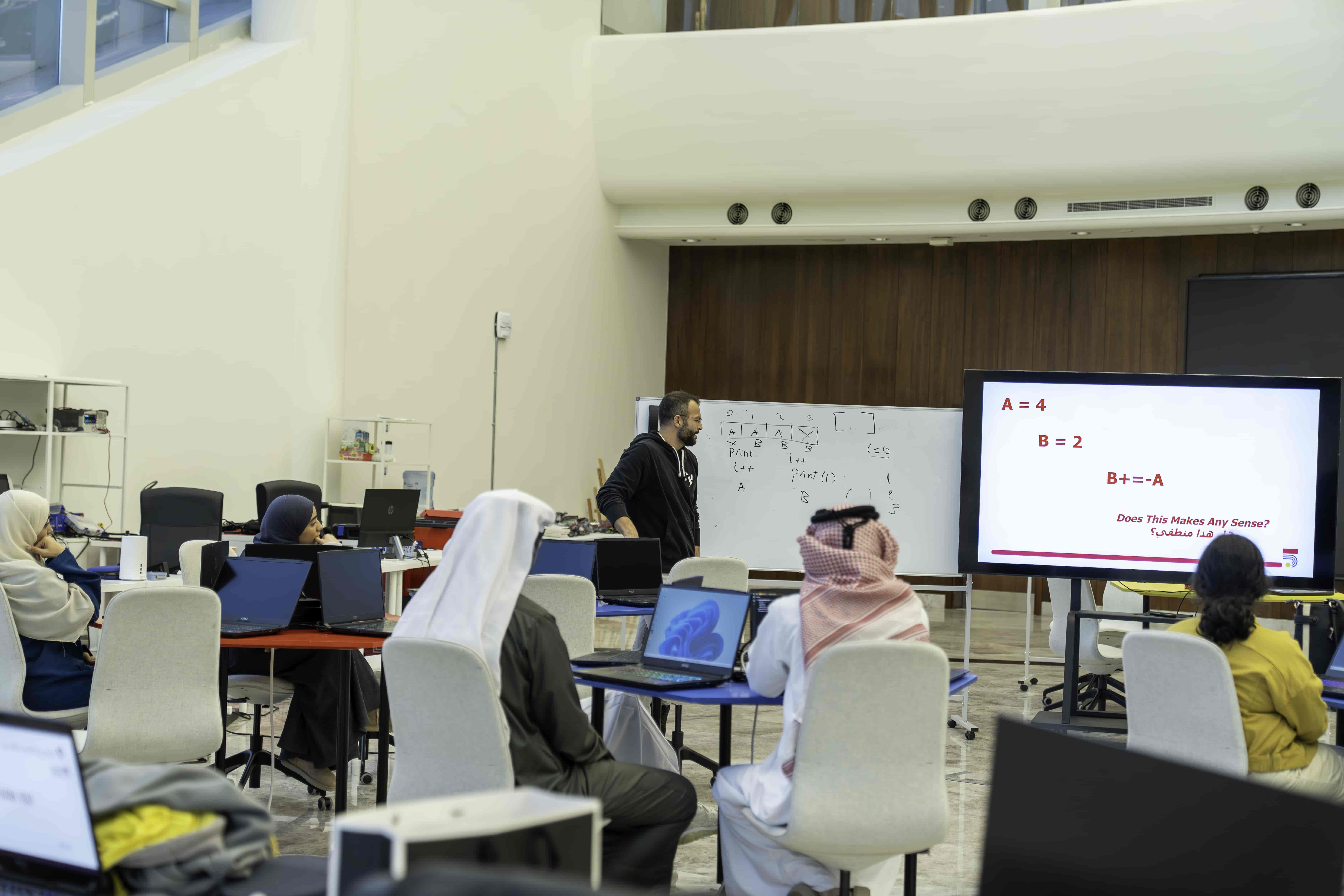
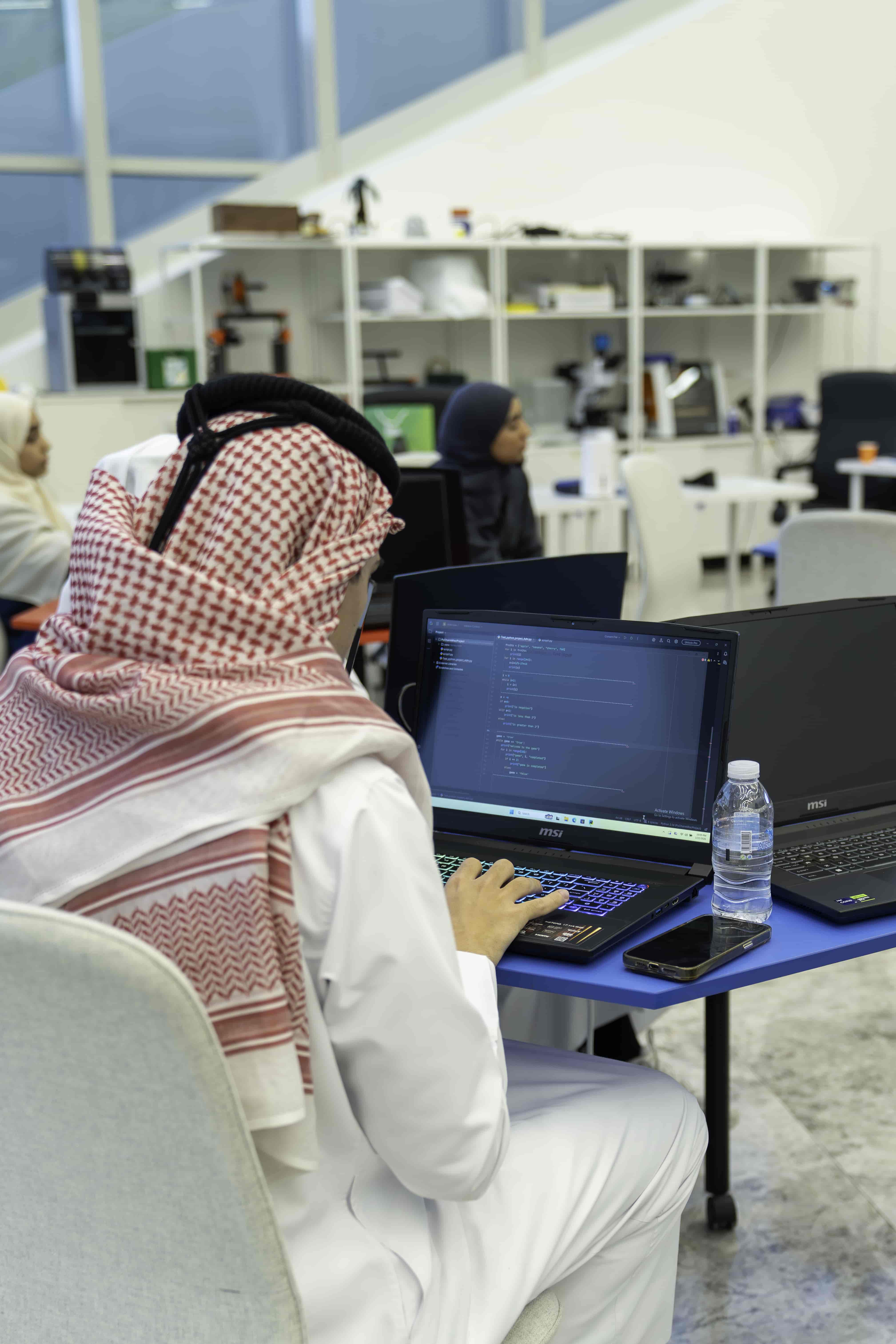
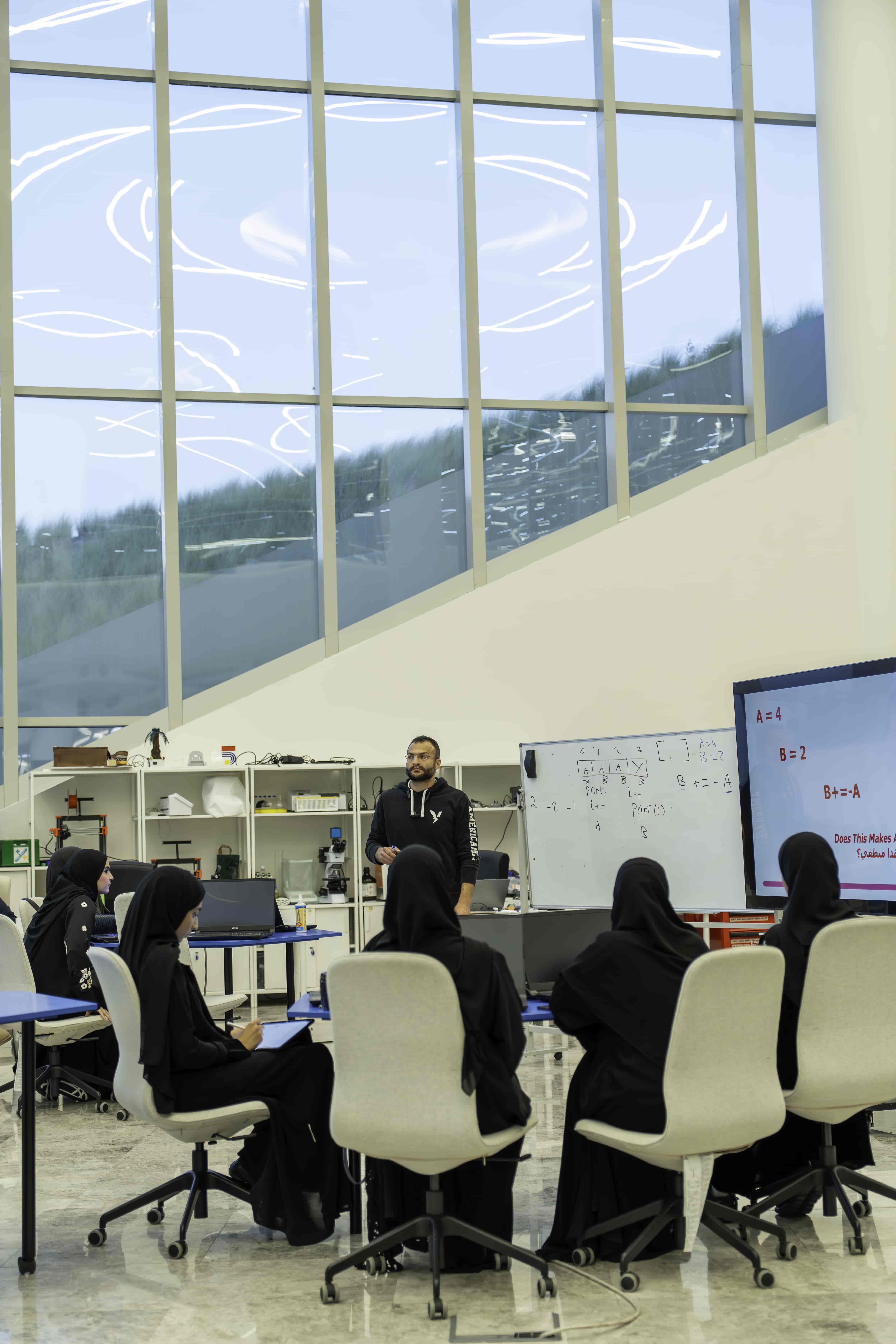
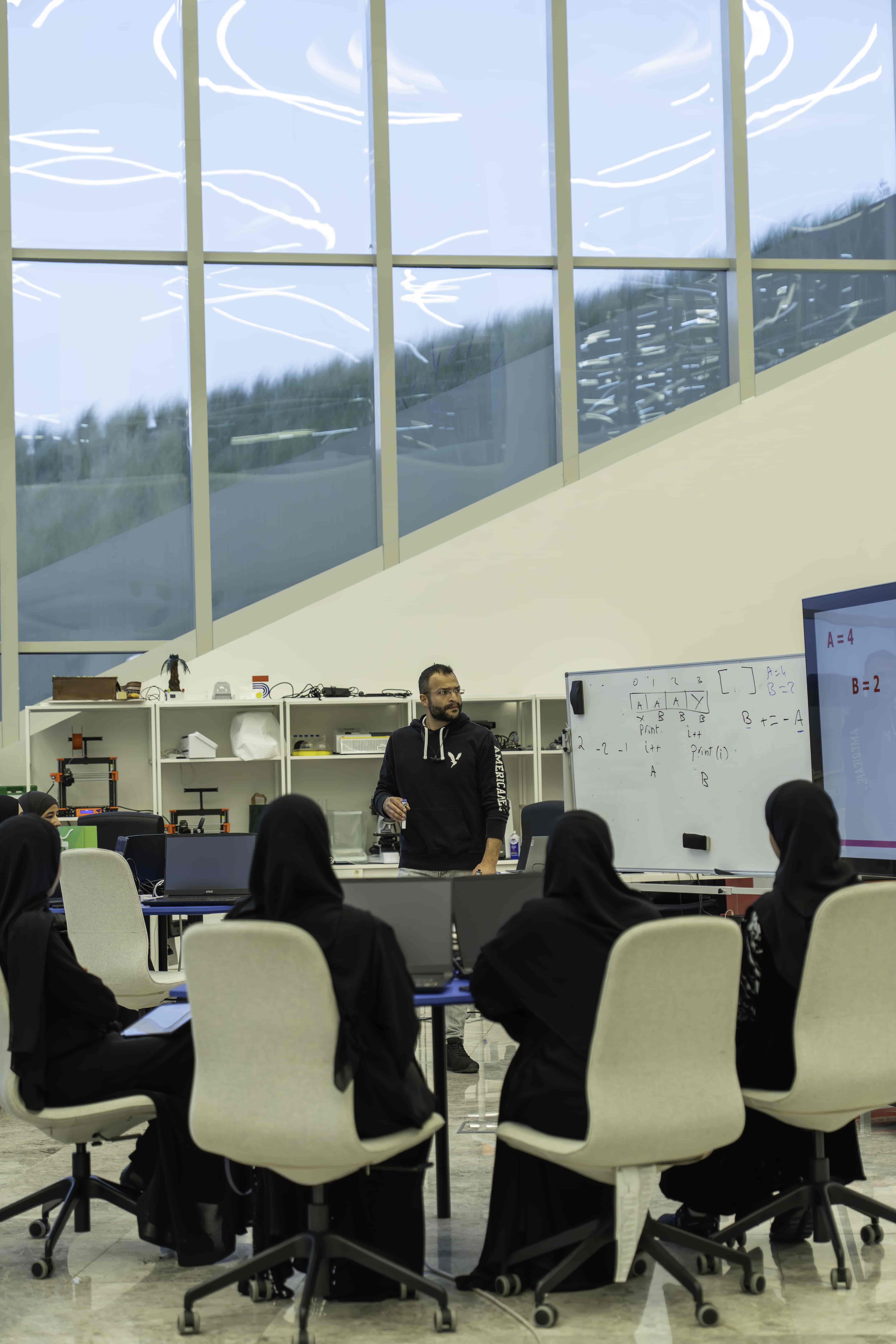
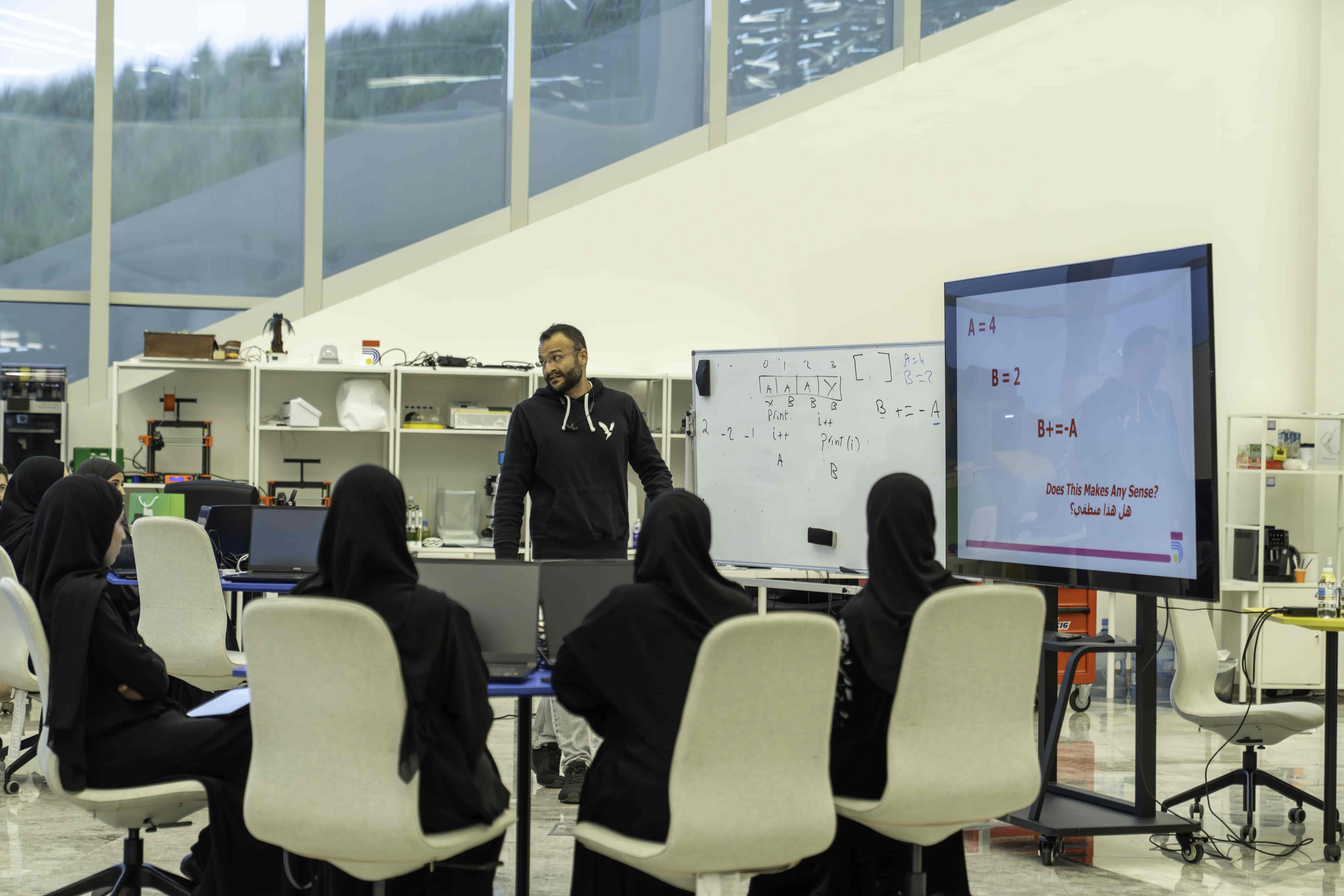
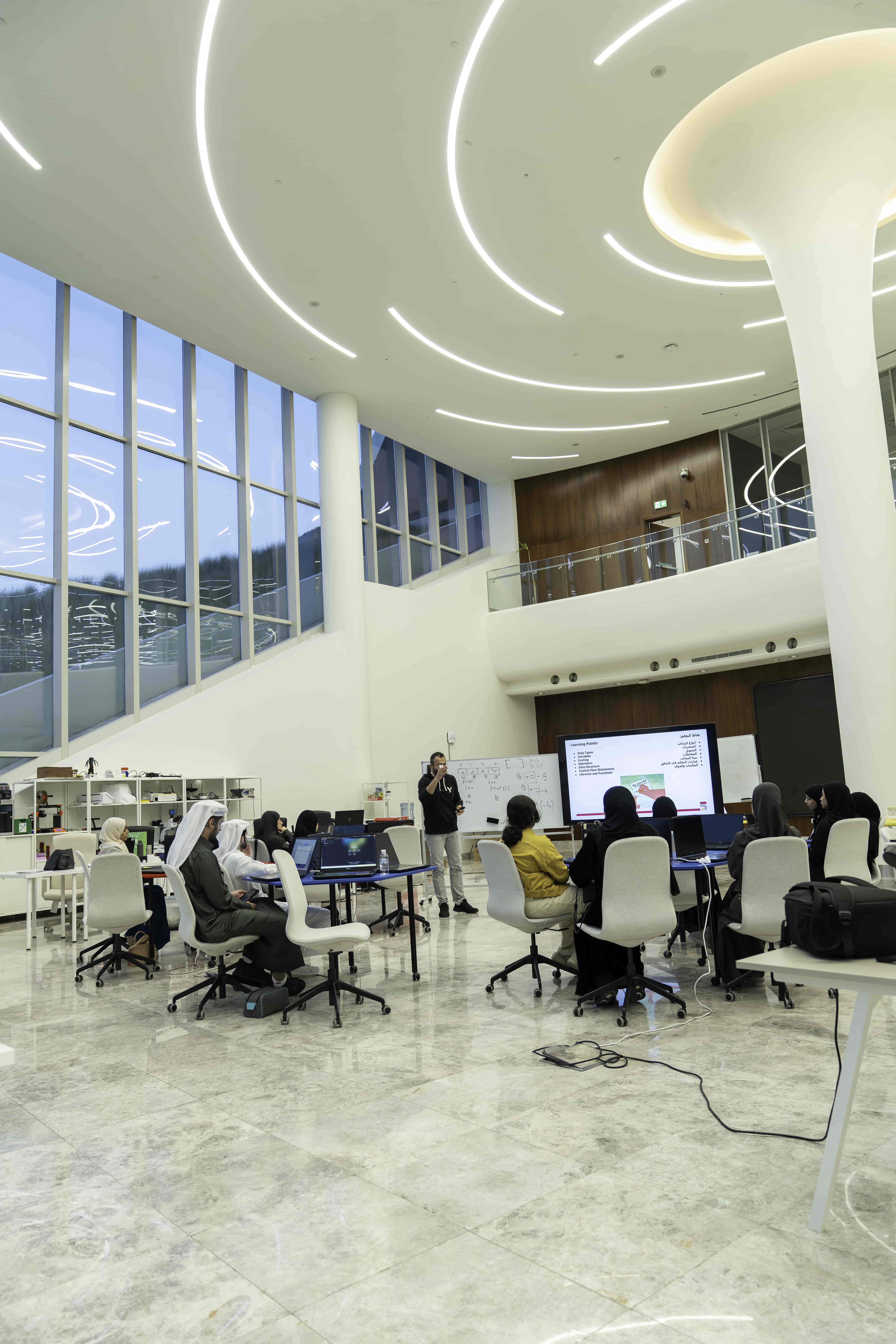
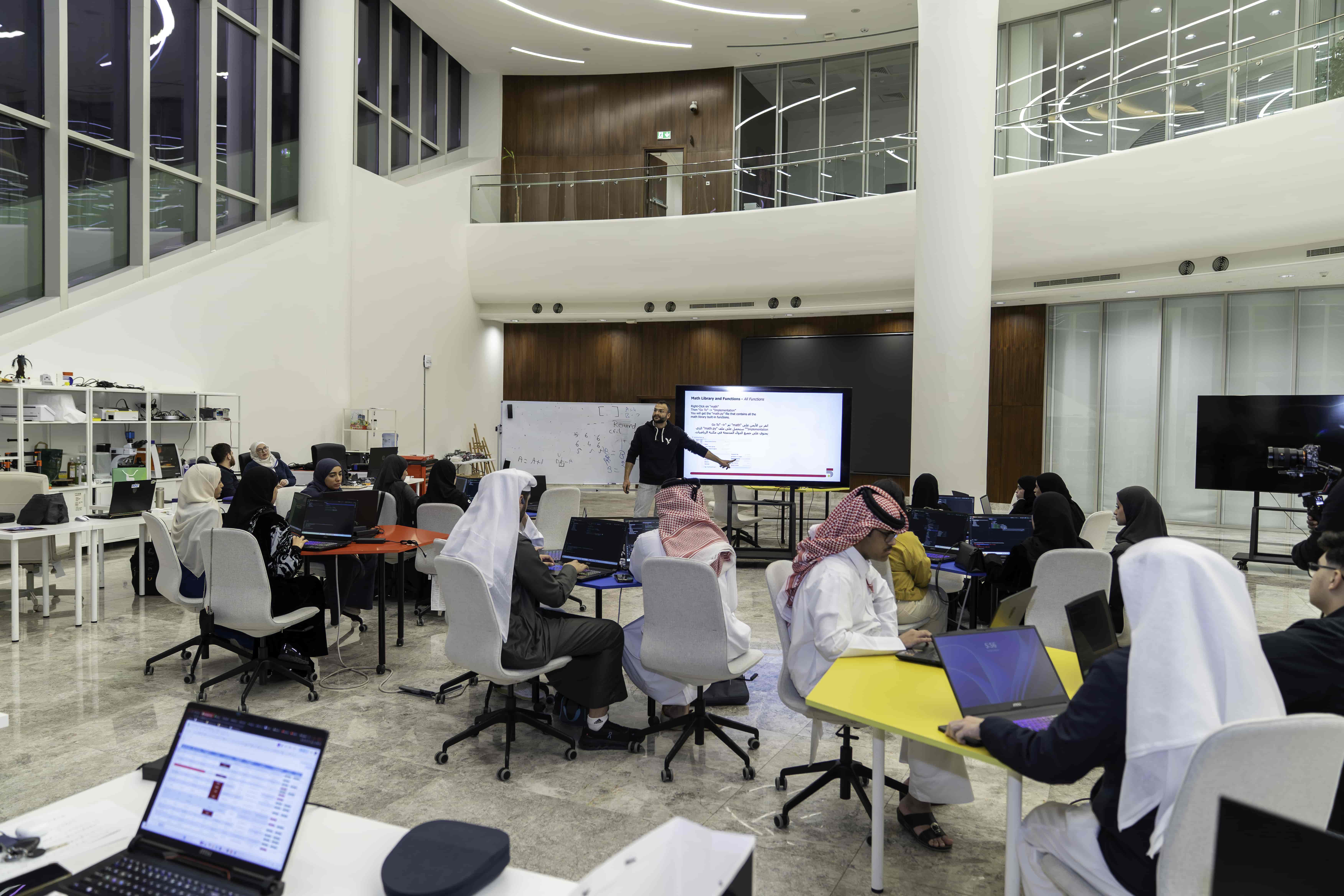



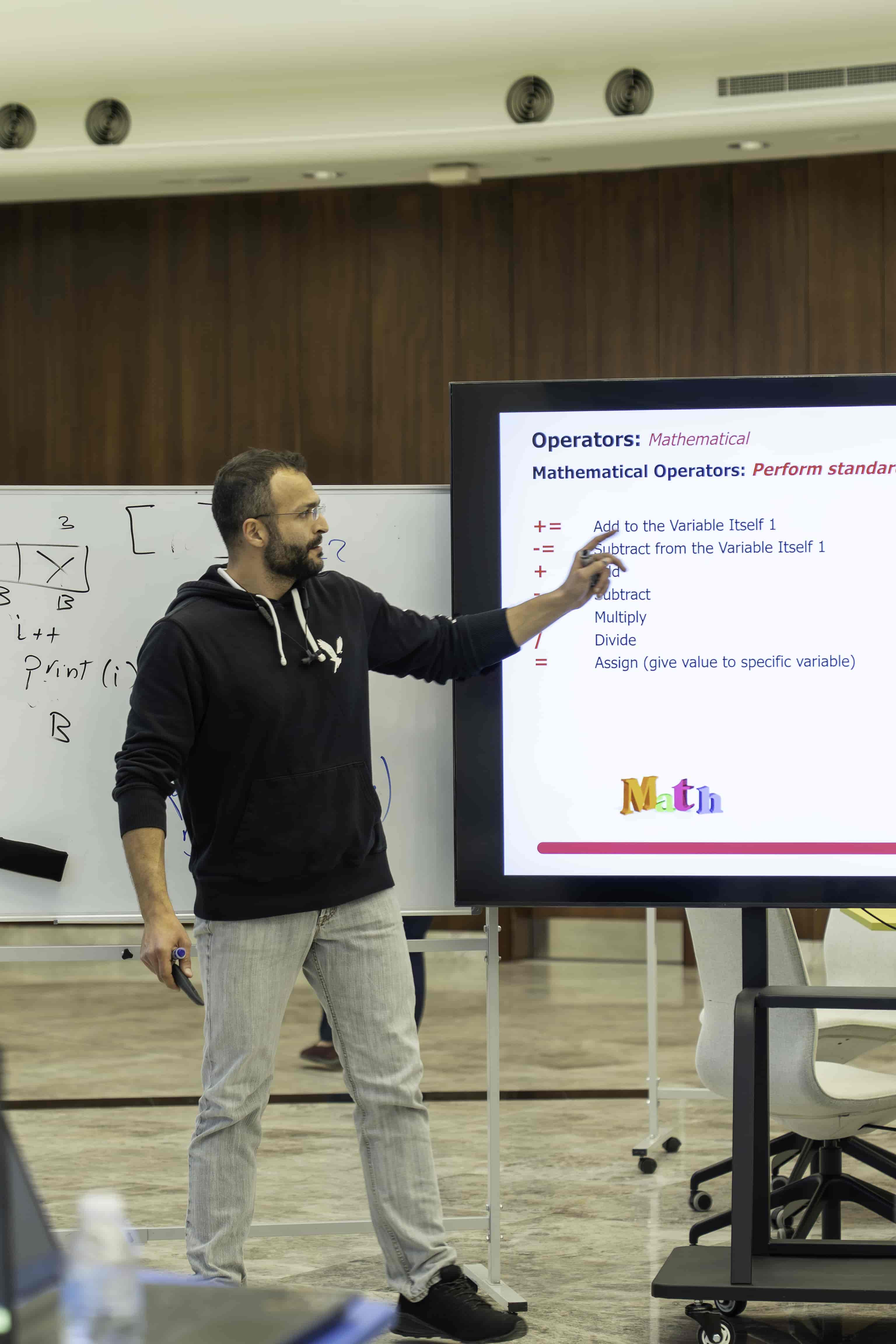
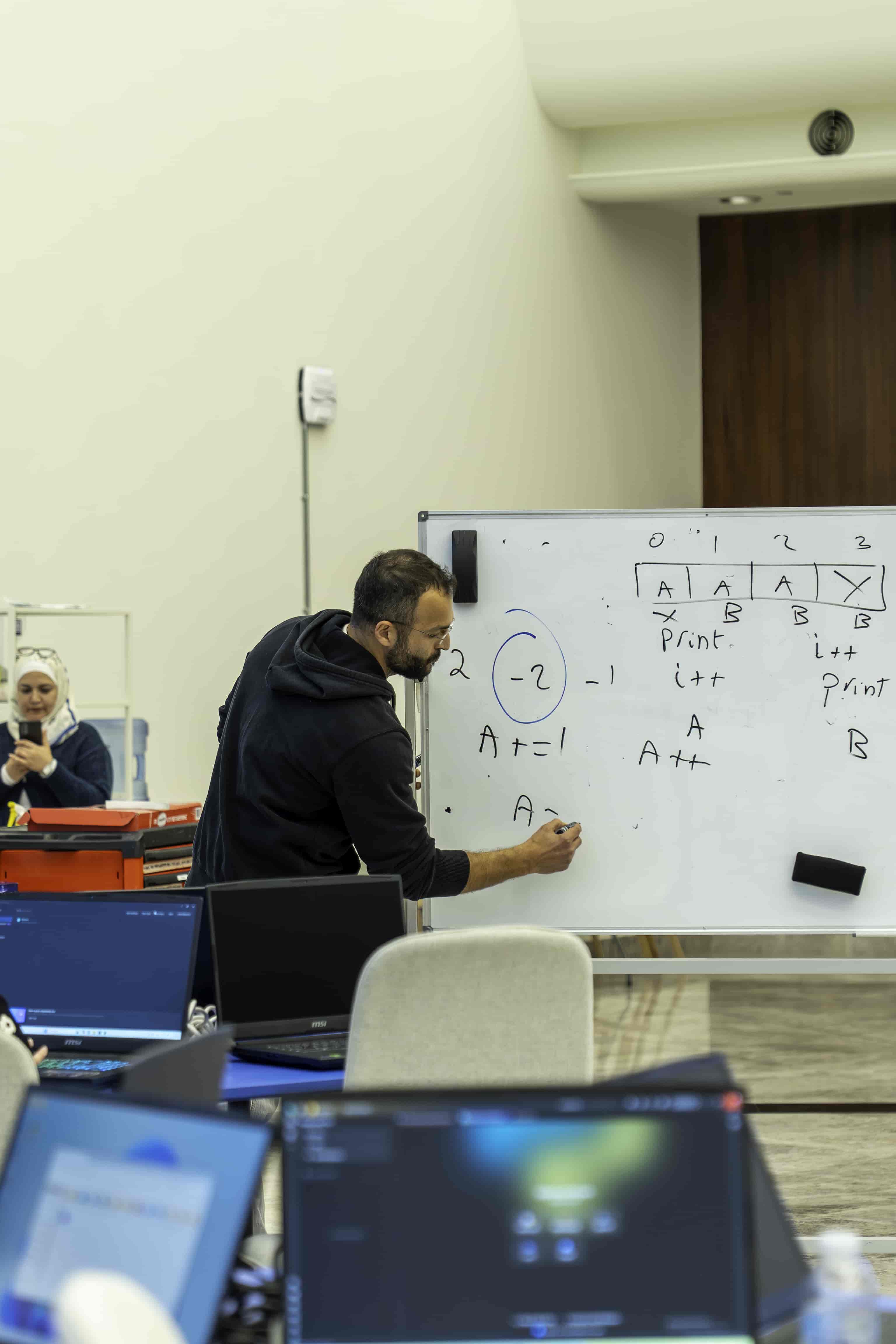


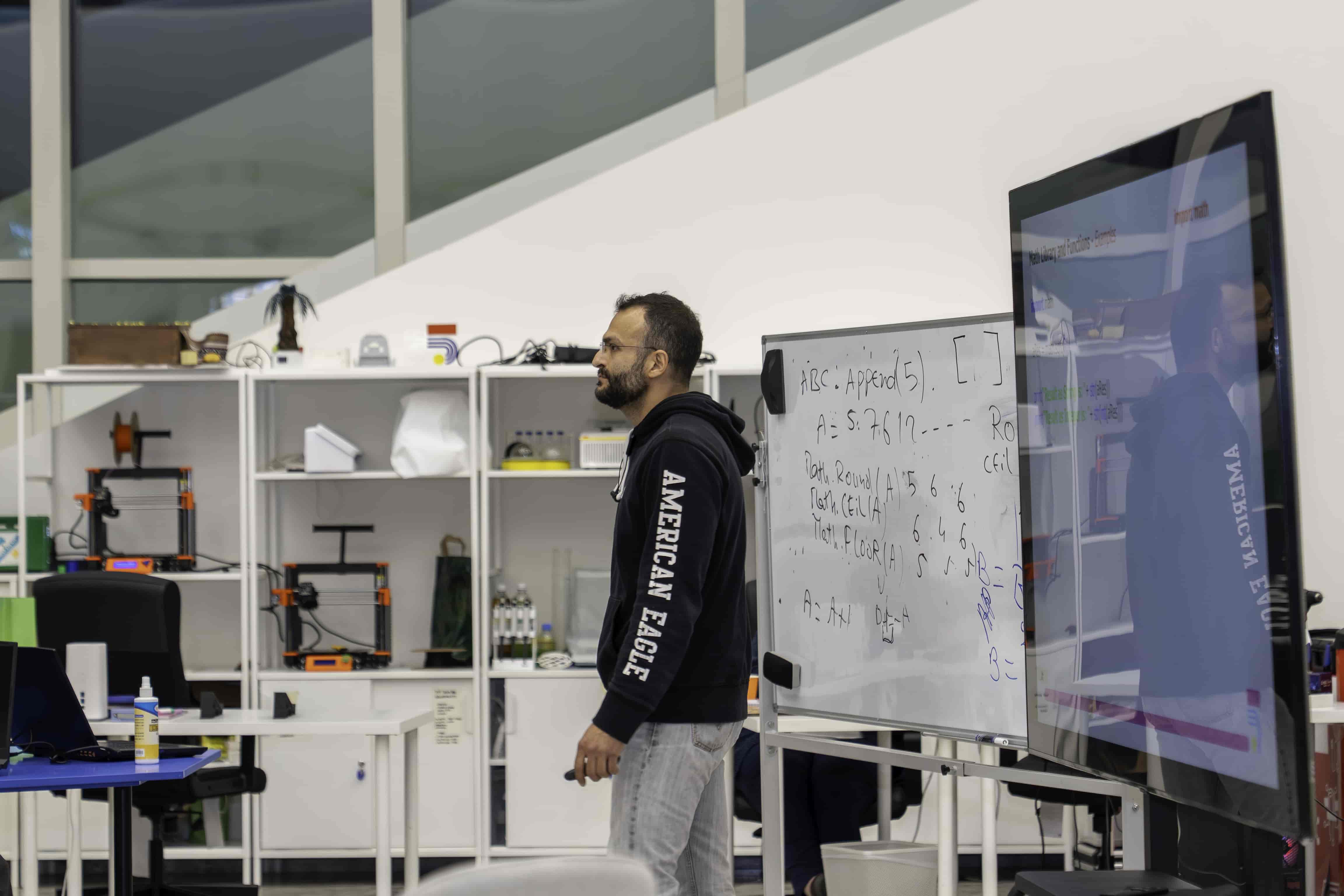
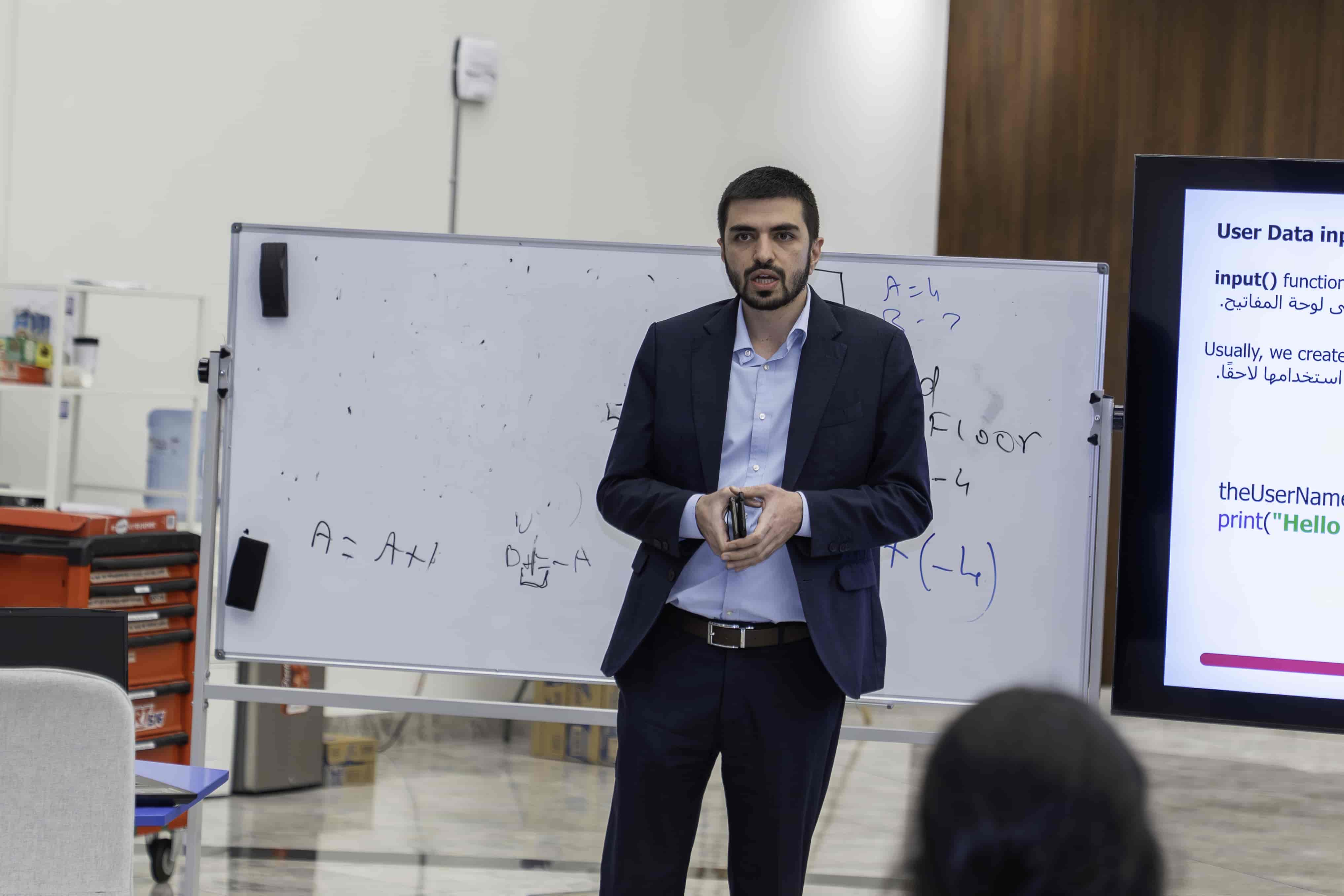
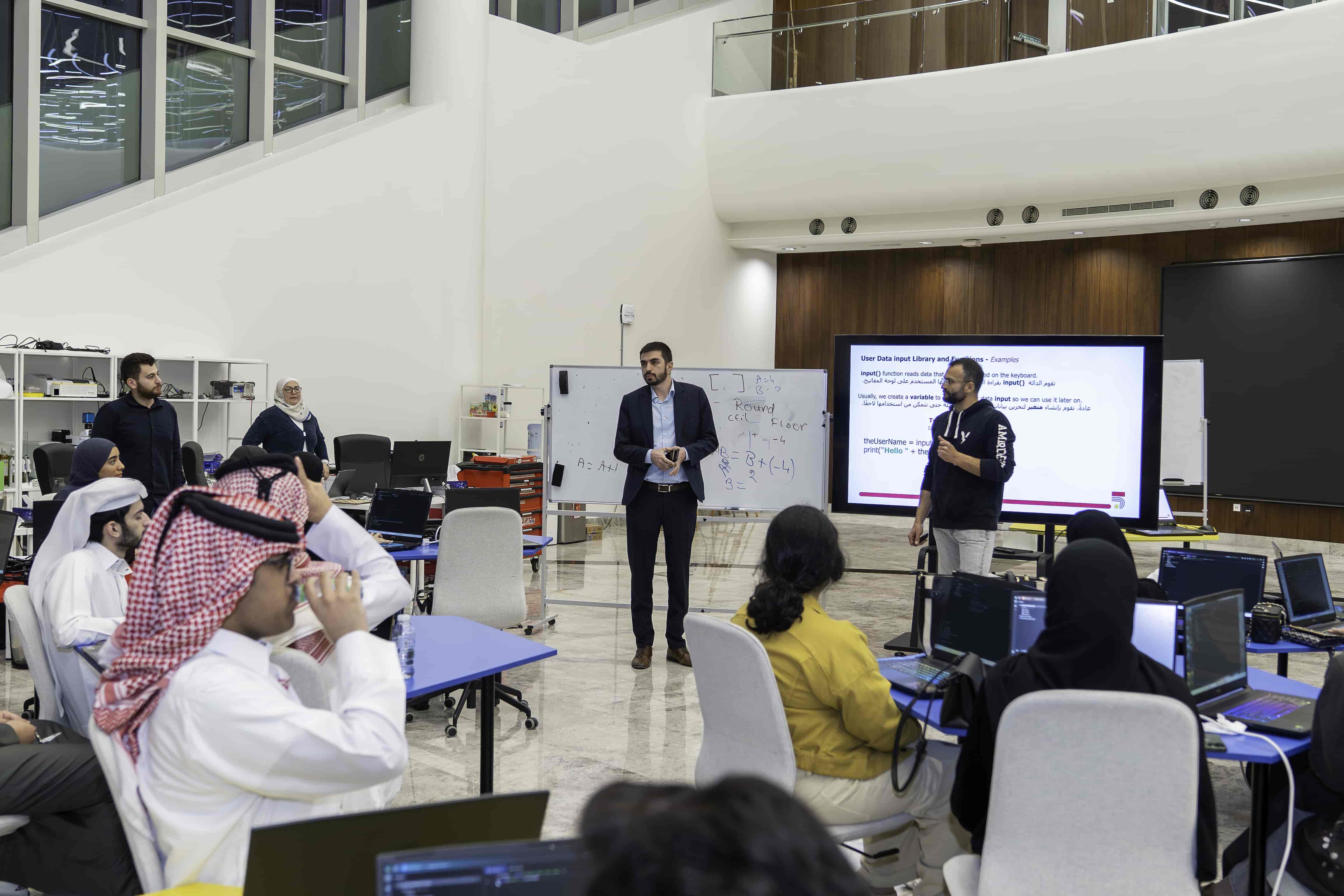
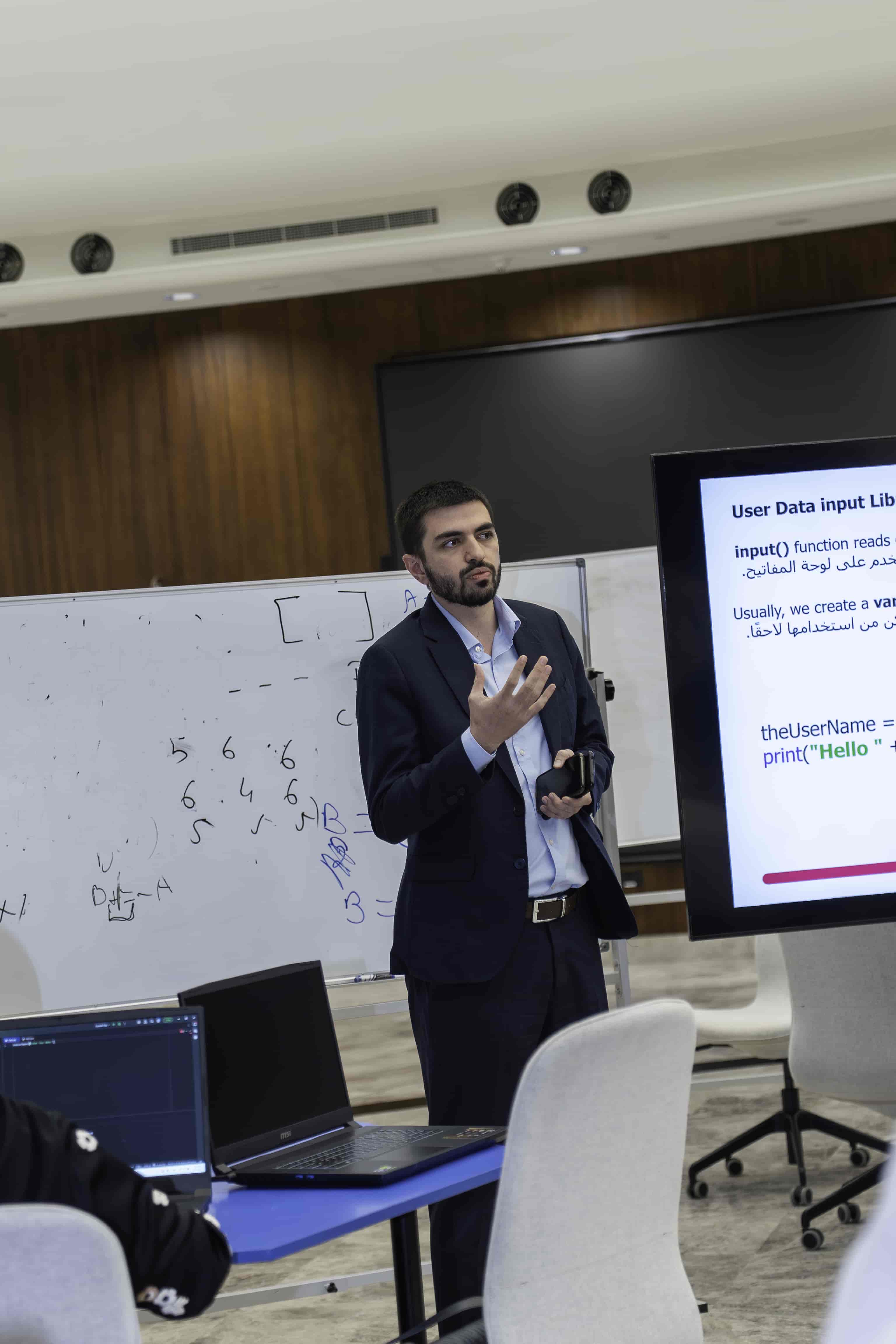
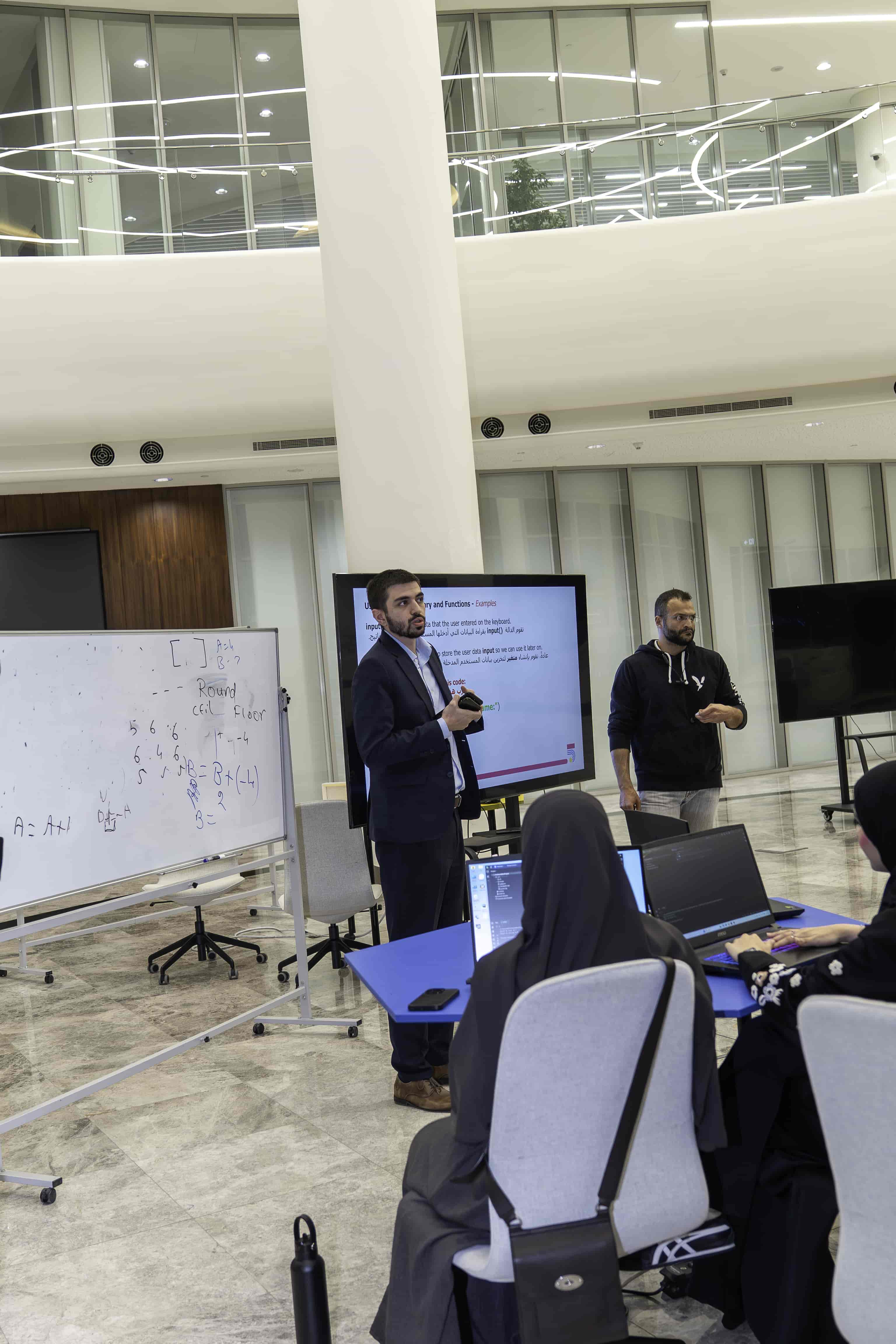
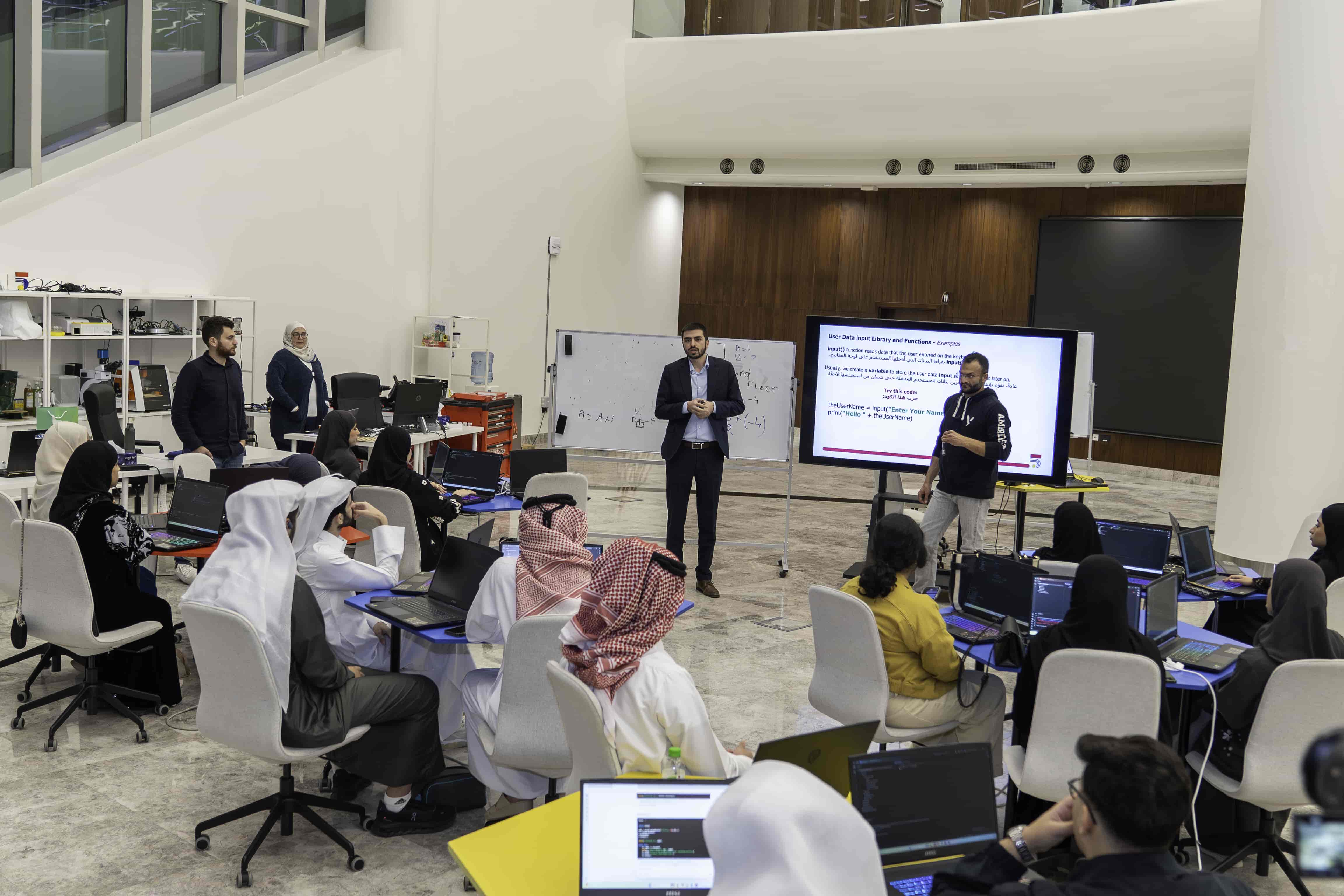
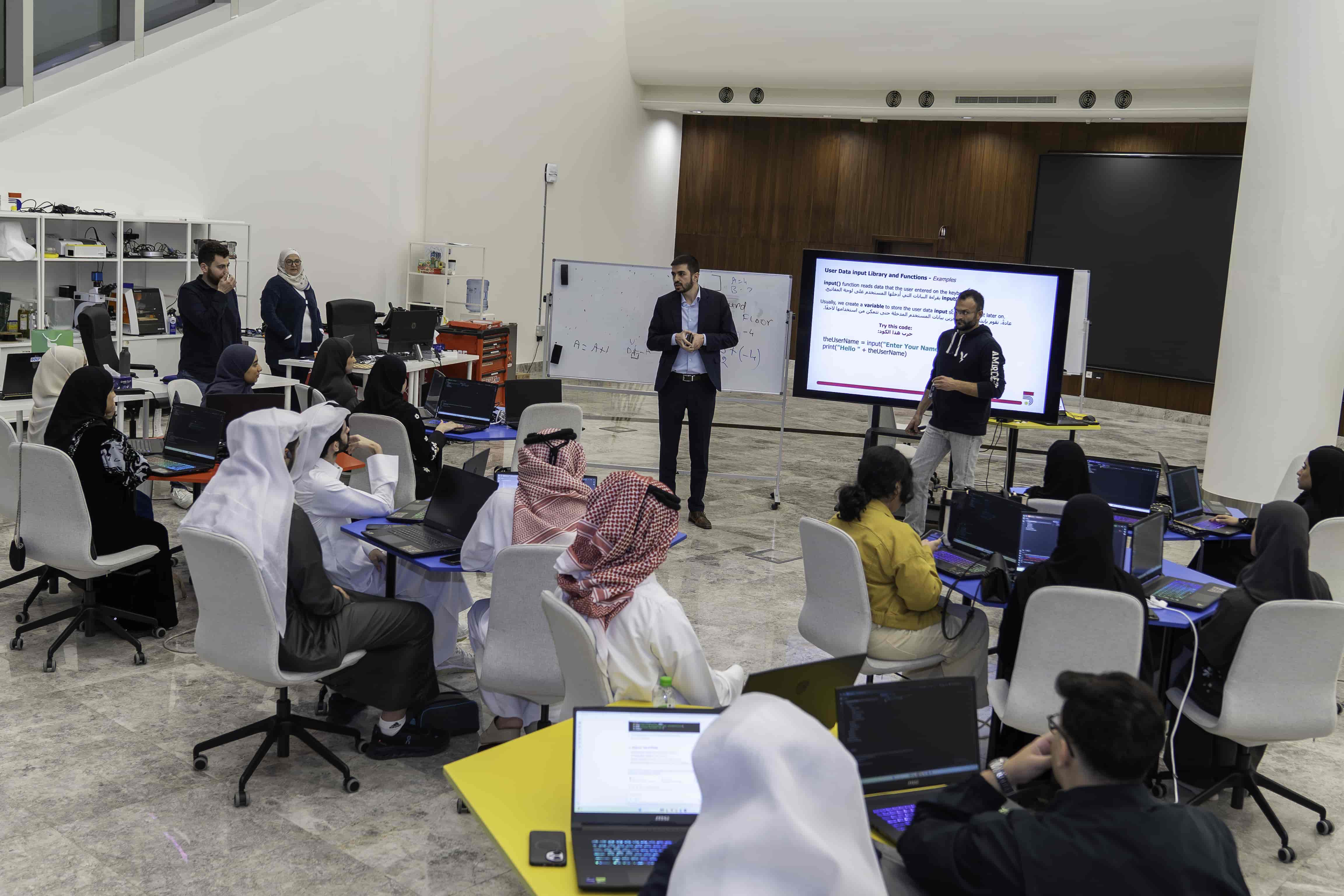
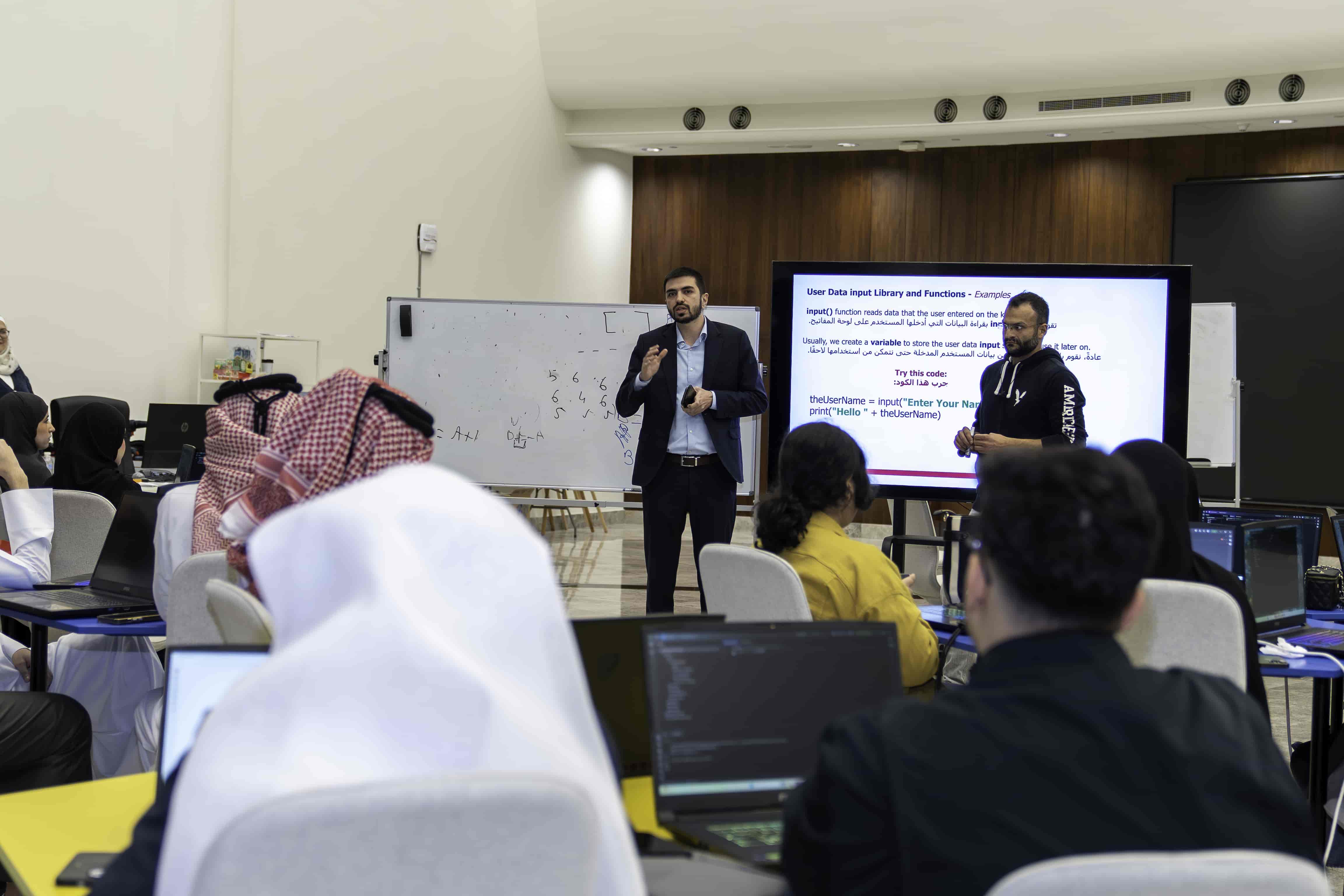
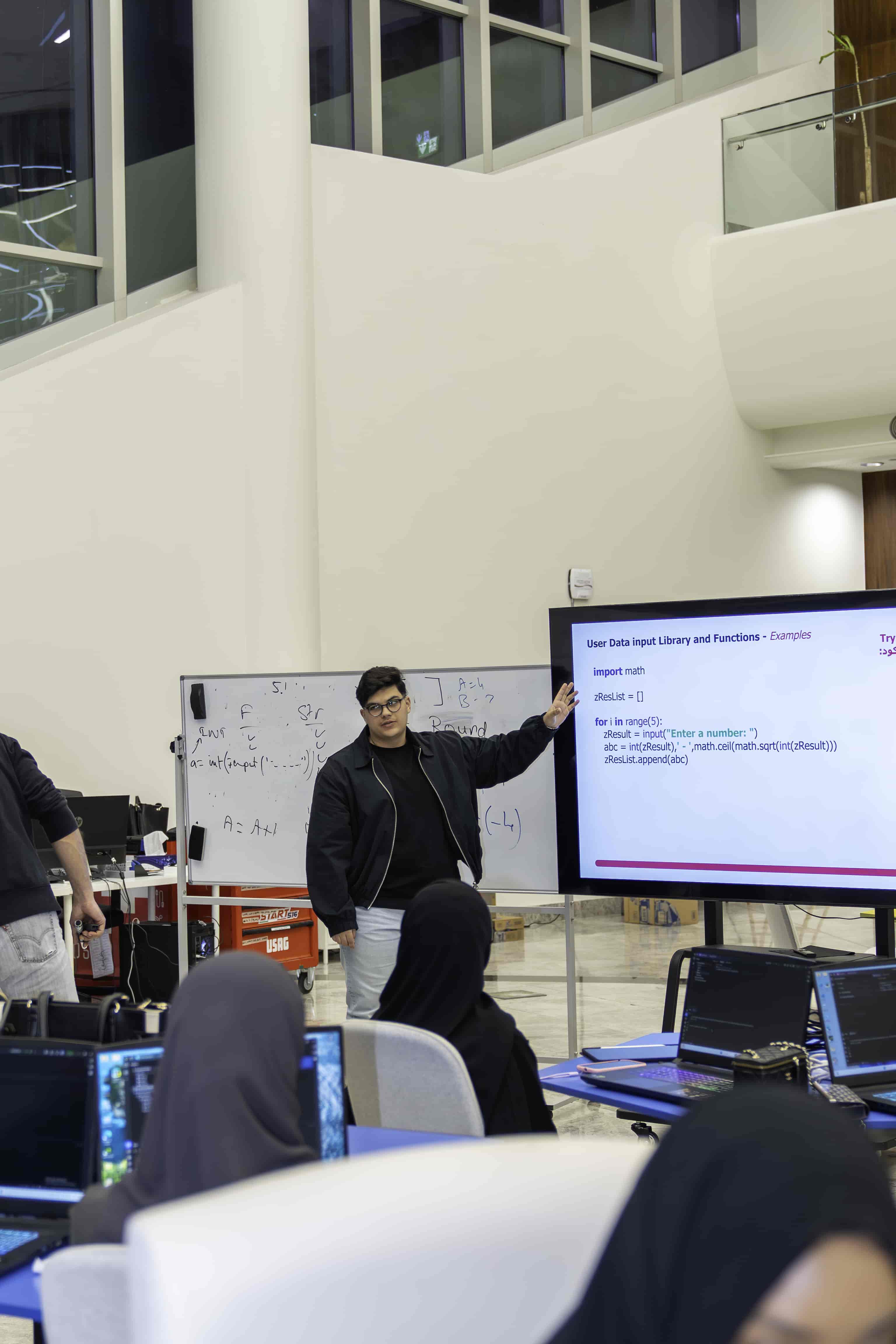

Projector/Screen, Laptop, Internet Access
Lesson Materials:
This session depends a lot on discussion and student input and work.
A quick introduction about us and a way to break the Ice with the participant in order to engage with them in indirect way just to make a conversation and then a question to start the session. A quick recap on Session "Python Basic 1"
Introduction & Icebreaking
Introduce yourself and Studio5.
A quick recap over the Python 1 session (Ice breaking).
Presentation :
1 – We will have a Quick Code Recap.
ask quick questions about: Variables, Lists, Loops, If-Else Statements.
2 – How to import built-in libraries.
Math Library and Functions – Built-In Library
Python has also a built-in module called math, which extends the list of mathematical functions.
To use it, you must import the math module only once in the Python page: import math
تحتوي لغة بايثون أيضًا على وحدة مدمجة تُسمى math، تُوسّع قائمة الدوال الرياضية. لاستخدامها، يكفي استيراد وحدة math مرة واحدة فقط في صفحة بايثون: import math
Now you can use all the Built-In Math function that Python provides.
الآن يمكنك استخدام جميع وظائف الرياضيات المدمجة التي يوفرها بايثون.
3 – How to use built-in libraries.
import math
aRes = math.sqrt(50)
print(“Result as String is: “+ str(aRes))
print(“Result as Integer is: “+ str(int(aRes)))
math.sqrt(InputNumber)
This will give the Square Root value of any provided number
Add the following chunk of code to your previous code
print(“Result as Floor is: “+ str(math.floor(aRes)))
print(“Result as Ceiling is: “+ str(math.ceil(aRes)))
Result Floor is: 7
Result Ceiling is: 8
Right-Click on “math”
Then “Go To” -> “Implementation”
You will get the “math.py” file that contains all the math library built-in functions.
انقر بزر الأيمن على “math” ثم “Go To” -> “Implementation” ستحصل على ملف “math.py” الذي يحتوي على جميع الدوال المدمجة في مكتبة الرياضيات.


input() function reads data that the user entered on the keyboard.
تقوم الدالة ()input بقراءة البيانات التي أدخلها المستخدم على لوحة المفاتيح.
Usually, we create a variable to store the user data input so we can use it later on.
عادةً، نقوم بإنشاء متغير لتخزين بيانات المستخدم المدخلة حتى نتمكن من استخدامها لاحقًا.
Try this code:
جرب هذا الكود:
theUserName = input(“Enter Your Name:”)
print(“Hello ” + theUserName)
zResult = input(“Enter a number: “)
print(math.ceil(math.sqrt(int(zResult))))
4 – How to import External libraries.
Basic Installation with pip from the Terminal:
pip install
Example:
pip install matplotlib
Write:
pip install matplotlib
And press ENTER
اكتب:
pip install matplotlib
ثم اضغط على مفتاح (Enter).

5 – How to use External libraries.
External Libraries – matplotlib –Test
Draw a graph from given data – Multi lines, 3 points
ارسم مخططًا بيانيًا من البيانات المعطاة – خطوط متعددة، 3 نقاط
import matplotlib.pyplot as plt
x1 = [1,2,3]
y1 = [2,4,1]
plt.plot(x1, y1, label = “line 1”)
x2 = [1,3,4]
y2 = [4,1,3]
plt.plot(x2, y2, label = “line 2”)
plt.xlabel(‘x – axis’)
plt.ylabel(‘y – axis’)
plt.title(‘TWO lines on same graph!’)
plt.legend()
plt.show()

6 – How to create User-Defined functions.


The function do_abc(x) in details:
def do_abc(x):
aResult = x*2/5+3–4
return aResult
aValue = do_abc(75)
print(“The result is”, aValue)
شرح الدالة do_abc(x) بالتفصيل:
Having trouble? Let us know by completing the form below. We'll do our best to get your issues resolved quickly.
"*" indicates required fields