- Loading…

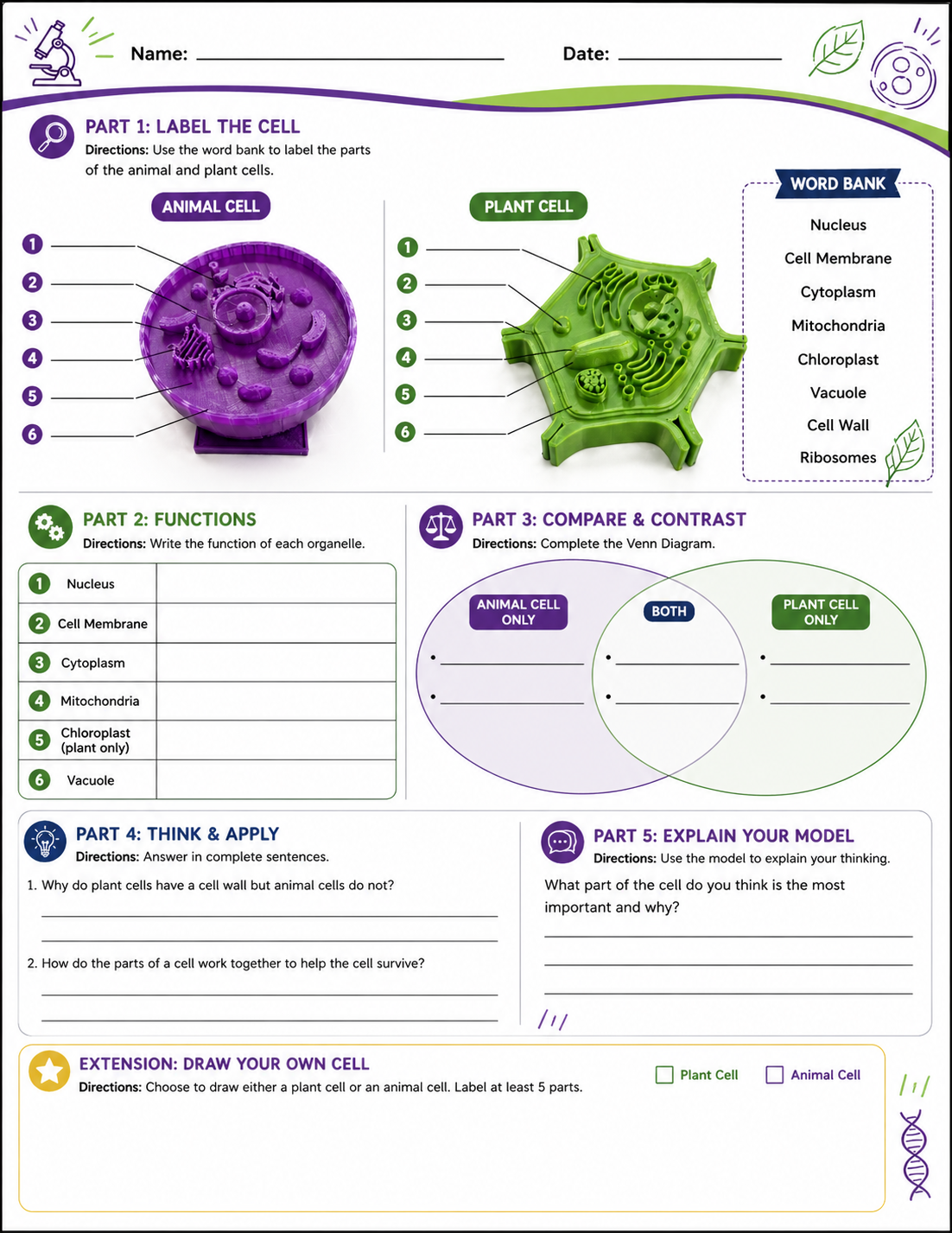
In this lesson, students explore the structure and function of plant and animal cells using 3D printed models as a hands-on teaching aid. Students interact with physical representations of cells to identify organelles, compare plant and animal cells, and understand how structure relates to function. The models support visual and tactile learning, helping students move beyond abstract diagrams to a concrete understanding of cell biology.
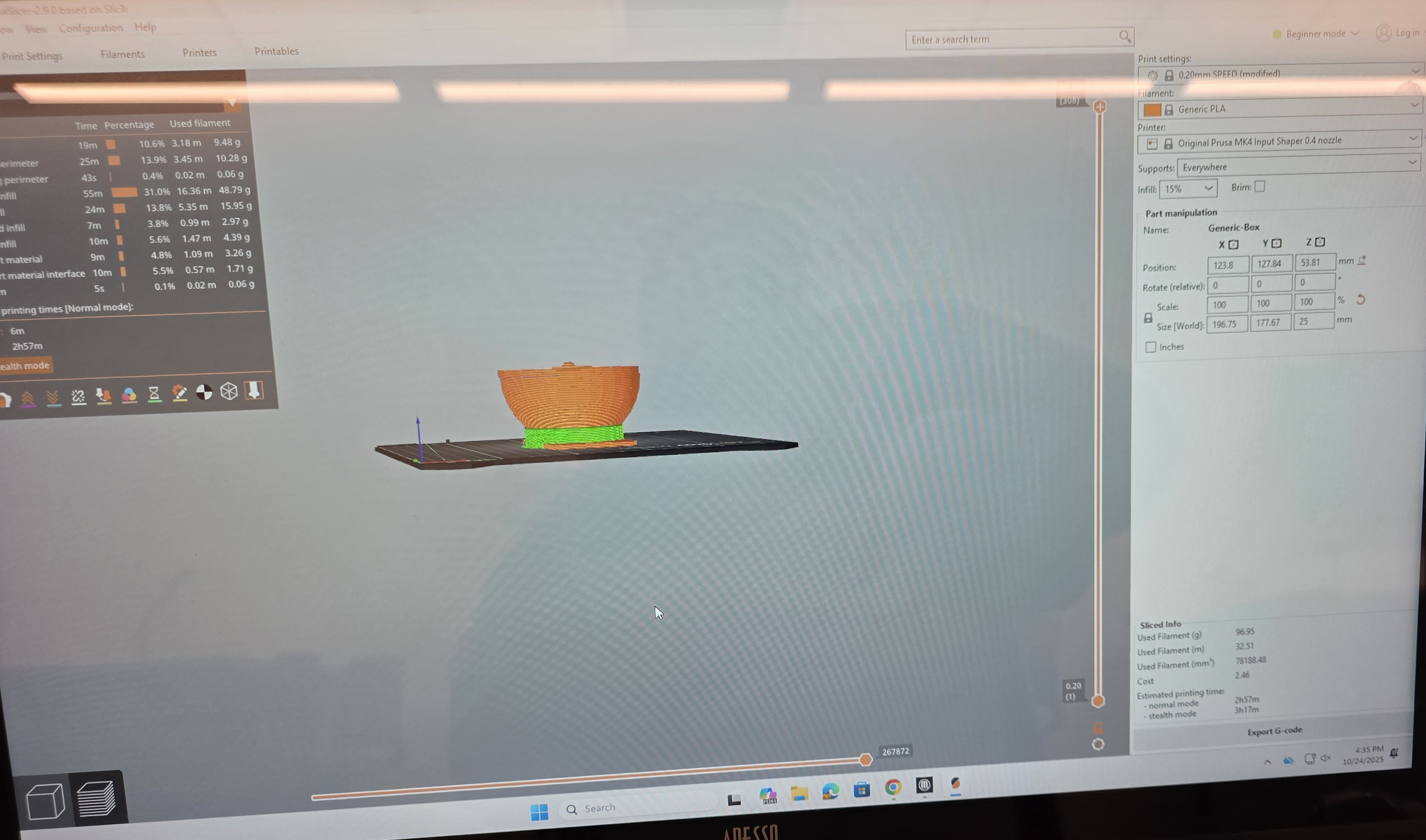
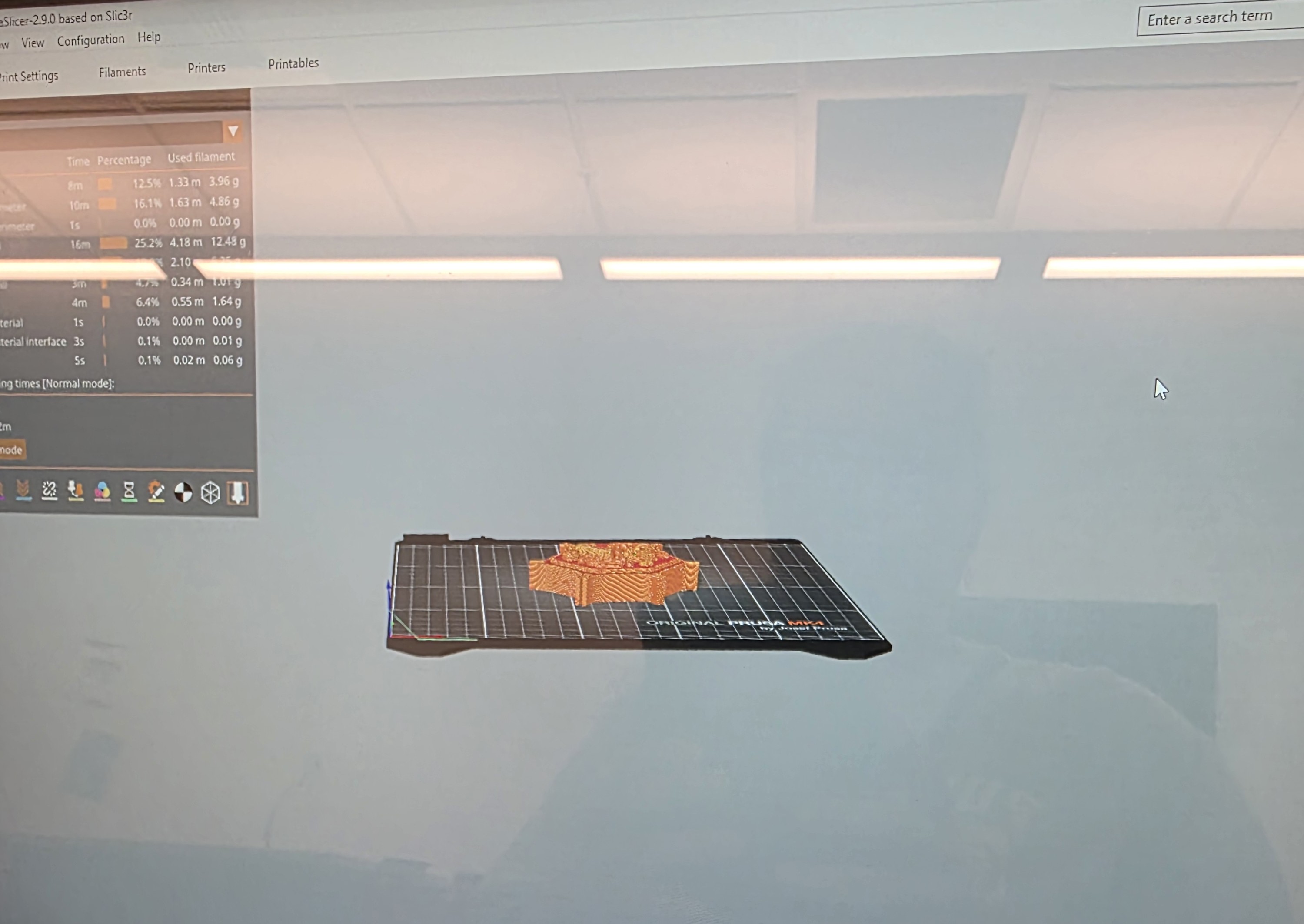
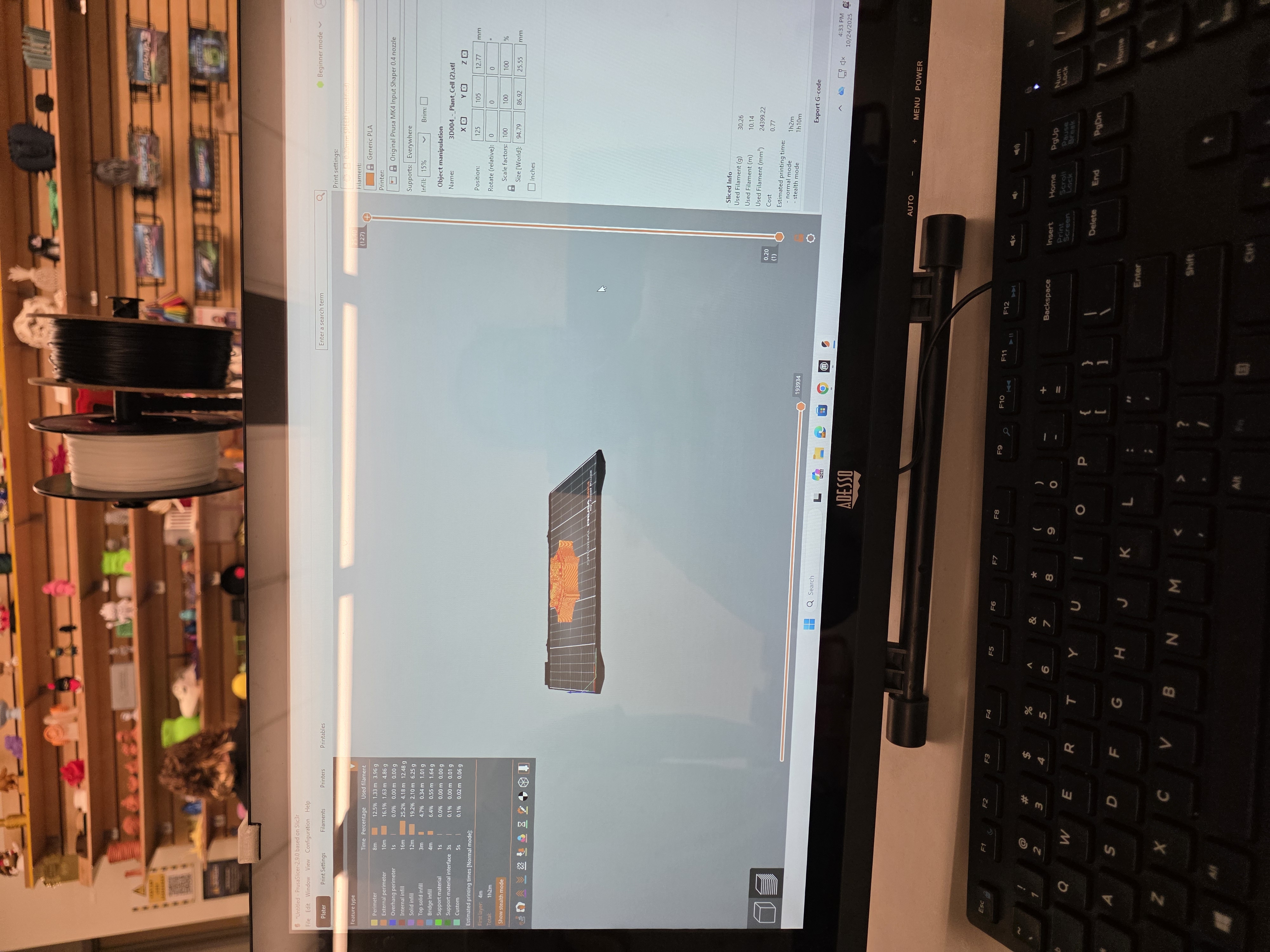
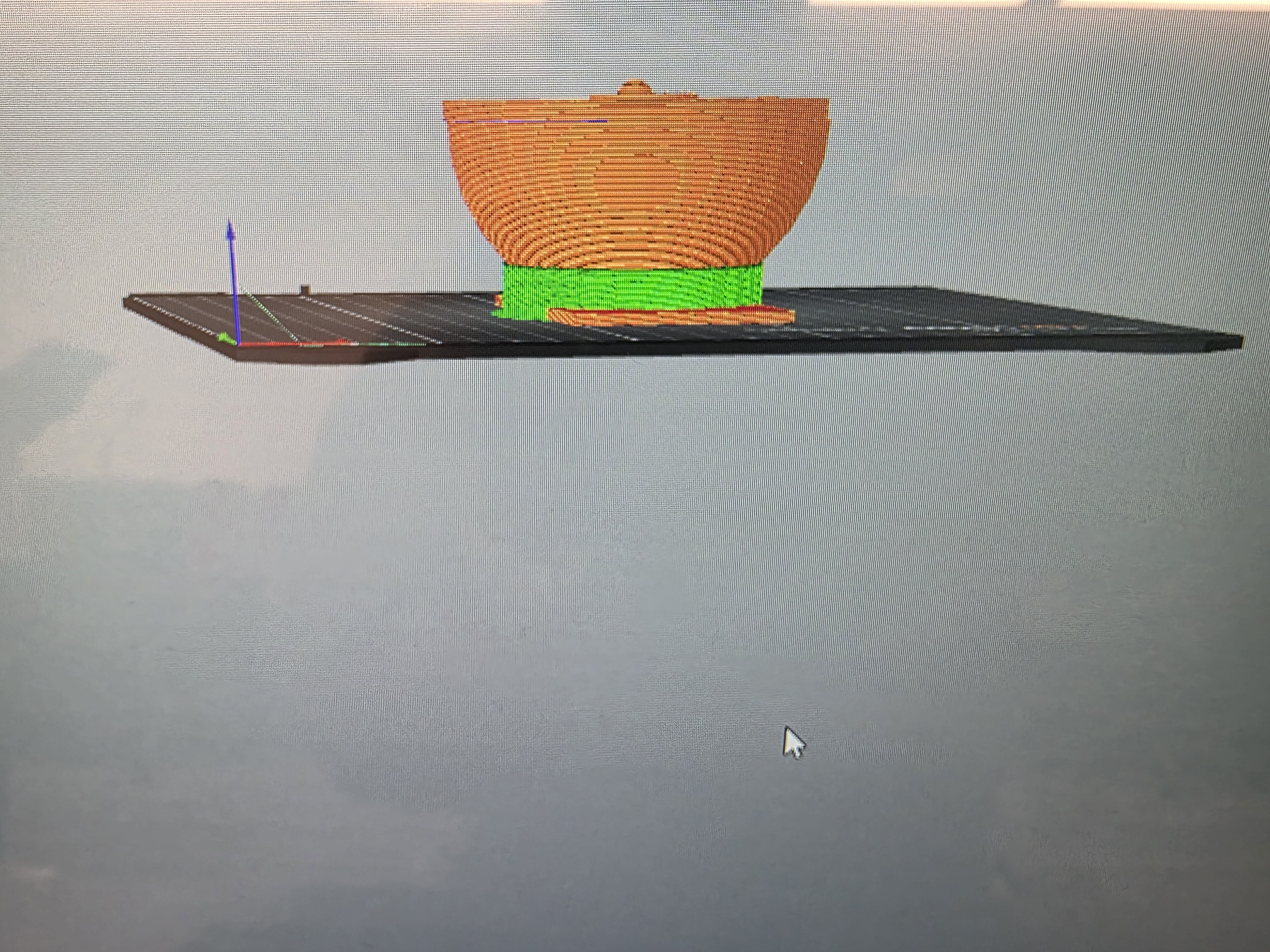
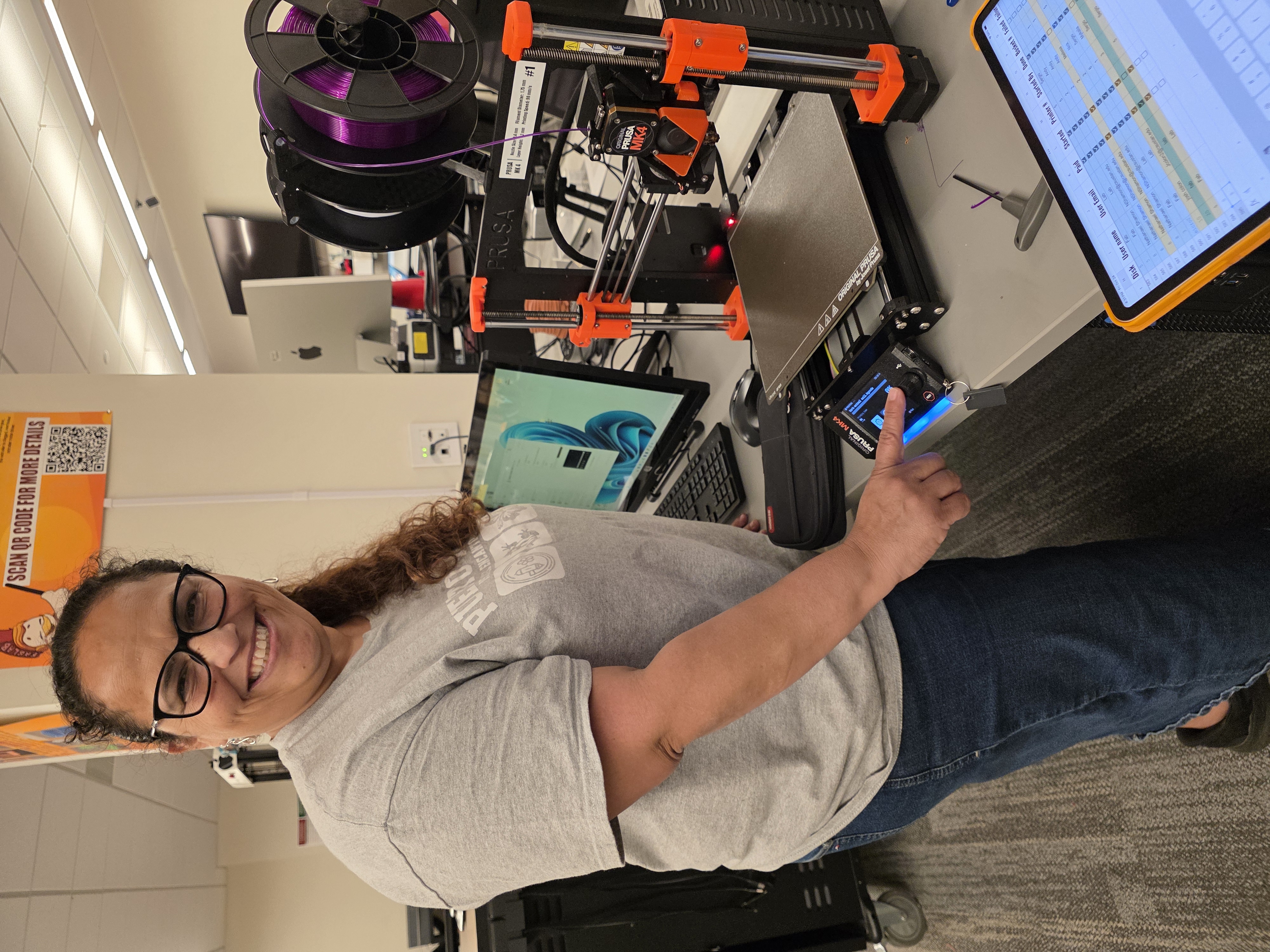
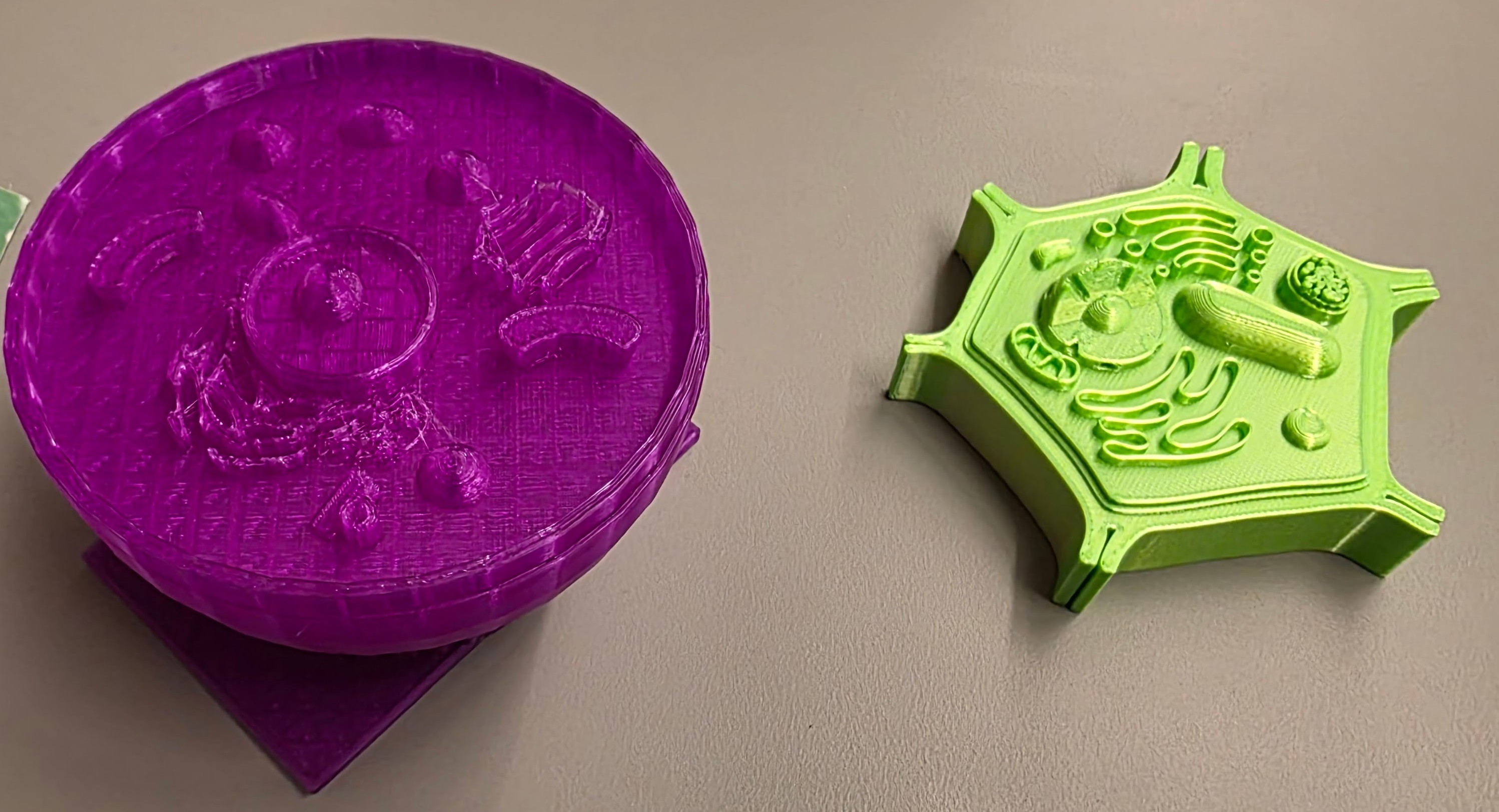
Through this process, I learned how powerful it is to connect design, technology, and pedagogy. Creating the plant and animal cell models helped me better understand the importance of iteration, precision, and planning when developing instructional materials. This process reinforced the idea that effective teaching tools should be intentional and aligned with learning objectives. Most importantly, I learned that creating physical models can make complex concepts more accessible and engaging, which will positively impact how I design lessons in the future.
Students are introduced to the idea that all living things are made of cells.
The teacher asks students what they think is inside living things. Students share ideas about what makes up plants and animals. The teacher introduces the concept of cells as the basic unit of life. The teacher shows images of plant and animal cells and asks students what they notice. Students are told they will explore cells using physical models.
Students interact with 3D printed models to explore cell structures.
Students work in small groups and are given access to the plant and animal cell models. Students carefully observe the models and identify visible structures. The teacher guides students to locate organelles such as the nucleus, cell membrane, and cytoplasm. Students compare the two models and discuss similarities and differences. The teacher supports students by naming structures and explaining their functions.
Students connect structure to function by learning what each organelle does.
The teacher explains the function of key organelles using the 3D models as reference. Students follow along by pointing to the parts on the model. The teacher emphasizes how each part helps the cell survive. Students complete a worksheet where they label organelles and write their functions. The teacher checks for understanding through questioning.
Students deepen understanding by comparing plant and animal cells.
Students compare the plant and animal cell models and identify differences such as the cell wall and chloroplasts. Students discuss why these differences exist and how they relate to the needs of plants and animals. Students record their observations on the worksheet. The teacher facilitates discussion and encourages students to explain their reasoning.
Students demonstrate their understanding through labeling, explanation, and comparison.
Students complete the worksheet by labeling cell parts and explaining their functions. Students answer questions comparing plant and animal cells. The teacher observes student participation and listens to explanations during discussion. Student understanding is assessed through their ability to correctly identify structures and explain their purpose.
Having trouble? Let us know by completing the form below. We'll do our best to get your issues resolved quickly.
"*" indicates required fields