- Loading…

Students will design and construct a working musical instrument, either digital or analog. by combining fabrication technologies (3D printing, laser cutting, woodworking) with sustainable or upcycled materials. They will do research about the physics of sound, electricity, create or modify design files to fit their needs, and assemble a functional instrument.




Students will understand how sound is produced and manipulated in music.
Students will be able to come up with sustainable solutions to technical builds.
Students will recognize different digital fabrication methods and be able to choose the best ones for different design projects.
Students will be able to combine digital fabrication methods, including 3D printing, laser cutting, woodworking and electronics, to create a functional item.
I’ve got feedback on my project and rubric from both my colleague, with whom I tested the lesson, as well as an AI agent, to have different points of view on the matter. Both had differing opinions on how well the project and assessment rubric complemented the learning outcomes. My co-teacher thought the project was open-ended but complex enough to encapsulate all the learning outcomes proposed and understood the rubric wasn’t for grading but more of a general elevation list for future improvement. He himself was challenged in many parts of the project but he felt the it was the right amount of challenge for the students to be able to get to the proposed learning goals. Meanwhile, the AI agent was very rigid and wanted the project and rubric to cover exactly what the learning outcomes said as literally as possible.
I’m inclined to work in a middle ground between the two. As the designer of the lesson plan, I feel the project and rubric works for its purposed, but in the future there’s some changes that can make for a more in-depth activity. Particularly, the AI suggested having categories for how well sound is understood, like making sure you can properly adjust pitch and volume in the instrument while knowing why its happening, which would be a bit too advanced for the age range I’m working with but its implementation can help to adapt this lesson for older learners, as well as making sure more than one digital fabrication is implemented, which I believe is a good observation.
Update: I was able to test the lesson plan with the students. They were more engaged than what I originally expected, most of them choosing different instruments. A lot of care was taken to make their instrument close to the real ones. There was a good variety of choice between digital fabrication tools, too. Some of them decided to use the 3D printer while others went the cardboard and lasercutter route. The ones that chose electronic instruments were the ones that previously did not work with Makey Makeys, since they were excited to try them, but this was a bit of a struggle since they weren’t properly introduced to them and had a hard time coming to grasp how it worked without one-on-one tutoring. Some students were reluctant at first to implement upcycled materials, but in the end most of them were able to introduce at least one upcycled element.
I feel the inclusion of the sustainability aspect to be a bit forced on the project, but it works for the purpose of having the student come up with creative sustainable solutions and implement in a design project. I hope to revisit and make this more closely integrated in the future.
Students research how instruments make sound and pick their instrument.
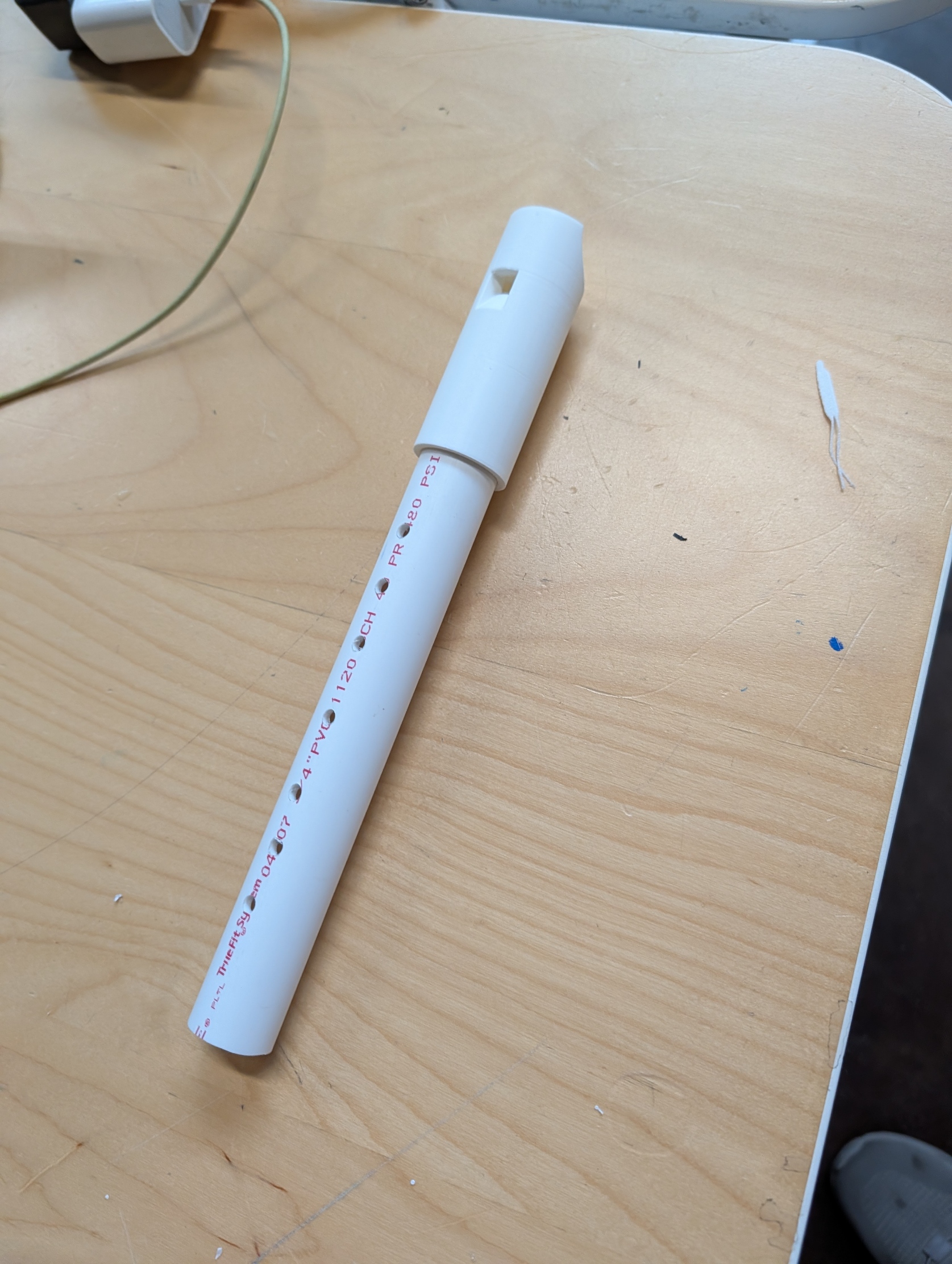
Students will research how sound is produced with different instruments. You can show videos of different musical instruments and explain how their shape, design and type create the characteristic sound for that instrument. Using whistles, string and hollow containers, help them understand concepts like fipples, string tension and percussion, as used in musical instruments. Also, a simple Makey Makey circuit can help them learn about electronic circuits if they are not familiar with them. Then they’ll choose an instrument they’ll want to create and do sketches of their design. Present them with upcycled materials: old PVC pipes, plastic bottles, plastic bags, blown balloons, purged PLA… They’ll think how to implement upcycled materials in the build.
Students make their digital files.
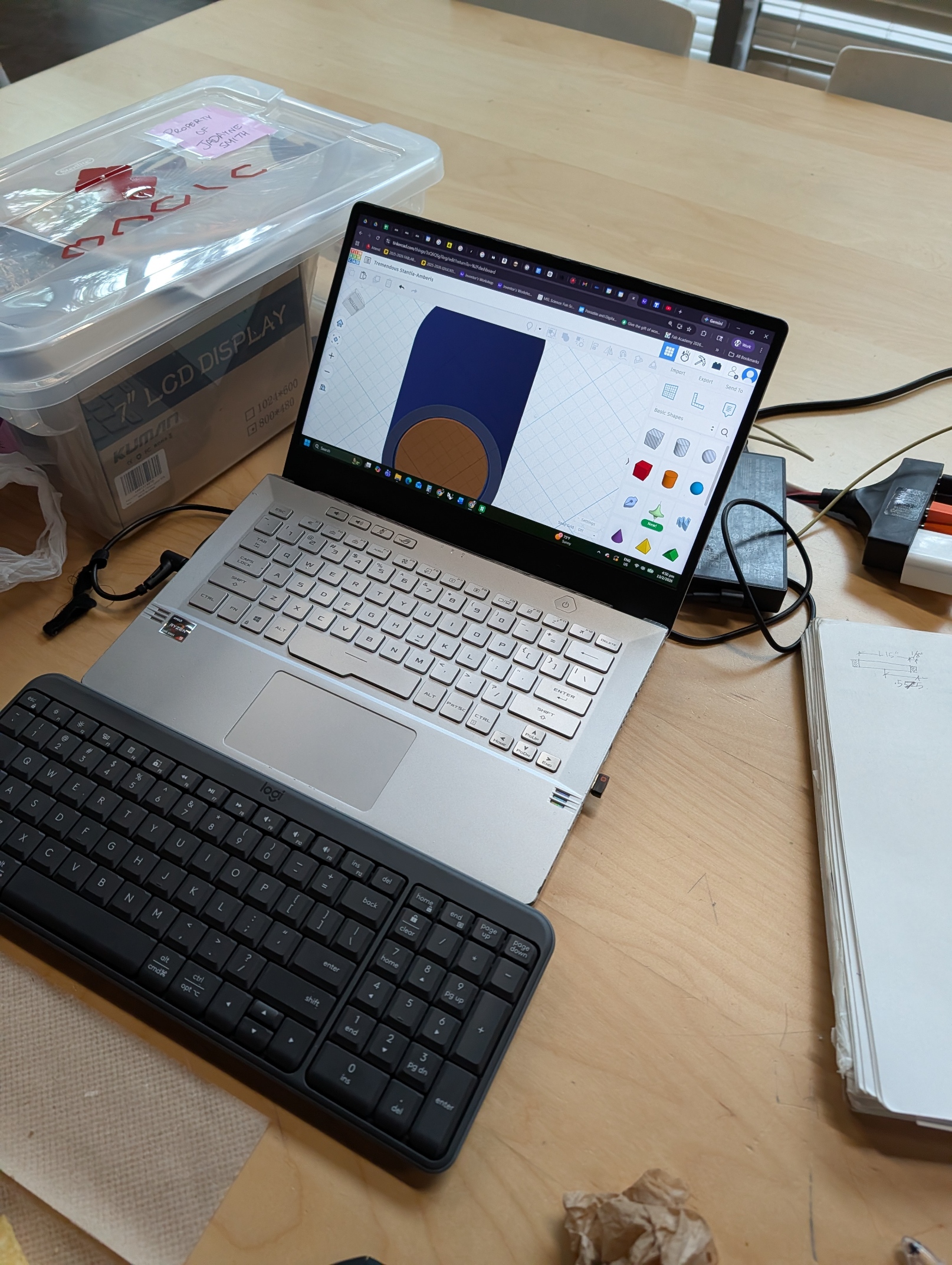
Students will use software such as Tinkercad, Illustrator and Scratch to create digital files that will be used for their instrument. They are allowed to use online resources such as ready-made fipples and mechanisms as long as they are only a part of the instrument and are modified to fit their needs. Have them measure the upcycled materials if they need to fit together with the digitally fabricated part, and make sure they work with the correct scale on the software of their choice. Another student can help as a checker to make sure the measurements are correct before cutting/printing.
Students make the physical elements of their project.
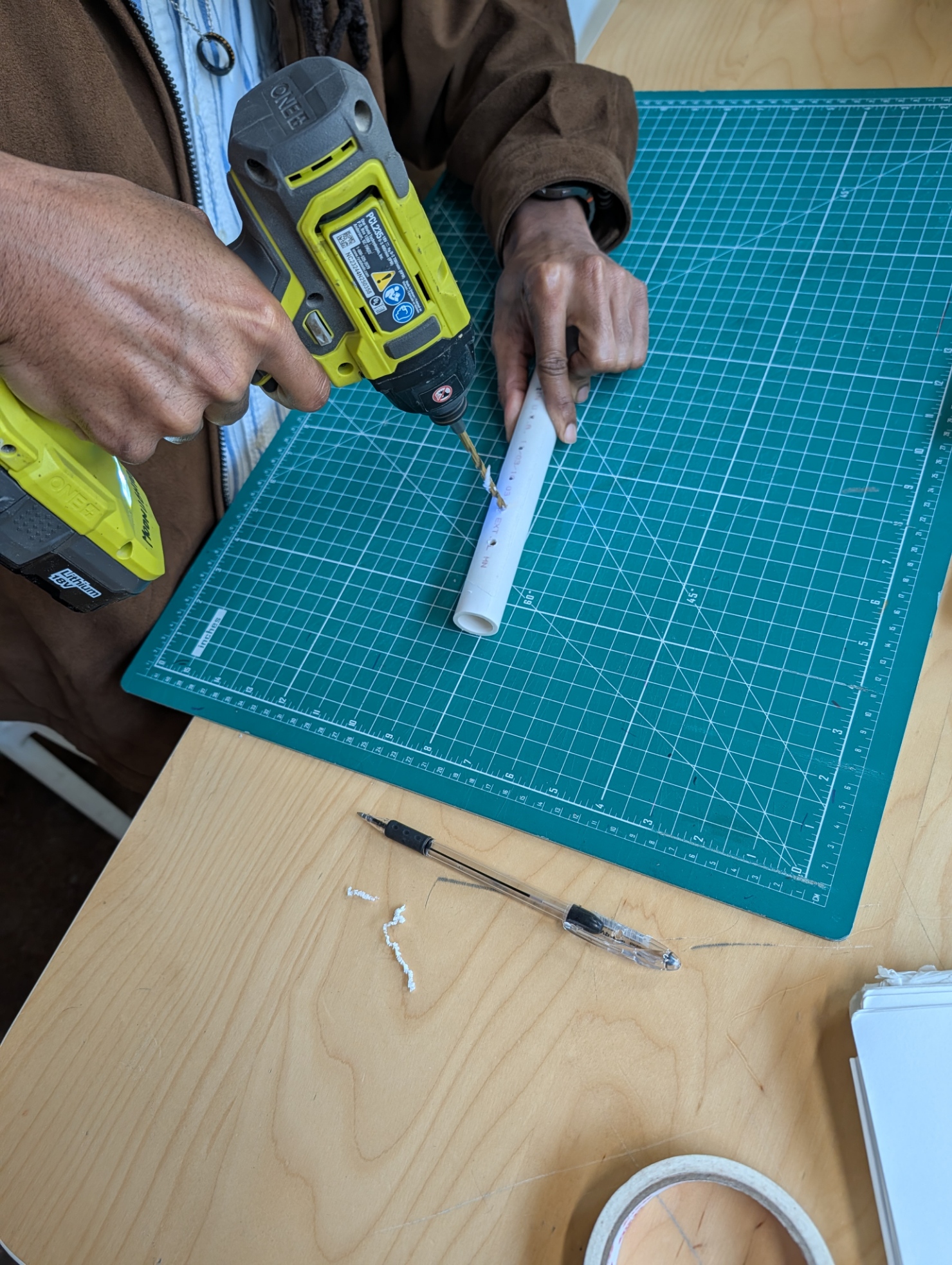
While 3D printing or laser cutting, the students create their circuits (if making a digital instrument), bodies or any other part that requires physical elements such as wood and the upcycled materials. They can also use woodworking tools and craft materials for this step. Have students swap the bodies of their instruments for a moment, so they can test the aesthetic, grabbing and quality of the pieces. They, as well as the teacher, can provide feedback of what they see and feel.
Students put their instrument together and make sure they work.
Next, students put the digital fabricated files together with the ones made in the previous step. They check measurements are correct and tune their instruments by changing tension or length or the parts. Then, they test their instrument to make sure they are working as expected. Afterwards, they follow the following rubric to check if a previous step can be repeated and modified:
The student does not need to hit the highest score in each category, but this summative assessment is a good guide in what can be done better in different aspects of the project. They can then go back to some of the steps and apply the feedback gotten from the assessment.
Having trouble? Let us know by completing the form below. We'll do our best to get your issues resolved quickly.
"*" indicates required fields