
- Loading…

Students will construct their own electronic musical instruments, and get introduced to block programming to make their instruments play sounds.
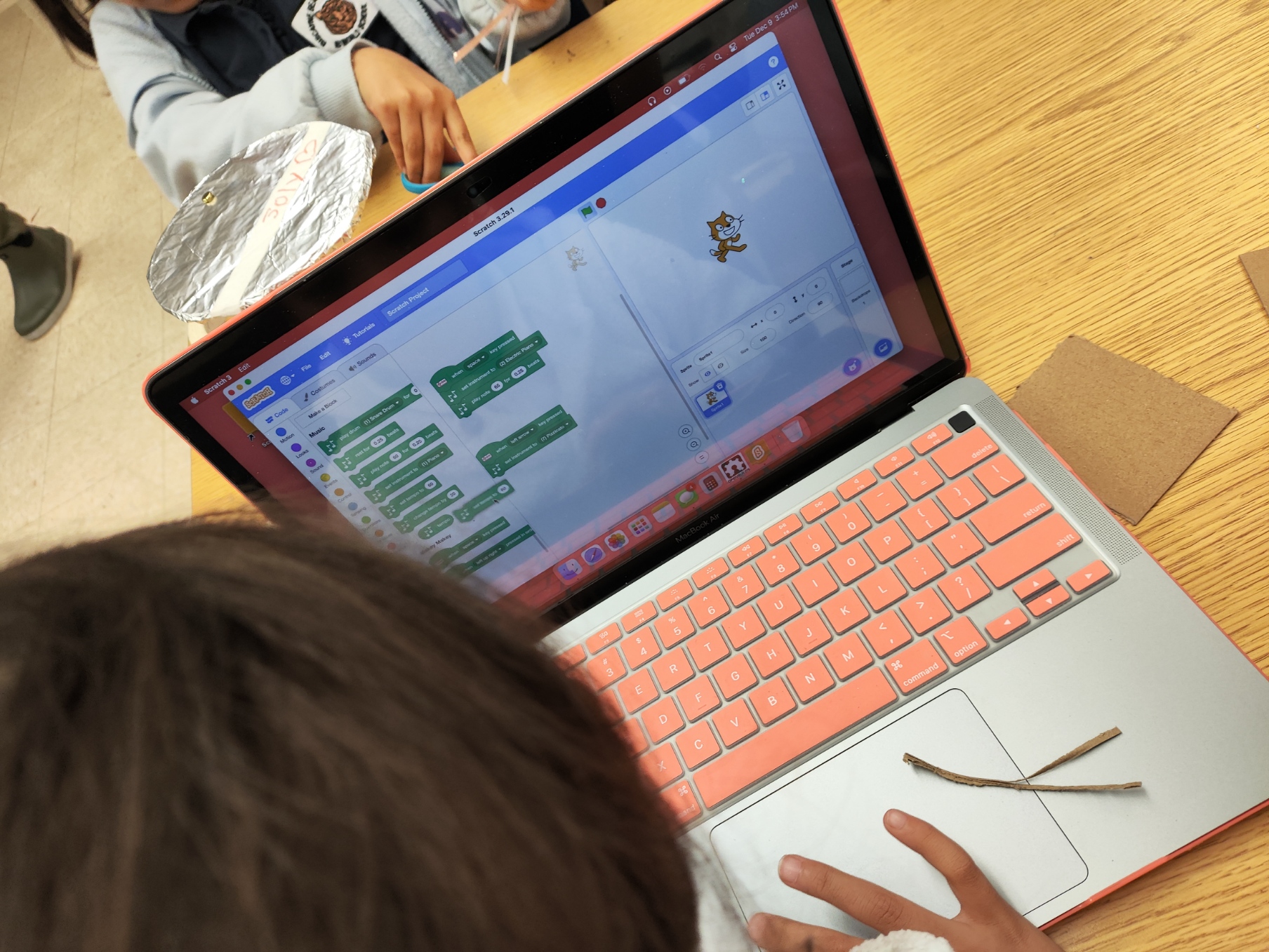
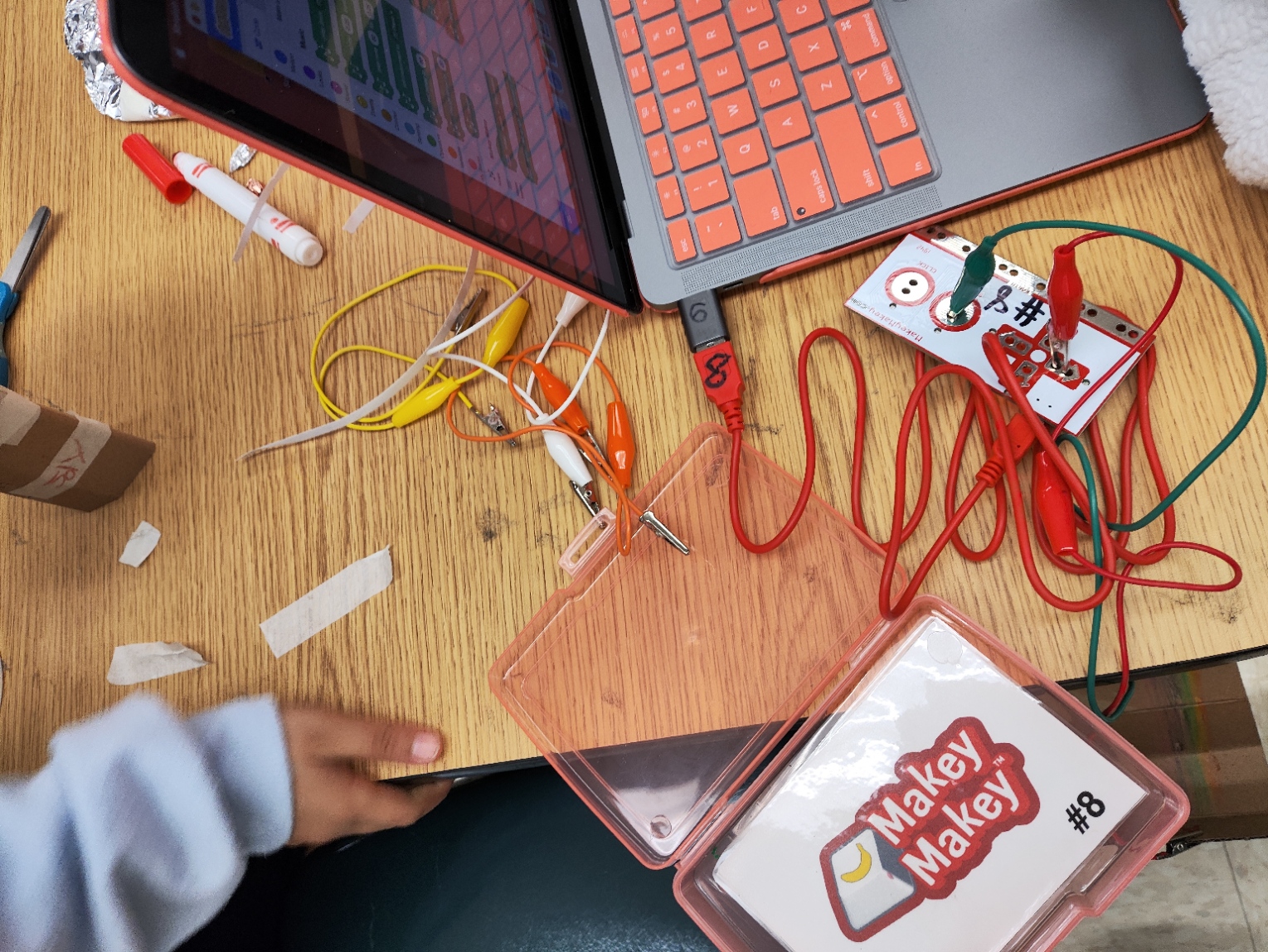
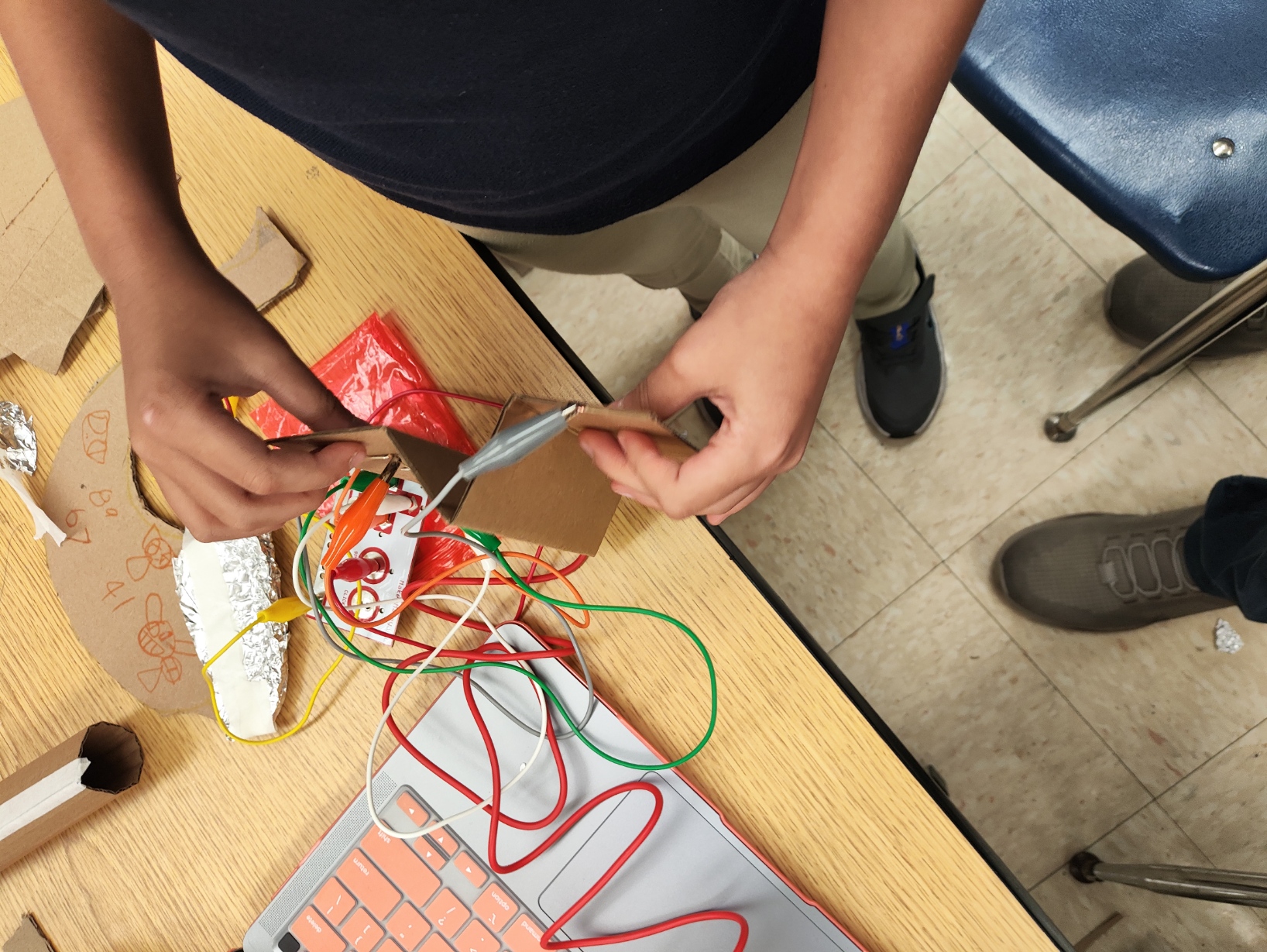
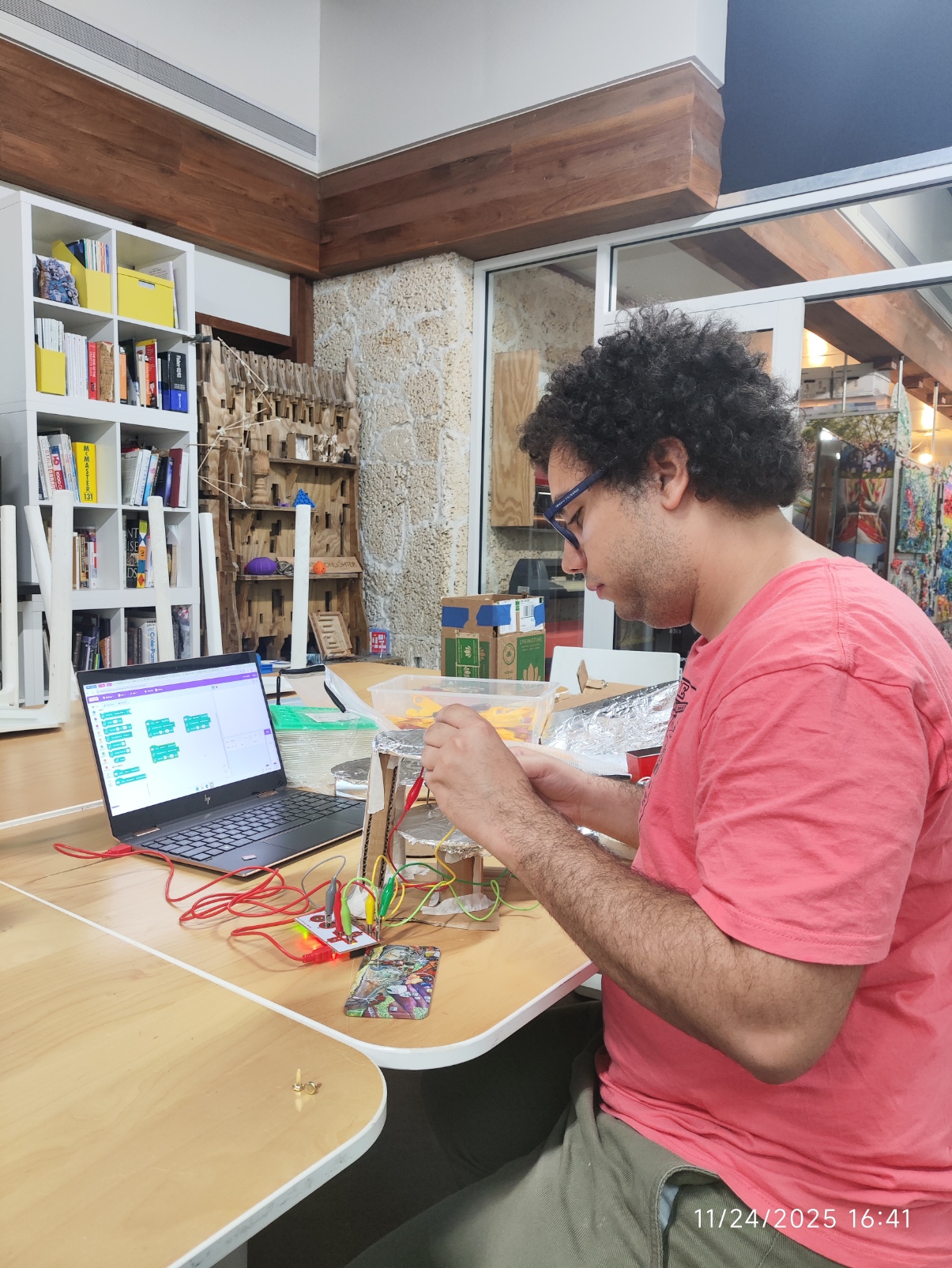
Makey Makeys
Alligator Clips with Wires
Computers
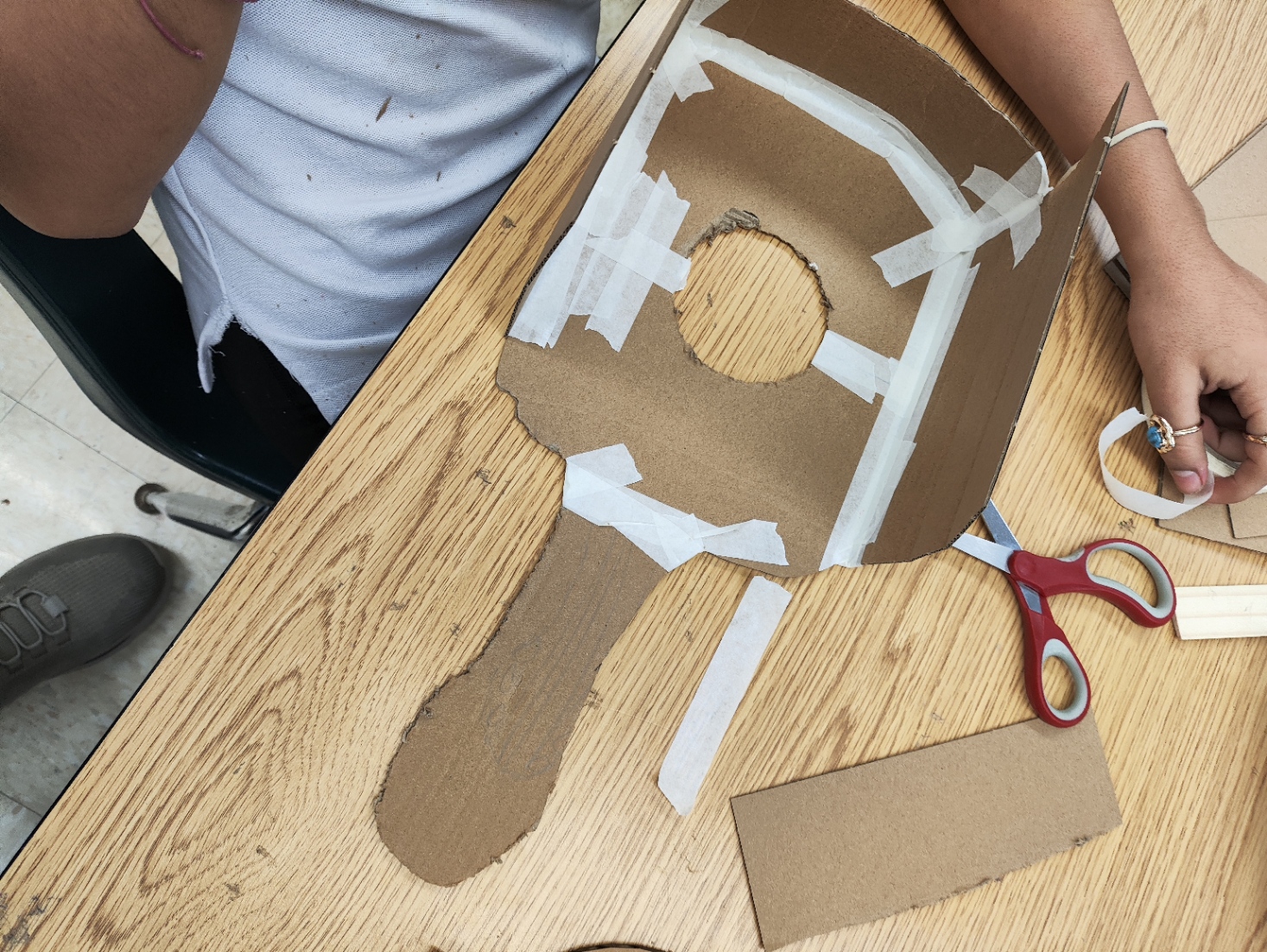
Craft Materials
Aluminium Paper
Brass Fasteners
Students will understand how an electrical circuit is formed and how closing and opening a circuit controls the flow of electricity.
Students will be able to identify terminology for electrical circuits, such as positive, negative, power source, signal and earth/ground.
Students will know the creative process behind the making of musical instruments, including the why of their shapes, how to interact with them and the different musical notes it is able to play.
Students will be able to create simple output instructions by using visual block programming.
1. This activity combines the two aspects of the curriculum wholeheartedly: sound and technology. The technology is experienced in both the programming and the electricity, which I’ve previously taught in more bit-sized lessons before this one, while still integrating music, one of the most common ways we experience sound these days, although in the future, I would like to find a way to implement the theory of sound in a most clear way.
2. Before this activity, my students had already experimented with electricity, sound and musical instruments, so by adding simple coding I was able to stay in a Zone of Proximal Development. Not only did the students felt comfortable working with the Makey Makeys and creating different instruments, but by receiving my help they were able to implement code into the activity. Tools like Scratch are an immense help since they are able to reduce complexity when working with young students.
3. Examples and guidance were provided to the students in this specific lesson, which not only inspired them but also let them feel confident in what they can create. Having multiple examples helped in getting the interest of a diverse student group, as did giving them the freedom to choose the instrument and sounds they would like to play. Sitting them in groups also created an environment of collaboration in which strengths were shared between the students.
4. A greater variety of materials would have helped to get more students, specially more advanced, older ones, to create something more akin to their vision. Being able to delve more into music theory would also have created a better match to the learning objectives and curriculum planned for the lesson.
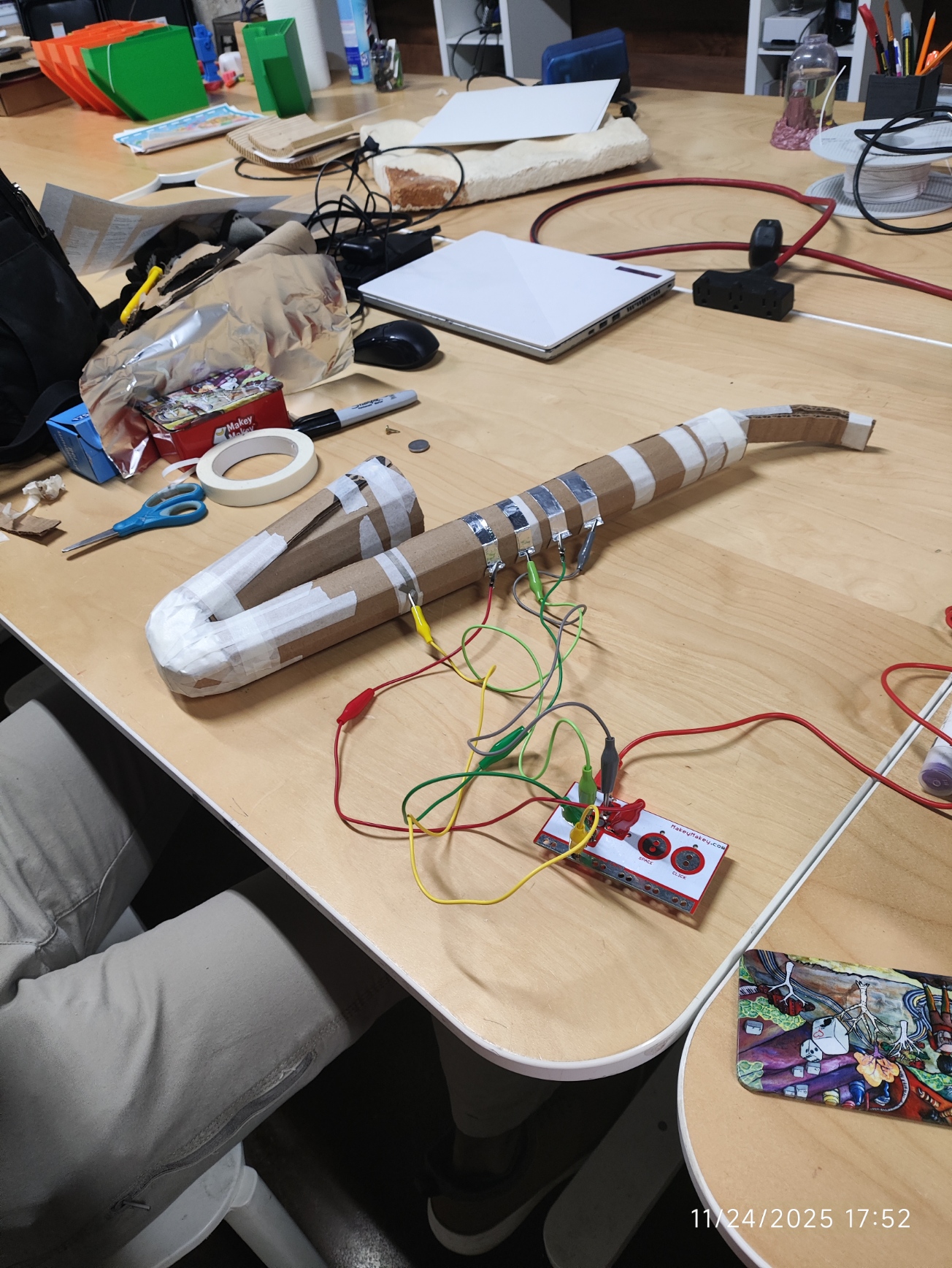
You’ll create an example manipulative so the students can see the goal of this activity.
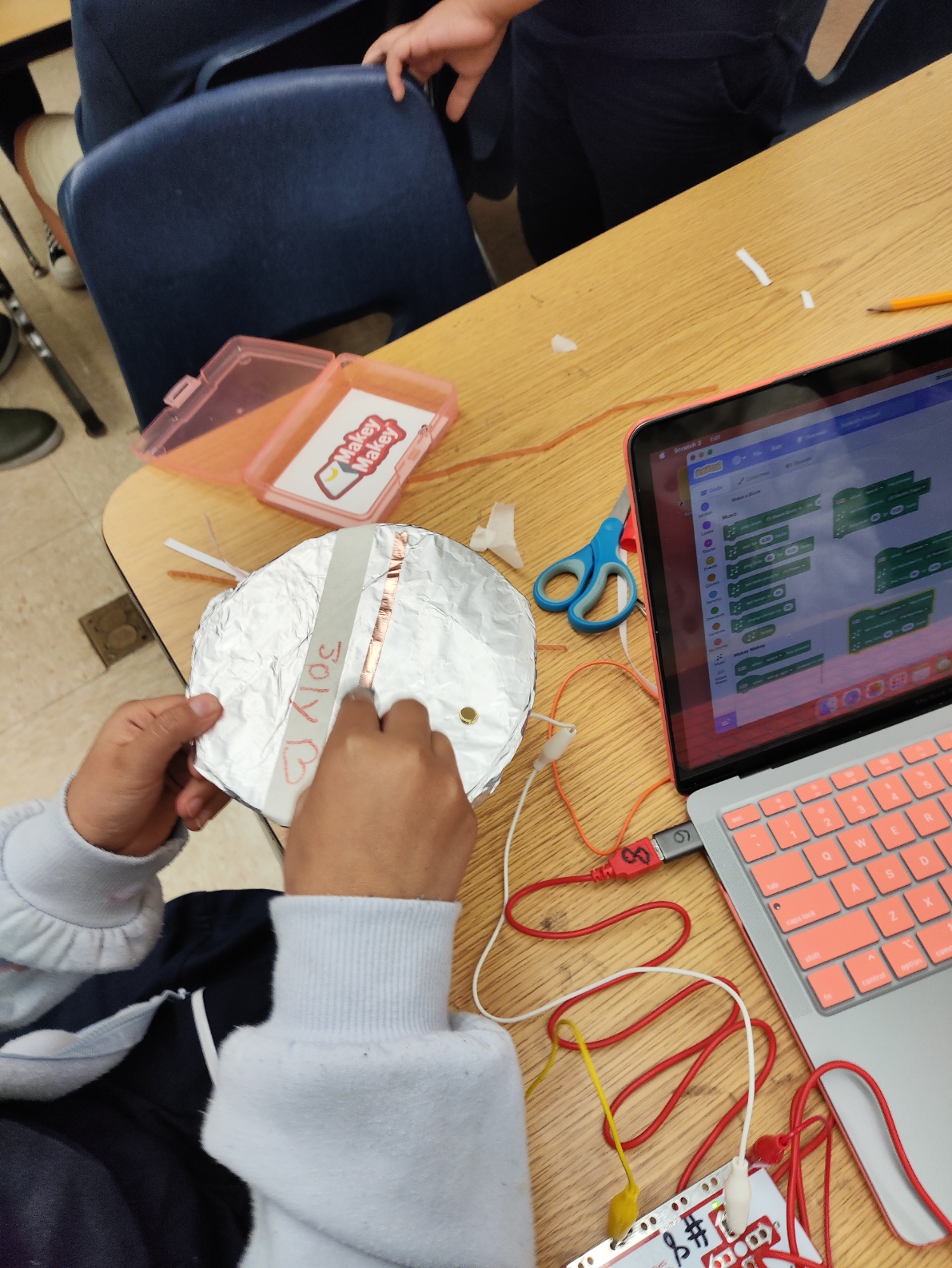
Using craft materials, create one or more examples of musical instruments. After the shape of the instrument is built, add aluminum foil to the conductive areas you want to act as your “buttons” to play a sound and make sure it has a flap of aluminum or a brass fastener so you’re able to clamp an alligator clip to connect it to the circuit. Finally, be sure to have one of these “buttons” be the earth input, which you should always be touching to complete the circuit when touching the other inputs.
You’ll teach students how a circuit works and demonstrate how your instrument(s) use them alongside block programming.
Using a Makey Makey, connect each “button” of your instrument to an input and the “earth” to the Earth in the Makey Makey. Plug in your Makey Makey into a computer with Scratch, and using Scratch plus the Music and Makey Makey extensions, add a musical note to each input.
Students choose and build a musical instrument
Have the students look for examples of musical instruments and analyze how different instruments have different designs to be able to create different kinds of sounds and music.
You can help them look for pictures or videos of different instruments. Let them take notes of how each instrument is held and which hands or fingers are used in each, as well as how similar looking instruments make similar sounds: the design directly affects the sound they produce. Afterwards, show them electronic versions of the same instrument. Most electronic instruments make sounds similar to the one they represent, even if they could have any shape since they work simply with electricity. This is called skeuomorphism, in which devices retain non-functional, ornamental designs to retain familiarity with what they are supposed to represent. Tell the students we want to implement this in their instruments.
Have them choose one instrument and let them create them with the craft materials, aluminum and brass fasteners. After that, instruct them to connect the instrument to the earth and inputs of a Makey Makey. Be sure to remind them to have an “earth button” which needs to be touched so the others work.
Students will create a simple program to play musical notes with their instruments.
Give the students access to a computer with Scratch, and have them add the Music and Makey Makey addons. After that, help them create a simple program in which by touching one of the inputs in the Makey Makey it plays the desired instrument and musical note. Try to get them to choose different musical notes to create an understanding of how most instruments need to contain multiple notes to be able to play music.
Try to keep challenging your students. If they are experienced with coding or Scratch, have increase the number of inputs they have, or maybe downloading their own instrument samples online to upload and play on Scratch. You can also use the Makey Makey extension to ask for more complex inputs to be able to play chords instead of just notes. You can keep scaling this to make sure your students are always engaged by working on something new.
Check that their instruments:
If their instrument misses some of these cues, have them try to rework the design, circuit or code.
Having trouble? Let us know by completing the form below. We'll do our best to get your issues resolved quickly.
"*" indicates required fields