
- Loading…

The workshop introduces participants to the fundamentals of quantum computing by allowing participants to compare how the computers they use every day process information with how quantum computers work. Participants will learn the difference between bits and qubits, and explore the concept of superposition through simple real world analogies, as well as exploring how quantum computing is promising to revolutionize many fields such as communications and medicine. They will then experiment with free online quantum simulators and games to see how qubits behave.
Since quantum computing is a new and abstract topic for most participants, concepts like superposition can be difficult to grasp at first. Therefore, it is very important to rely on simple analogies from everyday life to bridge the gap.
Evaluate if participants have heard about quantum computers before. Ask if they understand how their phones, laptops or laptops work. From there, introduce quantum computers as a new type of computer that works in a different way.
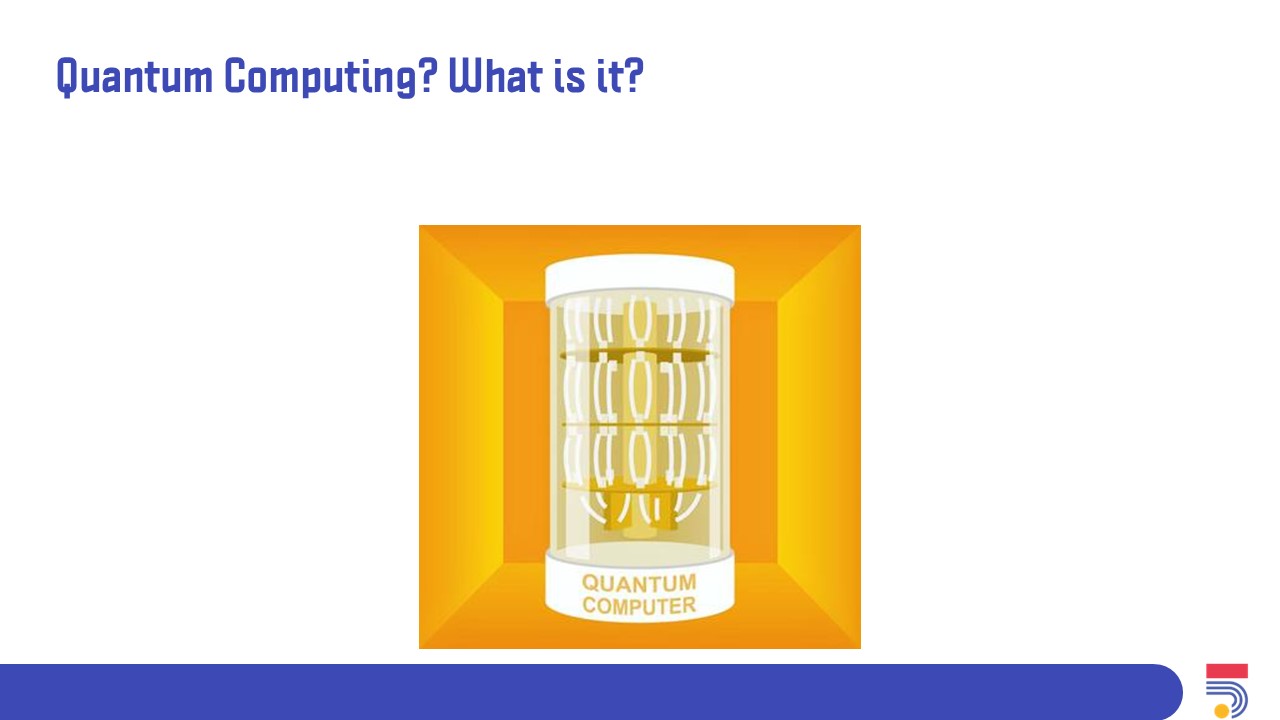
Engage with the participants by showing images of quantum computers and asking what they think these machines are.
Define a bit as the smallest unit of information used by computers
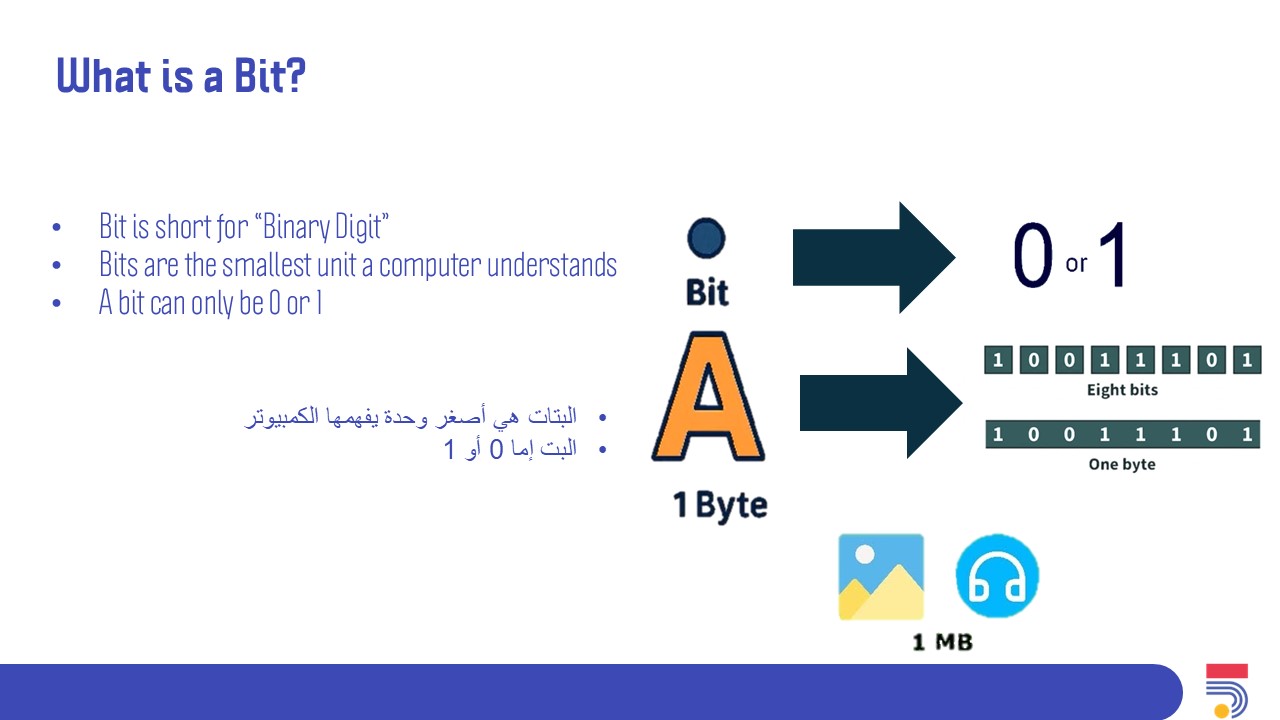
Explain that a bit is the smallest unit that a computer operates on. Use a light switch as an analogy to compare how bits can only exist in two states either 1 or 0, and that 8 bits added together make a byte.

Introducing the fundamentals of qubits, and superposition. Followed by describing the special hardware requirements for quantum computers.
Introduce qubits as the foundational unit in quantum computing. Use the example of a spinning coin to describe how a traditional bit is either heads or tails, compared to how qubits behave in superposition, as a mix of both coin states at once.

Explain how qubits working together allows quantum computers to perform some simulations much faster than traditional computers. Then, discuss the potential uses for quantum computing.

Compare how advanced computers use fans and water cooling, while quantum computers need to be kept at colder than freezing temperatures because any heat or vibration can disturb them.

Introduce simulations as an accessible way to visualize quantum properties.
Show the participants an example of a quantum simulator and briefly explain how it simulates quantum mechanics.

Explain how it quantum states can be visualized on a classical computer using IBM quantum composer before running on real hardware.

The first hands on activity allows participants to interact with qubits through a game.
The second activity further reinforces the idea that quantum computing works with probabilities.
Explain how the rules of quantum tic-tac-toe are different from the regular game, where a move can exist in more than one place until it is measured.

Quick recap video that summarizes the main concepts of quantum computing.
Introduce photonic quantum computers as another type of quantum computer.
Explain that photonic quantum computers use particles of light (photons) as qubits, and how tiny mirrors bounce the photons around to perform calculations, and that these machines can operate at room temperature.

The final activity activity allows participants to experiment with photons and mirrors in a simulation.
Demonstrate how the participants can use different components like mirrors, polarizers, and beam splitters to guide the photons, then allow participants time to complete the levels.

Concluding the workshop with a brief summary and leaving time for questions.
Summarize the workshop activity, including the difference between bits and qubits, how superposition works, and how quantum computing will shape the future. Then, ask the participants to share one new thing they learned.

Having trouble? Let us know by completing the form below. We'll do our best to get your issues resolved quickly.
"*" indicates required fields

