- Loading…
In elementary, we try to have classes work together to give students the opportunity to have integrated, meaningful learning. During this unit, the kids from second grade were learning about ecosystems during their science period. This is an opportunity to teach them about how technology also has a network of interconnected entities, including businesses, software, platforms, and people, that collaborate to drive innovation and solve problems, but always at their level. During this lesson, I gave a small reminder to students about what an ecosystem is using this video.
Students will identify at least three components of a natural ecosystem during a class brainstorm and video discussion.
Students will compare a natural ecosystem and a technological ecosystem by identifying how living things, devices, software, people, and services depend on one another.
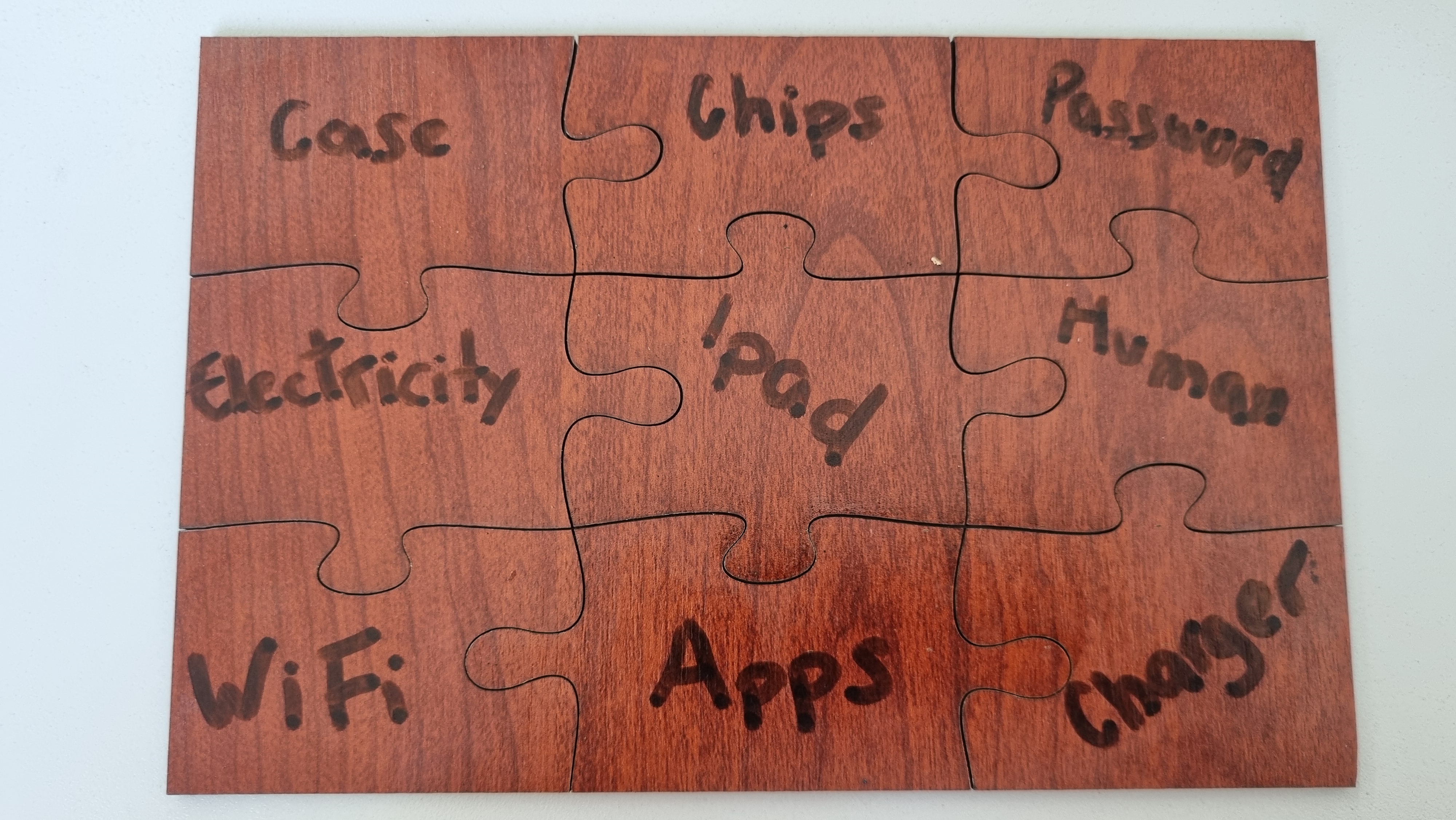
Students will collaboratively solve a puzzle that demonstrates the interconnected parts of an iPad ecosystem.
Students will create two digital drawings using Tate Draw: one showing an animal ecosystem and one showing a device ecosystem.
Students will share ideas with their group and explain how the parts of each ecosystem work together.
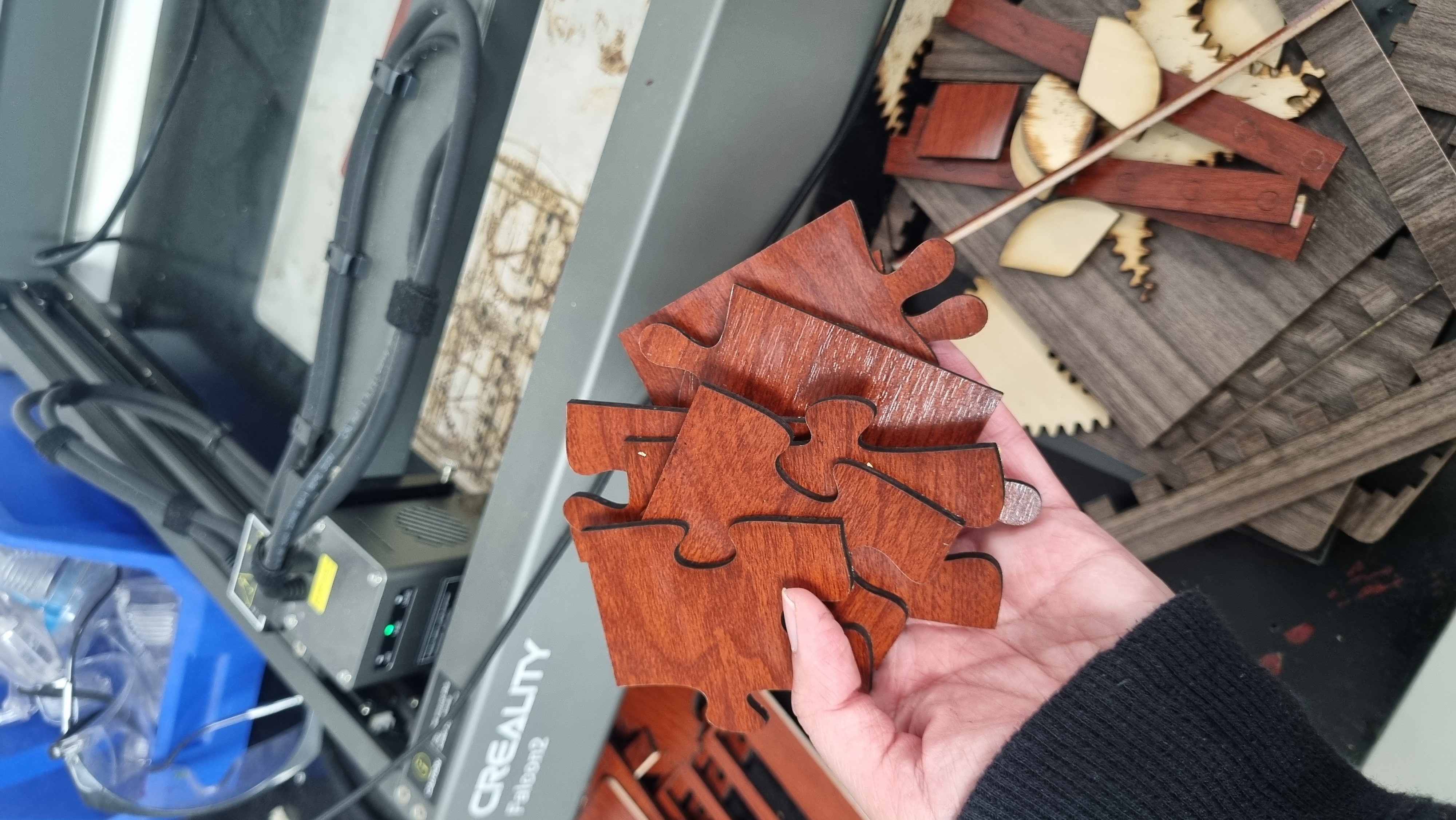
As a result of this lesson, I learned a couple of things. I learned that we can teach ideas that for us adults might seem very complex, but using the right wording and the appropriate tools, the topics can be adapted to any age. I also learned how to use a tool I had only seen before. The laser cutter had been in our school for a couple of years now, and I had seen some teachers or students use it, but I hadn’t really dared to use it. This activity forced me to get out of my comfort zone and use the tools for my and my student’s benefit.
The students are learning about ecosystem in science class. The teacher shows a picture and asks students if they remember about the topic and ask them to give ideas about what an ecosystem is.
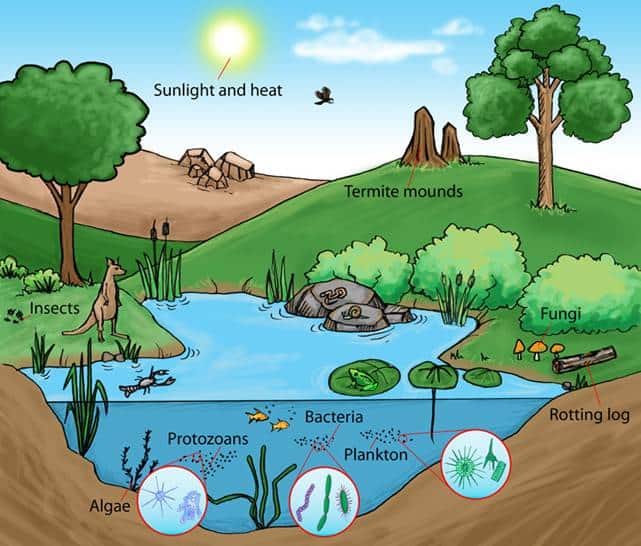
After the first step, show students the video about ecosystems pausing at key moments to ask different questions to check their understanding of the video and ask for their opinion to keep them engaged.
During this step, tell students how iPads (this is the device they are most familiar with) also have an ecosystem because they cannot work alone.
Ask “What things does the iPad need?” Students will give different ideas, write them down on each piece of the puzzle with the word iPad in the middle one.
The students will solve the puzzle. Students can take turns trying to solve the puzzle so everyone gets a turn.
While one group is solving the puzzles, the rest of the students will be showing examples of ecosystems on tatedraw.com by using the iPads in groups.
Having trouble? Let us know by completing the form below. We'll do our best to get your issues resolved quickly.
"*" indicates required fields