
- Loading…

This workshop aims to teach participants basic coding and its fundamentals, using Python programming language. Which includes data storage and data manipulation, conditions with IF statement, loops and data structure. In addition participants will have an “Open-Eye” on many different aspects of Python coding, and most of the area where Python excels.

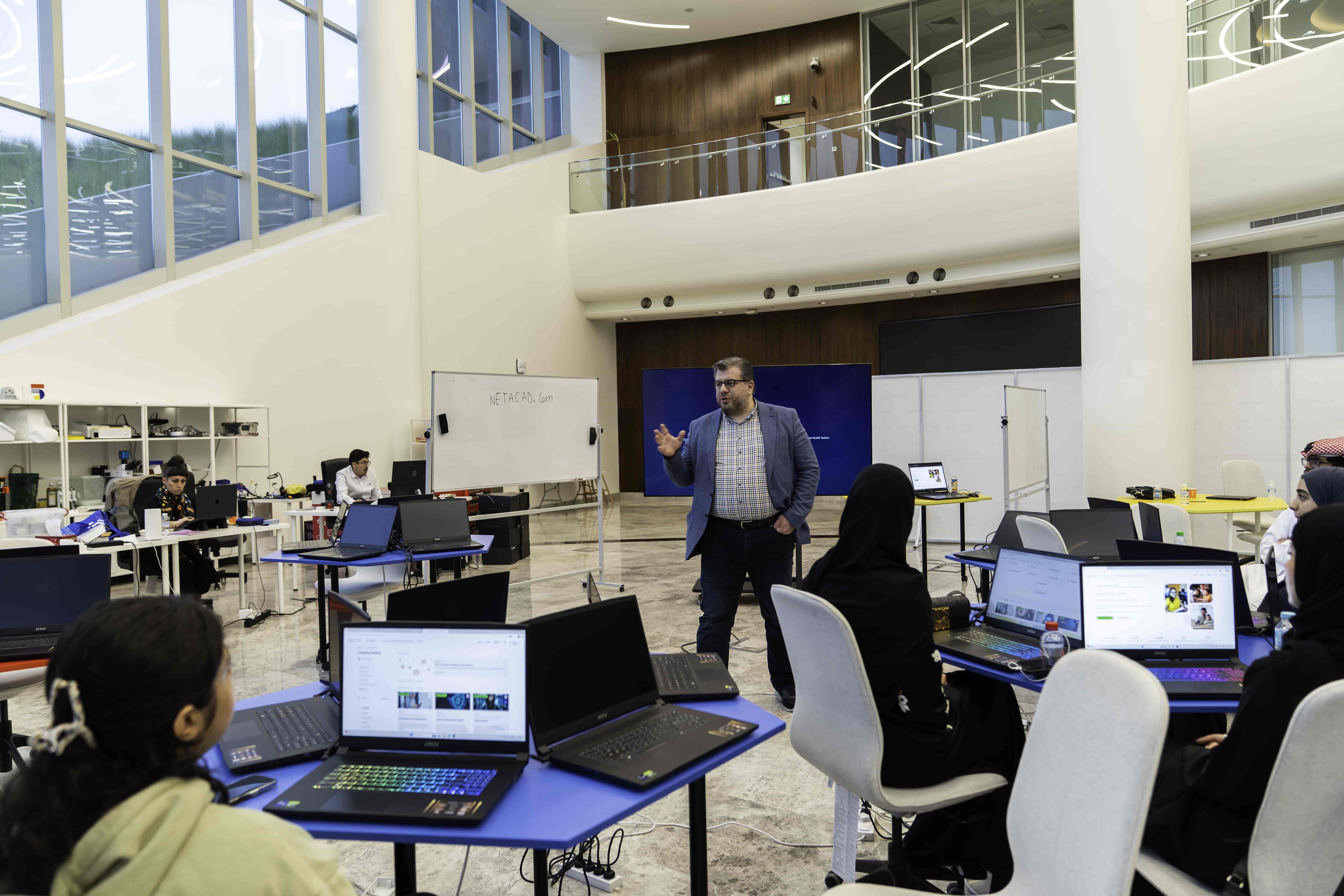
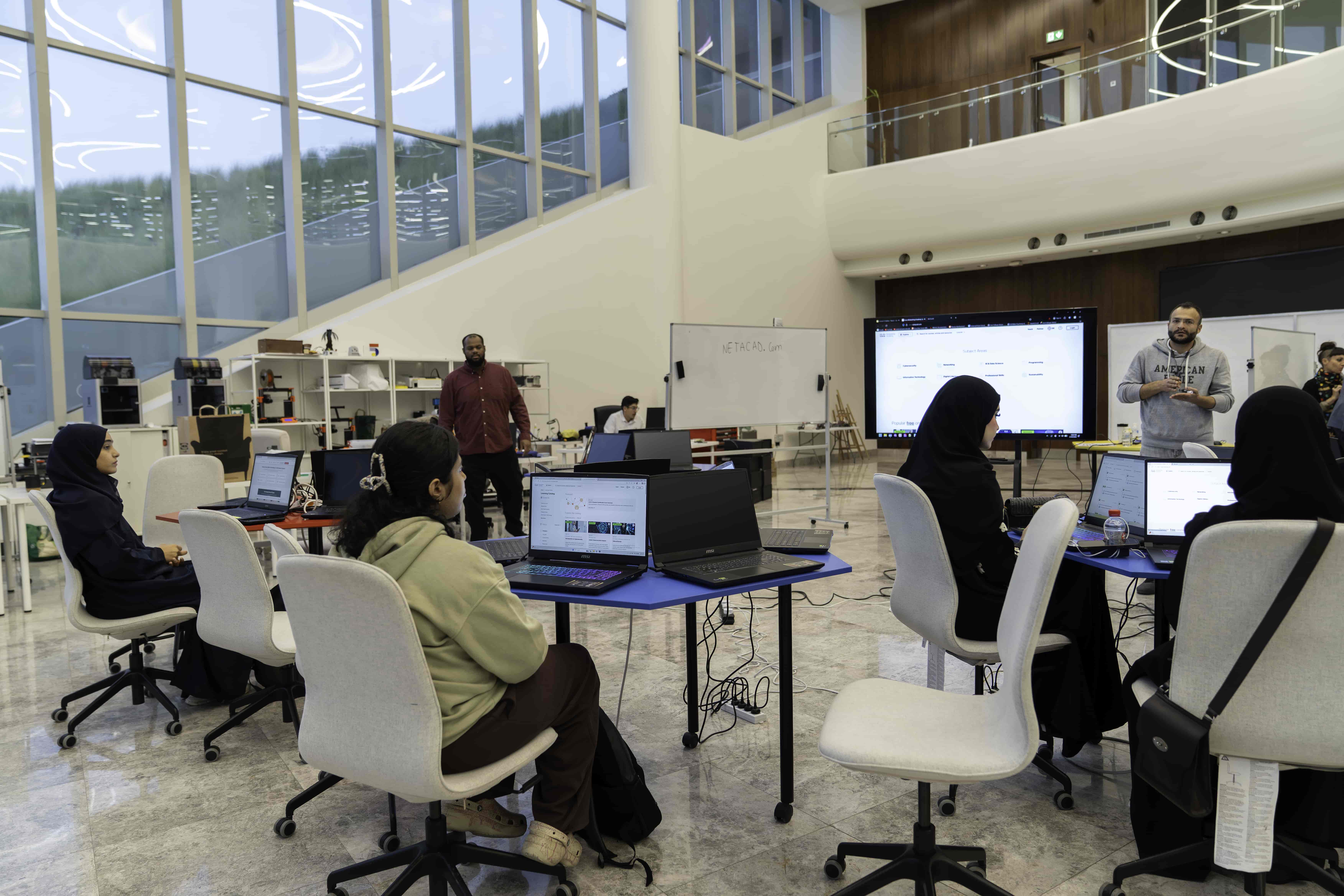



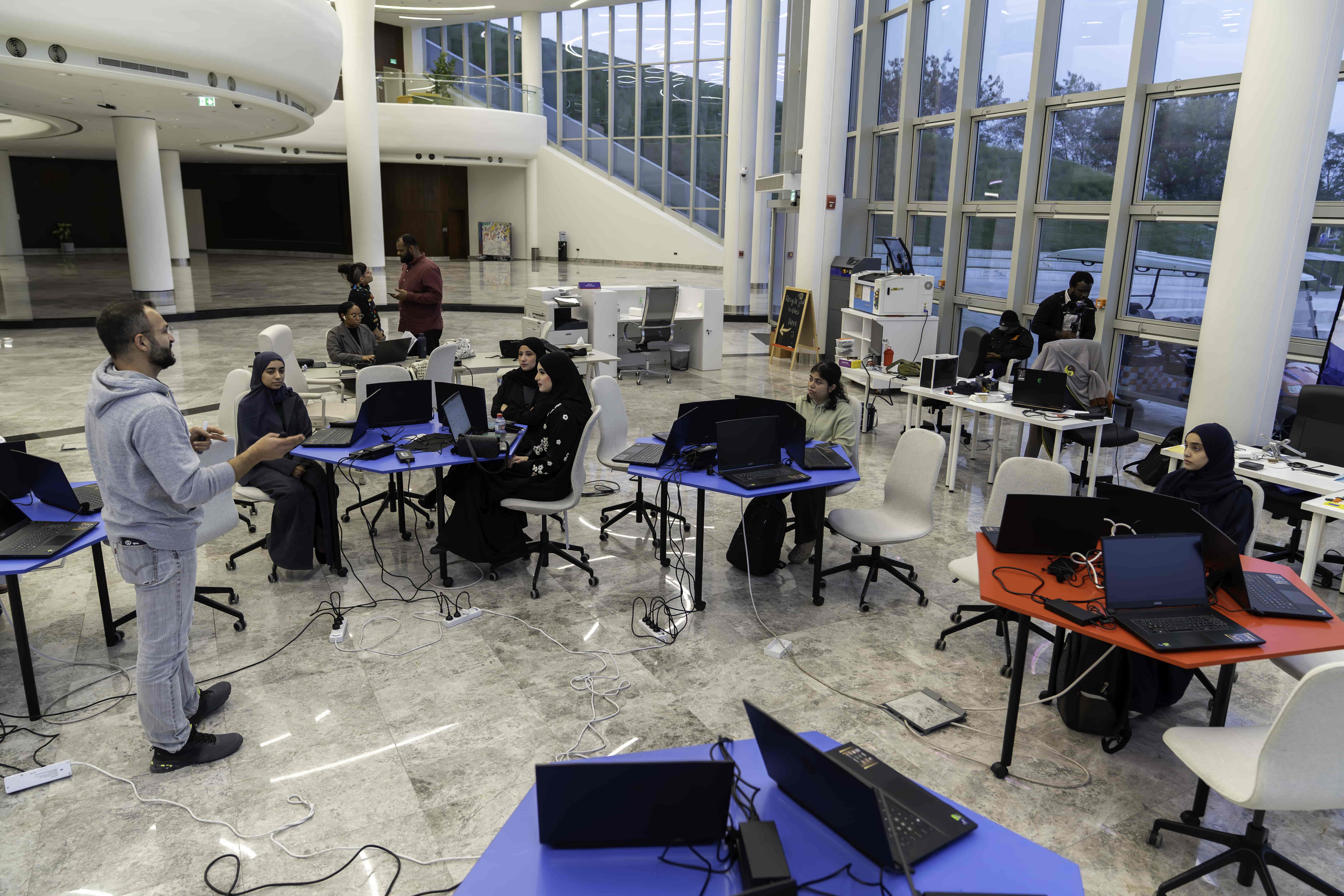












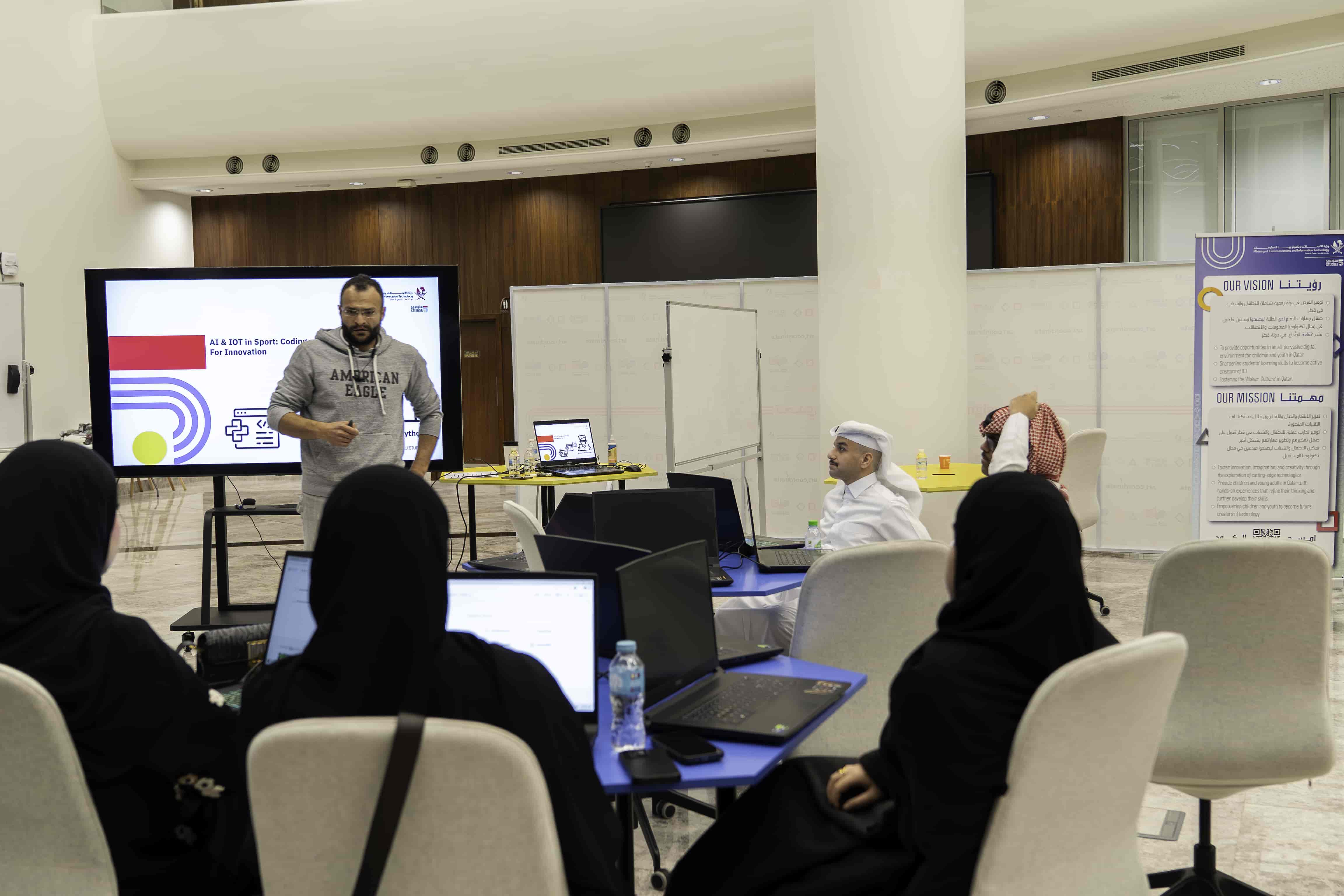
Projector/Screen, Laptop, Internet Access
Lesson Materials:
This session depends a lot on discussion and student input and work.
A quick introduction about us and a way to break the Ice with the participant in order to engage with them in indirect way just to make a conversation and then a question to start the session.
Introduction & Icebreaking
Introduce yourself and Studio5.
Ask about Background Knowledge (Ice breaking).
Presentation :
1 – We will start by showing how to access/use PyCharm IDE.
PyCharm offers out-of-the-box support for Python, databases, … , and more.
PyCharm equips you with everything you need for all sorts of projects, from web development and data pipelines to ML model prototyping and data analysis.
يقدم PyCharm دعمًا متكاملًا للغة بايثون وقواعد البيانات وغيرها.
يُزودك PyCharm بكل ما تحتاجه لمختلف أنواع المشاريع، من تطوير الويب وخطوط أنابيب البيانات إلى النمذجة الأولية لنماذج التعلم الآلي وتحليل البيانات.

2 – How to create/run a project.
أنشئ ملف بايثون جديد:
1- انقر على “+”
2- حدد “ملف بايثون”
3- سمِّه “TestPythonProject”
4- اضغط على “Enter”
Create a new Python file:
1- Click in “+”
2- Select “Python File”
3- Name it “TestPythonProject”
4- Press “Enter”


Now you have a New Python file ready to execute your Python Code
أصبح لديك الآن ملف بايثون جديد جاهز لتنفيذ كود بايثون الخاص بك
Step: 1
Inside your Blank Project, Write the following
print(“Hello”)
الخطوة: ١
اكتب ما يلي داخل مشروعك الفارغ
Step: 2
Press on the PLAY button
الخطوة: 2
اضغط على زر التشغيل

The simplest Code to test if our IDE works, is to Print something in the Console.
أبسط طريقة لاختبار ما إذا كانت بيئة التطوير المتكاملة (IDE) تعمل هي طباعة شيء ما في وحدة التحكم.
You can use the print() function to:
يمكنك استخدام الدالة ()print لـ:
3 – How to create/manipulate variables from different data types.
Data Types Explained:
Int: Integer – Numbers
Float: Floating Point – Decimals
String: Set of Characters – Letters, Numbers, Symbols, etc…
Bool: Boolean – True or False
DateTime: Date and Time
Array: Multiple Values / Single Type stored in one single variable
List: Multiple Values / Multiple Types stored in one single variable
anInteger = 5
aFloat = 5.0
aString = “this is a string of 6 words”
aBoolean = True
aDateTime = datetime.datetime.now()
anArray = [“itemZero”, “itemOne”, “itemN”]
aList = [“itemZero”, 123, [“aaa”, “bbb”, “ccc”] ]
Variables and Values of Every Type
المتغيرات وقيم البيانات من كل نوع
aVar: int = 5 is the same as aVar = 5
bVar: bool = true is the same as bVar= true

4 – How to create/manipulate Arrays and Lists
Array: Multiple Values / Single Type / Stored in one single memory location
Array is a linear data structure used to store a collection of elements, typically of the same data type, in contiguous memory locations
المصفوفة: قيم متعددة / نوع واحد / تُخزّن في موقع ذاكرة واحد
المصفوفة هي بنية بيانات خطية تُستخدم لتخزين مجموعة من العناصر، عادةً من نفس نوع البيانات، في مواقع ذاكرة متجاورة.

Array Properties and Characteristics:
import array
my_array = array.array(‘i’, [34, 21, 2, 66, 567])
This means:
Import the Array Library to use it
Array name = type.constructor(values data type, [data1, data2, …., dataN])
Data Structure: List
List: Multiple Values / Multiple Types / Stored in one single memory location
List is a data structure used to store a collection of elements of any data type, in contiguous memory locations
القائمة: قيم متعددة / أنواع متعددة / مخزنة في موقع ذاكرة واحد
القائمة هي بنية بيانات تُستخدم لتخزين مجموعة من العناصر من أي نوع بيانات، في مواقع ذاكرة متجاورة
5 – How to create variables/values condition check using IF statement.
Control Flow Statements: IF Statement
The IF statement is a control flow statement used for decision-making, allowing specific code blocks to run only if a condition is True
تُعد عبارة IF عبارة تحكم في التدفق تُستخدم لاتخاذ القرارات، مما يسمح بتشغيل كتل برمجية محددة فقط إذا كان الشرط صحيحًا.
aValue = 3
if aValue < 6:
print(aValue, ” is less than 6″)
aValue = 7
if aValue > 6:
print(aValue, ” is greater than 6″)
aValue = 7
if aValue < 6:
print(aValue, ” is less than 6″)
else:
print(aValue, ” is greater than 6″)
aValue = 3
if aValue < 6:
print(aValue, ” is less than 6″)
else:
print(aValue, ” is greater than 6″)
game_running = True
while game_running == True:
print(“Welcome to the game!”)
for i in range(10):
print(“Game”, i , “Completed.”)
if i == 4:
print(“Mid Game.”)
elif i ==9:
print(“Game Is Over.”)
else:
game_running = False
6 – How to create Loops and Controls.
Control Flow Statements: FOR
A FOR loop iterates over a sequence (such as a list or range…) and executes the loop body once for each item in the sequence.
They are typically used when you know the number of iterations in advance.
تُكرر حلقة FOR عناصر متسلسلة (مثل قائمة أو نطاق…) وتُنفذ جسم الحلقة مرة واحدة لكل عنصر في تلك المتسلسلة. تُستخدم عادةً عندما يكون عدد التكرارات معروفًا مسبقًا.
# Iterate using the range() function
# range(4) generates numbers from 0 up to (but not including) 4
for i in range(4):
print(i)
# Iterate through a list
fruits = [“apple”, “banana”, 555]
for xObj in fruits:
print(xObj)
Control Flow Statements: WHILE
A WHILE loop repeatedly executes a block of statements as long as a given condition is True. They are useful when the number of iterations is not known beforehand, and the loop should continue until a specific condition is met
تُنفّذ حلقة WHILE مجموعة من التعليمات بشكل متكرر طالما أن شرطًا معينًا صحيح. وهي مفيدة عندما يكون عدد التكرارات غير معروف مسبقًا، ويجب أن تستمر الحلقة حتى يتحقق شرط معين.
loopCount = 0
while loopCount < 3:
print(“Count is:”, loopCount)
loopCount = loopCount + 1 # Increment the counter to eventually end the loop
loopCount = 0
while loopCount< 3:
loopCount= loopCount+ 1 # Increment the counter to eventually end the loop
print(“Count is:”, loopCount)
7 – How to use operators, both Logical and Math.
Operators: Mathematical
Mathematical Operators: Perform standard math operations on numbers
+= Add to the Variable Itself 1
-= Subtract from the Variable Itself 1
+ Add
– Subtract
* Multiply
/ Divide
= Assign (give value to specific variable)
… A += 1 …
… A * B …
… A – 5 …
… A = 7 …
… C = A * (B-2) …
… C -= B …
.
.
.
And the list goes on…
Operators: Logical
Logical Operators: Combine or Alter conditions, resulting in TRUE or FALSE
Mainly used in Control Flow Statements***
< Less Than
> Greater Than
<= Less Than or Equal
>= Greater Than or Equal
!= Not Equal
== Logical Equal
! Not
% Modulo (gives the remainder)
AND Conditions Inclusive
OR Condition Exclusive
… A < B …
… A != B …
… A OR B …
.
.
.
And the condition check list goes on…
Having trouble? Let us know by completing the form below. We'll do our best to get your issues resolved quickly.
"*" indicates required fields