
- Loading…

In this hands-on workshop, participants will use advanced AI tools to create unique brand identities and design professional websites for their business ideas. This session demonstrates how AI can simplify and accelerate the journey from concept to launch, making it perfect for entrepreneurs ready to innovate and grow.

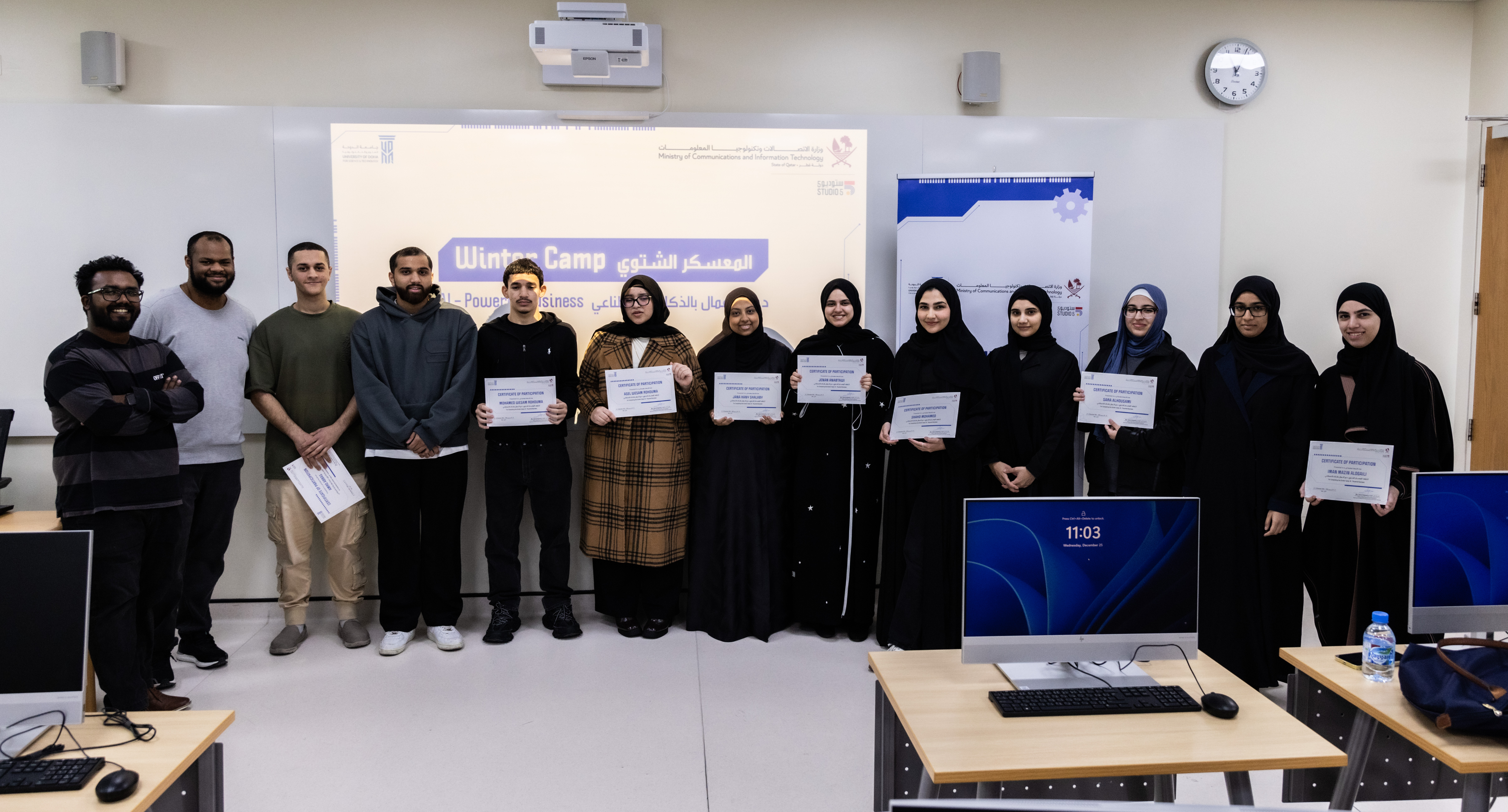
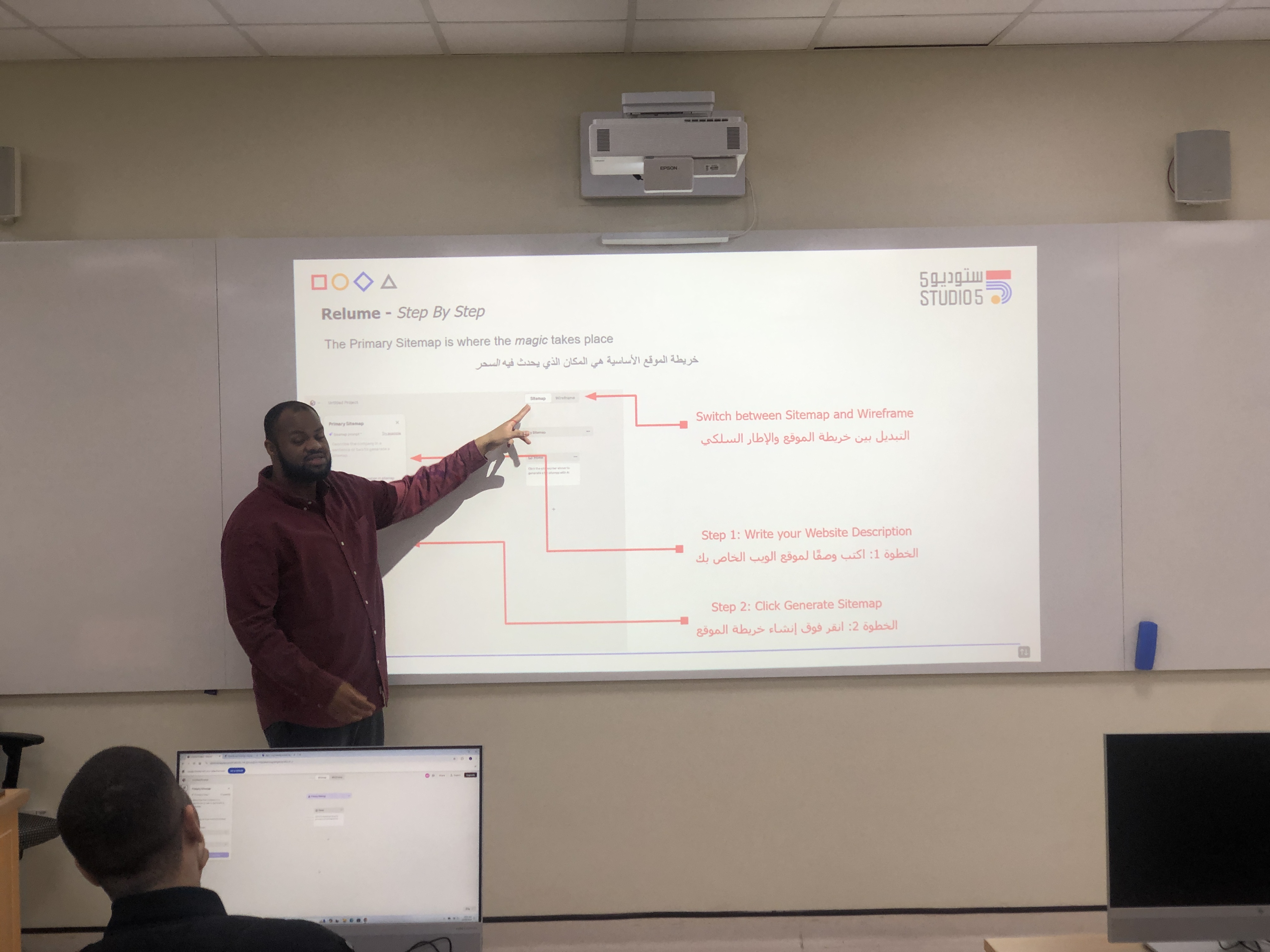
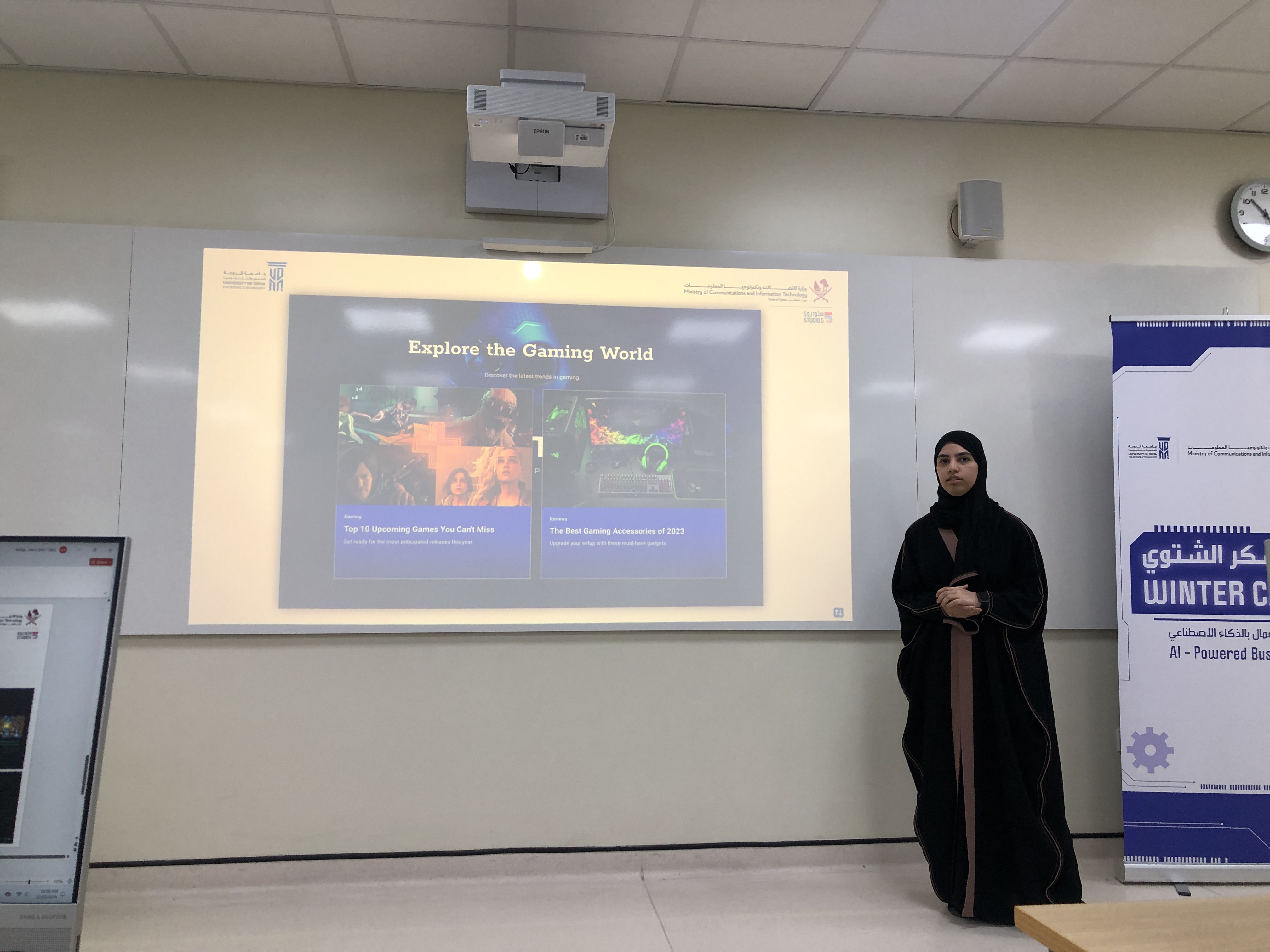

Projector/Screen, Laptop, Internet Access
Lesson Materials:
After attending this session, participants will be able to:
This session depends a lot on discussion and student input and work.
Day 1:
· Introduce Studio 5.

· Explain what we are going to do today.
· Define AI.
· Show examples of AI.

· Explain the different function & types of AI.
· Brainstorm with participants for business ideas.
 Introduce participants to Sologo.ai platform

· Show participants how to use Sologo.ai

· Introduce participants to Design.com.

· Explain the different tabs & options in Design.com.
· Show participants how to search for an Instagram post.
· Show participants how to modify a design that was chosen.

· Show participants how to add shapes & images.
· Do the same steps for Instagram story & flyers.
· Question and Answer session
Day 2
· Explain what we are going to do today.
· Define Web Development.

· Define AI in Web Development.
· Show examples of AI in Web Development and Traditional Web Development.

· Explain the difference between each.
· Brainstorm with participants for Business Website ideas.
· Introduce participants to Relume/Figma/Siter platforms

· Show participants the flow between Relume/Figma/Siter

· Introduce participants to Relume.

· Explain the needed components in Relume.

· Show participants how to Create new project using AI Text.
· Show participants how to Generate a design.

· Show participants how to modify a design that was chosen.
· Show participants how to add shapes & images.

· Show participants how to Export design to Figma.


· Question and Answer session
Day 3:
· Recap on Day 2
· Explain what we are going to do today.
· Open the Figma design discuss from design perspective

· Introduce Siter as Hosting platform

· Brainstorm Pros and Cons of AI Development (End of the session)
· Introduce participants to Figma and most of its components.
· Explain the needed components in Figma to edit/modify the design.

· Show participants how to use Left-Hand component
· Show participants how to manipulate layers.
· Show participants how to export to Siter, using Plugins.

· Show participants how to import Figma design and create the website.
· Show participants how to publish the website.

· Open Question: Does your business need AI development tools?
· Question and Answer session
Day 4:
· Show participants how to use Design.com to create a business card.

· Ask participants to share & present their business ideas.

· Question and Answer session.
Having trouble? Let us know by completing the form below. We'll do our best to get your issues resolved quickly.
"*" indicates required fields