
- Loading…
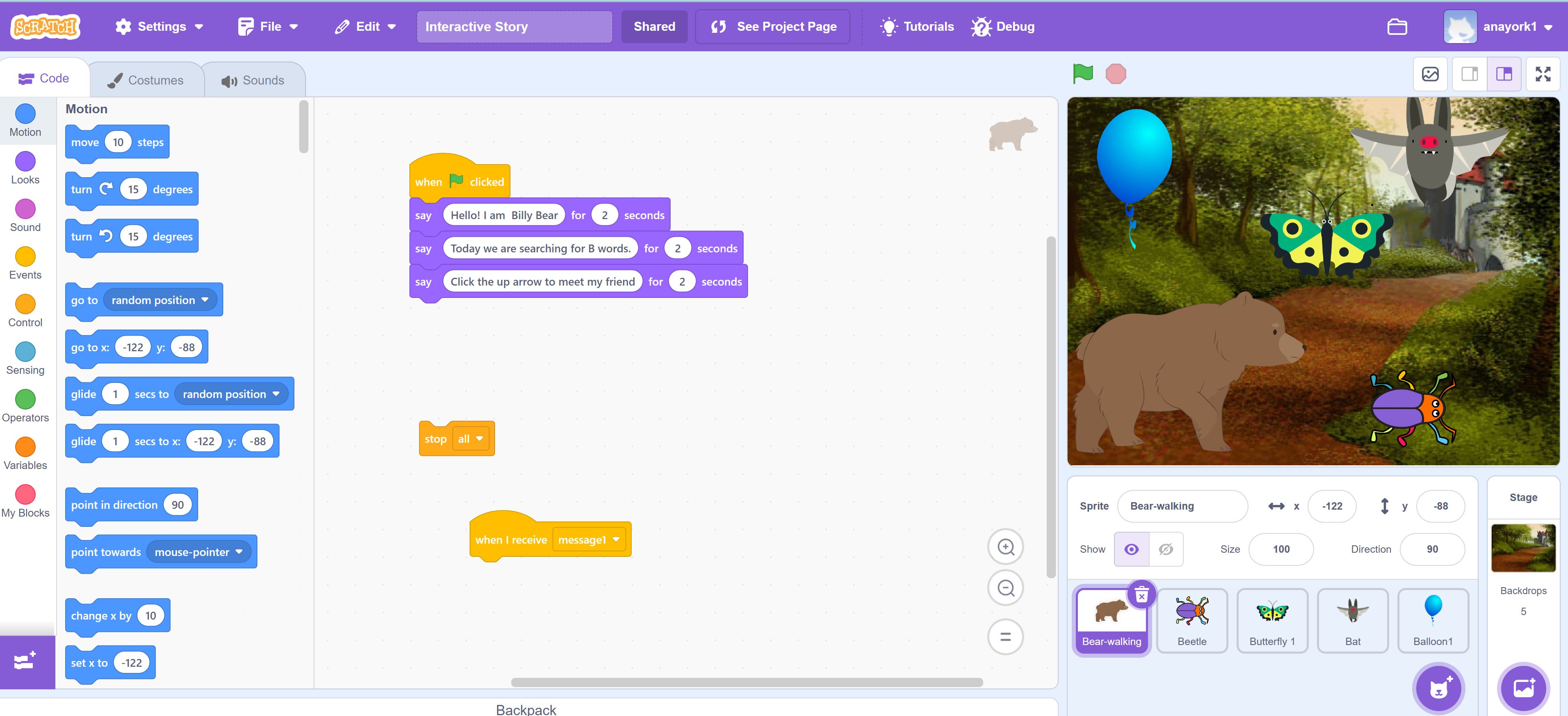
In this lesson, students develop early literacy skills by identifying and pronouncing beginning sounds, with a focus on the letter “B.” Students engage in phonics learning as they connect the /b/ sound to the letter “B” through an interactive Scratch program, where they click on images, listen to prompts, and determine which words begin with the target sound. The lesson also supports phonemic awareness as students listen for and isolate beginning sounds. Students then extend their learning by creating simple digital stories in ScratchJr using words that begin with “B” or another chosen letter.
Through this project, I developed a new understanding of how to use Scratch and ScratchJr as accessible, free tools to support early literacy instruction. I learned that even simple, click-based interactions can meaningfully reinforce foundational skills such as identifying beginning sounds.
As I think about my work with preservice teachers, I plan to incorporate this experience into my methods courses by modeling how technology can be used intentionally to support literacy development, not just as an add-on. I will engage preservice teachers in designing similar lessons, analyzing the alignment among standards, objectives, and assessments, and reflecting on how to scaffold both content and technology for young learners.
Students are introduced to the /b/ sound and practice identifying and pronouncing it at the beginning of familiar words through repetition and teacher modeling.
The teacher introduces the letter B and clearly models the /b/ sound. Students repeat the sound several times as a group and individually. The teacher shows images such as bear, bat, balloon, butterfly, and beetle, and asks students what sound they hear at the beginning of each word. Students practice saying the words and isolating the first sound. The teacher reinforces correct pronunciation and provides additional examples as needed.
Students use a Scratch story to identify and select images that begin with the /b/ sound, reinforcing sound-symbol connections through interactive practice.
The teacher projects the Scratch program and models how to click on images and listen to prompts. The teacher demonstrates how to identify the correct “B” word and explains the reasoning. Students then work individually or in pairs to interact with the interactive story. They click on images and select those that begin with the /b/ sound. The teacher circulates, asking guiding questions such as “What sound do you hear at the beginning?” and “Why does this word belong?” to support student understanding.
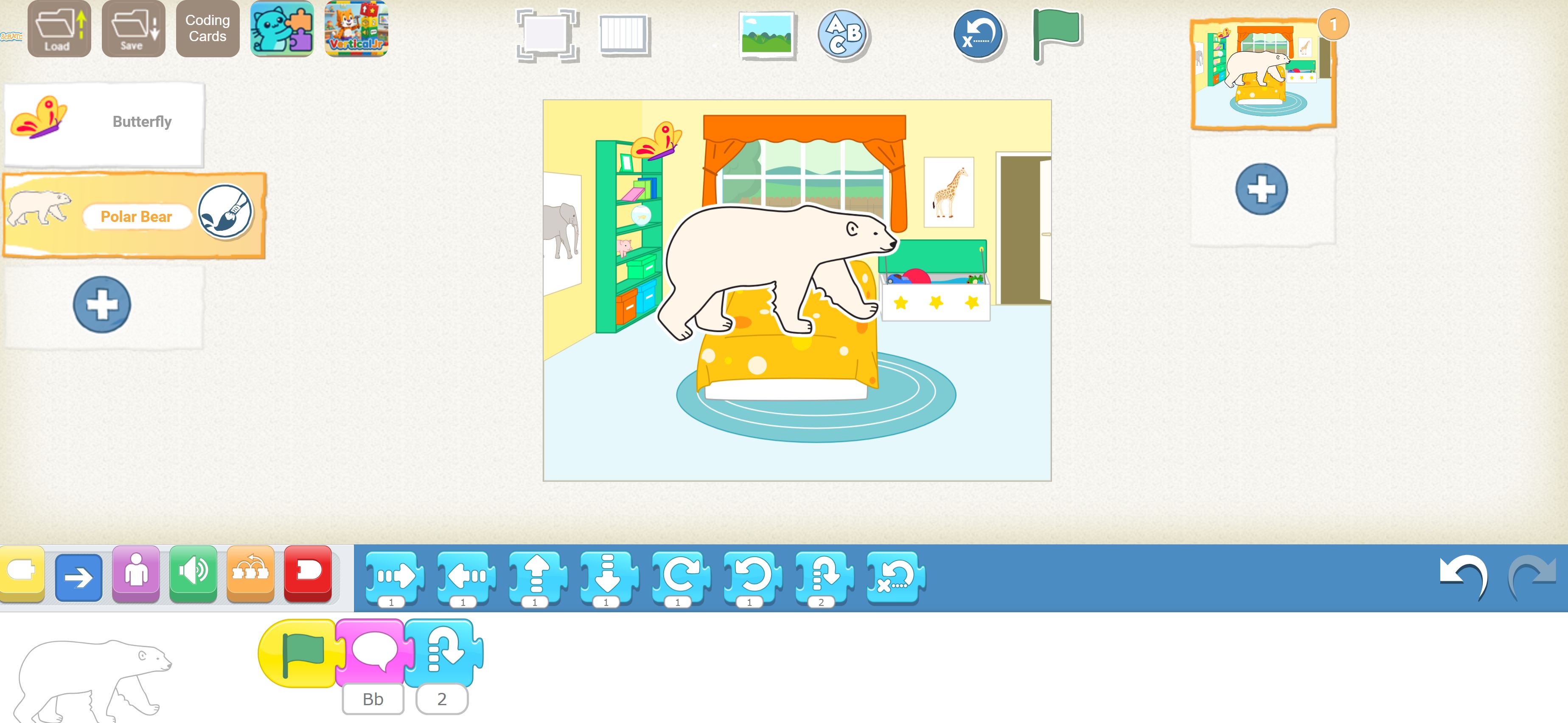
Students apply their learning by creating a simple digital story in ScratchJr that includes words beginning with the letter “B” or another chosen letter.
The teacher introduces ScratchJr and models how to create a simple scene with a character and an object. Students are guided to choose a letter, such as “B,” and select or create images that begin with that letter. Students build a short digital story by adding characters, movement, and simple narration or sound. The teacher supports students as they create, encouraging them to include at least one word that matches their chosen letter. Students share their stories with the class, explaining the words they included and the sounds they represent.
Having trouble? Let us know by completing the form below. We'll do our best to get your issues resolved quickly.
"*" indicates required fields