- Loading…

In this lesson, students create a simple interactive story using a joystick and Arduino. The joystick represents choices in the story, and the Arduino displays the outcome of those choices as messages on the computer screen. Students explore how decisions lead to different outcomes by connecting storytelling with physical computing. Through collaboration, they design, build, and present their own interactive stories.
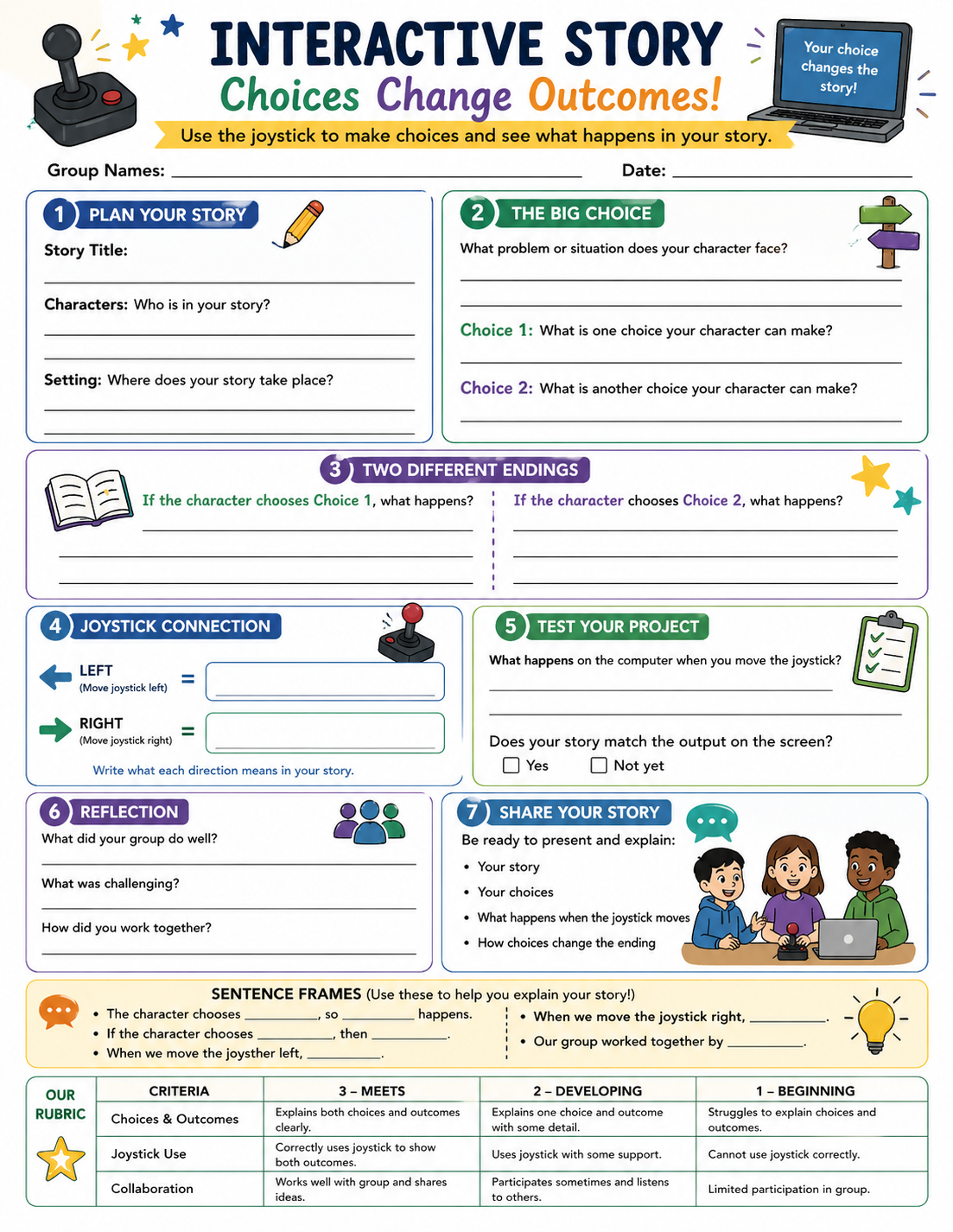
Explain how choices affect story outcomes
Use a joystick to interact with a story
Work collaboratively to create and share ideas
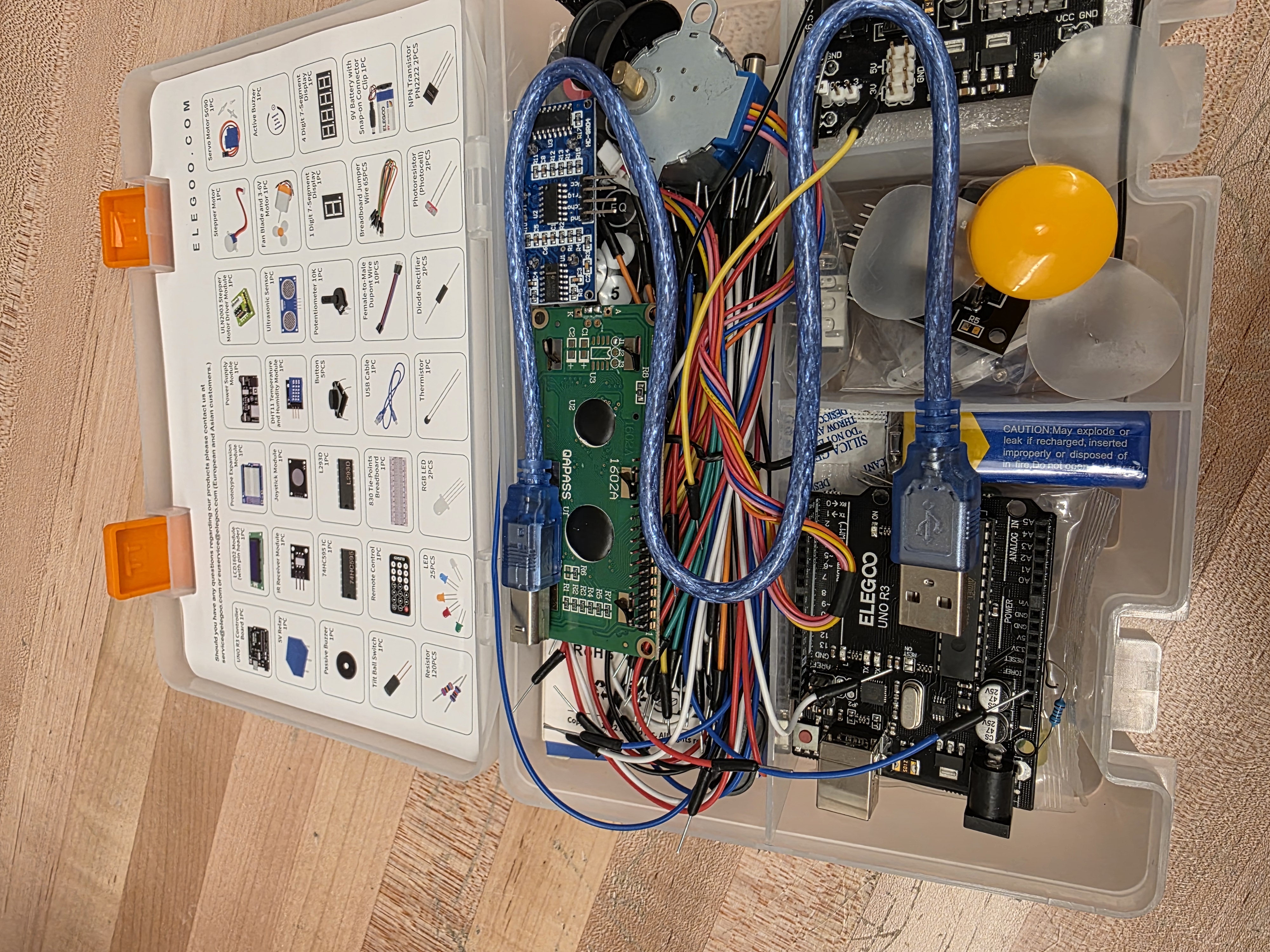
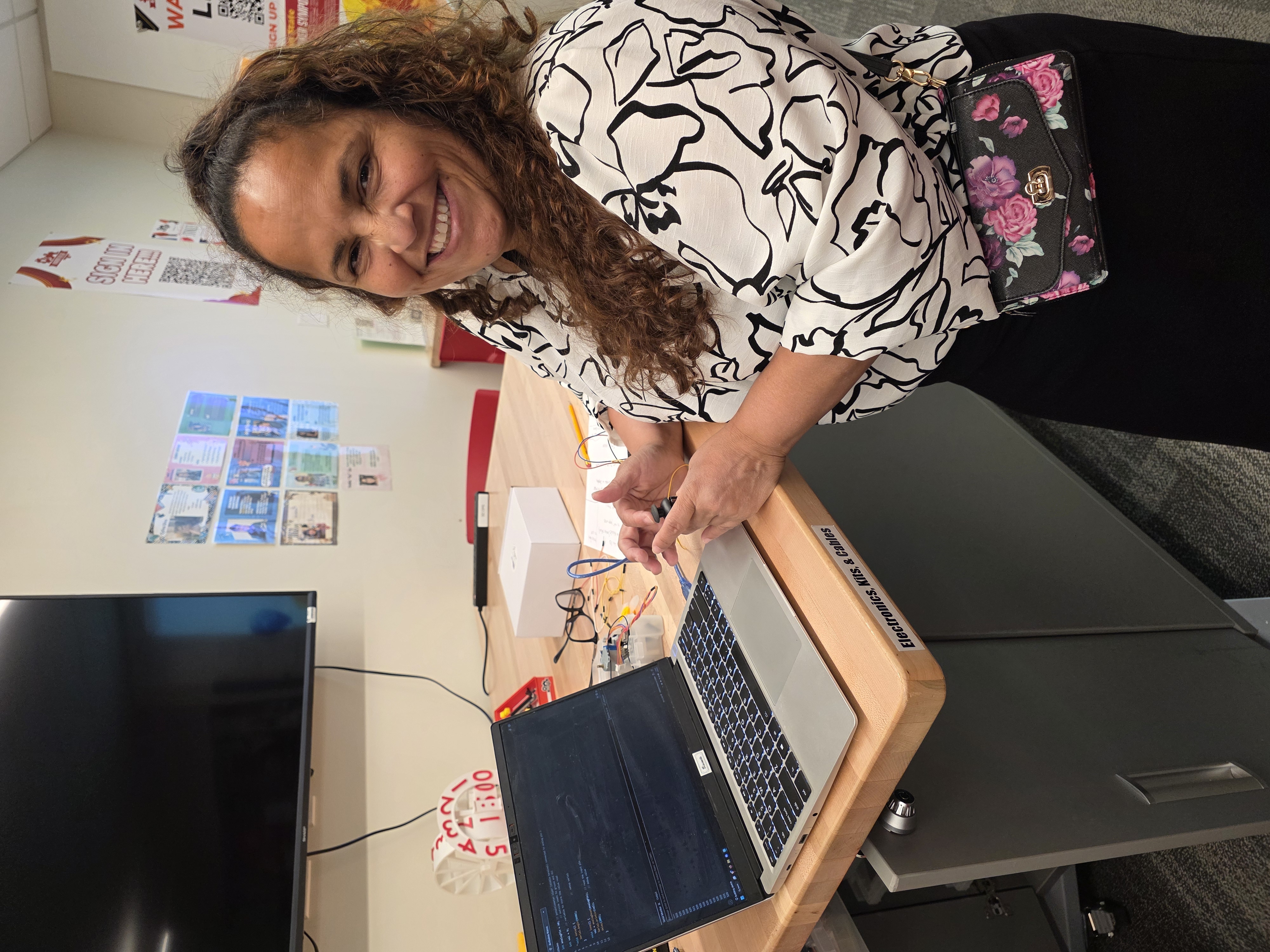
During this Field Activity, I collaborated with the Fab Lab assistant to better understand how the Arduino and joystick function together. This support helped me build confidence in connecting components and programming the joystick to send input to the computer, where messages are displayed. His guidance also helped me anticipate challenges and ensure the activity is appropriate for elementary students. At the same time, I drew from my experience teaching literacy methods to design a lesson that connects storytelling and decision-making. By linking joystick movements to different story outcomes, I created an interdisciplinary lesson that helps students understand how choices affect narratives in an engaging, hands-on way.
Students explore how choices affect what happens in a story.
The teacher presents a simple scenario such as a character deciding whether to help a friend or ignore the situation. Students discuss what might happen next depending on the choice. The teacher records student responses on the board under the headings choice and outcome to organize their thinking. The teacher emphasizes that different choices lead to different results. The teacher explains that students will create a story where a choice changes what happens, and that technology will be used to show those changes.
Students observe how a joystick connected to an Arduino can be used to make choices.
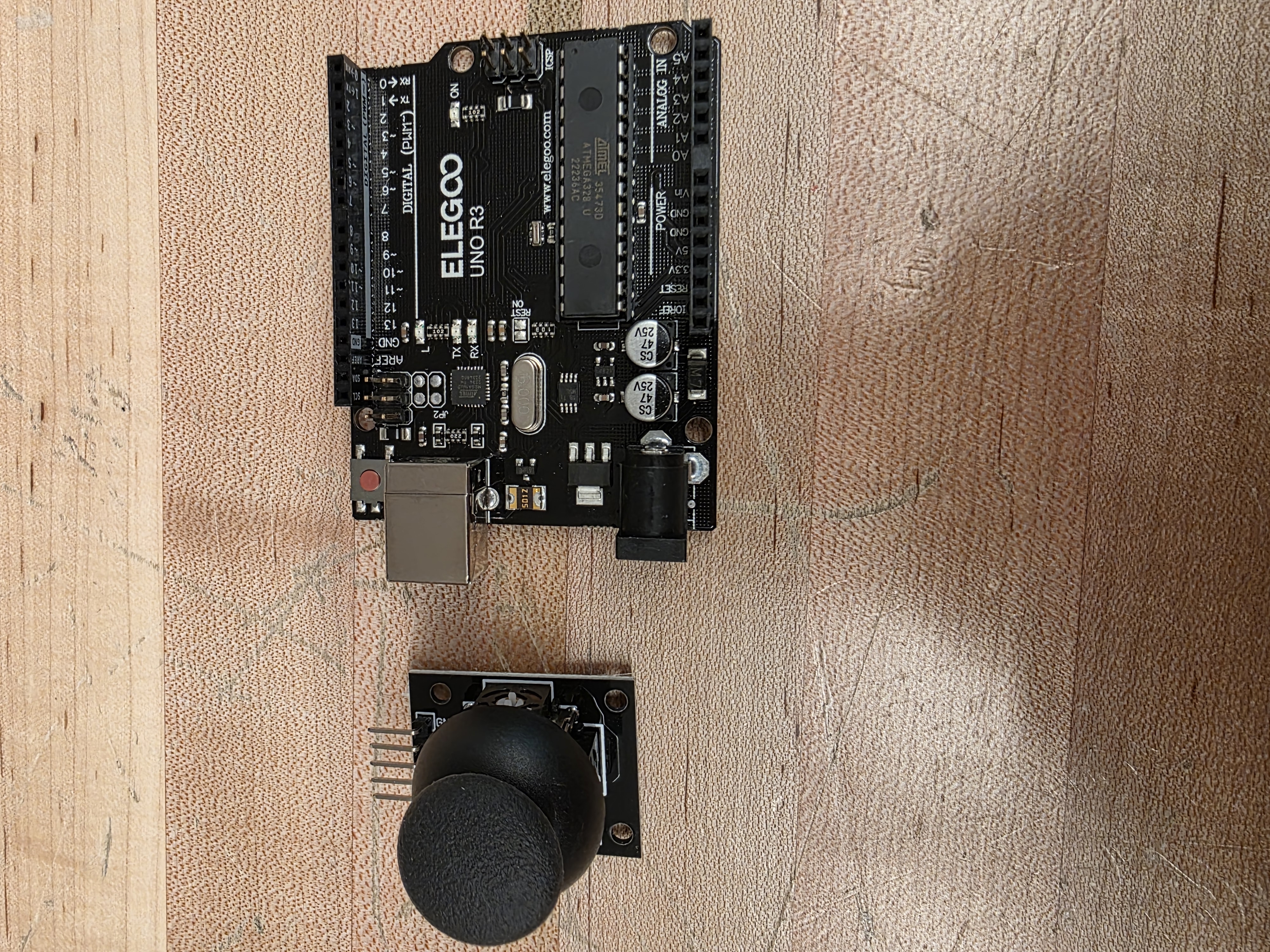
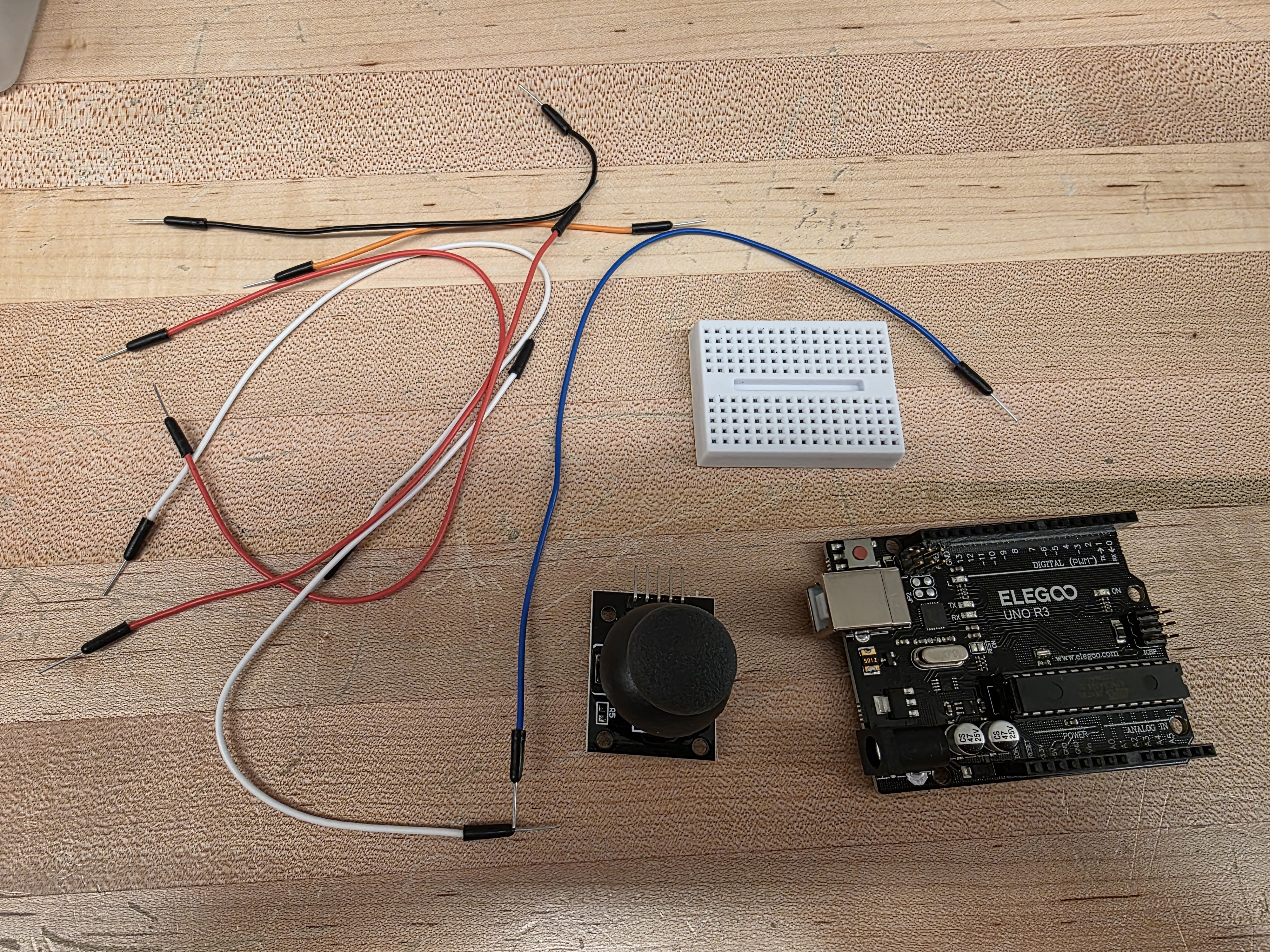
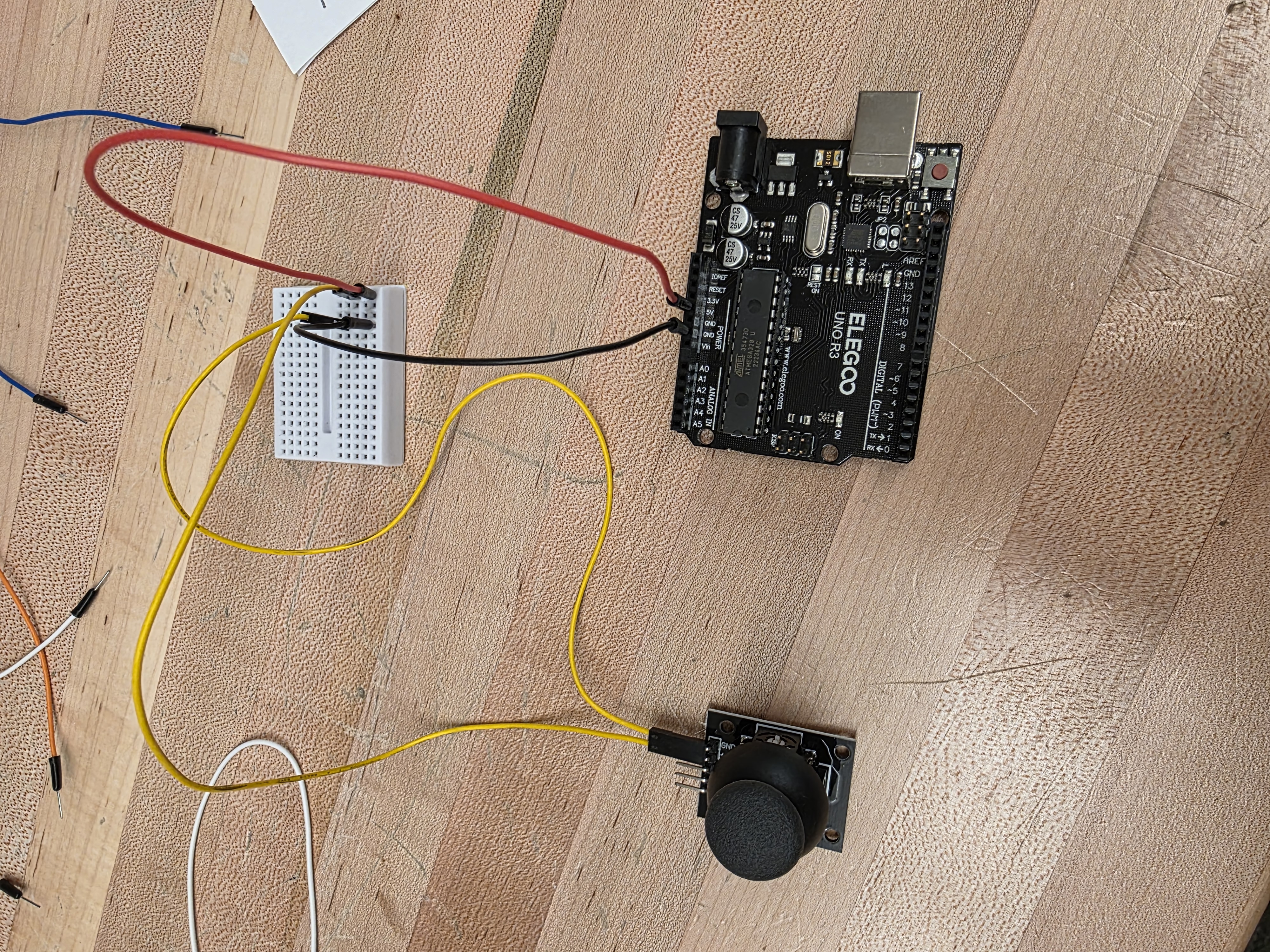
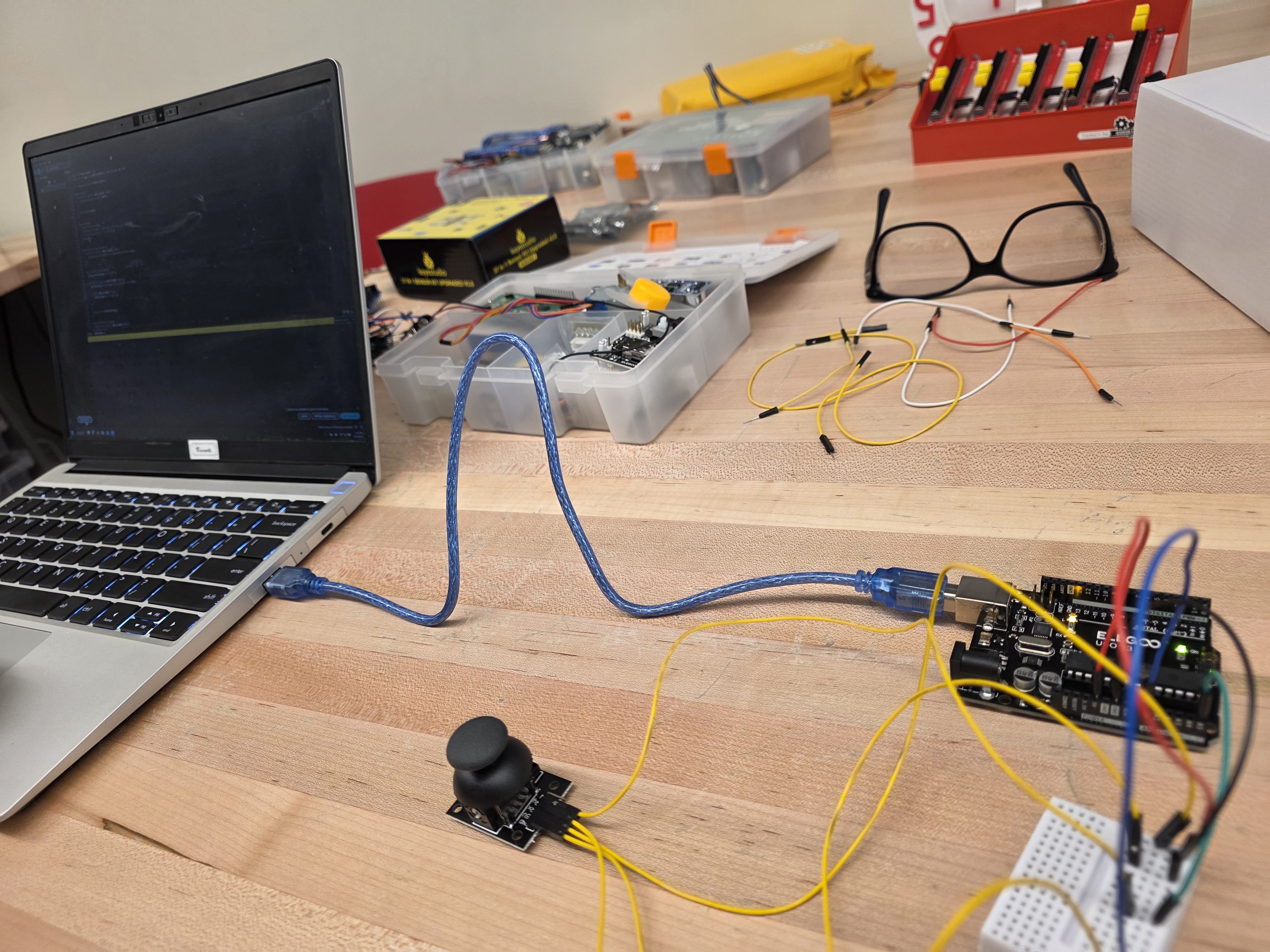
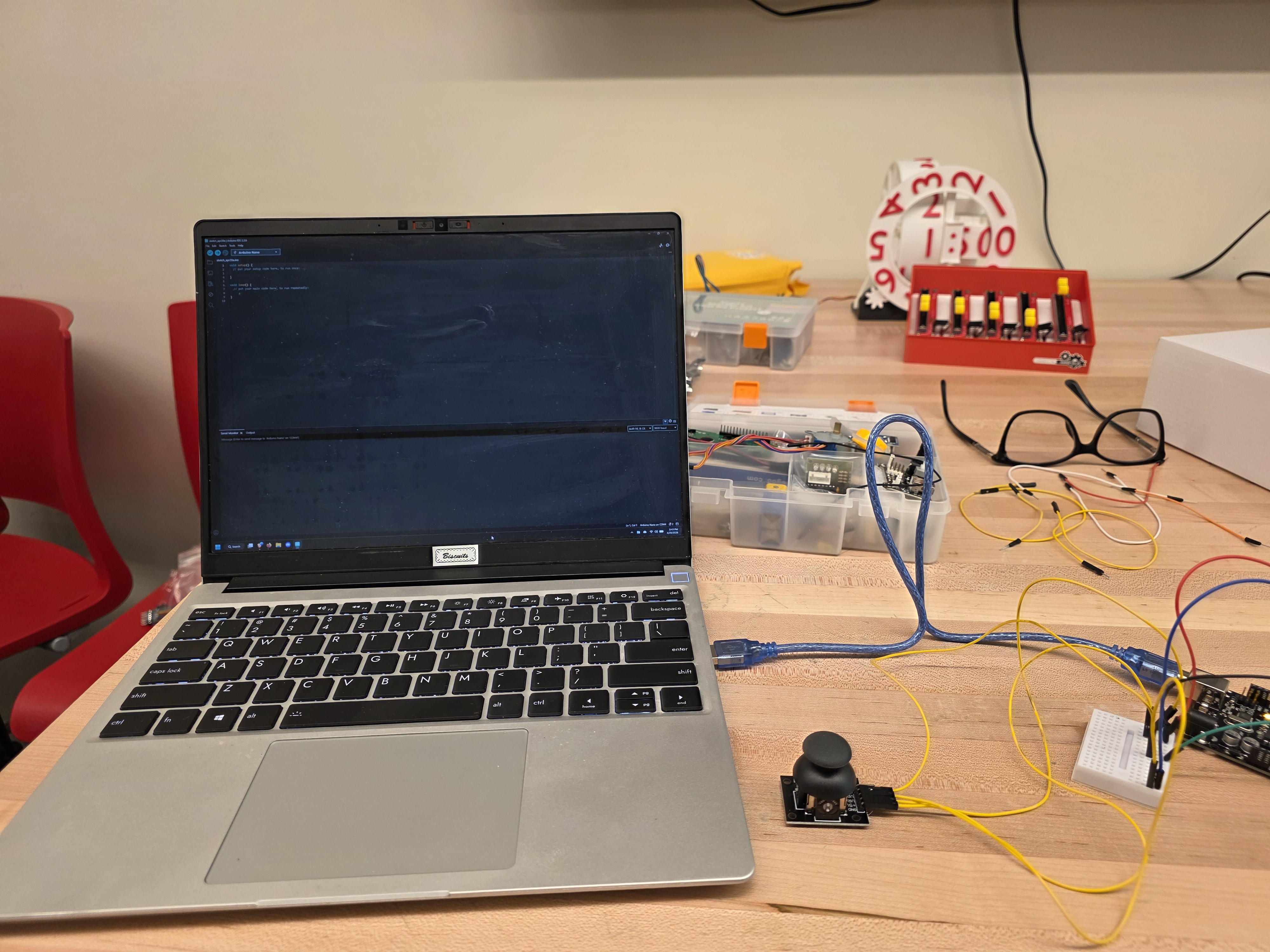
The teacher demonstrates a setup where the Arduino is connected to a joystick and a computer. The teacher explains that the joystick is used to make choices by moving it in different directions. The teacher moves the joystick to the left and shows a message appearing on the screen. The teacher then moves the joystick to the right and shows a different message. The teacher explains that each direction represents a different decision in a story, and the message on the screen shows the outcome of that decision. Students observe how the joystick controls what happens and discuss how this represents choices and consequences.
Students work in small groups to create a short story with a clear choice and multiple outcomes.
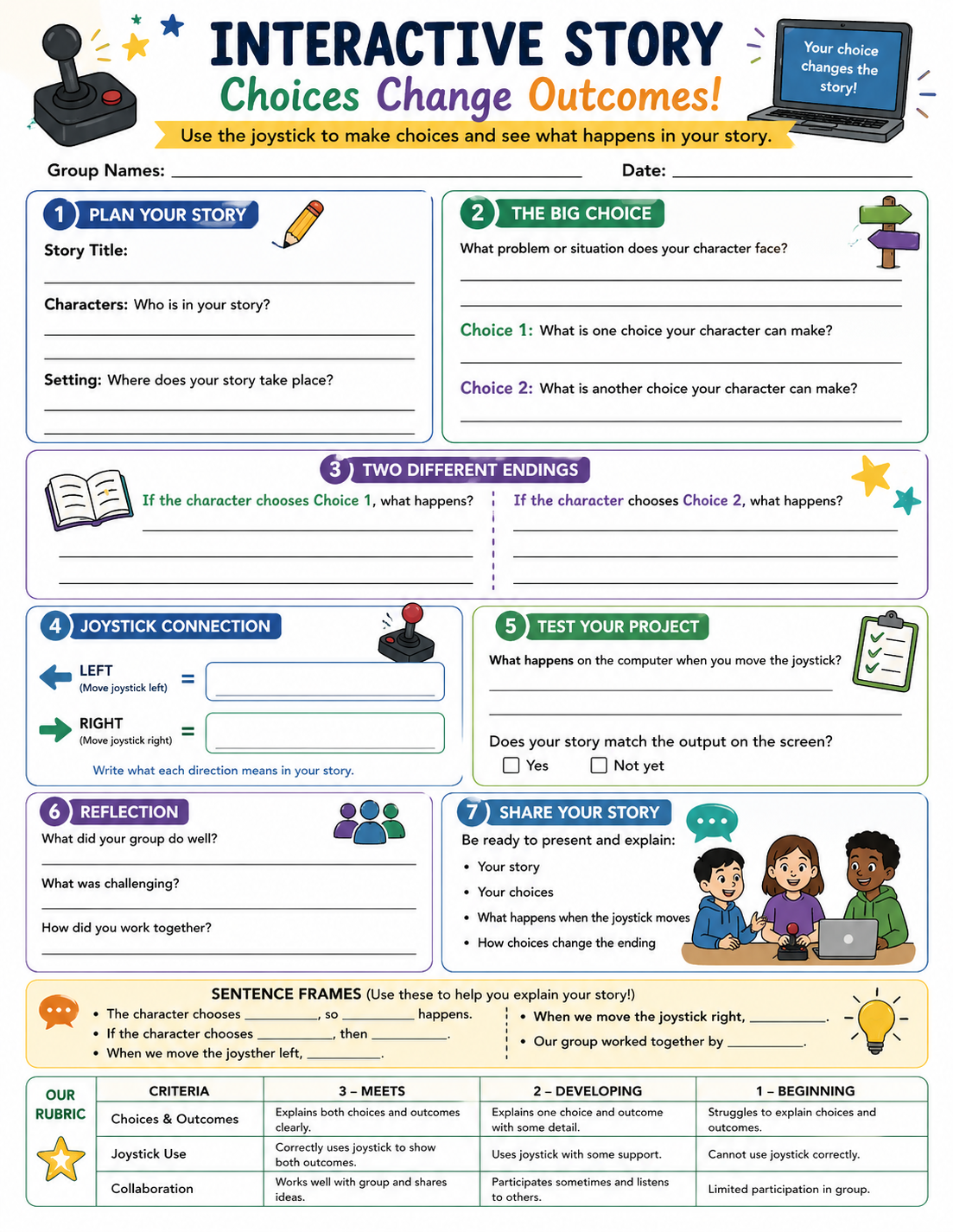
Students are placed into small groups and are given a story planning sheet. Each group creates a short story that includes a beginning, a choice point, and at least two outcomes. Students decide what each joystick direction represents in their story. The teacher provides the Arduino setup and supports students in uploading pre-written code that reads joystick movement and displays messages on the computer screen. Students test their system by moving the joystick and observing the messages that appear. Groups revise their story to clearly match each direction with an outcome. The teacher circulates to support both storytelling and technology use.
Students present their interactive stories and demonstrate how the joystick controls the outcomes.
Each group presents their story to the class and demonstrates how moving the joystick changes the outcome. Students explain what each direction represents and how it affects the story. The teacher prompts students to describe how choices influence what happens next. Students reflect on how the technology helped make their story interactive. The class discusses how different choices lead to different results.
Having trouble? Let us know by completing the form below. We'll do our best to get your issues resolved quickly.
"*" indicates required fields