
- Loading…

In this hands-on phonics lesson, students explore short vowel sounds by building and manipulating CVC (consonant-vowel-consonant) words using 3D printed interlocking letter blocks. Students practice isolating, blending, and segmenting sounds as they construct and read words, developing foundational decoding skills aligned to California ELA standards. Through guided practice and collaborative activities, students deepen their understanding of how changing a single vowel sound can create new words, strengthening both phonemic awareness and early reading fluency.
The files for the blocks that I 3D printed can be found at: https://makerworld.com/en/models/1536830-snapletters-modular-alphabet?from=search#profileId-1612303
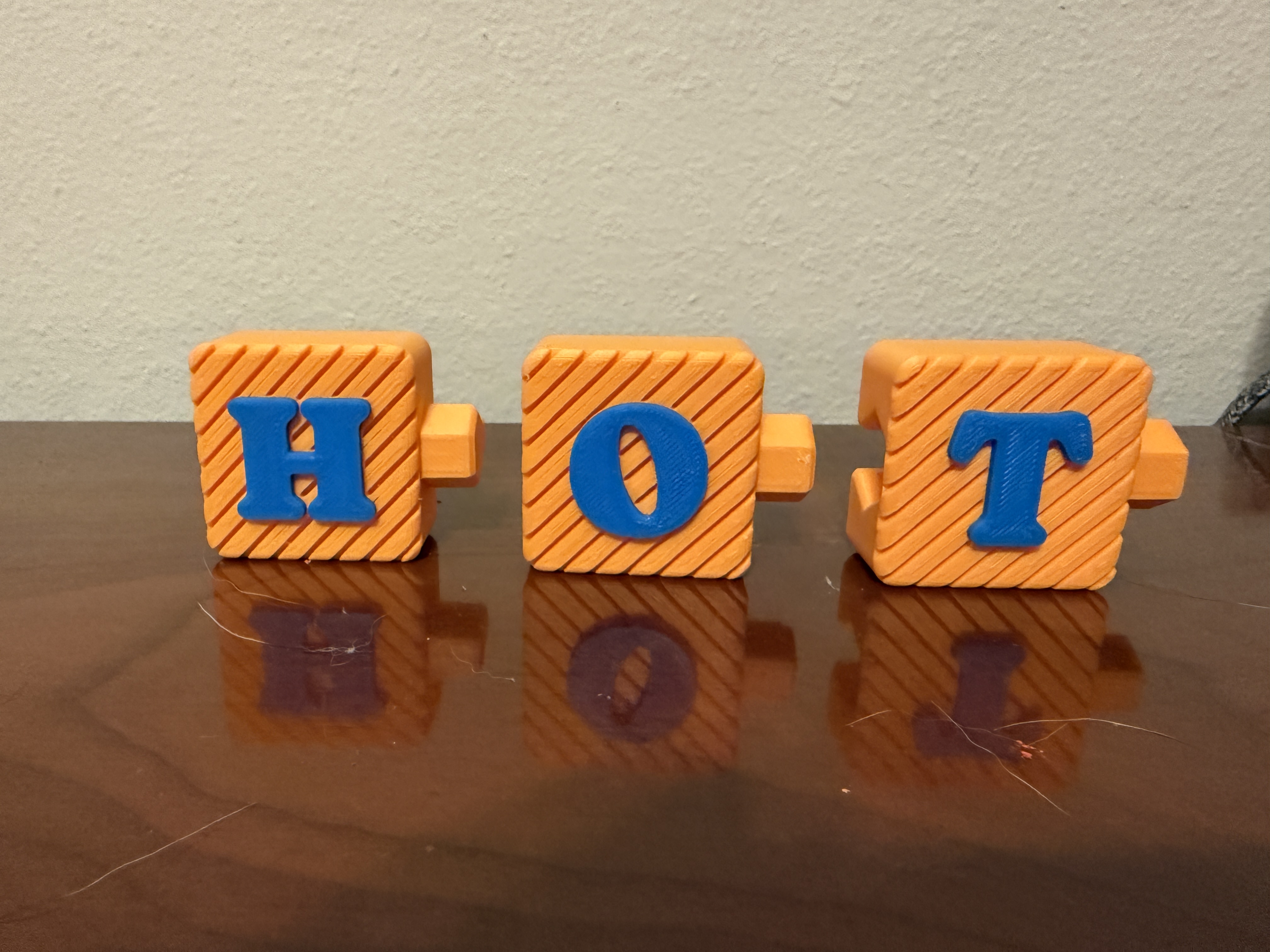
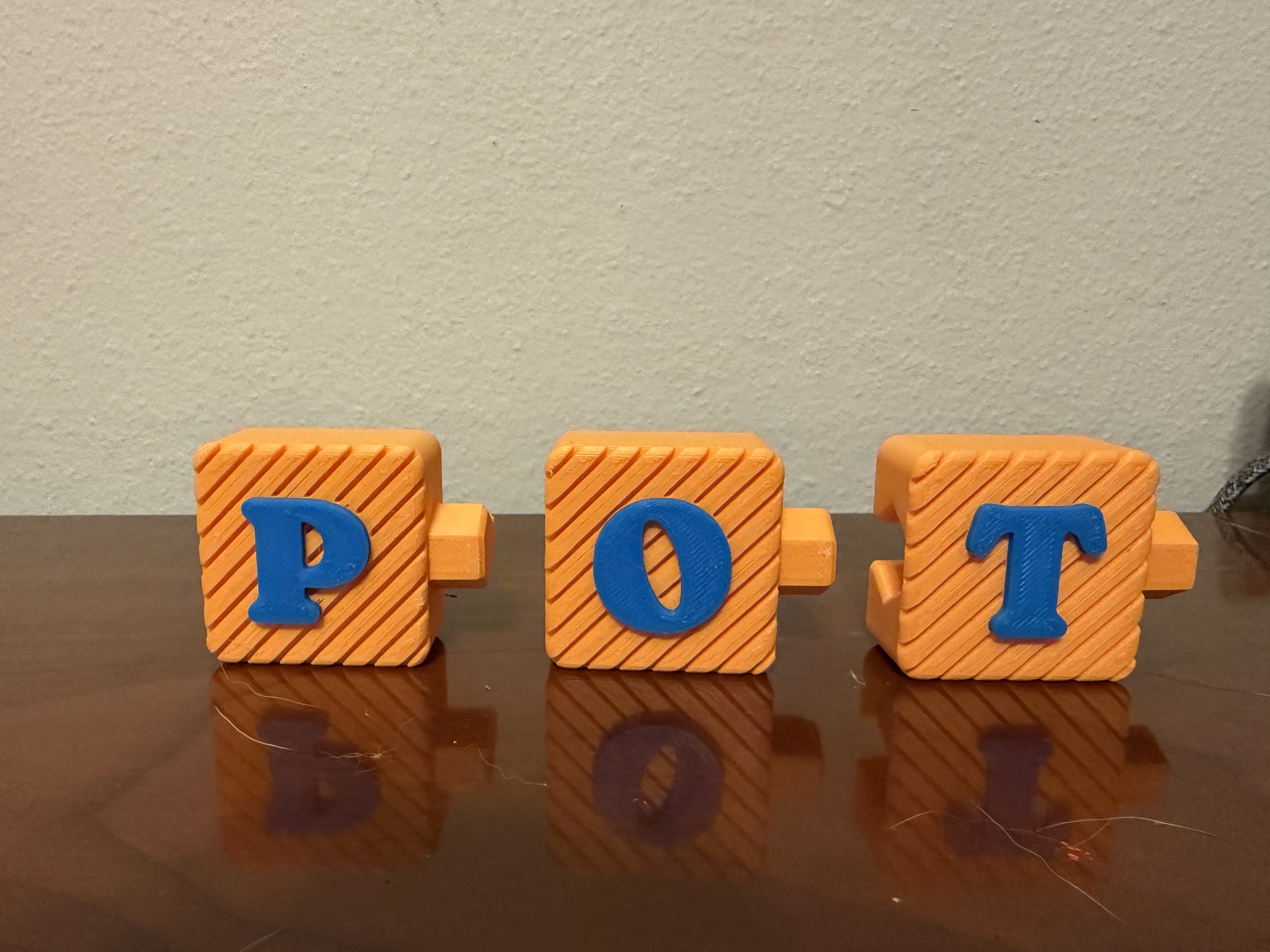
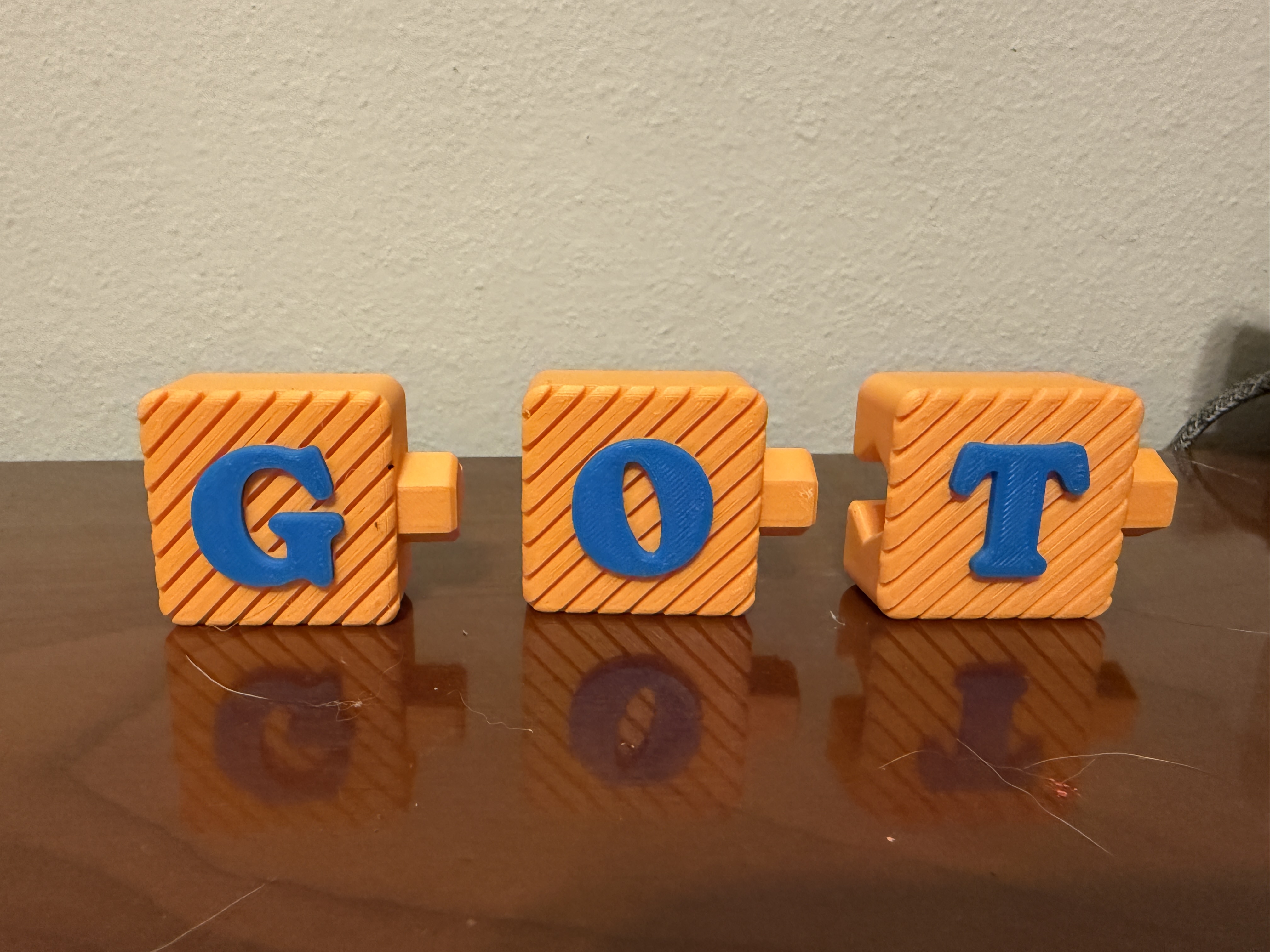
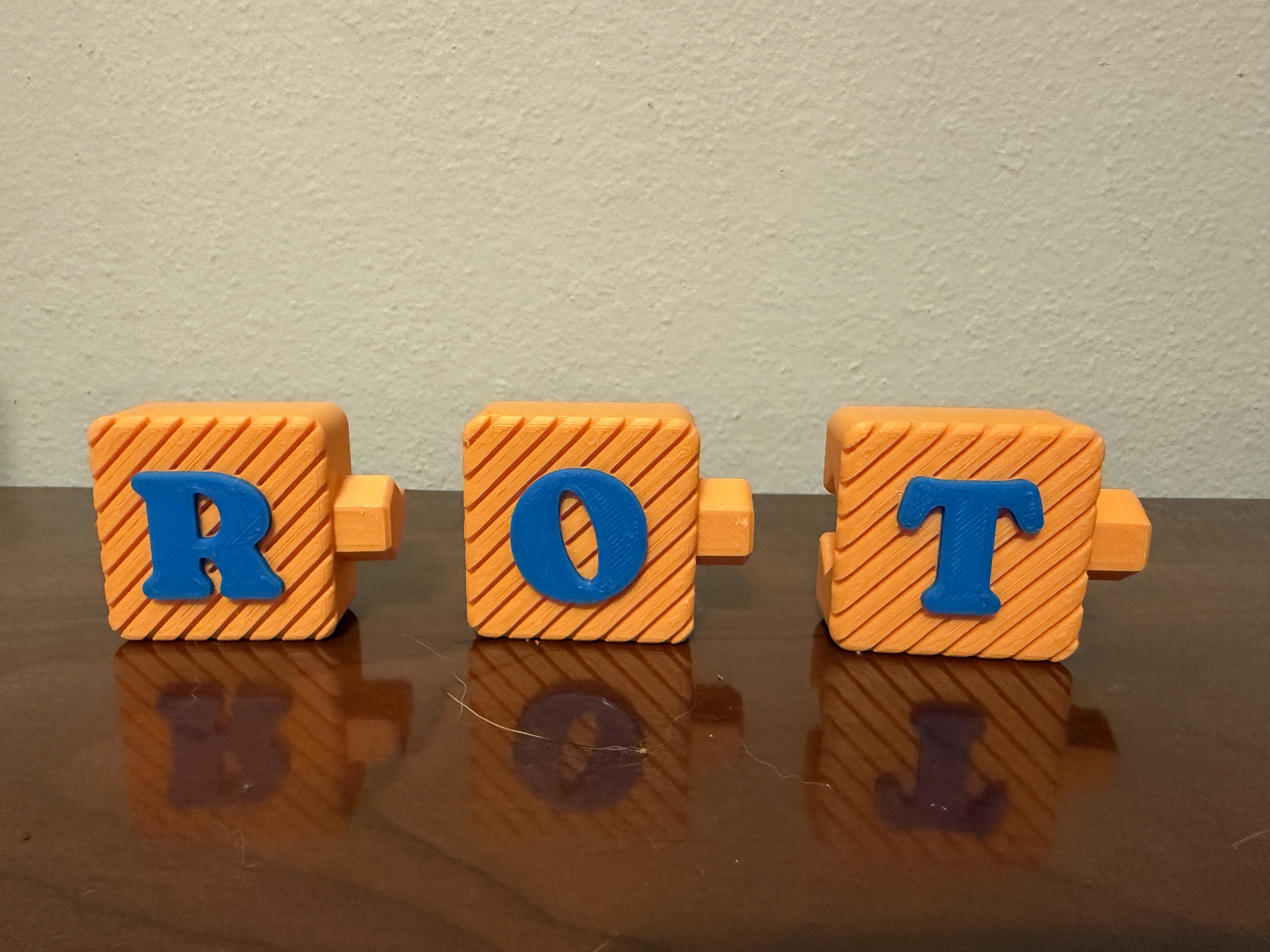
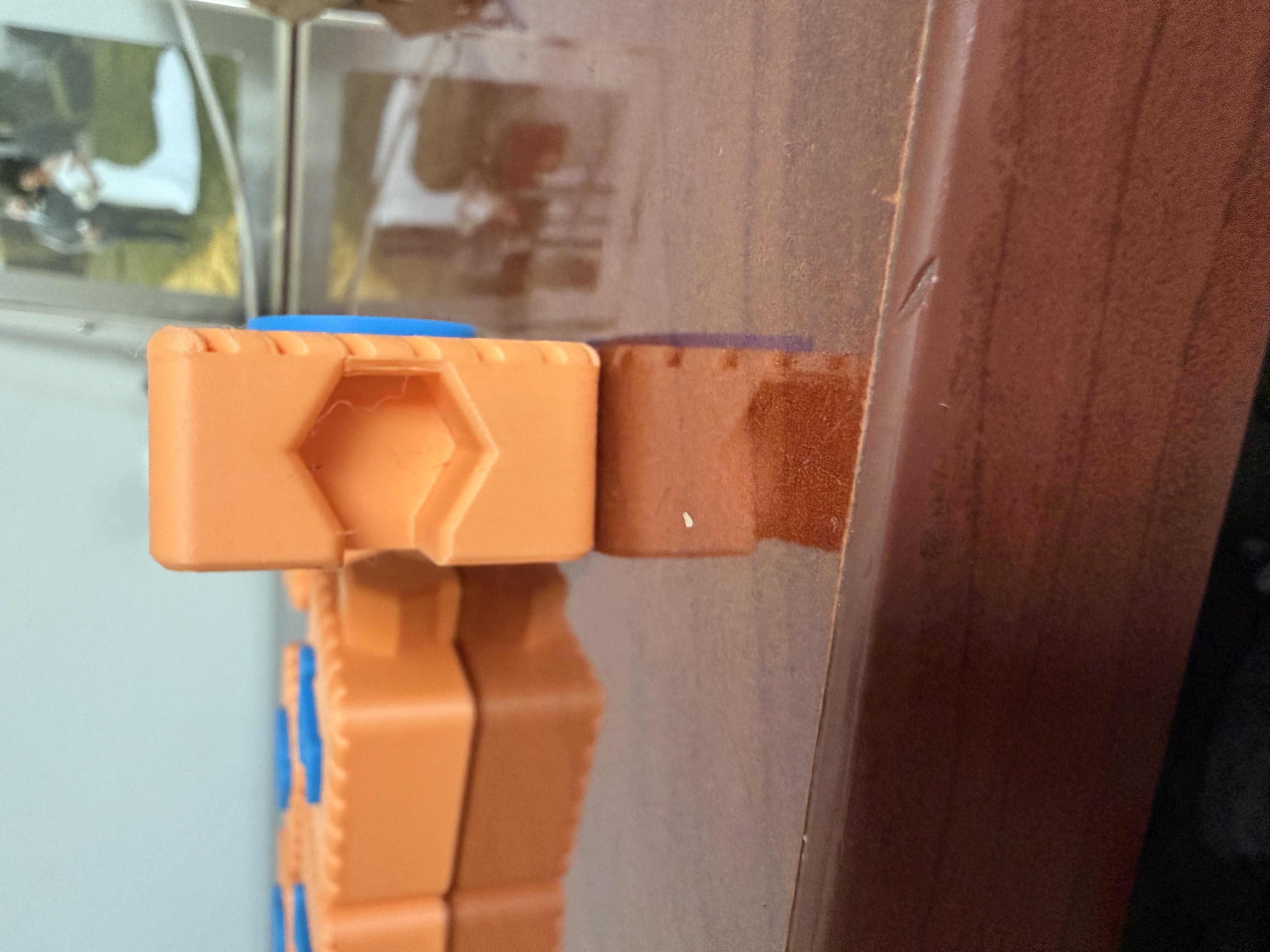
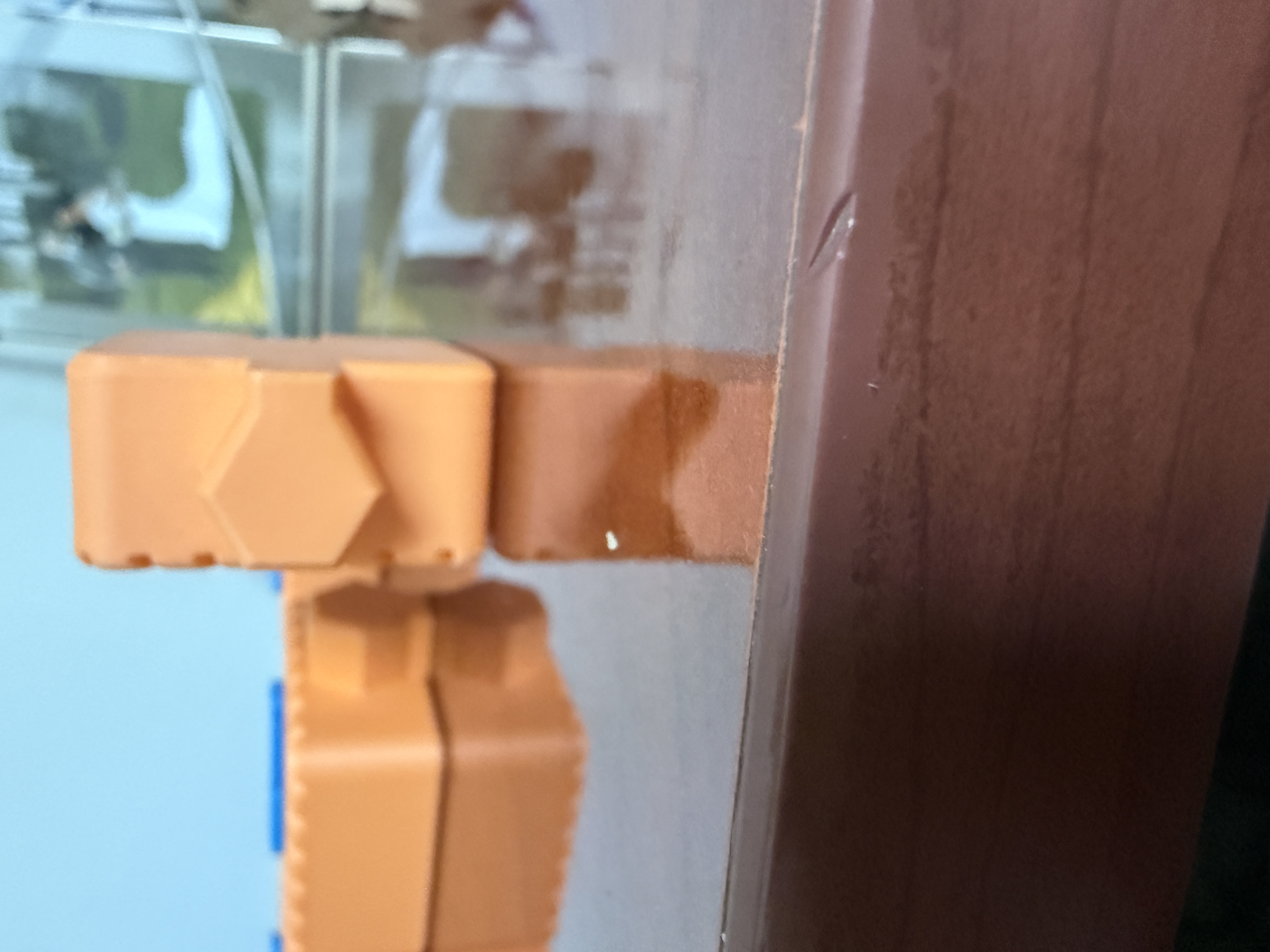
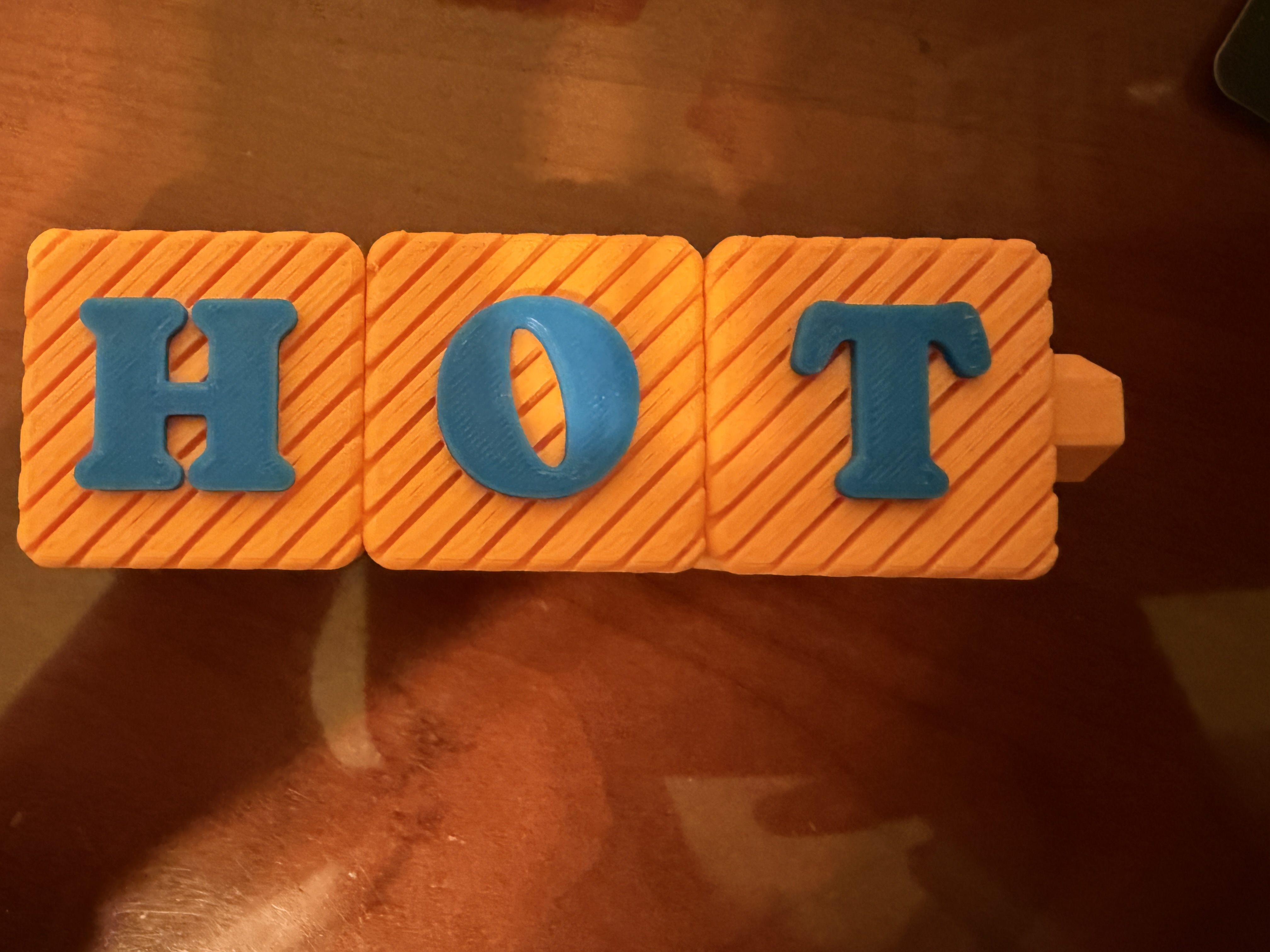
List of words for students to create
3D printed interlocking blocks
Word building mats
Picture cards
White boards
White board markers
White board eraser
Students will be able to build CVC words using interlocking letter blocks.
Students will be able to identify short vowel sounds in spoken words.
Students will be able to blend words that they create.
Students will be able to segment sounds to create new words.
This lesson could have been done without using these blocks and instead using magnet letters. I think that the fabricated 3D printer interlocking letters enhanced this lesson by allowing students to physical build the words and see them connecting the letters to form the words. I believe the extra value that these blocks added to this phonics lesson is not only being able to create the word but actually locking the letters in together and seeing the word without spaces in between the letters.
Some challenges that I expect with this activity are students struggling to fit the pieces together and wanting to play with the letters more than making the words.
One thing I learned doing this fabrication process is if I want to do an activity like this in the future and use a manipulative that needs to be 3D printed that I need to give myself enough time to allow it to be printed because it takes longer than I anticipated to make these blocks.
Allow students to become familiar with the vowel sound that you chose for this activity. Allow them the chance to warm up by saying the wordMins before seeing them and building them.
Start students off with a sound stretch and have them stretch out words with you using the targeted vowel sound you would like to use. In this lesson I am using the short vowel o sound.
Say the word “hot” have students repeat the word, ask students to stretch out the word for you /h/o/t.
Repeat this step with other short vowel o words.
Model how to build the word using the interlocking blocks and how to sound out each sound and then blend the word together.
Show the students the blocks that they will be using and how they interlock. Model with the word hot. Show students the letters h-o-t with the blocks and model how to interlock the letters together to form the word. Say the sounds slowly then blend the letters together: “hot”.
Swap out the beginning letter *hot – got – pot.
Work with students as they build words using the interlocking blocks only changing one letter at a time.
Pass out blocks to students and explain that they will be given 1 minute to play with the blocks before they get started to get all their sillies out. Allow students 1 minute to play with the blocks. Once students have had a chance to play with the blocks tell them it is time for business.
Tell the students that you are going to tell them a word and they are to spell that word using the blocks they have.
Tell students to spell the word “rot”.
Students will build the word, tap out each sound, and then blend the word.
Once students have built, tapped out the sound, and blended the word. Have them change the word to “lot”. Repeat the process through your desired list of words.
Allow students to work with a partner to build words with the short vowel o.
Allow students to work in partners to build words containing the short vowel o. Have one student build the word and the other student sounds out that word. Allow students to switch roles as they go through the list of words.
Having trouble? Let us know by completing the form below. We'll do our best to get your issues resolved quickly.
"*" indicates required fields