
- Loading…

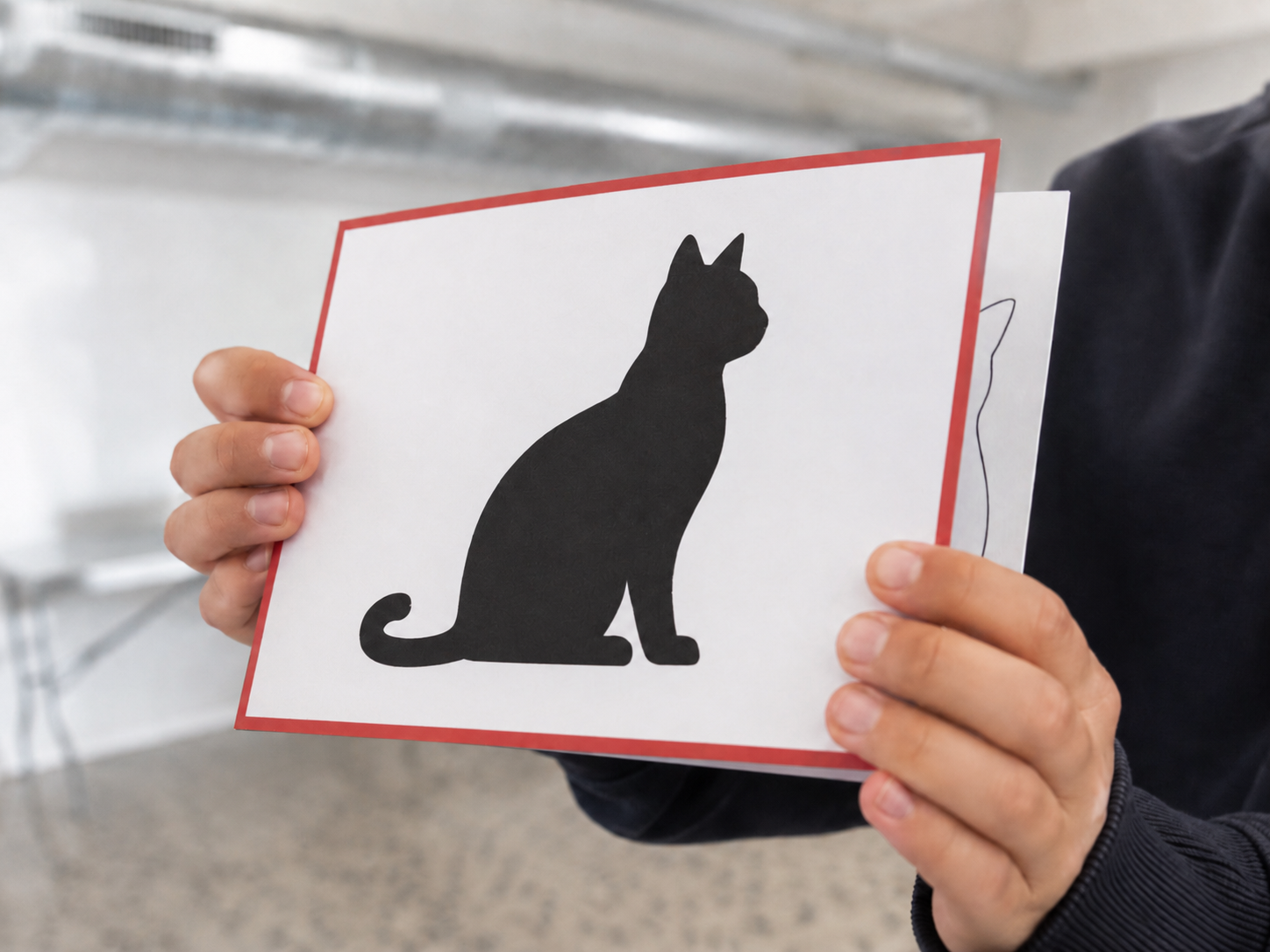
Students become the logic gates inside a computer. Each holds a single double-sided card [ black cat (= 1) on one side, white cat (= 0) on the other ] and applies their gate’s truth table to the two inputs they can see. Information ripples through 12 stationary “human gates” until a 3-bit binary addition is complete.
A parallel “Mice” team races to solve the same sum arithmetically.
No computer required.
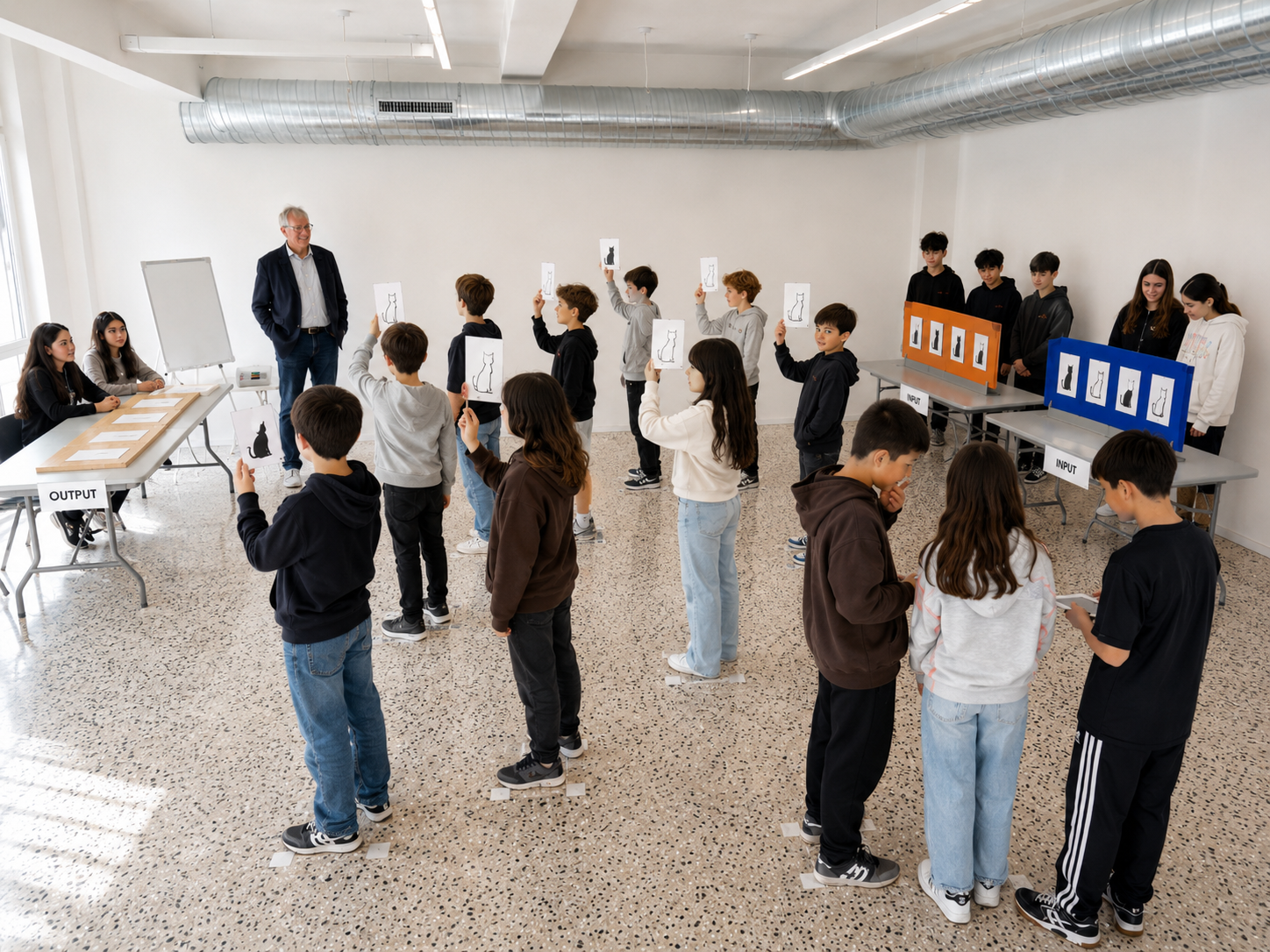
In this fully unplugged session, a classroom of students physically simulates the electronic logic inside a computer’s adder circuit. Twelve students stand at marked floor positions (labelled A–L), each holding a double-sided cat card (4.9″ × 3.5″). One side shows a solid black cat (bit 1) and the other a white outline cat (bit 0).
Each student’s Gate Role Card tells them three things:
• Their gate type: AND, OR, or XOR
• Which two sources to observe: either slots on the input boards, or two other gate students
• The gate’s truth table: four rows mapping any pair of black/white inputs to one output
The key mechanic: gate students never move. They observe their two inputs, decide which side of their card to show, flip it, then turn their body to face their downstream receiver(s). Information flows through four sequential rows of gates — just like electrons ripple through a real adder circuit — until four output gates (F, H, K, L) each reveal one bit of the final sum.
Only two “Mice” students move around the room.
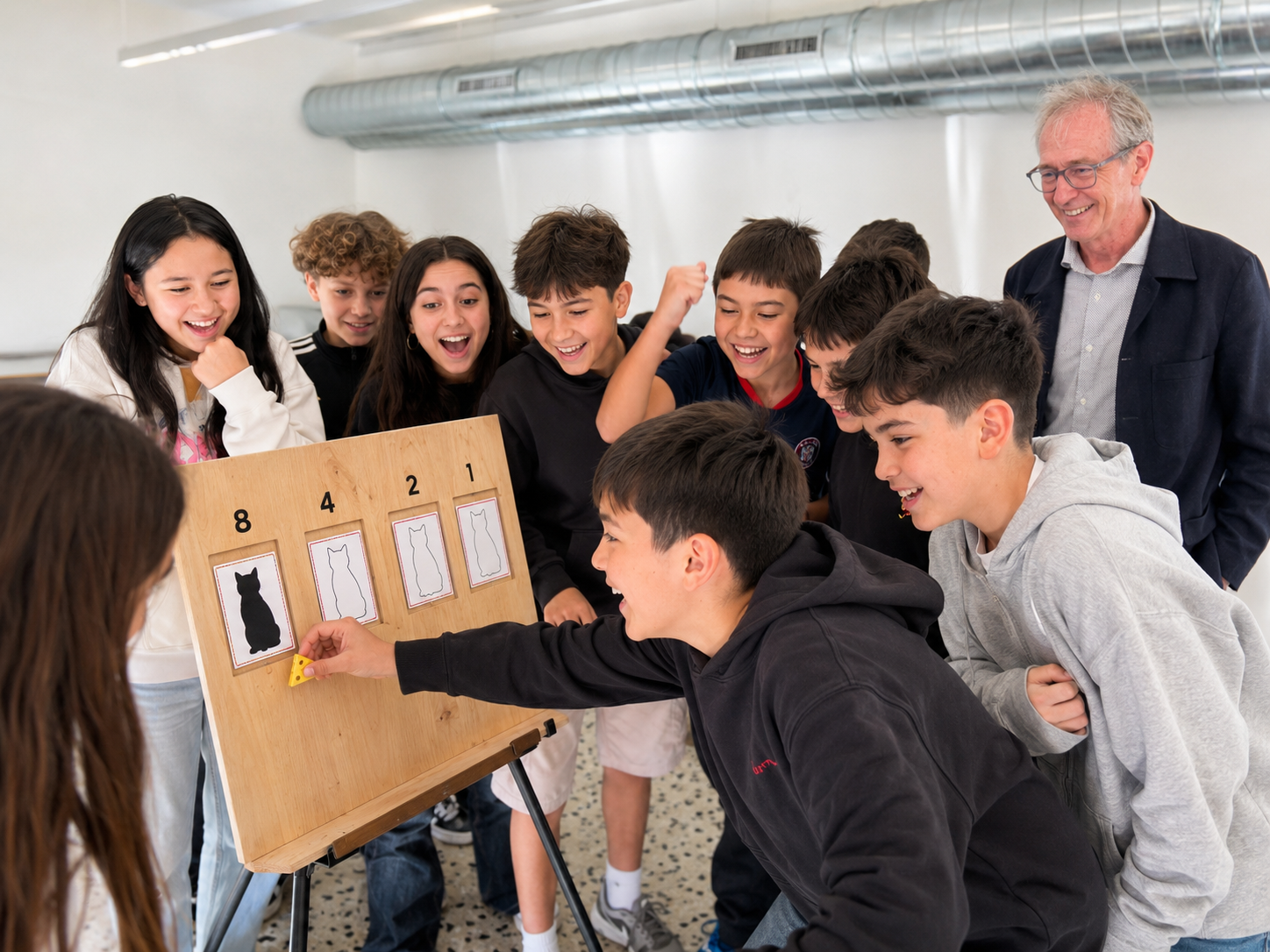
While the gate students compute, a parallel Mice team reads the input boards, converts the cat sequences to decimal, adds the numbers, converts the sum back to binary, and races to place their answer on the output board. If Cats and Mice agree, the class celebrates. If they disagree, everyone debugs together… which is where the deepest learning happens.
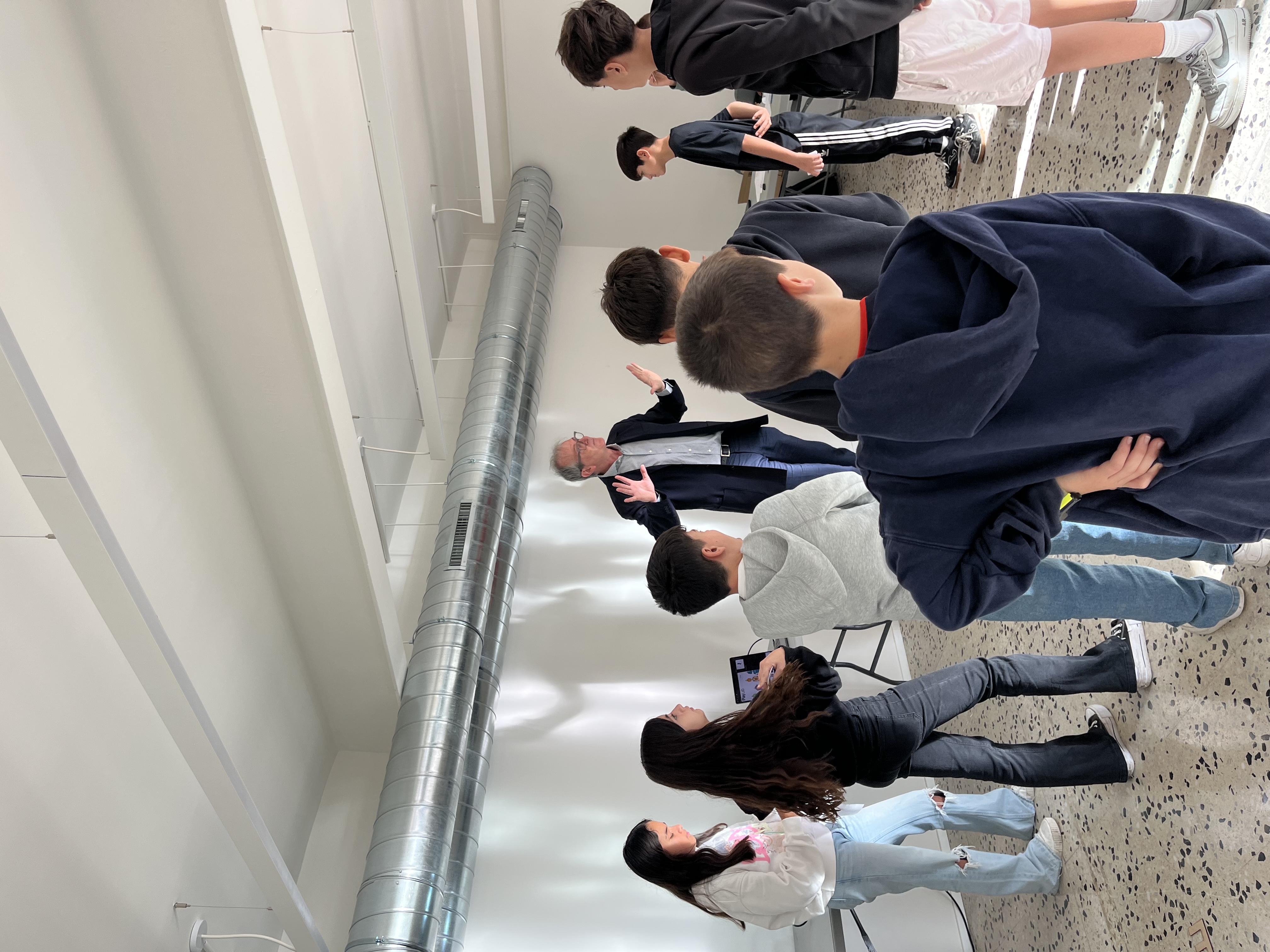
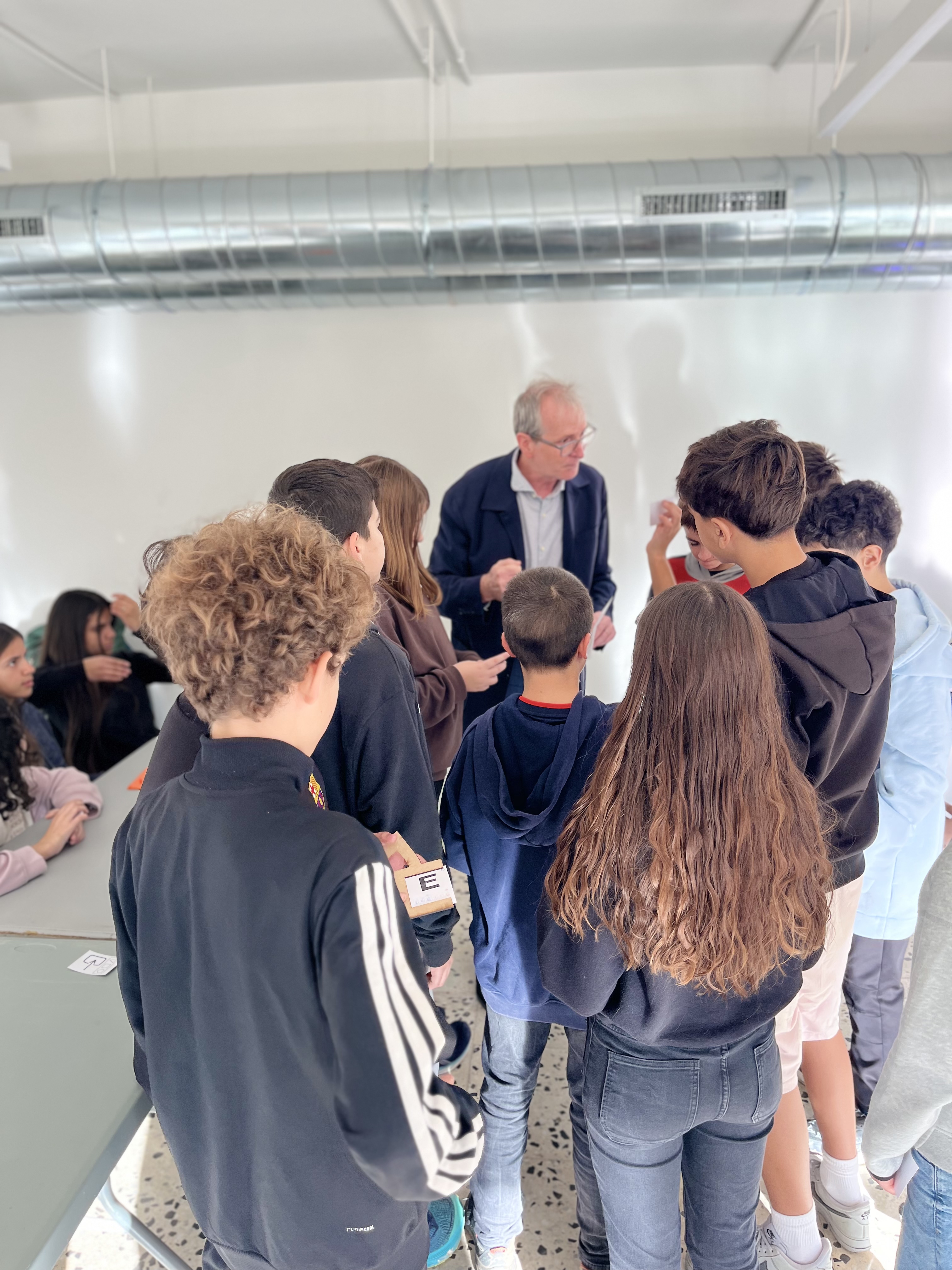
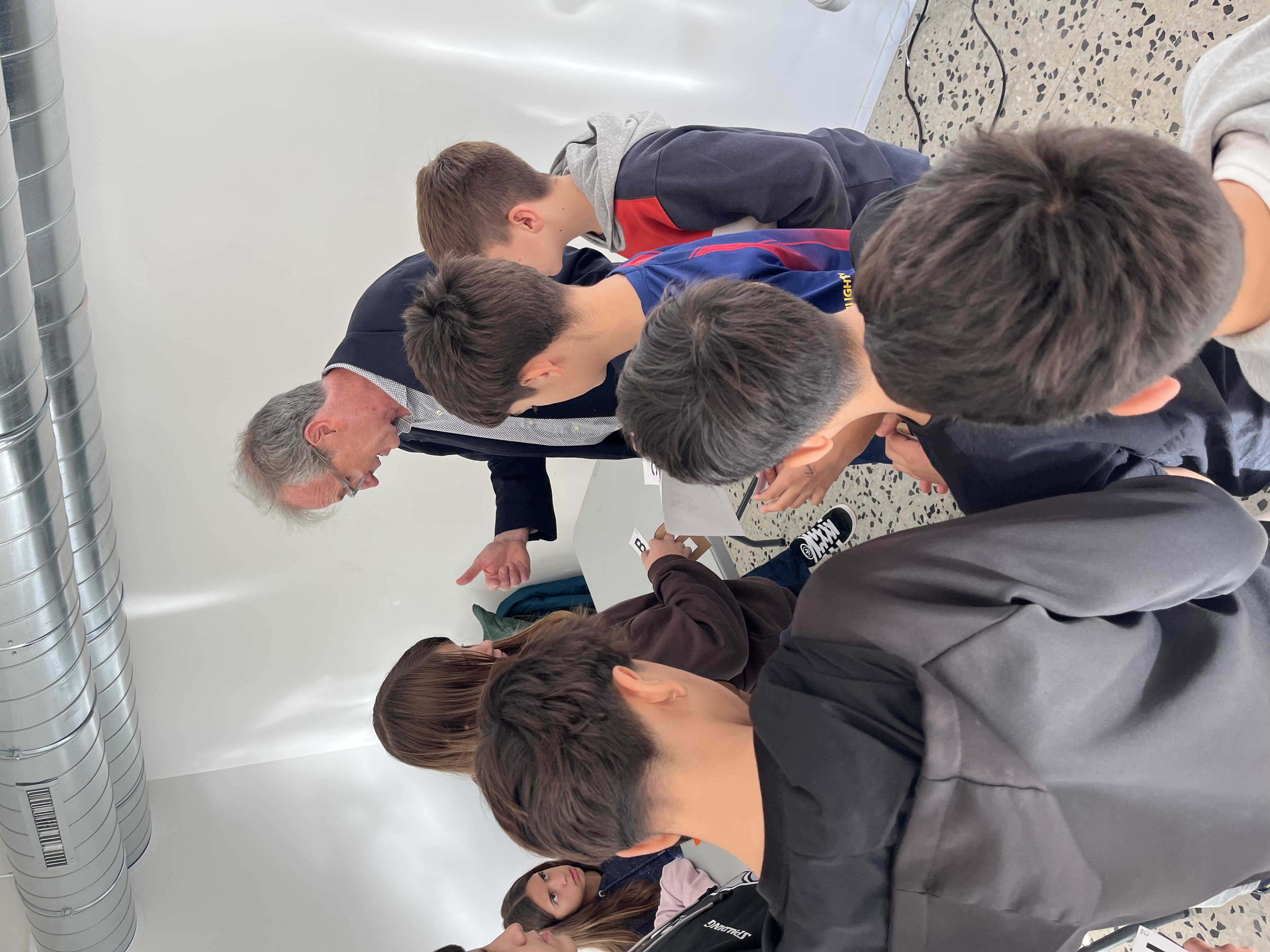
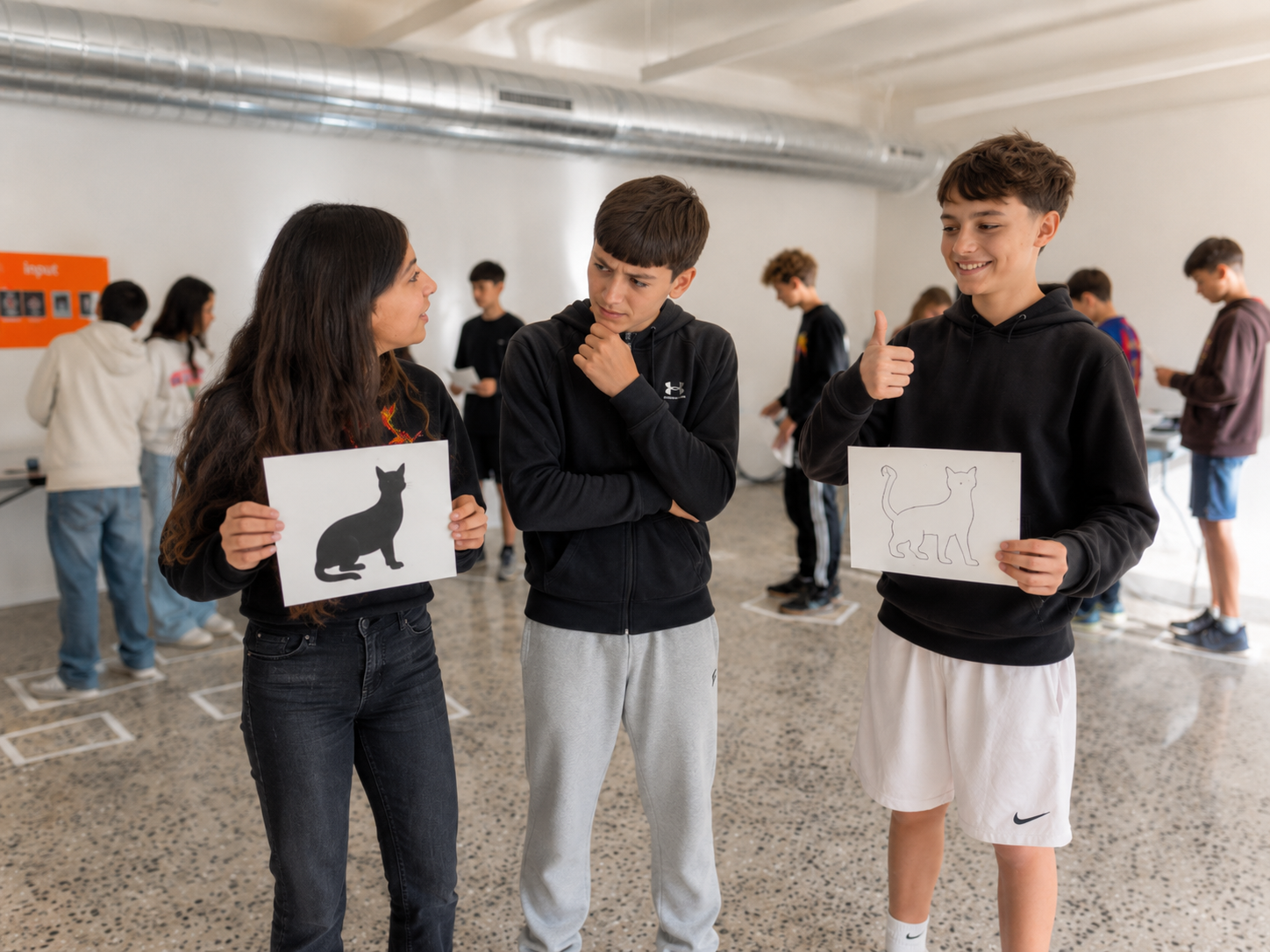
By the end of this activity, students will be able to:
As both a parent and an educator, I see a growing paradox: technology surrounds our children, yet screens often reduce computers to magical, opaque black boxes. In the age of AI—where we delegate daily decisions to systems deemed “smarter than us”—demystifying technology before college is no longer optional; it is essential digital citizenship.
This activity proves that beneath the most complex algorithms lies basic physics: simple switches combining to make simple decisions.
I originally developed this unplugged concept for business school students to break through their technology anxiety. I quickly realised that teaching computer science without a computer —through physical role-play— makes abstract logic universally accessible. When I introduced the activity to 9th and 10th graders, they embraced it with the exact same enthusiasm. Replacing binary 1s and 0s with black and white cat cards instantly removed math apprehension, allowing students to focus purely on Boolean logic.
Beyond the engagement, the physical mechanics yield deep pedagogical insights. The act of turning one’s body downstream accurately mirrors signal propagation in a physical circuit. Meanwhile, the parallel “Cats vs. Mice” race gives students a visceral understanding of CPU clock speed and parallel processing.
When a logic error occurs, tracing the fault backwards through the physical rows transforms debugging from a frustrating chore into the most captivating moment of the session.
This workshop isn’t rocket science —it explains the building blocks that make rocket science possible. It gives students a permanent mental model they can draw upon whenever they write code, study hardware, or navigate our increasingly automated world.
Dispose two tables one at each end of the room. On one side —the inputs side— position the input boards and plan for two to 4 students behind that table. On the other will be the result table with it's result board and one our two students. Place floor markers for all 12 gate positions, the two input board stands, and the output board. Arrange in five rows running from the input boards toward the output board.
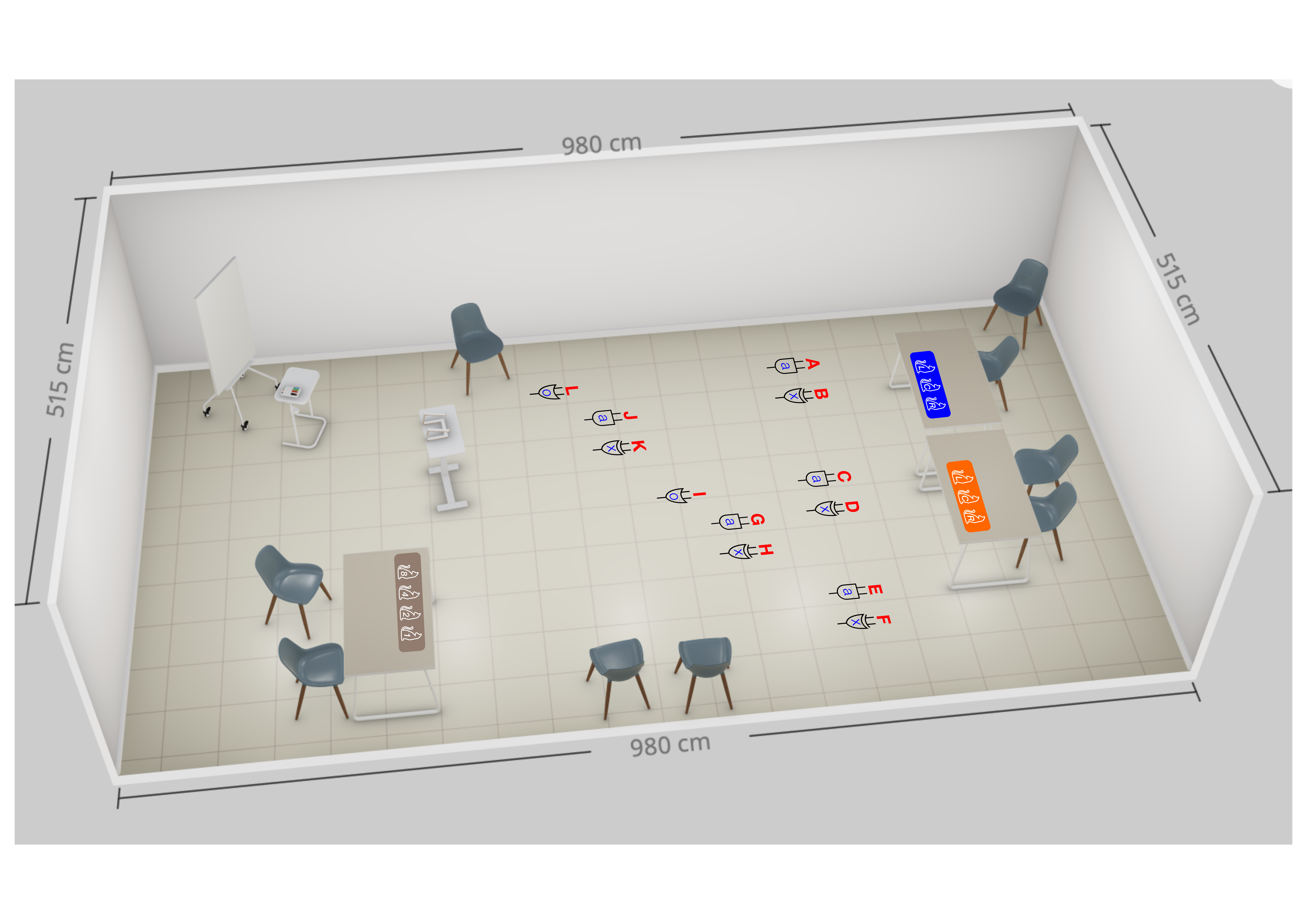
The image shows the disposition of the gates where the students will stand during the experiment.
Arrange the gates between the inputs and the output in five rows:
The result Table will be reading the from letter F, H, K, and L and fill the result board from right to left.
Open with a reflection before touching any materials: "Do you know why we use base 10 in mathematics?" Collect guesses, then clarify. "How about computers ? how do they count?" Then explain the rules of the game and the different roles before practising Gates logic.
Open question: “Why do we count to 10? Why are there 10 digits (0 through 9)?”
Answer: Because we have 10 fingers. If Minions or the Simpsons had invented math there would likely be only 8 digits, because they have 4 fingers in each hand.
How about computers?
Computers have no fingers, so actually a computer can count up to one. It will just distinguish between 0 and 1, or the difference between ON 💡 and OFF.
Introduce binary logic and the different types of gates we will cover today:
Explain that we’ll play a game in which each participant has a role and each role is key to the success of the experiment.
There are many roles to explain so it is best to have a person or two assist you in this phase. I have done it with one T.A., and this works fine. The assistant can brief the mice team and the students in charge of the inputs and output while the instructor distributes Gate Role Cards to the remaining 12 students, and briefs them about the rules.
The gates students are given 3 information along with their letter:

The “wiring” diagram will help the instructor get a global view of the interactions between the students and it can help in briefing each student.
_____

⚠ KEY RULE FOR GATE STUDENTS
You stay on your floor spot the whole time. When you have your answer: do NOT walk anywhere — flip your card to the correct side (black or white) and TURN YOUR BODY to face the downstream student(s) who need to read your result.
START: input students reveal their boards. Both teams begin simultaneously. Mice decipher each input number and do their calculations while the rates results ripple down towards the result board. For the Gates, the instructor or a designated student acts as the clock signal — each clap releases one row.
⚡ PACING INSIGHT FROM LIVE SESSIONS
Round 1 takes about 15 minutes with normal confusion. Round 2 drops to about 8 minutes. By Round 3 the class completes the addition in under 5 minutes — that physical speed-up IS the clock-speed insight. Students feel the pipeline getting faster.
The idea is to repeat the experiment various times switching roles, so the student get a full experience. Between races, it's time for the instructor to give support information about the experiment. I suggest to start by asking students if they have realised what we just did (don't let the mice speak at first as they have insight that the other students do not have yet.) Once the students gave their answer let the mice explain what they have done and how they proceeded. Give some interesting data (fun facts about computers, transistors, and computation capacity).
“Do you have any idea about what we have done here?” (mice this question is not for you)
Listen to various answers, and debate.
Mice can you explain what you’ve done.
Help them explain if they struggle or if their explanation could be misleading top the rest of the class.
We’ve added two binary numbers: we’ve done a sum the way a computer sums two numbers. The mice had to decode to make a simple sum and re-convert it to binary.
Right now we added two small binary numbers (each no greater than 7) and we needed 12 logic gates — which represent roughly 30 transistors.
A transistor is like a switch which is activated with a signal 1 or 0 (in actuality it is electric current)
___
Trivia questions:
When was the first electronic computer build?
1946 (80 years ago)
How big do you think it was?
The size of this room (or bigger)

How many transistors do you believe it had?
17.000 transistors
How many transistors do you think a smart watch has?
6 billion! that is 6.000.000.000 transistors

I believe it is ideal to repeat steps 4 and 5 several times ( 2 or 3 according to the time at hand ) Then we discuss with the students what they have learned and how they might use the acquired knowledge.
Things that we’ve learned:
→
This activity can be followed with the actual realisation of the circuit. I created a lesson (not posted yet) about creating a full adder circuit where each gate is a micro:bit. This second steps requires 2 input boxes with 3 switches each and 3 terminals to connect banana cables and an output box with 4 LEDs.
That can be followed by another unplugged lesson (not posted either) about how computer read program instructions and execute these instructions by observing the step-by-step operations of the ALU of a computer.
Let me know if you’d like me to publish these lessons and the file corresponding to making the necessary material.
Having trouble? Let us know by completing the form below. We'll do our best to get your issues resolved quickly.
"*" indicates required fields