- Loading…
Students will design, build, and program a model car that uses a micro:bit to measure acceleration and represent it through lights and sounds. The project integrates Science, Technology, Engineering, Art, and Mathematics through hands-on learning and collaboration.
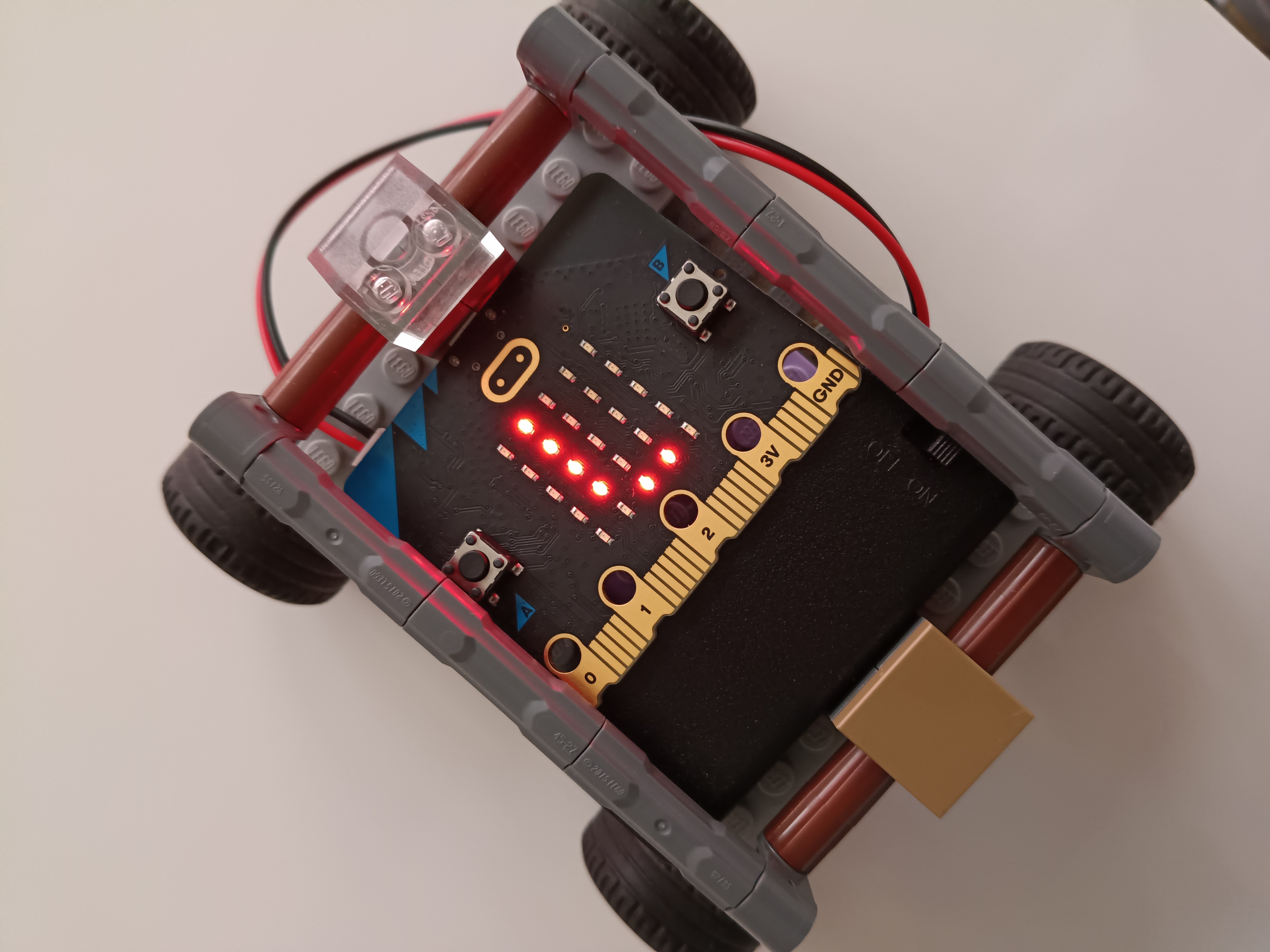
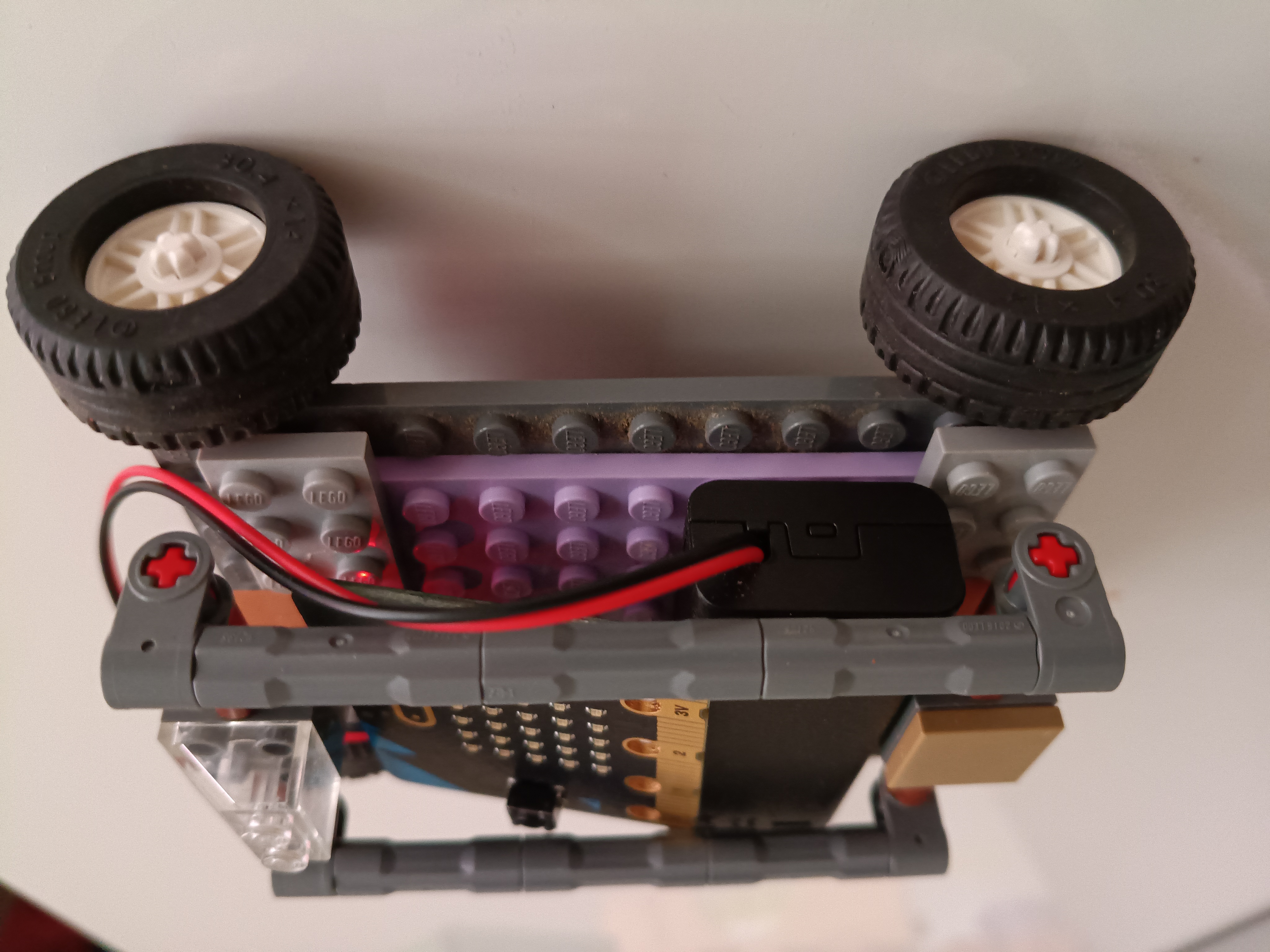

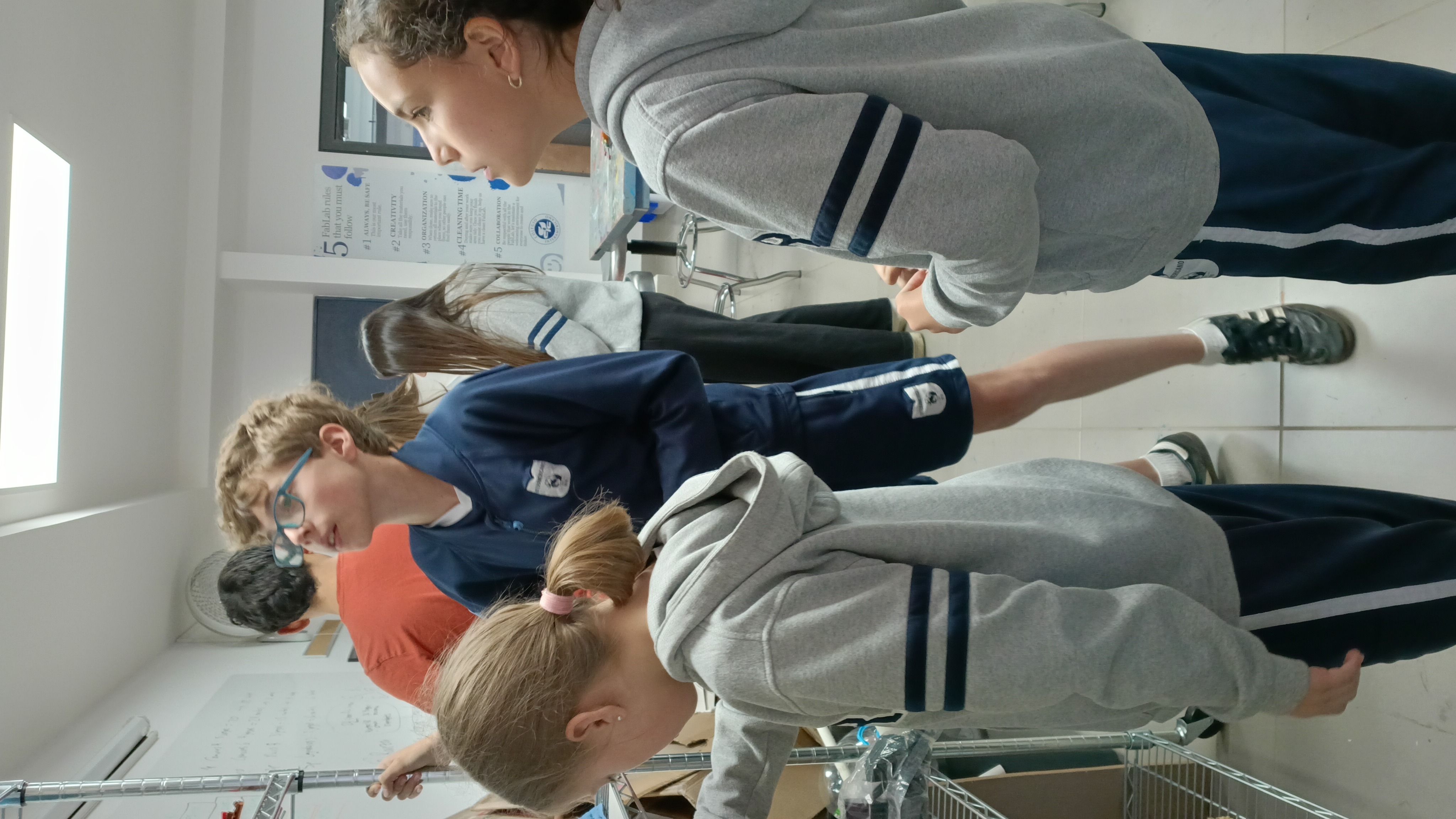
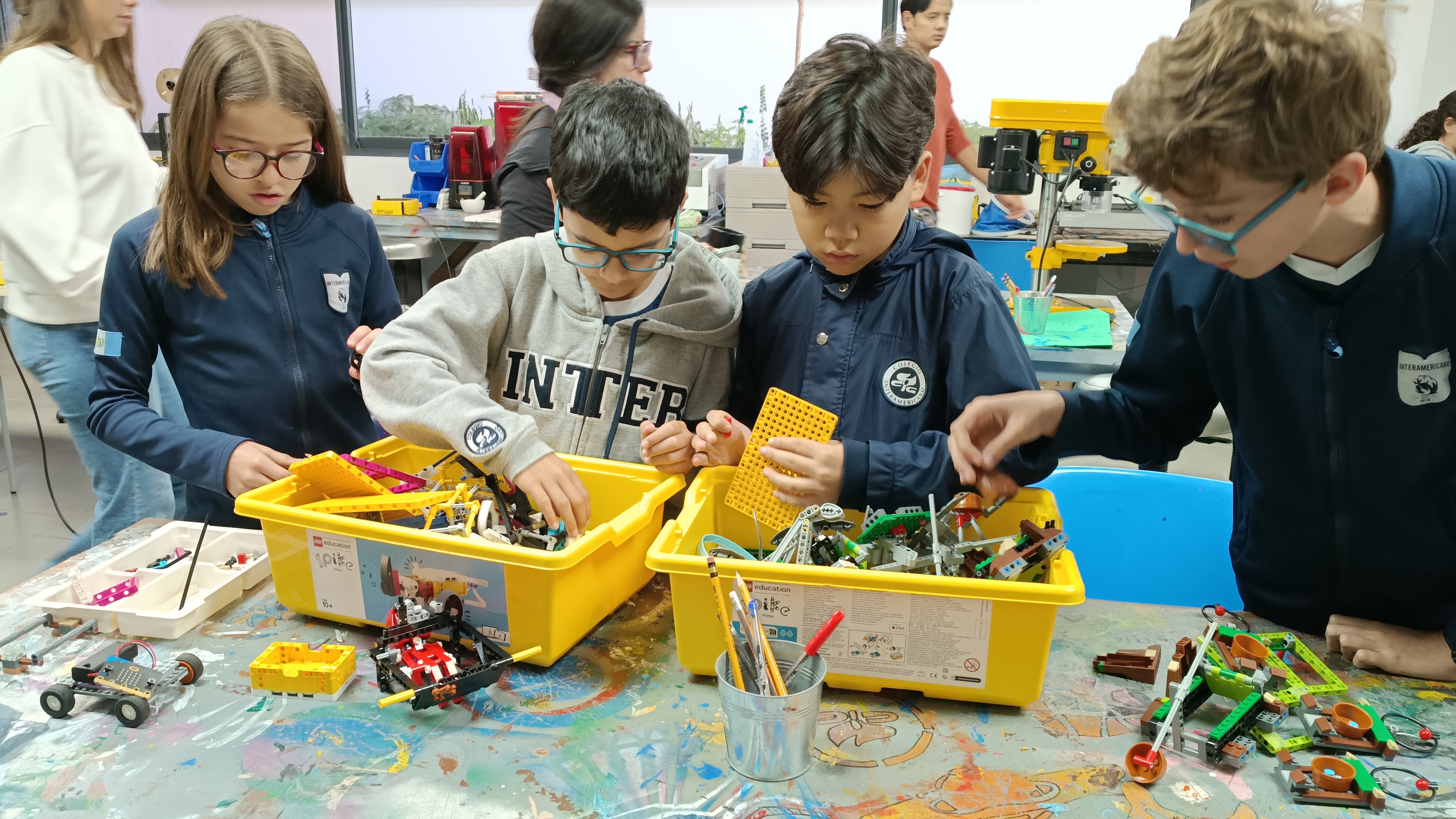
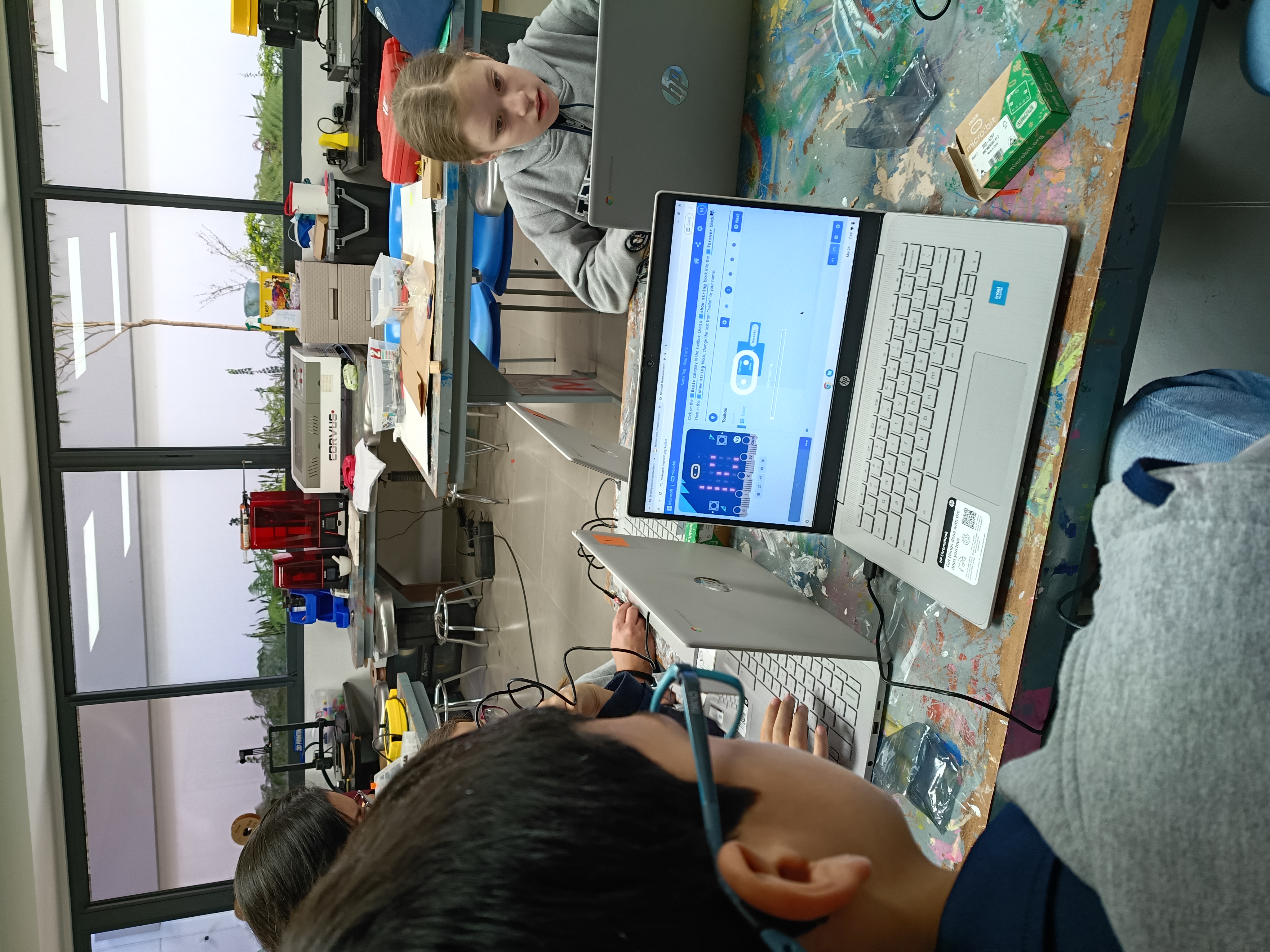
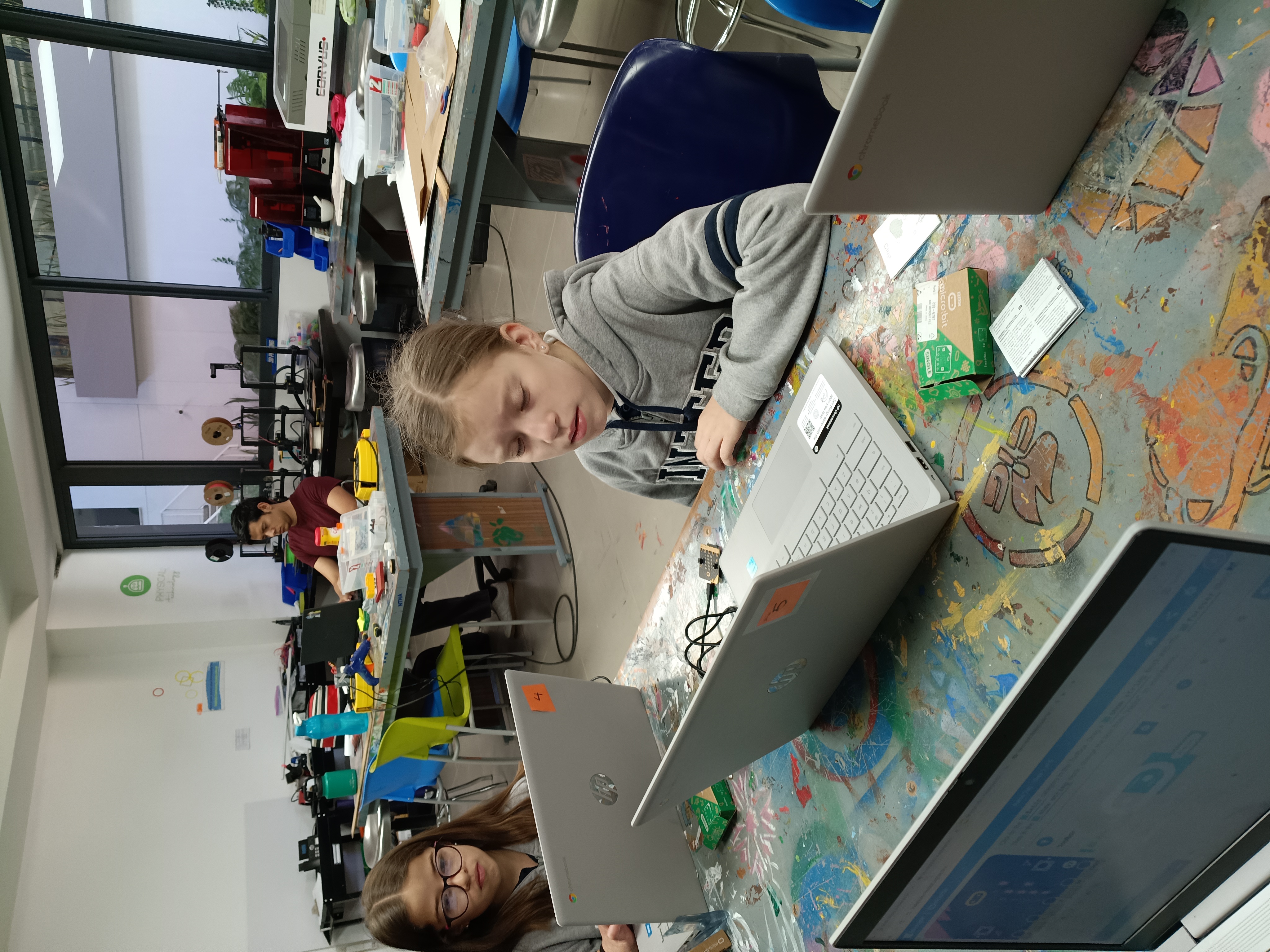
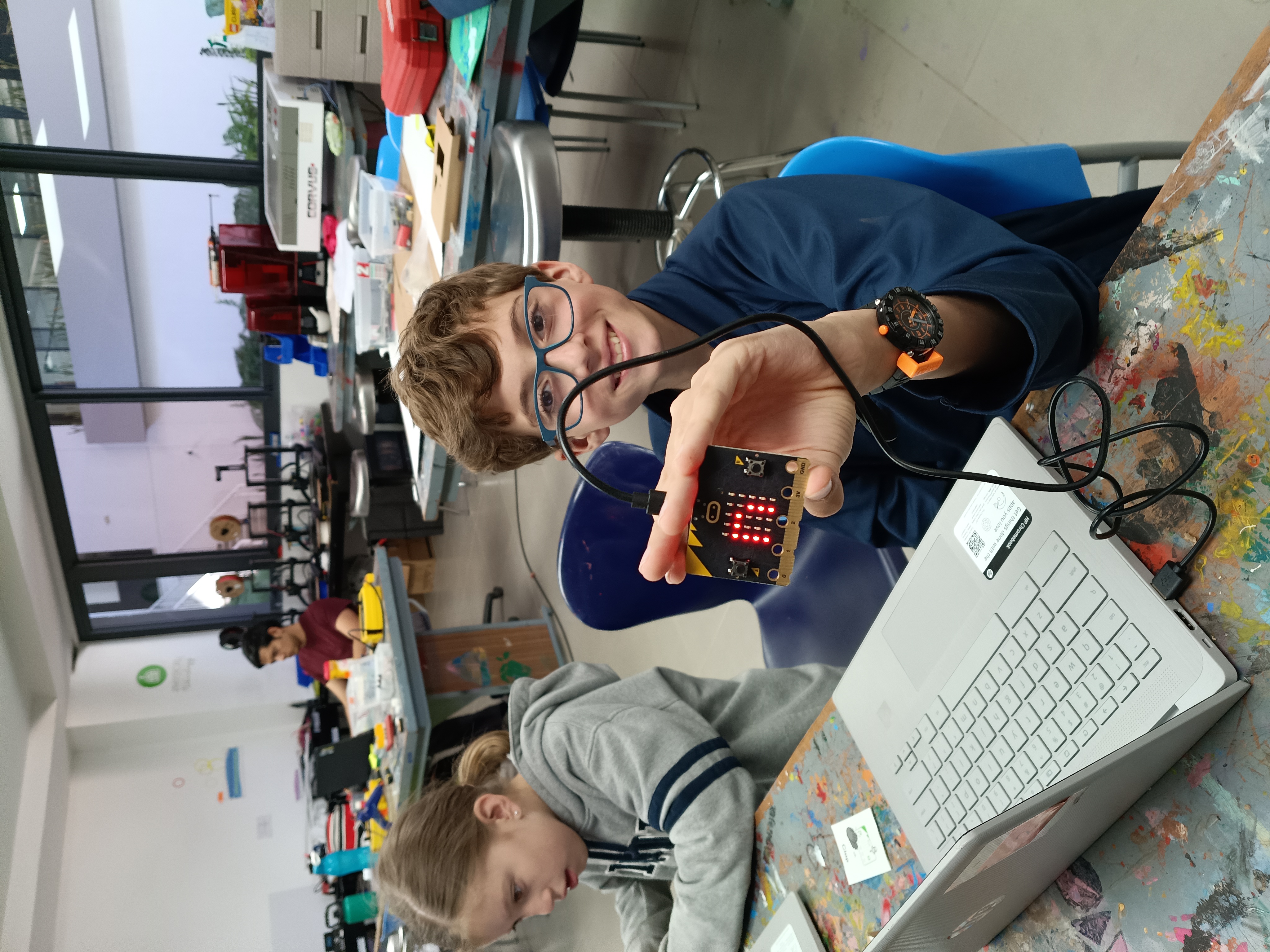
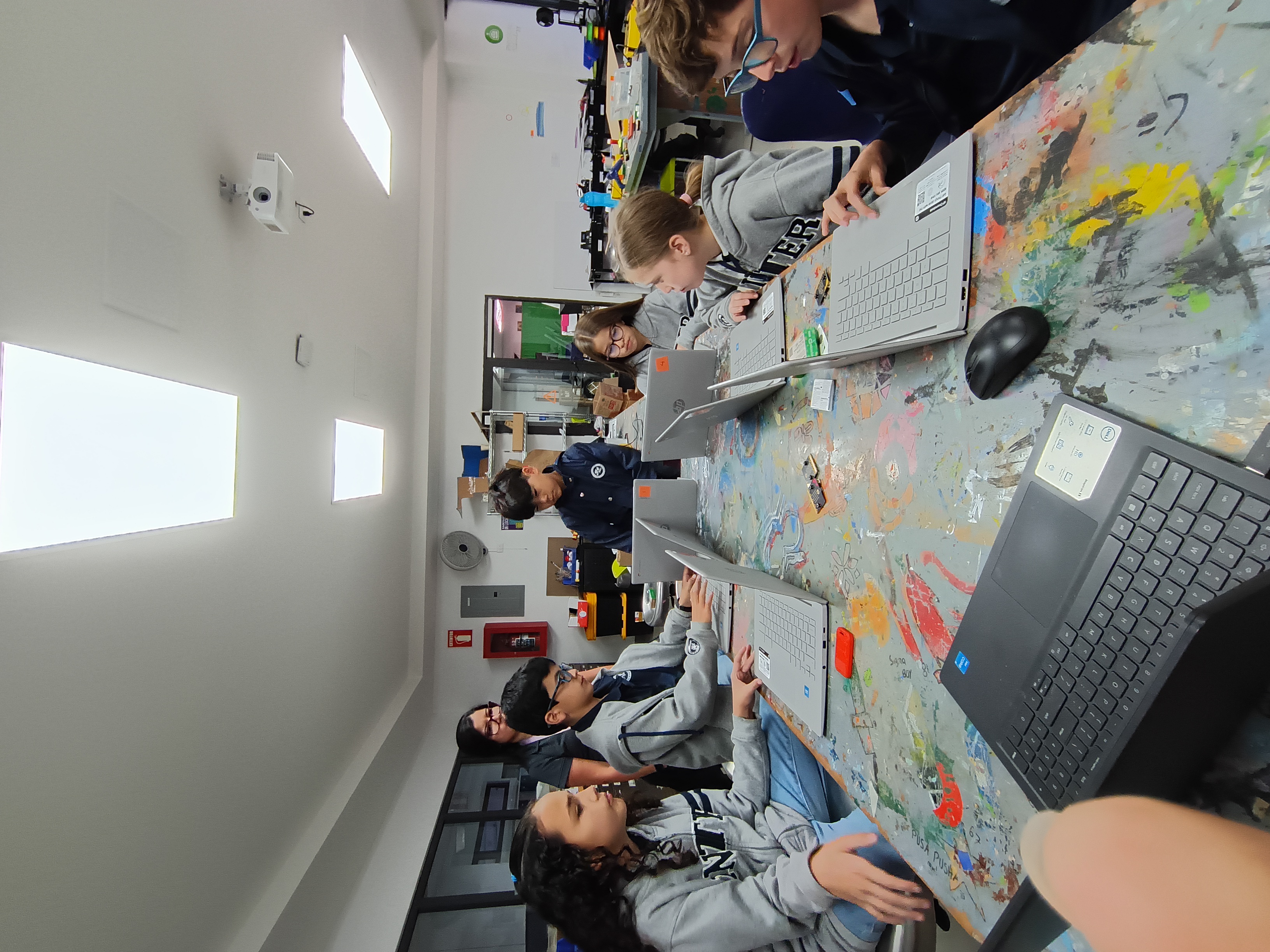
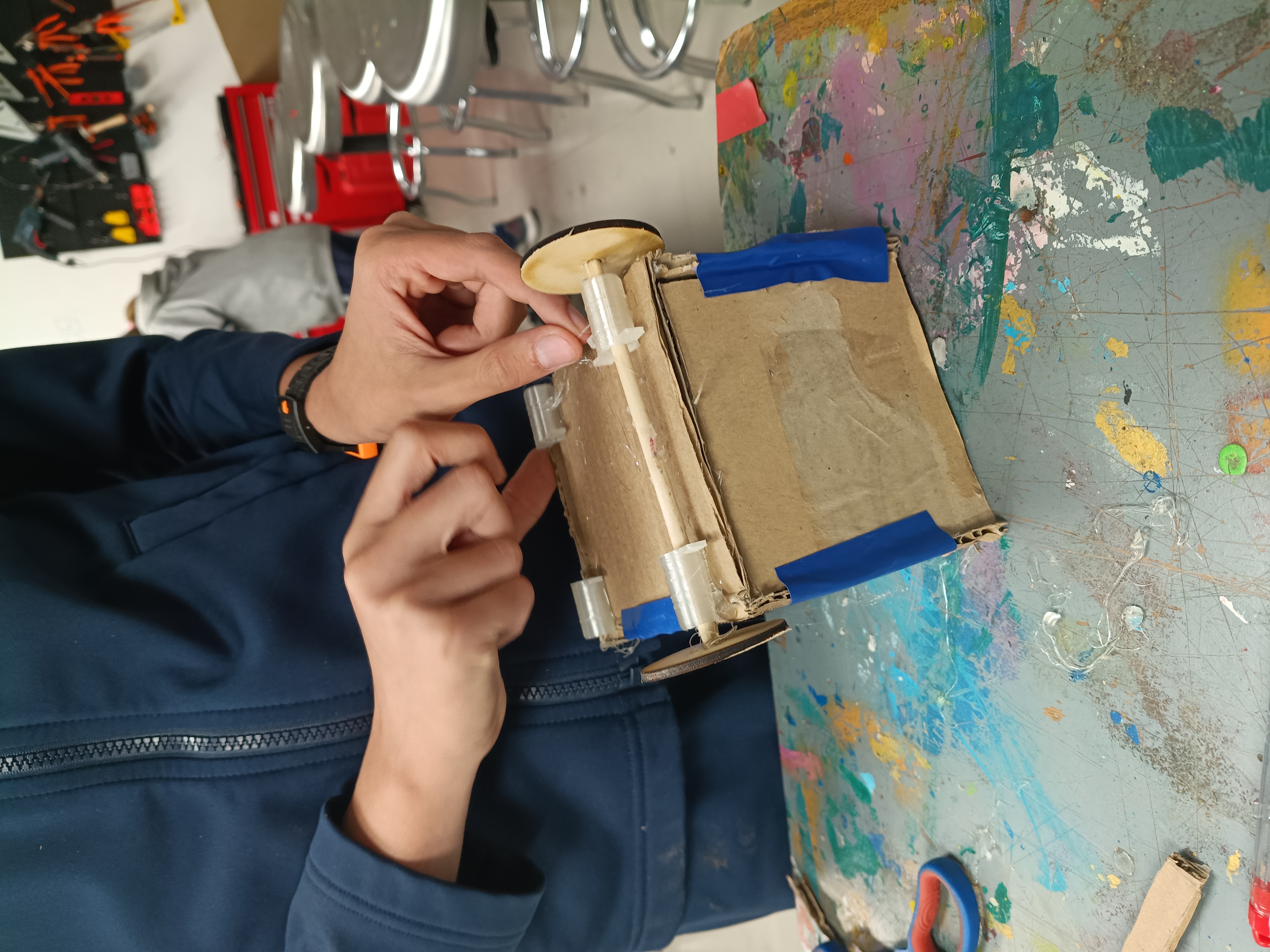
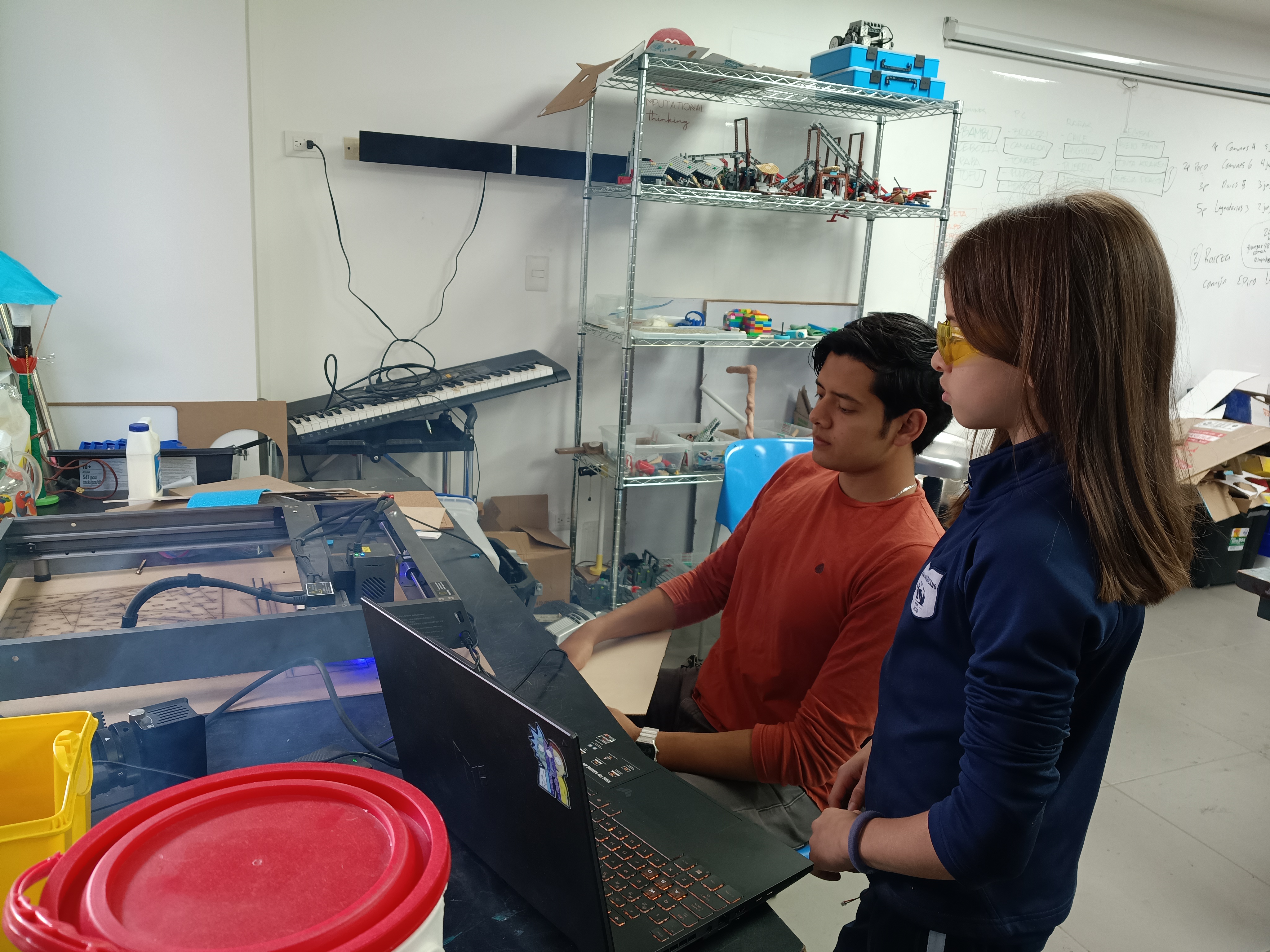
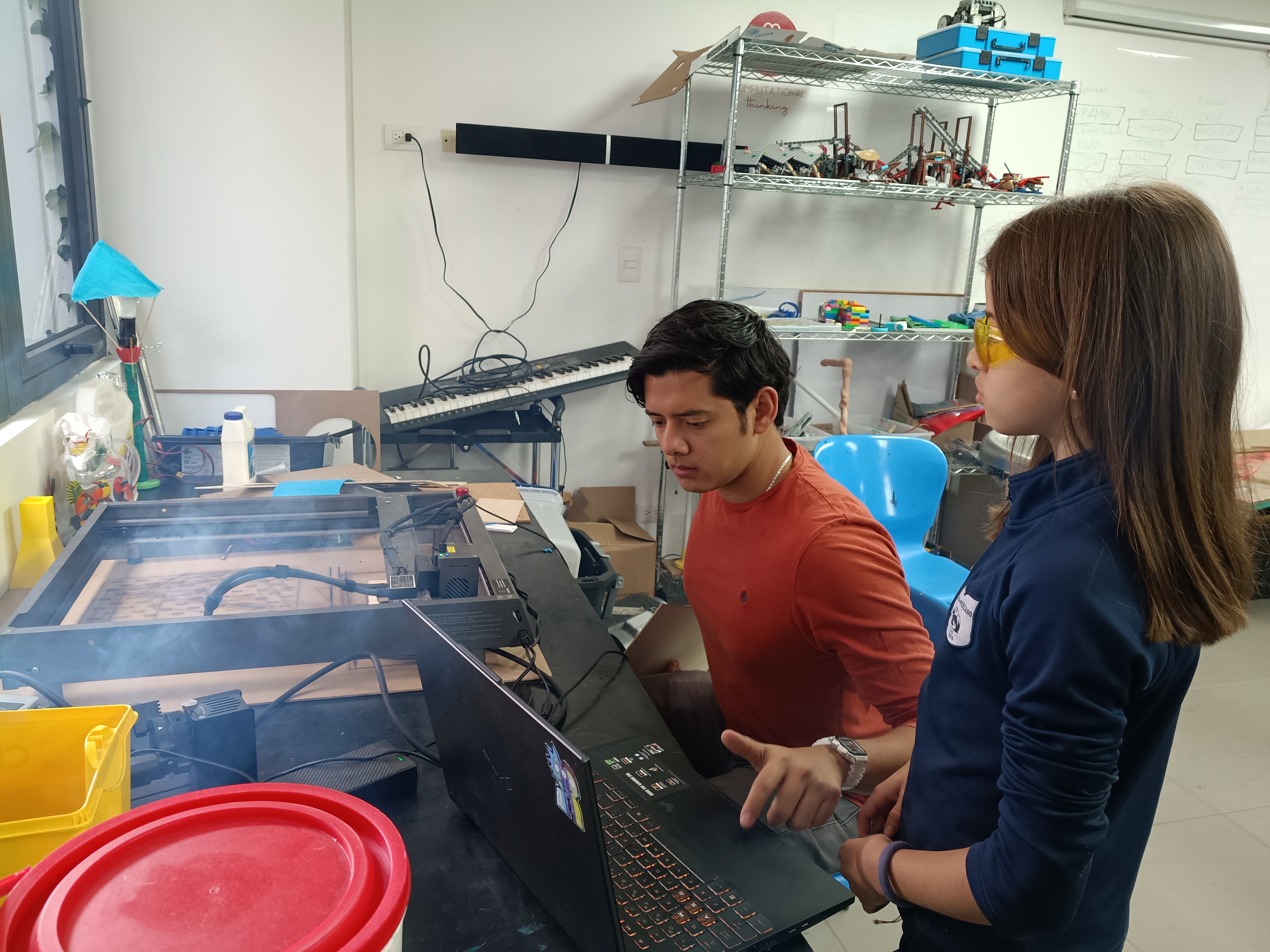

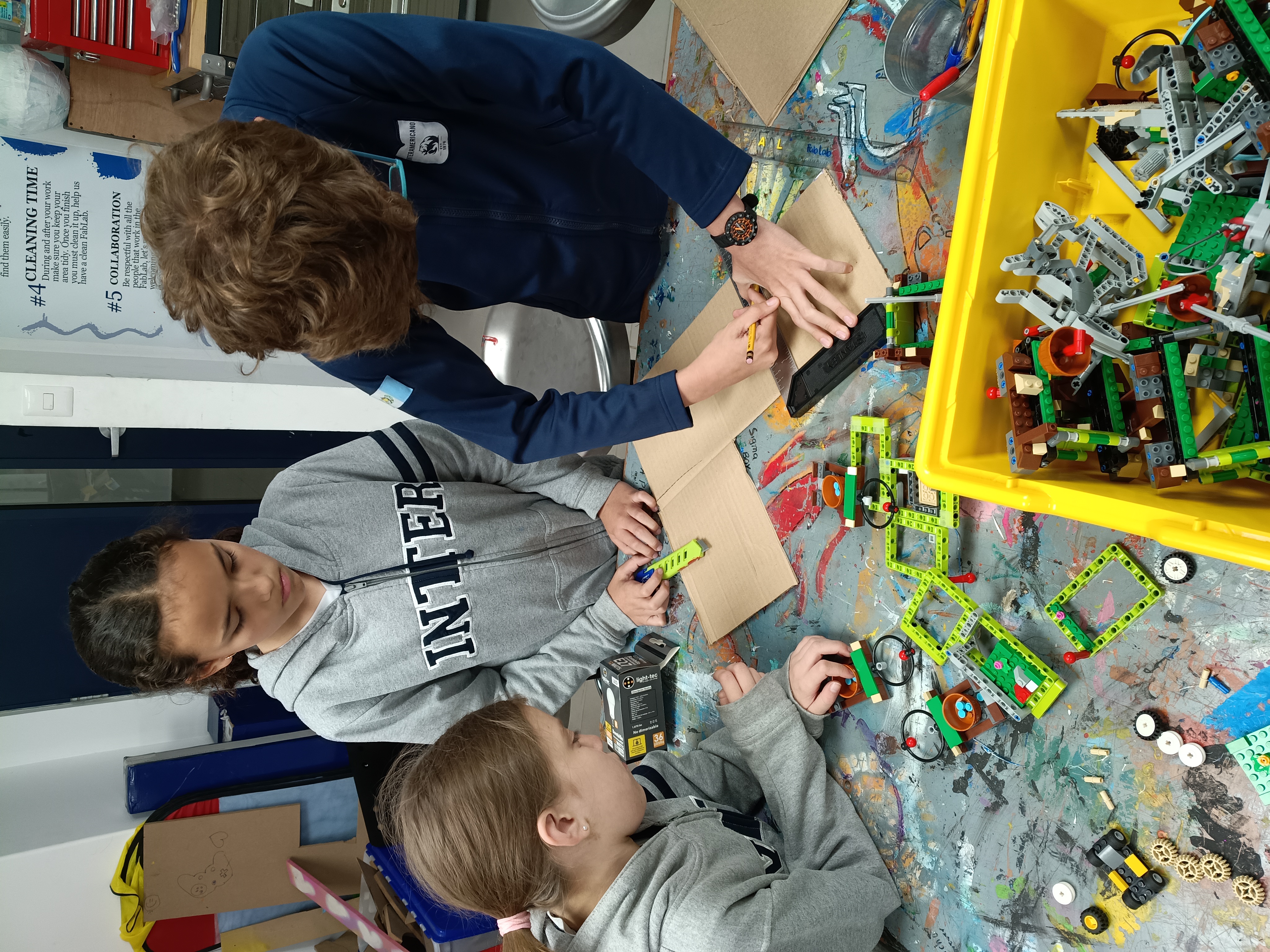
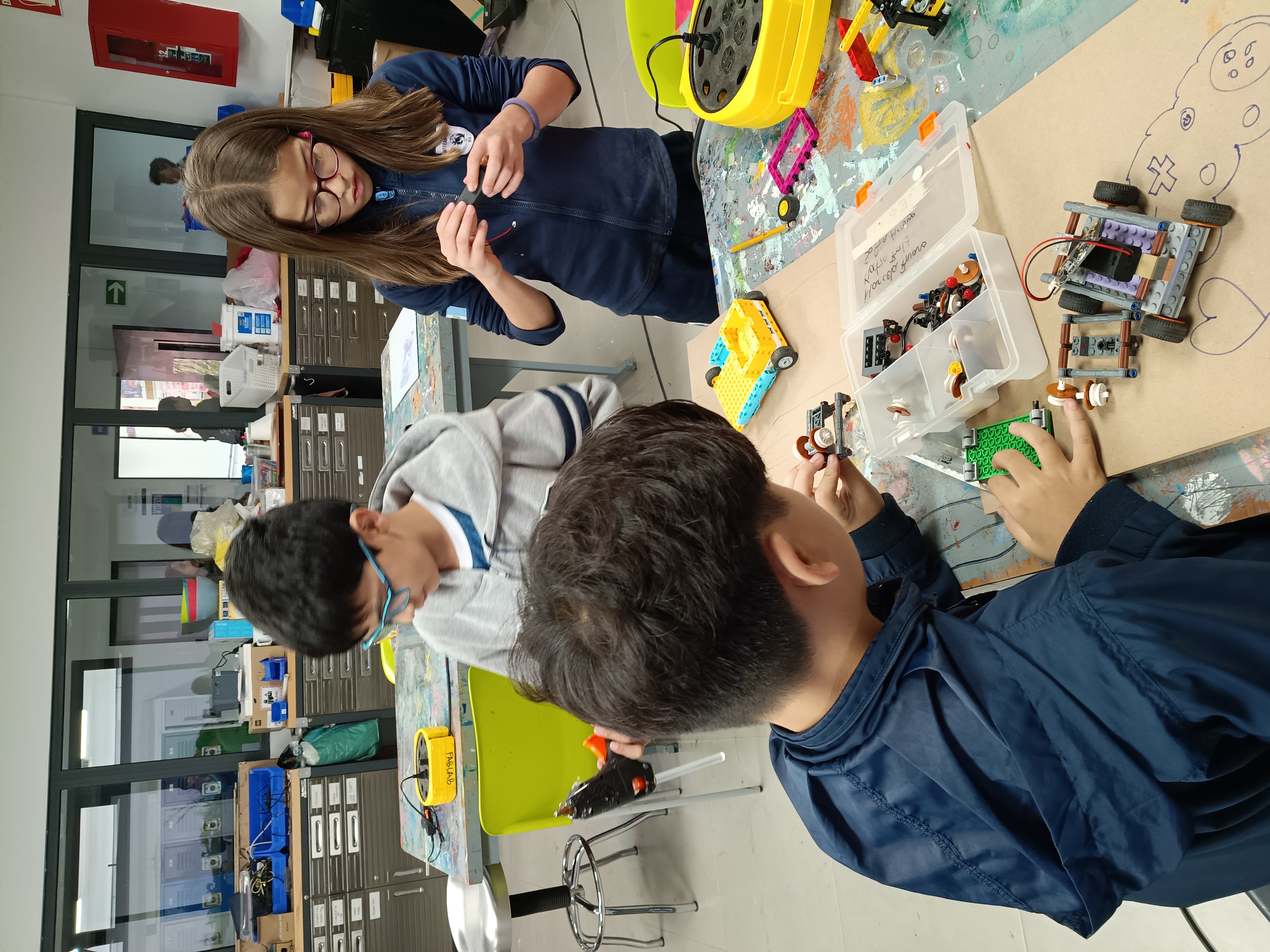
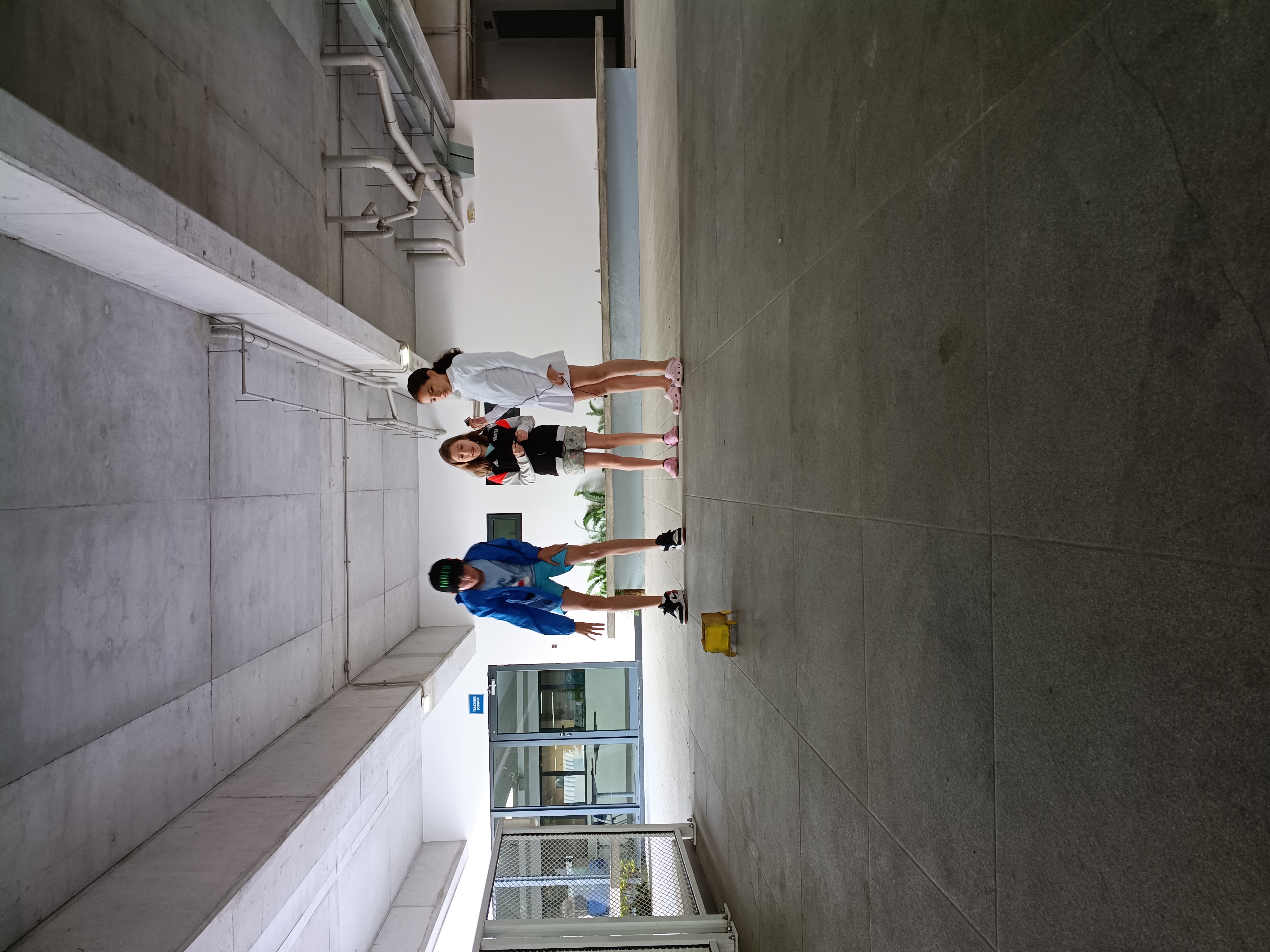
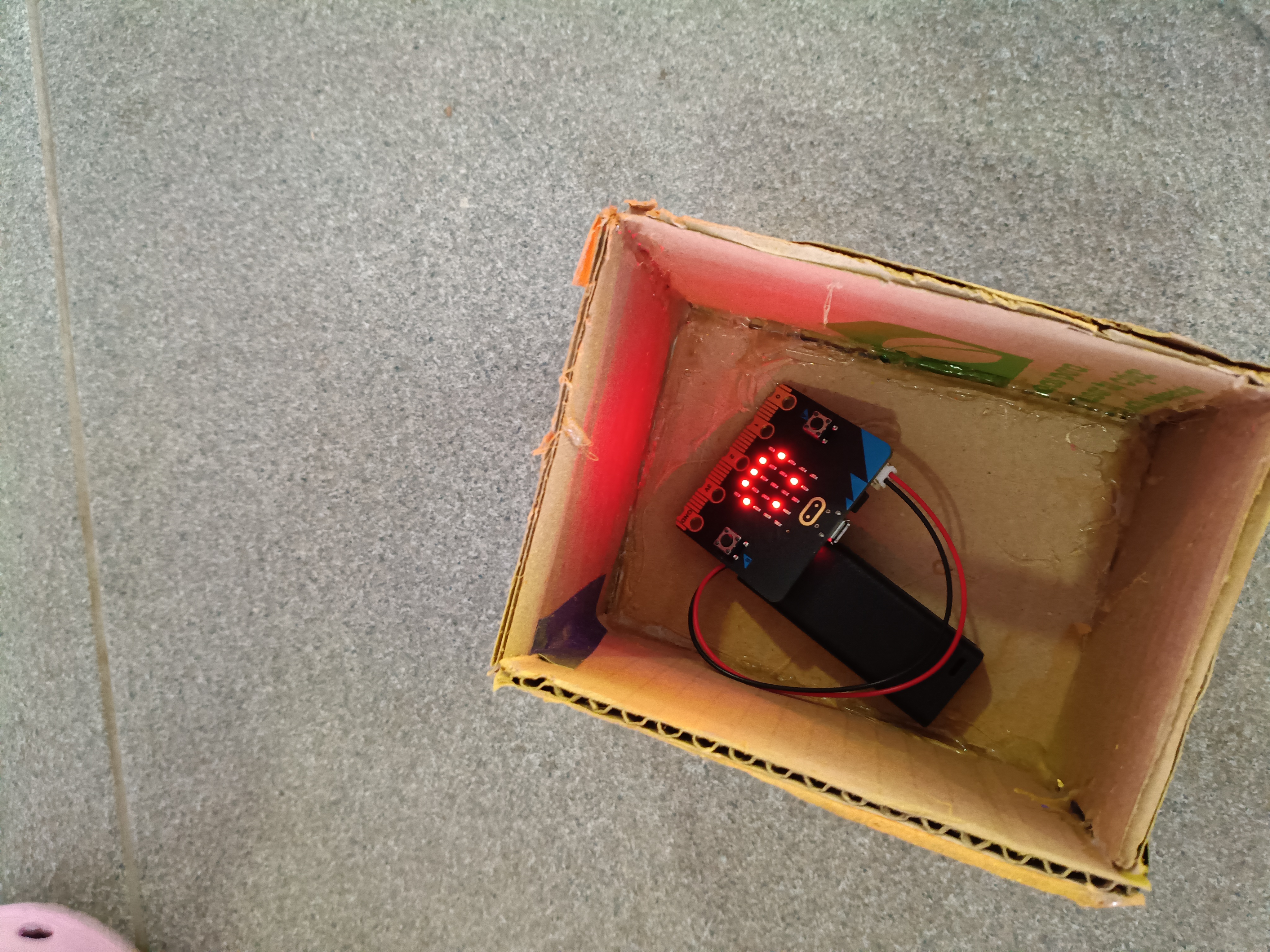
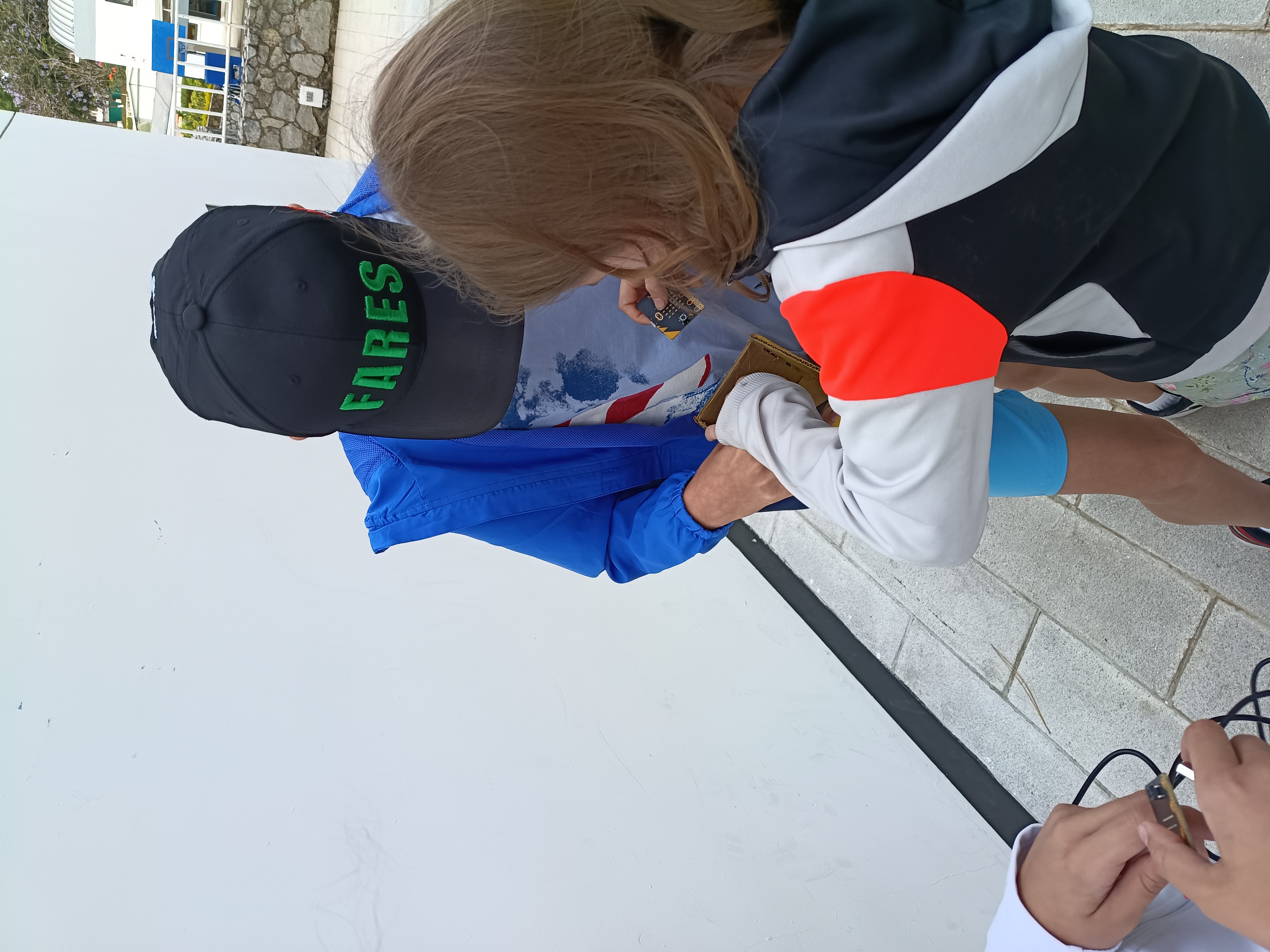
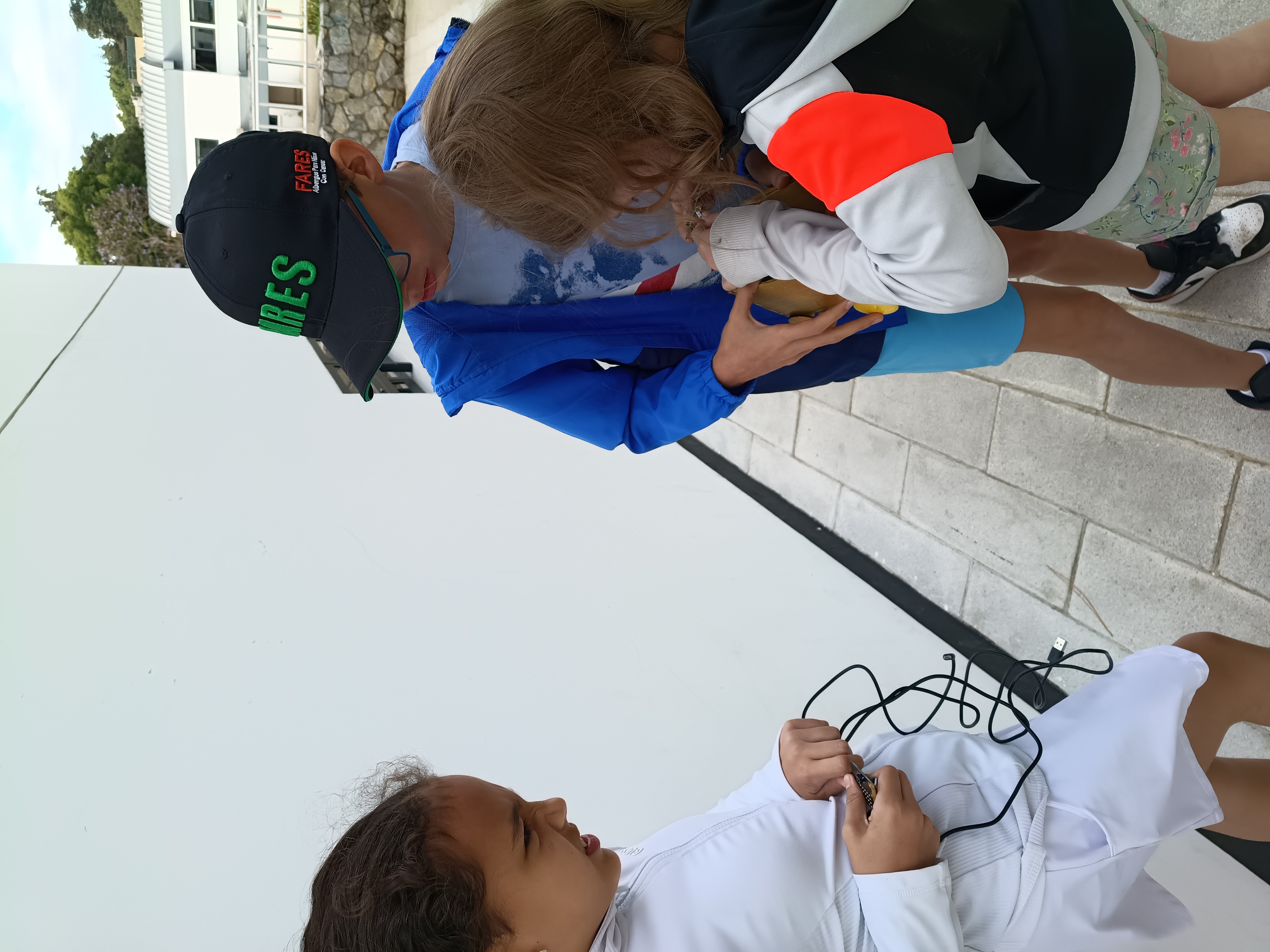
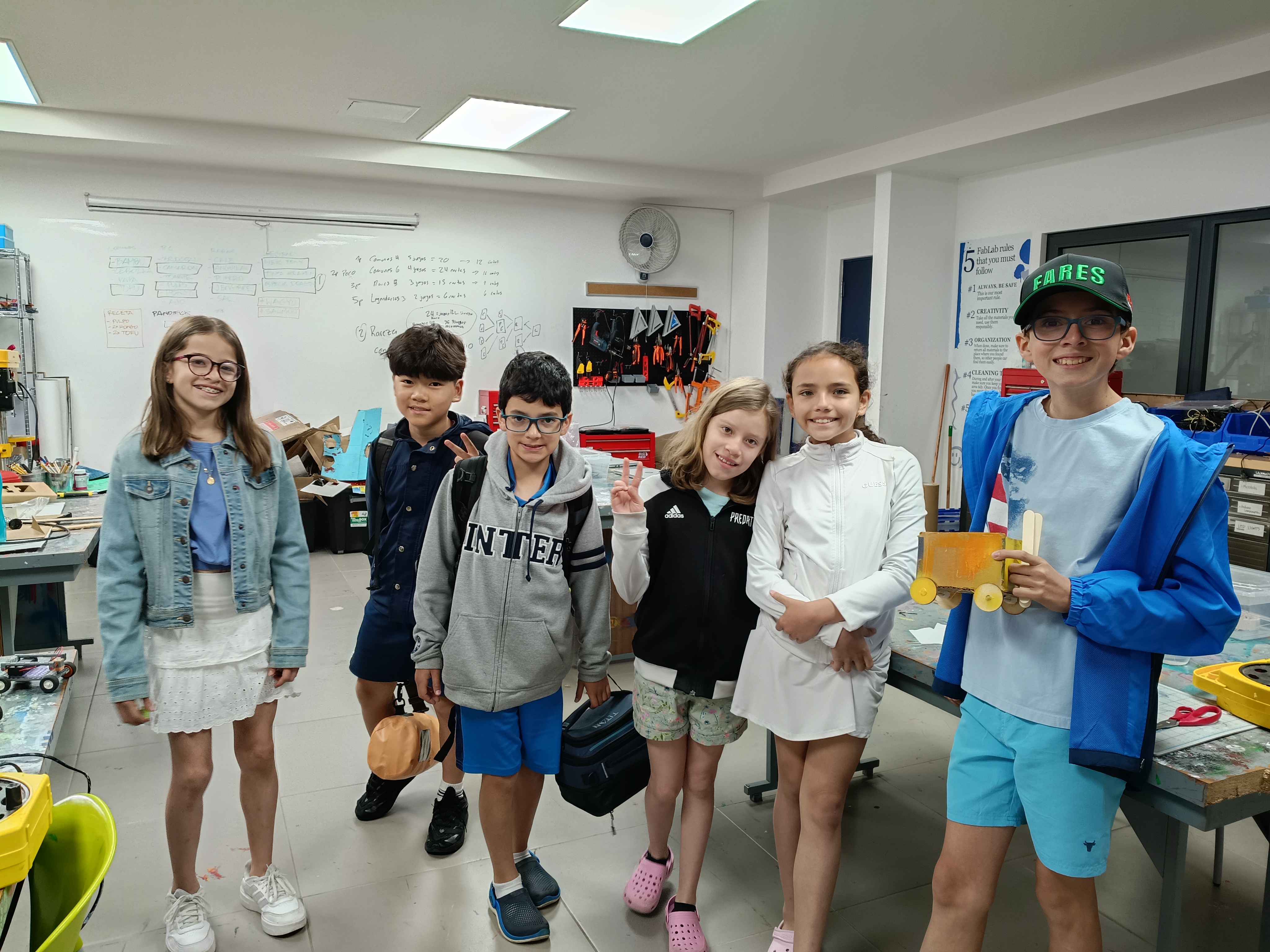
Fabrication Laboratory materials (cardboard, wood, 3D prints, etc.)
Micro:bit
Battery pack
Ramps (various inclines)
Computers for coding
Students will be able to design and construct a functional and creative model car that securely integrates all required components (micro:bit and battery pack), demonstrating originality, thoughtful use of materials, and effective problem-solving in their design process.
Students will be able to use the micro:bit’s features (such as sensors, LED display, and sound output) to collect and represent data about the car’s motion, showing an understanding of how hardware components interact with real-world variables like acceleration.
Students will be able to develop, test, and refine code that interprets acceleration data and triggers appropriate outputs (lights and sounds), demonstrating logical thinking, debugging skills, and the ability to use AI tools to support programming.
This activity provides students with a meaningful opportunity to connect theory with real-world application. By designing and building their own cars, students engage creatively while also developing problem-solving and engineering skills. The integration of the micro:bit and coding introduces them to computational thinking and allows them to see how abstract concepts like acceleration can be visualized through technology.
Additionally, the use of AI as a support tool encourages students to think critically about how technology can assist in learning and innovation. Overall, this project fosters collaboration, experimentation, and resilience, as students test, fail, and improve their designs and code. It creates an engaging environment where learning is active, interdisciplinary, and student-centered.
Introduction (Concepts): Introduce basic ideas of motion, speed, and acceleration. Design & Build: Students design and construct a car that can securely hold a micro:bit and battery pack.
Have students work in pairs to watch short videos about motion, speed, and acceleration.
Encourage partners to discuss what they’ve learned, highlighting key ideas and examples.
Depending on class size, divide students into small teams.
Ask each team to discuss and plan the design of their car, considering size, stability, and how it will hold the micro:bit and battery pack.
Allow time for teams to gather the materials they will need for construction.
Inform students that Fab Lab staff are available to assist with specialized equipment, including the 3D printer, laser cutter, or any other tools that may require guidance.
Encourage iterative thinking: remind teams that they can modify their designs as they test and learn.
Support discussions about how their design choices may affect motion, speed, and acceleration.
Micro:bit Exploration: Students complete tutorials to understand how the micro:bit works (inputs, outputs, sensors). Coding Practice: Students experiment with simple programs (LED patterns, sounds, basic sensor data). AI Integration: Students use AI tools to generate or refine code that measures acceleration.
Ask students to open the Micro:bit website or app to explore how the device works; have them complete beginner tutorials to understand the basics of inputs, outputs, sensors, and LED displays.
Encourage students to experiment with simple tutorials, such as:
Encourage students to analyze the code generated by AI, adapt it to their project, and test it on their cars.
Encourage peer discussion to share strategies, troubleshooting tips, and creative ideas.
Ensure all students understand how sensor data relates to the car’s motion and speed.
Guide students to program the micro:bit so that:
Different speeds trigger different LED light patterns
Different speeds produce corresponding sounds
Emphasize the connection between acceleration, sensor readings, and visual/audio output.
Testing: Students test their cars on different ramps and observe how speed changes. Output Representation: The micro:bit displays different lights and sounds based on acceleration levels. Reflection: Students analyze results and discuss how design and coding affected performance.
Have students test their cars on different ramps around the school to observe how speed and acceleration vary with incline.
Encourage teams to take notes or record data during each test for later analysis.
Iteration and Improvement after initial tests, prompt students to evaluate the performance of both their car design and code.
Encourage teams to make adjustments to improve stability, speed, or the accuracy of micro:bit feedback.
Support discussions on problem-solving strategies, lessons learned, and ways to optimize results.
Share tips to reinforce the idea that iteration is a natural part of engineering and coding.
Make connections between observed results and scientific concepts like motion, speed, and acceleration.
Having trouble? Let us know by completing the form below. We'll do our best to get your issues resolved quickly.
"*" indicates required fields