
The Fab-in-a-Box Lesson Collection serves as an excellent starting point for introducing the Fab-in-a-Box cart to both learners and educators. This collection of engaging lessons is designed to get everyone started with digital fabrication, using the cart’s 3D printer, laser cutter, and vinyl cutter. For xDesign How-To Videos Click Here!
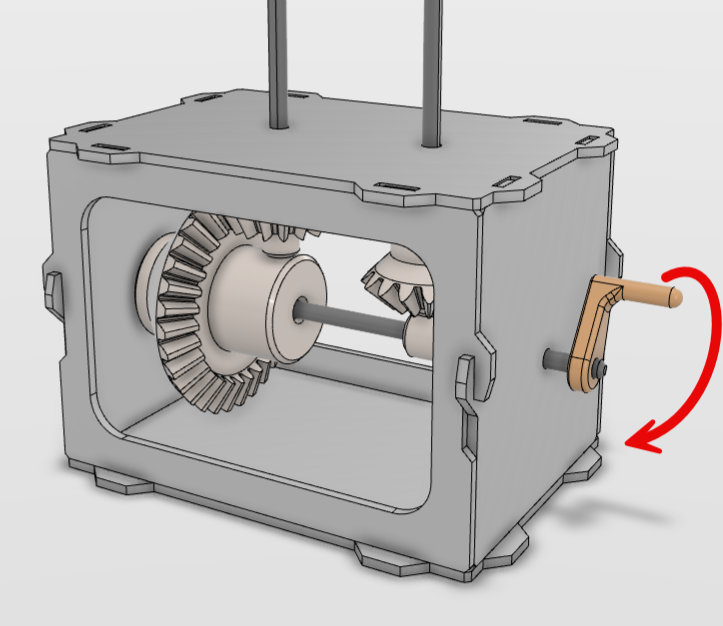
Fab-in-a-Box Automata: Deep Dive
This lesson introduces learners to the fascinating world of automata; kinetic sculptures powered by simple mechanical systems. Through hands-on fabrication using laser cutters, vinyl cutters, and 3D printers, learners will…
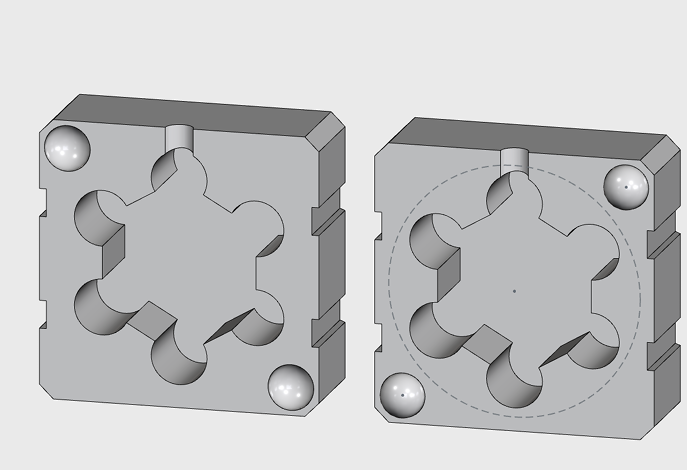
Fab-in-a-Box Casting & Molding: Deep Dive
Learners will design a two-part, two-step mold from scratch using a blank xDesign template.
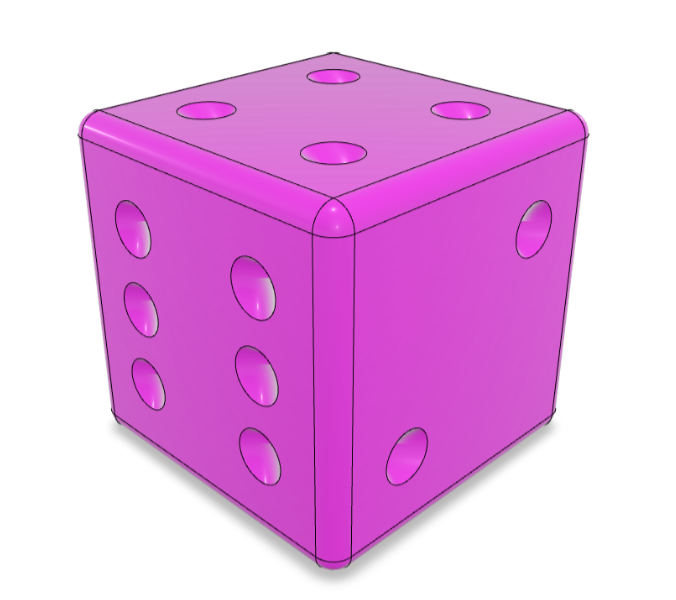
Fab-in-a-Box 3D Printed Trick Dice: Deep Dive
Learners will be designing dice that roll unfairly, on purpose! They’ll be using xDesign to engineer internal features that shift the weight of a die, affecting how it rolls.
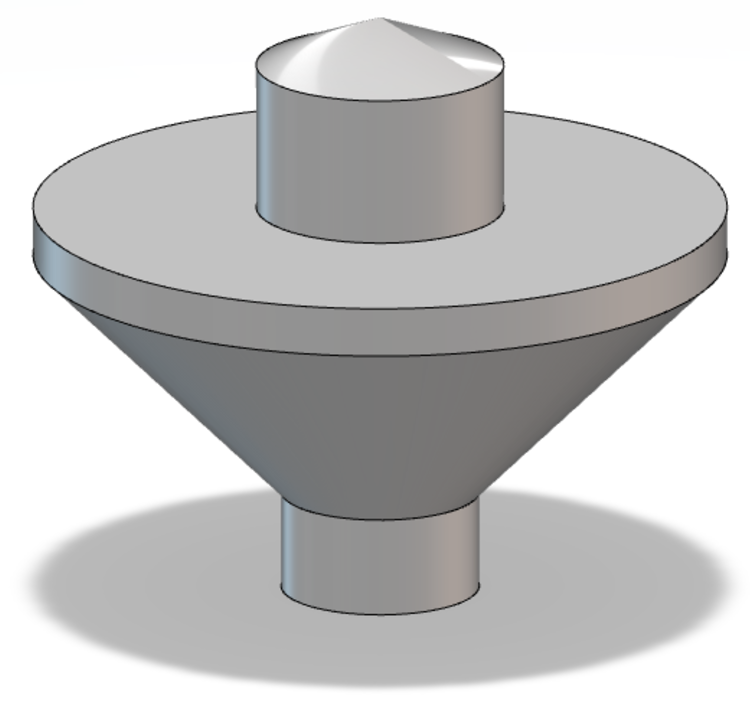
Fab-in-a-Box Spinning Tops: Deep Dive
Learners will experiment with physics while designing and fabricating a custom modular spinning top with interchangeable parts.
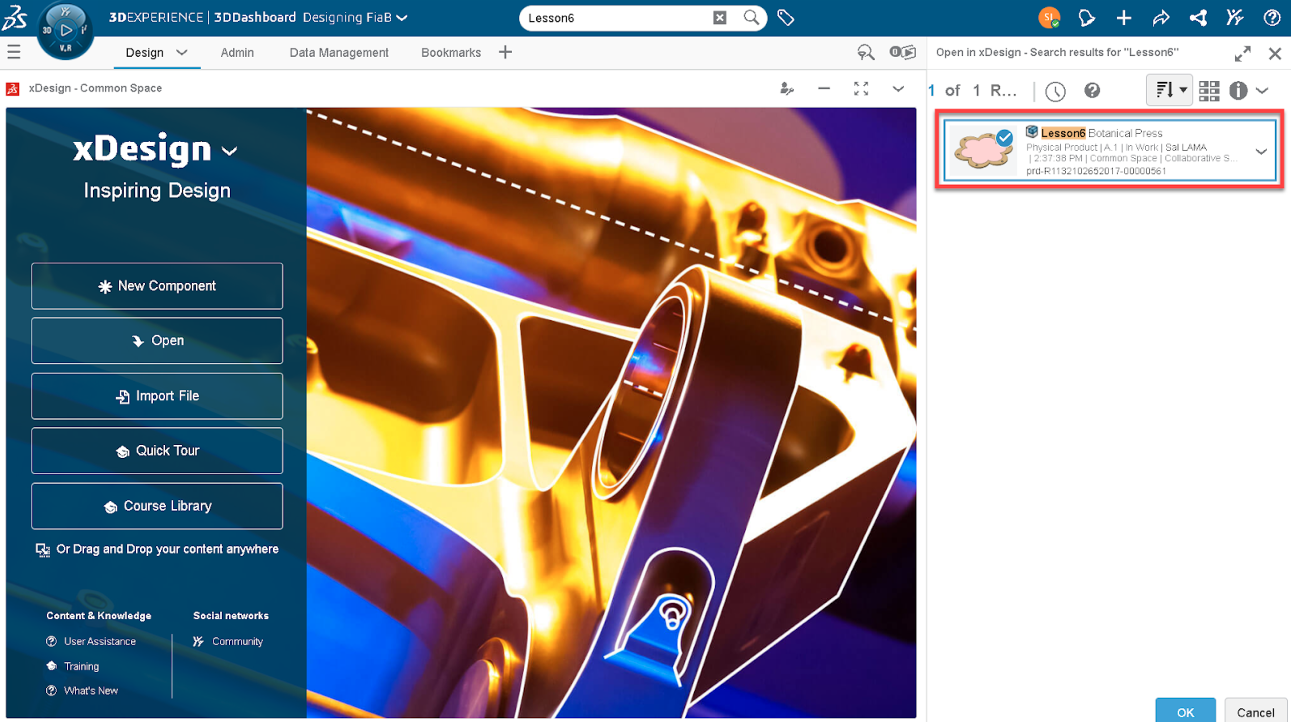
Fab-in-a-Box Botanical Press: Deep Dive
Learners will design a botanical press from scratch and create custom 3D-printed wing nuts.
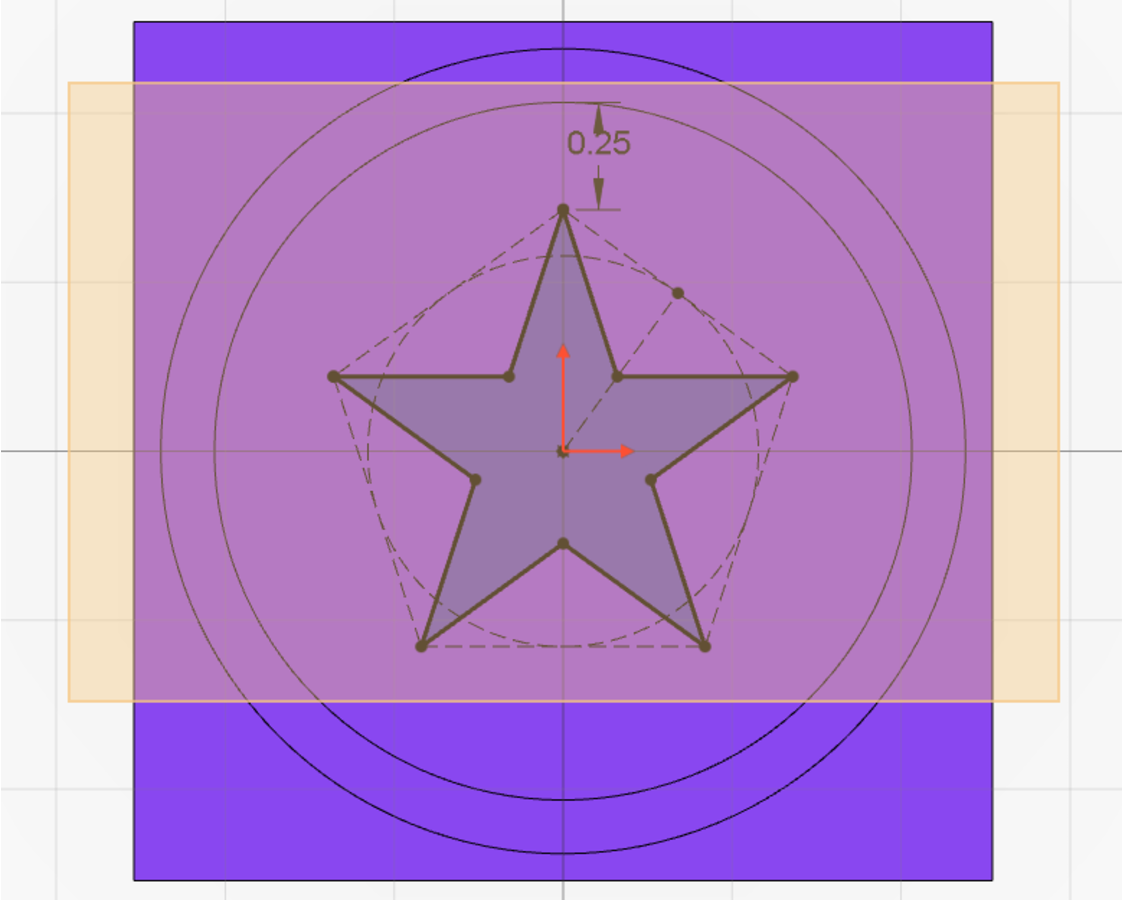
Fab-in-a-Box Stamps: Deep Dive
Learners will design a personal logo that reflects their (or a brand’s) unique identities and values. By combining graphic design principles with self-reflection, they will use symbols and typography to…
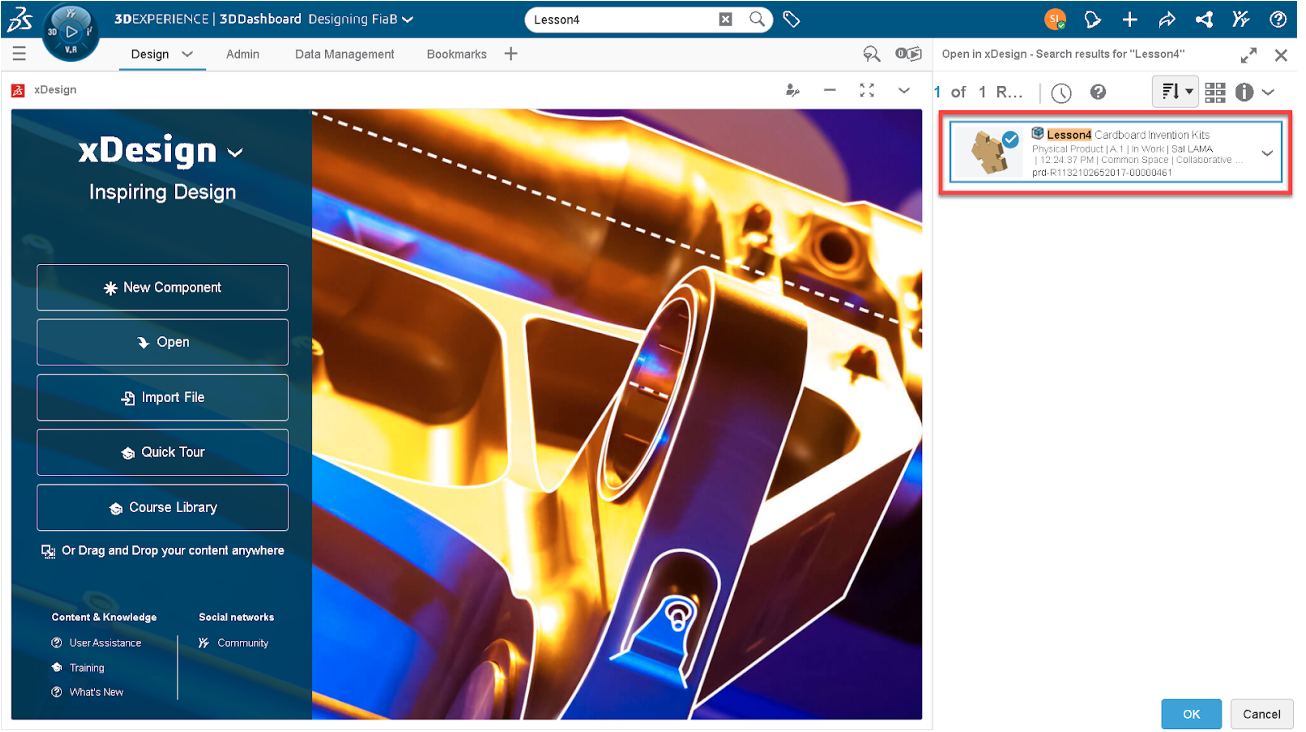
Fab-in-a-Box Invention Kits: Deep Dive
Learners will design and construct scale models using their cardboard invention kits, applying advanced parametric modeling techniques in xDesign. Learners will create this scale model from scratch using a blank…
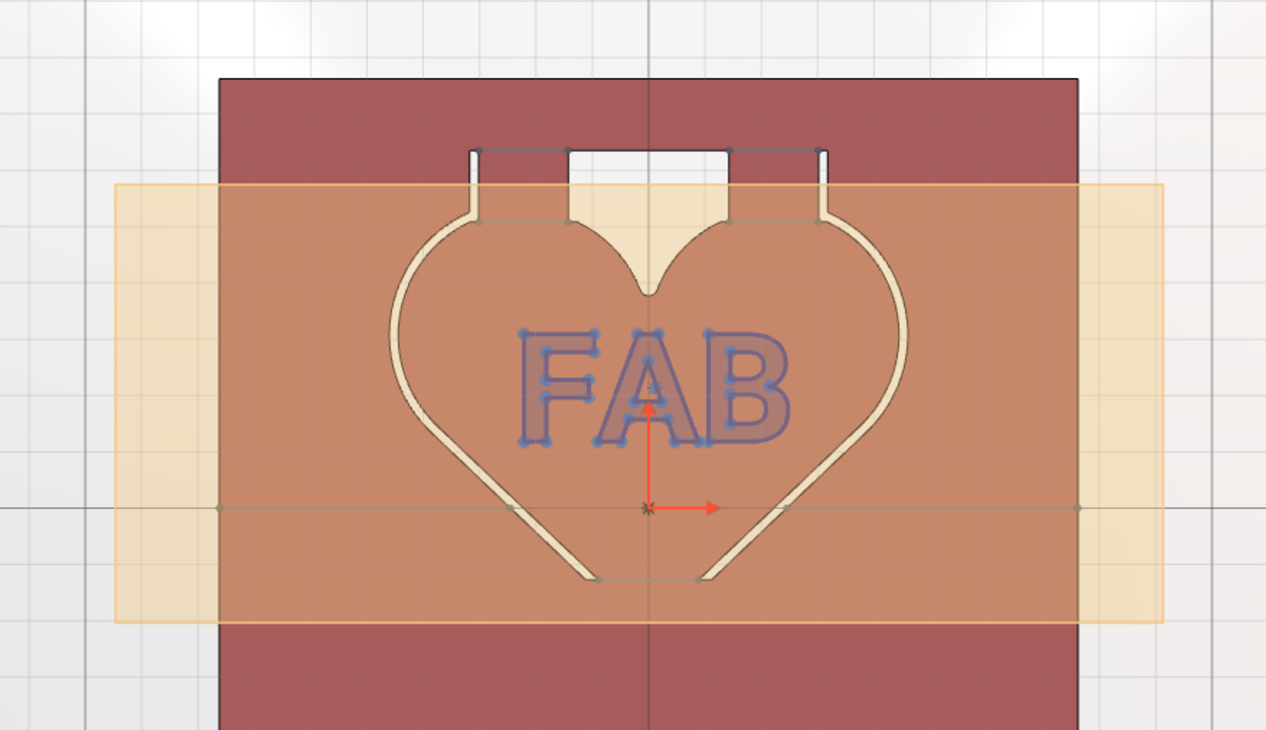
Fab-in-a-Box Paper Pop-Up Books: Deep Dive
Learners will design and prototype a multi-page pop-up book spread using xDesign and the Brother ScanNCut Vinyl Cutter.
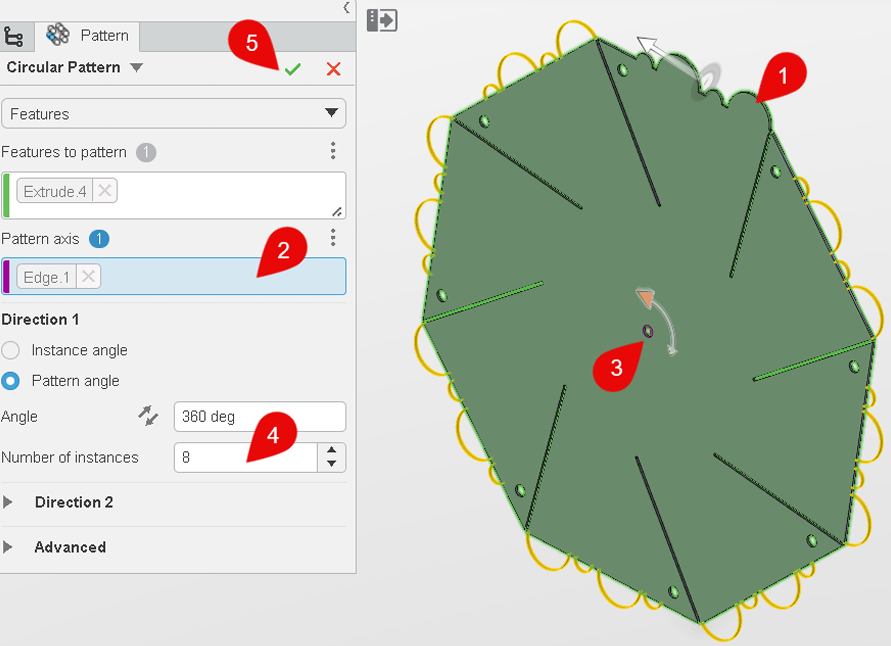
Fab-in-a-Box Pinwheels: Deep Dive
Learners will independently design and fabricate multi-layered, custom pinwheels using a blank xDesign template.
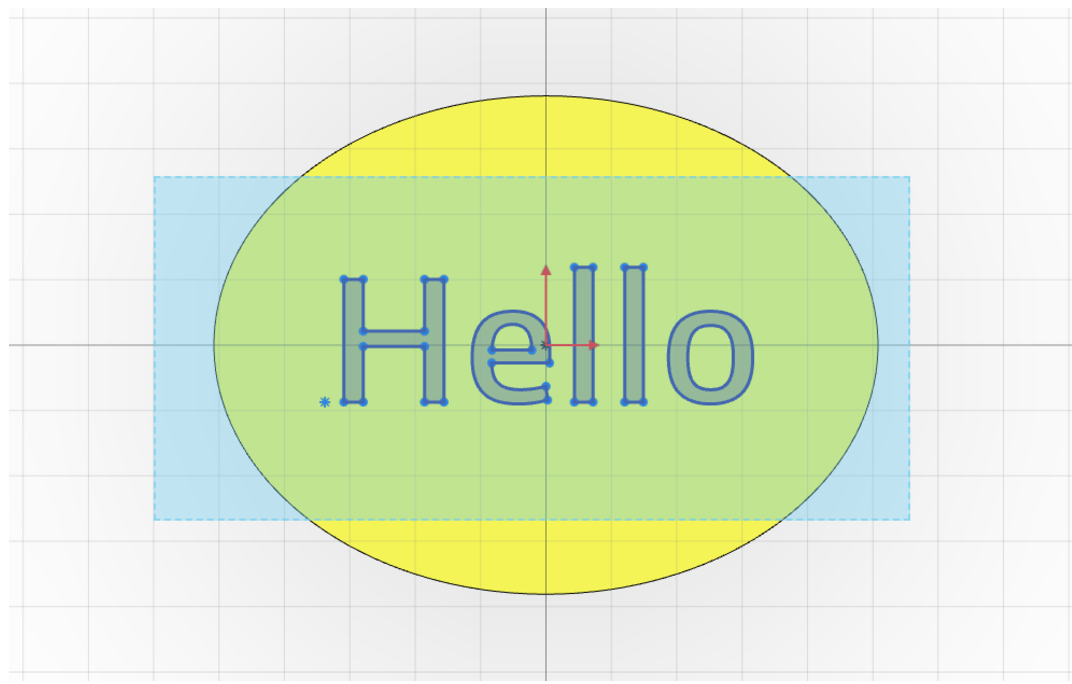
Fab-in-a-Box Stickers: Deep Dive
Learners will design complex, multi-layered 2D graphics using xDesign and the Brother ScanNCut Vinyl Cutter. That this activity focuses on basic visual concepts, such as balance, symmetry, and negative space.
Fab-in-a-Box Automata: Exposure
This lesson introduces learners to the fascinating world of automata; kinetic sculptures powered by simple mechanical systems. Through hands-on fabrication using laser cutters, vinyl cutters, and 3D printers, learners will…
Fab-in-a-Box Casting & Molding: Exposure
Learners will use a premade xDesign template to create a simple mold around a small object.
Fab-in-a-Box 3D Printed Dice: Exposure
Learners will open a pre-made die model in xDesign and adjust parameters to customize shape. Export the modified model for 3D printing and discuss how changes might affect balance or…
Fab-in-a-Box Spinning Tops: Exposure
Explore how spinning tops are made using CAD and 3D printing. Learners adjust a pre-made xDesign file of a revolved top.
Fab-in-a-Box Botanical Press: Exposure
Learners will adjust a premade flower press using an xDesign template. Discuss basic 2D design principles: symmetry, bounding boxes, and perimeter shapes.
Fab-in-a-Box Stamps: Exposure
Learners will begin to explore the fundamentals of 2D design by transforming hand-drawn images into digital files suitable for laser cutting.
about Fab-in-a-box
Fab-in-a-Box provides an affordable, turnkey solution that includes all necessary tools, materials, and comprehensive teacher guides. Optimized for various settings—classrooms, after school programs, clubs, scouting groups, summer camps, museums, libraries, and community centers—this curriculum empowers users to dive into the world of digital fabrication with confidence and ease.
IN THIS COLLECTION
The Fab-in-a-Box Lesson Collection offers three distinct engagement levels, making it adaptable across various formal and informal contexts, regardless of the audience’s age. Each level is designed to cater to different time constraints and ability levels, with handouts generally provided for all. The Exposure level requires the lightest effort and shortest time, with many pre-supplied files and materials. The Engagement level involves a medium effort, longer duration, or more advanced concepts, with adjustable files for parametric design. The Deep Dive level demands the most effort and longest duration, often spanning multiple sessions with minimal or no pre-supplied files, and may include multiple parts. Activities include vinyl cutting for stickers and paper pop-ups, laser cutting for invention kits, stamps, and botanical presses, and 3D printing for spinning tops, dice, and casting & molding projects. Some activities, like automata and gliders, utilize a combination of tools, ensuring a comprehensive hands-on learning experience.
xDesign how-to videos
Explore our collection of concise how-to videos on designing in SOLIDWORKS xDesign for the Fab-in-a-Box cart. These videos, which can be paired with the Fab-in-a-Box lessons, provide practical guidance for both learners and instructors. Watch the videos here.
Exposer[curriculum]
Fab-in-a-Box Automata: Exposure
This lesson introduces learners to the fascinating world of automata; kinetic sculptures powered by simple mechanical systems. Through hands-on fabrication using laser cutters, vinyl cutters, and 3D printers, learners will…
Fab-in-a-Box Casting & Molding: Exposure
Learners will use a premade xDesign template to create a simple mold around a small object.
Fab-in-a-Box 3D Printed Dice: Exposure
Learners will open a pre-made die model in xDesign and adjust parameters to customize shape. Export the modified model for 3D printing and discuss how changes might affect balance or…
Fab-in-a-Box Spinning Tops: Exposure
Explore how spinning tops are made using CAD and 3D printing. Learners adjust a pre-made xDesign file of a revolved top.
Fab-in-a-Box Botanical Press: Exposure
Learners will adjust a premade flower press using an xDesign template. Discuss basic 2D design principles: symmetry, bounding boxes, and perimeter shapes.
Fab-in-a-Box Stamps: Exposure
Learners will begin to explore the fundamentals of 2D design by transforming hand-drawn images into digital files suitable for laser cutting.
Fab-in-a-Box Invention Kits: Exposure
Learners will transform a premade geometric invention kit into a personalized design experience using xDesign! They will customize and expand on existing templates to create their own invention kits. By…
Fab-in-a-Box Paper Pop-Up Nametags: Exposure
Learners will explore the intersection of math, design, and engineering through pop-up paper art! They will use a vinyl cutter to transform flat cardstock into dynamic, three-dimensional nametags. By adding…
Fab-in-a-Box Pinwheels: Exposure
Learners will be customizing pinwheels using the pre-designed xDesign template. Discuss shape, balance, and symmetry and adjust the xDesign pinwheel template to personalize blade count and angles.
Fab-in-a-Box Stickers: Exposure
Learners will be hand-designing simple vinyl stickers to be cut out on the Brother ScanNCut Vinyl Cutter. That this activity focuses on basic visual concepts, such as balance, symmetry, and…
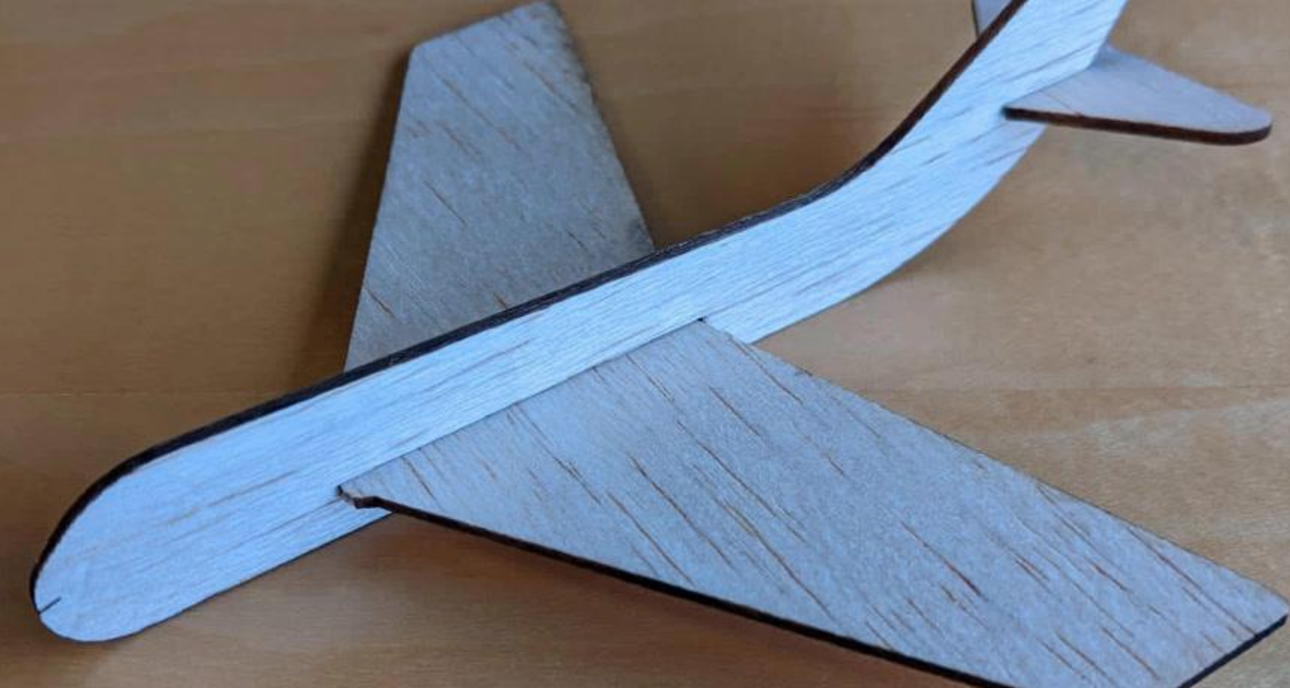
Fab-in-a-Box Balsa Glider: Exposer
Learners will work with a pre-designed glider template and make simple modifications to personalize and improve its flight. Adjustments may include adding paper clips for balance or modifying the nose…
Exploration[curriculum]
Fab-in-a-Box Pinwheels: Exploration
Learners will be designing pinwheels using a step-by-step xDesign template. Discuss shape, balance, and symmetry and adjust the xDesign pinwheel template to personalize blade count, angles, and cut decorations.
Fab-in-a-Box Casting & Molding: Exploration
Learners will design either a two-step mold or a two-part mold using step-by-step xDesign templates.
Fab-in-a-Box Automata: Exploration
This lesson introduces learners to the fascinating world of automata; kinetic sculptures powered by simple mechanical systems. Through hands-on fabrication using laser cutters, vinyl cutters, and 3D printers, learners will…
Fab-in-a-Box Balsa Glider: Exploration
Learners will follow a step-by-step tutorial to design their own glider using CAD tools. A pre-provided 3D file for the nose cone will be incorporated into their design. After fabrication, they will test and…
Fab-in-a-Box 3D Printed Dice: Exploration
Design your own 3D-printable dice! Use CAD (computer-aided design) software to build out an idea in three dimensions. Choose your dice geometry and decide what to put on each face.…
Fab-in-a-Box Spinning Tops: Exploration
Give engineering a spin: experiment with physics while designing and fabricating a custom spinning top! Get hands-on with energy, force, and momentum as you experiment with different 3D-printed designs. How…
Fab-in-a-Box Botanical Press: Exploration
Combine art and science: customize and fabricate a botanical press that can be used over and over again to preserve leaves and flowers for crafts or dissection.
Fab-in-a-Box Stamps: Exploration
Students will embark on a creative journey to design a personal logo that reflects their (or a brand’s) unique identities and values. By combining graphic design principles with self-reflection, they…
Fab-in-a-Box Invention Kits: Exploration
Create your very own invention kit! Design and laser cut a set of two-dimensional shapes that can slot together to make three-dimensional structures. Finished kits can be used for…
Fab-in-a-Box Paper Pop-Up Cards: Exploration
Explore math, form, and function while engineering pop-up paper art. Use a vinyl cutter to make two-dimensional artwork “pop!” Add score and cut lines to cardstock to fabricate custom, folding…
Fab-in-a-Box Stickers: Exploration
Learners will apply shape and composition skills in digital 2D design using guided CAD software. They will deepen their understanding of graphic design principles, balance, symmetry, and negative space, and…
Deep Dive[curriculum]
Fab-in-a-Box Automata: Deep Dive
This lesson introduces learners to the fascinating world of automata; kinetic sculptures powered by simple mechanical systems. Through hands-on fabrication using laser cutters, vinyl cutters, and 3D printers, learners will…
Fab-in-a-Box Casting & Molding: Deep Dive
Learners will design a two-part, two-step mold from scratch using a blank xDesign template.
Fab-in-a-Box 3D Printed Trick Dice: Deep Dive
Learners will be designing dice that roll unfairly, on purpose! They’ll be using xDesign to engineer internal features that shift the weight of a die, affecting how it rolls.
Fab-in-a-Box Spinning Tops: Deep Dive
Learners will experiment with physics while designing and fabricating a custom modular spinning top with interchangeable parts.
Fab-in-a-Box Botanical Press: Deep Dive
Learners will design a botanical press from scratch and create custom 3D-printed wing nuts.
Fab-in-a-Box Stamps: Deep Dive
Learners will design a personal logo that reflects their (or a brand’s) unique identities and values. By combining graphic design principles with self-reflection, they will use symbols and typography to…
Fab-in-a-Box Invention Kits: Deep Dive
Learners will design and construct scale models using their cardboard invention kits, applying advanced parametric modeling techniques in xDesign. Learners will create this scale model from scratch using a blank…
Fab-in-a-Box Paper Pop-Up Books: Deep Dive
Learners will design and prototype a multi-page pop-up book spread using xDesign and the Brother ScanNCut Vinyl Cutter.
Fab-in-a-Box Pinwheels: Deep Dive
Learners will independently design and fabricate multi-layered, custom pinwheels using a blank xDesign template.
Fab-in-a-Box Stickers: Deep Dive
Learners will design complex, multi-layered 2D graphics using xDesign and the Brother ScanNCut Vinyl Cutter. That this activity focuses on basic visual concepts, such as balance, symmetry, and negative space.
Fab-in-a-Box Balsa Glider: Deep Dive
Learners will design a custom glider from scratch using a blank CAD template. They will also design and 3D print their own nose cone, allowing for full control over the…

Technology for Social improvement: The “Kindness Sensor” Robot
The workshop introduces the basics of sensors, inputs and outputs by allowing participants to explore how their iPads detect physical movements. Participants will learn how to use code blocks to…
August 25, 2026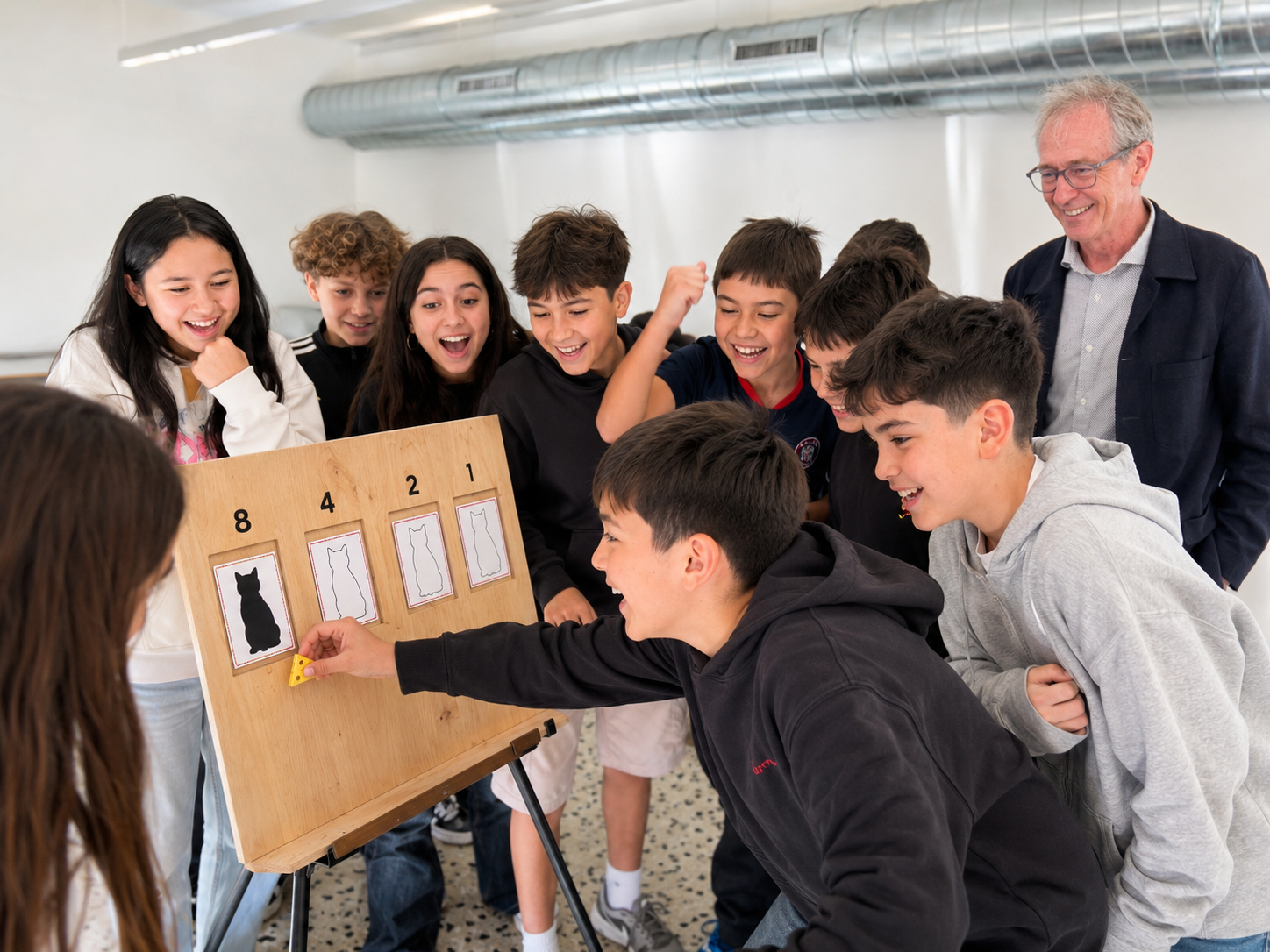
Human Computer – Unplugged (final)
Students become the logic gates inside a computer. Each holds a single double-sided card [ black cat (= 1) on one side, white cat (= 0) on the other ]…
July 22, 2026
Future Ready Learning : Harnessing Emerging Technologies التعلم المستقبلي : تسخير التقنيات الناشئ
تستكشف جلسة التطوير المهني “الاستقصاء” لمدة ساعة واحدة والمخصصة للمعلمين، كيفية ردم الفجوة بين التعلم داخل الصف والمهارات المستقبلية المطلوبة. سيتعرف المشاركون على أكثر المهارات طلبًا في مختلف القطاعات، مثل الطلاقة الرقمية، ومهارات…
July 22, 2026
Arduino Uno Q– Day 3: Full Hybrid System Creation
This workshop aims to teach participants how to create a full hybrid system using IoT and AI. In addition, participants will have an overview on many different aspects of data…
June 28, 2026
Arduino Uno Q– Day 2: Python Arduino Programming for AI detection and action
This workshop aims to teach participants IoT and API coding and its fundamentals, using Python and live data to visualize, analyze, predict and project effects on short and long term.…
June 28, 2026
Arduino Uno Q – Day 1: Intro / Setup / OS Installation
This workshop aims to teach participants basic coding and its fundamentals, using Python and Arduino, going from knowing the board, do the full setup and configuration, write the basic Python/Arduino…
June 28, 2026
Local AI Agent discovering the Arduino Uno Q
This hands-on workshop guides participants step by step through the process of building and running a portable local AI agent using a resource-constrained device such as the Arduino UNO Q.…
June 25, 2026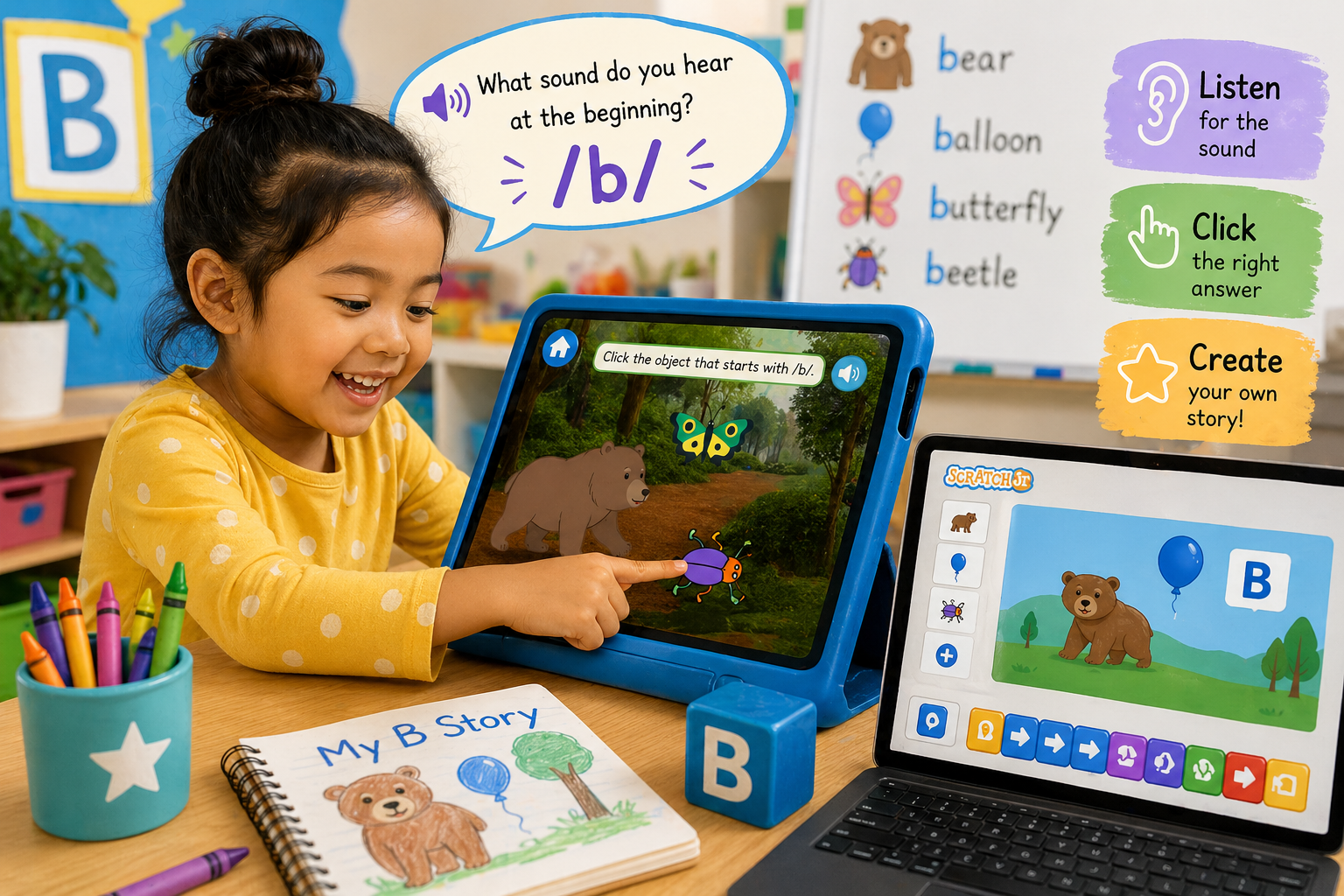
Interactive Beginning Sounds: Exploring Letters with Scratch & Scratch Jr
In this lesson, students develop early literacy skills by identifying and pronouncing beginning sounds, with a focus on the letter “B.” Students engage in phonics learning as they connect the…
April 30, 2026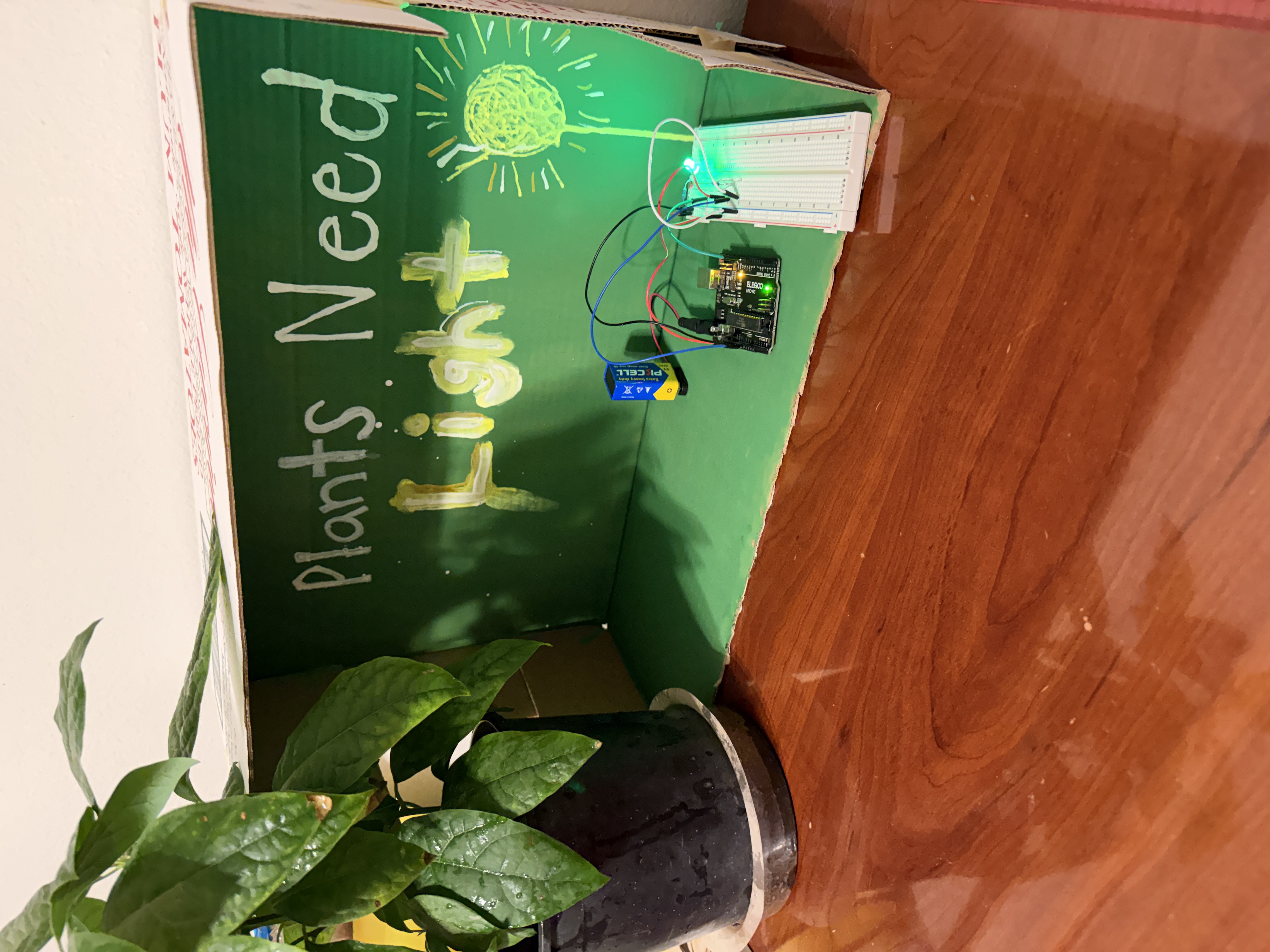
Engineering a Sensor-Based Plant Care System
Students design and build a smart plant monitoring system using an Arduino, a sensor, and an LED. They collect and analyze data such as light levels to determine when a…
April 29, 2026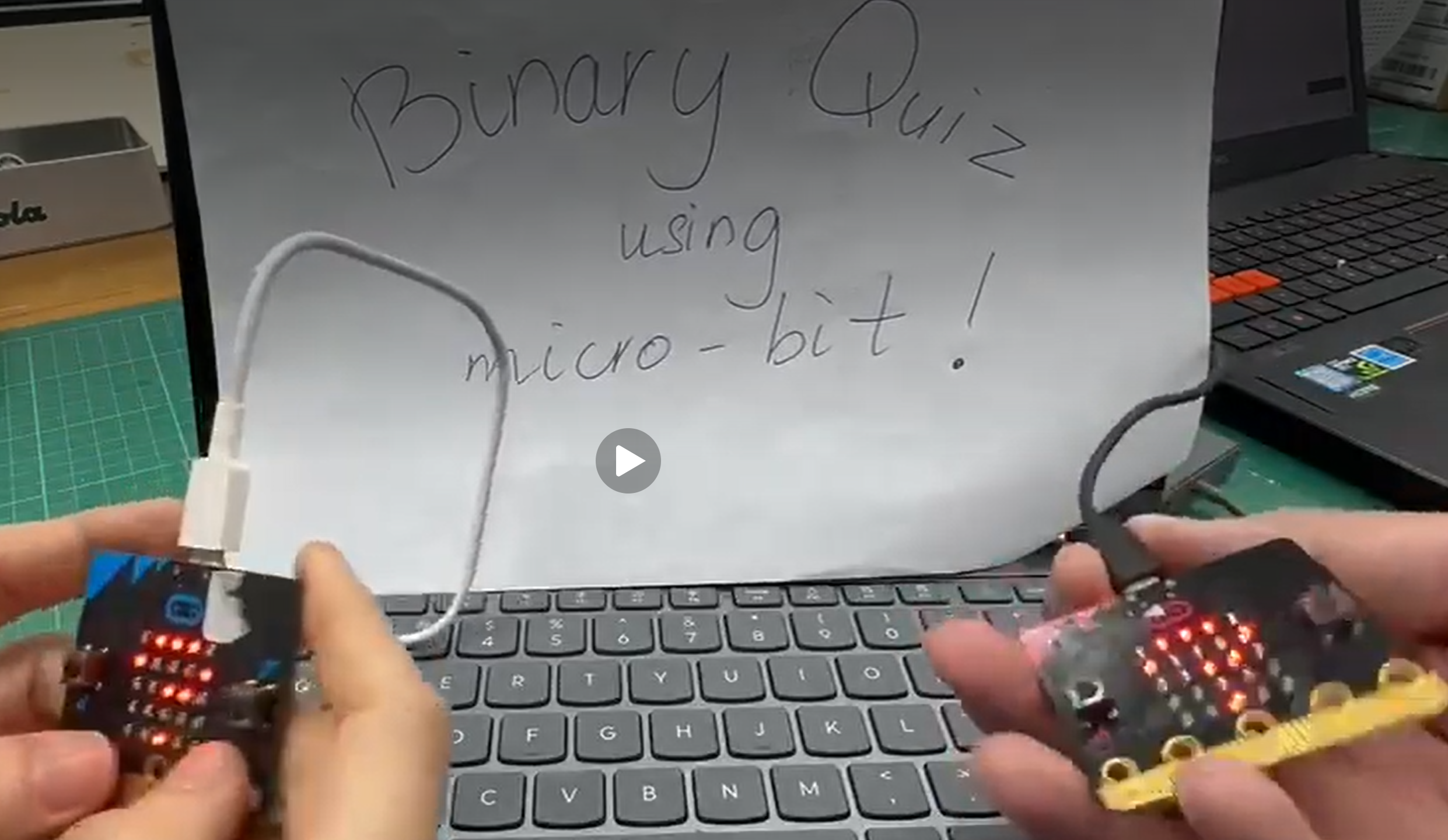
Fun Quiz on Binary with MicroBits
This is an optional extension activity after the teaching of binary numbers. In the introductory arithmetic module, students learn the four operations of numbers, the PEMDAS or BODMAS rule,…
April 29, 2026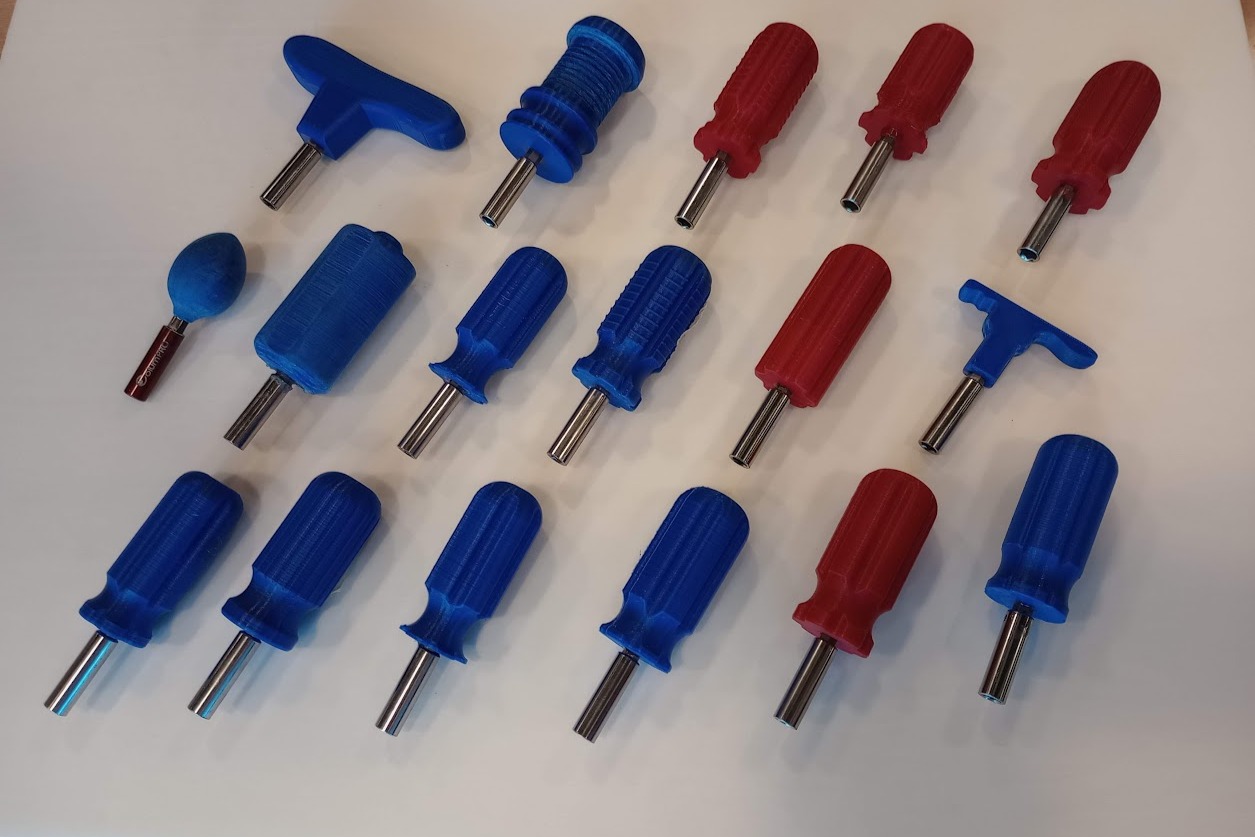
Ergonomic Screwdriver Project: Designing and 3D Printing a Compact Hand Tool
In this lesson, students investigate ergonomics, anthropometrics, and user-centred design by designing a compact screwdriver handle for use in confined spaces. Students begin by comparing everyday products and discussing which…
April 26, 2026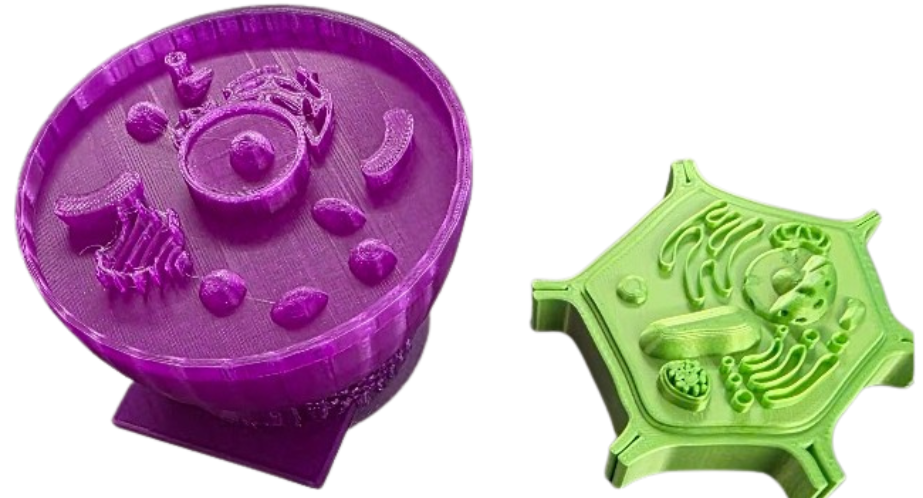
Exploring Plant and Animal Cells Through 3D Models
In this lesson, students explore the structure and function of plant and animal cells using 3D printed models as a hands-on teaching aid. Students interact with physical representations of cells…
April 26, 2026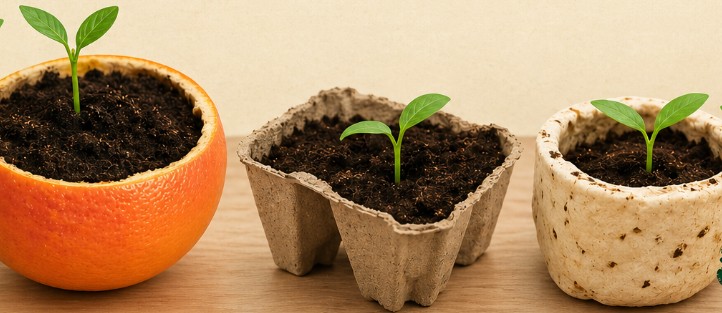
From Waste to Growth: Designing Biodegradable Seed Starters
In this interdisciplinary lesson, students engage in a design challenge to create a biodegradable seed starter using everyday materials. Students explore how waste materials, such as food scraps and paper…
April 26, 2026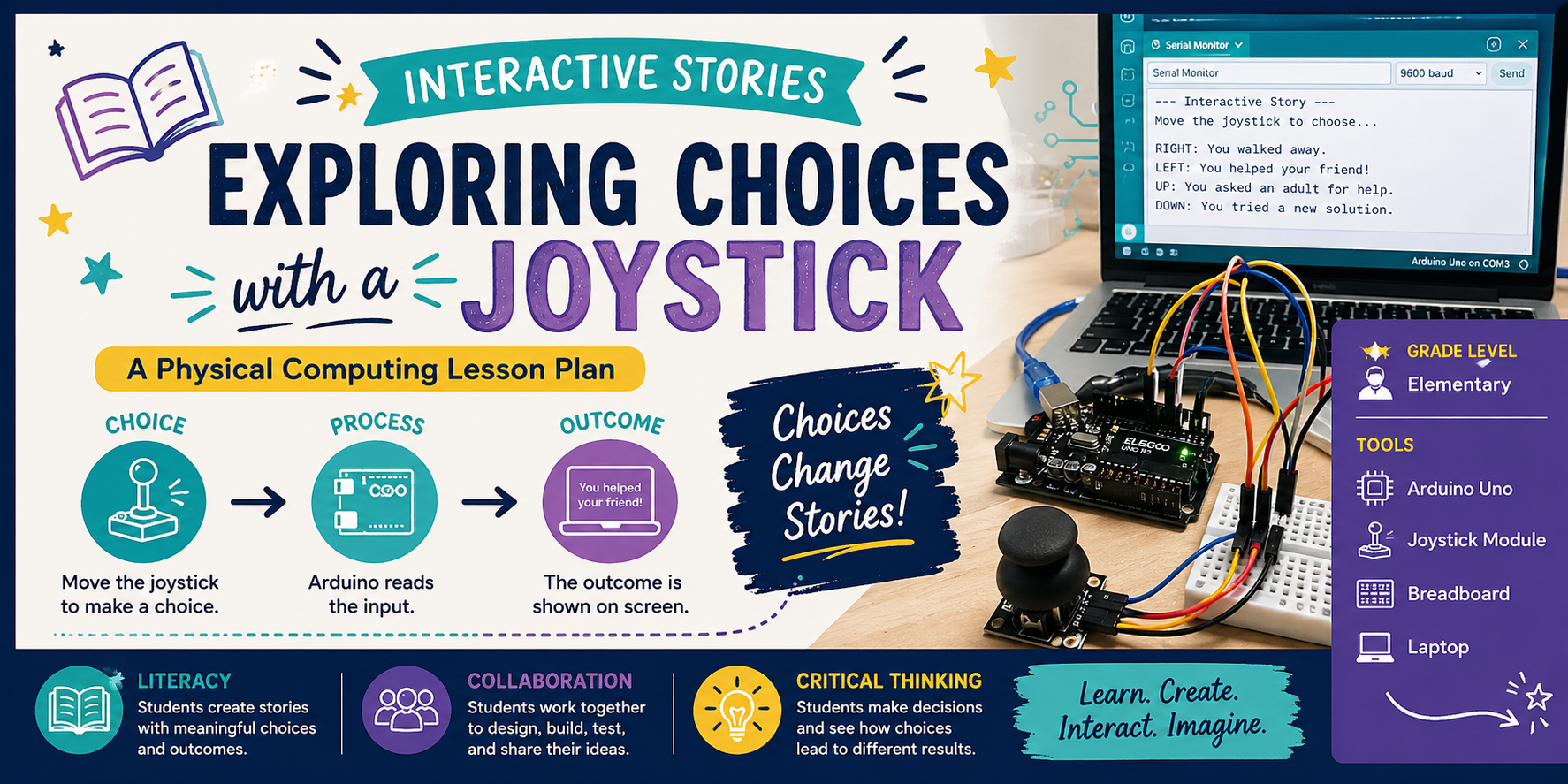
Interactive Storytelling: Exploring Choices Using a Joystick
In this lesson, students create a simple interactive story using a joystick and Arduino. The joystick represents choices in the story, and the Arduino displays the outcome of those choices…
April 26, 2026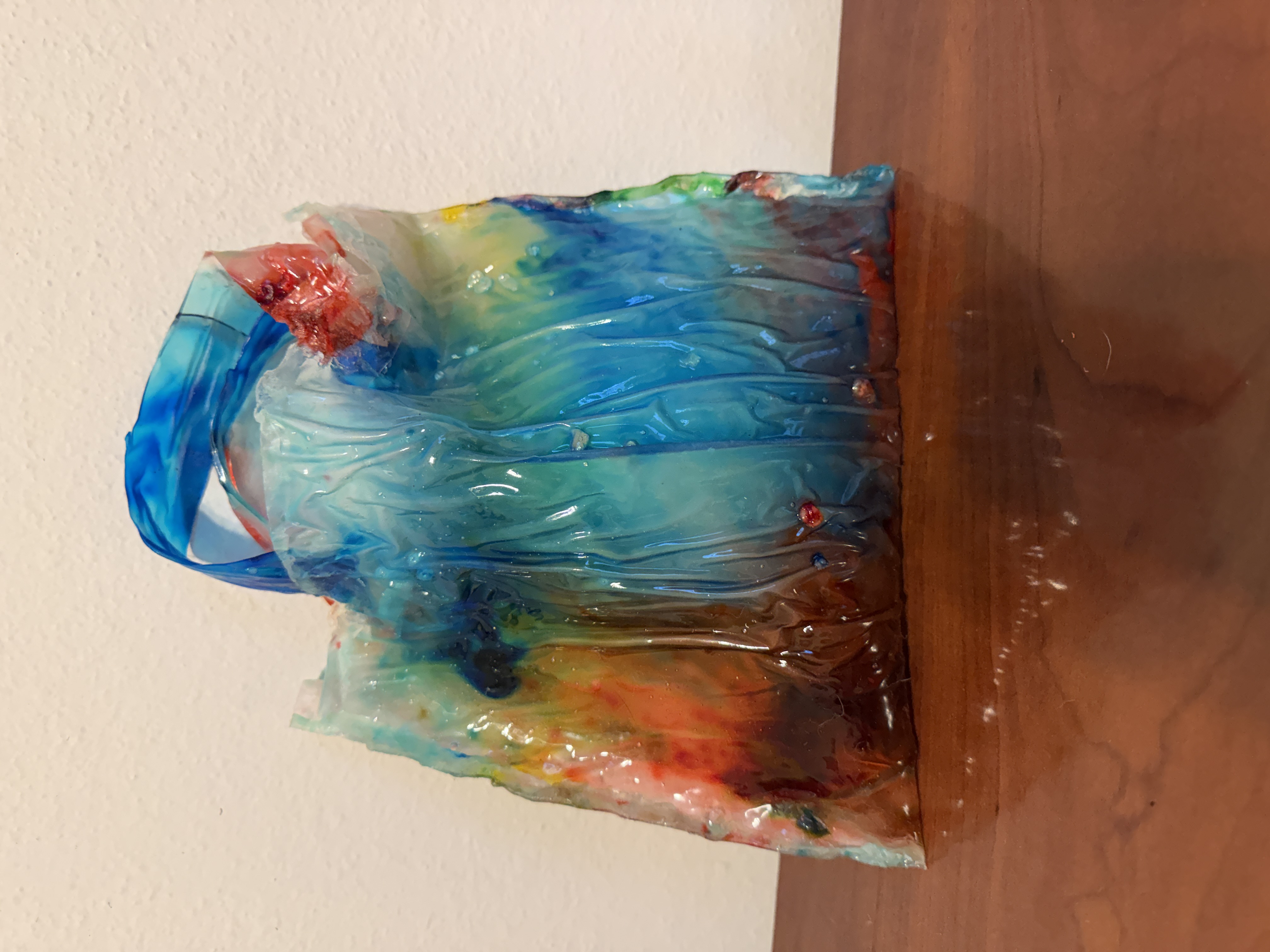
Plastic-Free Power: Build Your Own Biobag!
In this hands-on, project-based lesson, students explore the science of materials and sustainability by designing and creating their own reusable bags from homemade bioplastics. Using simple ingredients: water, gelatin, glycerin,…
April 22, 2026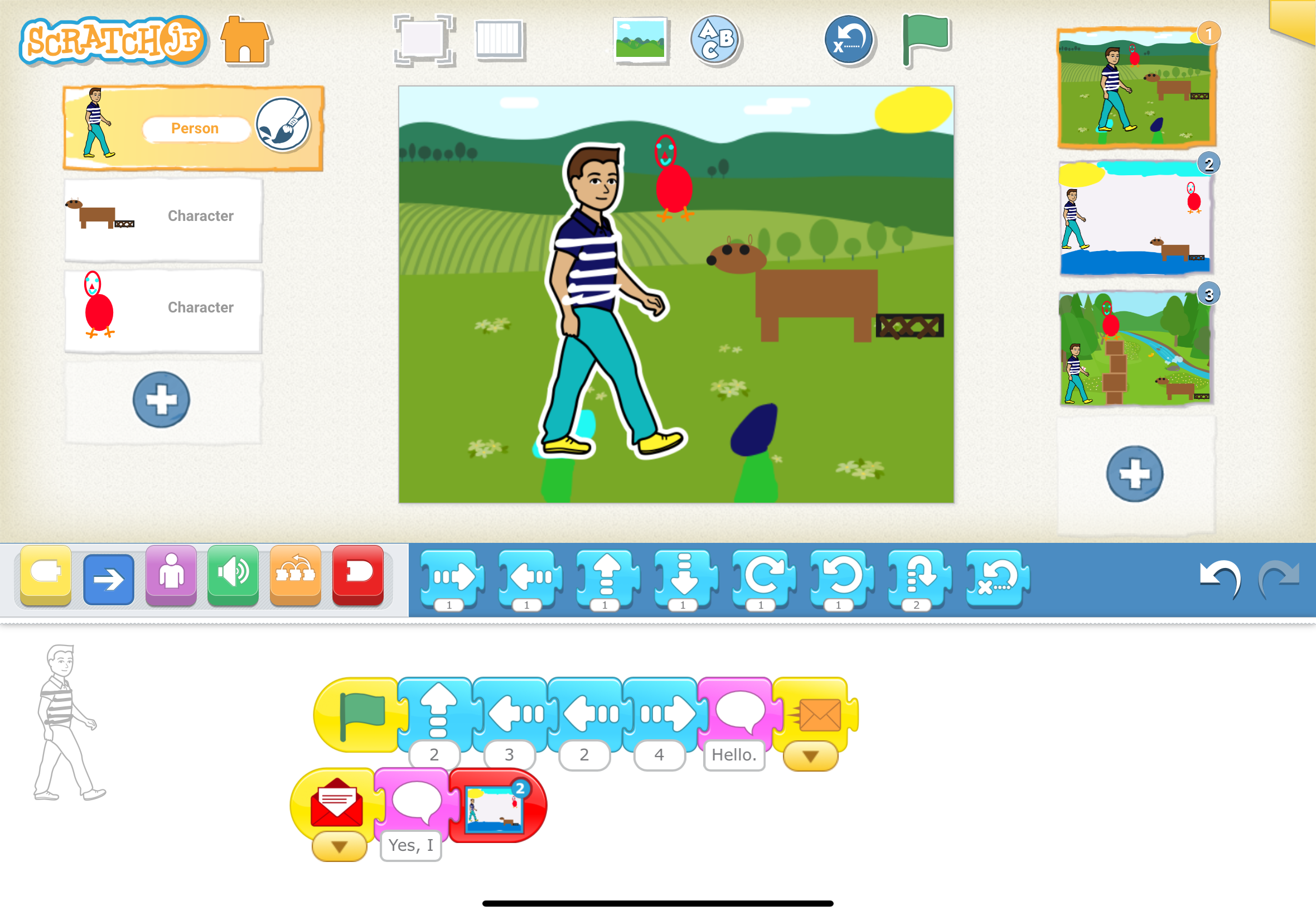
Once Upon a Screen: Digital Story Illustrations
Students will use ScratchJr to create a simple digital illustration of a story’s character, setting, or events and explain how it helps tell the story.
April 22, 2026STANDARDS-ALIGNED
Community contributed lessons aligned with Common Core State Standards (CCSS) and Next Generation Science Standards (NGSS) offer formal educators innovative pathways to teaching content knowledge. The Fab I Can Statements are a resource to develop technology-literate learning progressions to align with content standards.
FAB TESTED
Periodically lessons are adapted and tested by the Fab Foundation team based on a call for submissions from fabbers, educators, and makers. Our inaugural set of lessons for the SCOPES-DF project were Fab Tested in 2016 and are tagged Fab Tested on the website.
OPEN-SOURCE VALUES
Lessons are distributed under a Creative Commons CC BY-NC license, that permits free use and re-purposing by others.